
Mavic 4 Pro Wildlife Tracking Tips in Complex Terrain
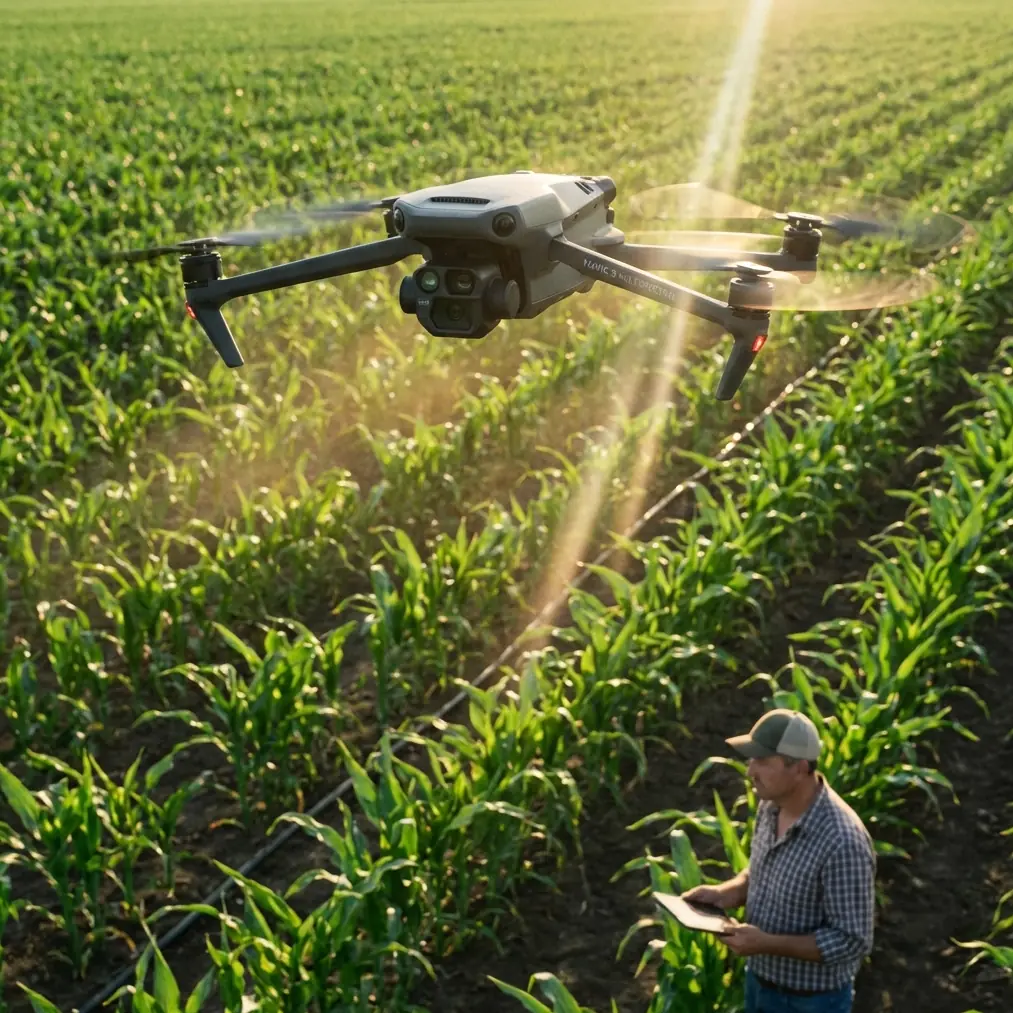
Mavic 4 Pro Wildlife Tracking Tips in Complex Terrain: A Practical Field Setup
META: Learn how to use the Mavic 4 Pro for wildlife tracking in complex terrain with smart altitude choices, safer obstacle avoidance habits, and cleaner tracking footage.
Wildlife work punishes lazy drone habits.
A bird moving along a ridgeline, a deer slipping through broken tree cover, or a mountain goat cutting across a shadowed slope will expose every weak decision you make before takeoff. This is exactly where the Mavic 4 Pro becomes interesting—not as a spec sheet trophy, but as a field tool that can either help you stay controlled or tempt you into overconfidence.
If your goal is tracking wildlife in complex terrain, the real question is not whether the aircraft can follow a subject. The real question is whether you can build a flight profile that respects terrain, preserves line of sight, and keeps footage usable when the subject moves unpredictably through trees, rocks, gullies, and changing light.
This guide focuses on that problem. Not a generic overview. A field-minded setup for using the Mavic 4 Pro when the landscape is working against you.
Start With Altitude, Not Camera Settings
Most pilots think first about frame rate, color profile, or tracking mode. In wildlife work, altitude usually matters more.
For this scenario, a smart starting range is often 45 to 70 meters above ground level, then adjusted based on species sensitivity, wind behavior, and terrain relief. That range is high enough to reduce pressure on many animals and widen your reaction window, but still low enough for the Mavic 4 Pro’s subject tracking tools to maintain visual coherence on a moving target.
Why this altitude window works:
- It gives obstacle avoidance systems more time to interpret branches, rock outcrops, and uneven terrain before the aircraft is forced into abrupt correction.
- It reduces the visual jumpiness you get when tracking a subject through rolling ground from too low a height.
- It helps keep the aircraft’s movement less intrusive, especially when working above open scrub, valley edges, or sparse alpine cover.
Go much lower and the terrain starts dictating the flight path. Trees become immediate hazards. Ridge transitions appear faster than the drone can smoothly negotiate. The subject may also react to aircraft presence more obviously.
Go much higher and you solve one problem only to create another. Subject tracking becomes less reliable when the animal occupies too few pixels in the frame, especially if it blends into rock, brush, or patchy forest shadows. Your footage may remain stable, but the operational value drops if ActiveTrack has to keep reacquiring.
That altitude choice is not a creative afterthought. It is the foundation of the whole mission.
Use Terrain Reading Before You Use ActiveTrack
The Mavic 4 Pro is built to do a lot automatically, but wildlife pilots should treat automation as assisted control, not judgment.
Before activating ActiveTrack or any subject-following routine, spend a minute reading the ground like a hiker would:
- Where does the slope steepen suddenly?
- Where do tree crowns rise above the general canopy line?
- Where do shadows conceal terrain texture?
- Where will the animal likely disappear, then reappear?
These questions matter because obstacle avoidance is only as useful as the path options available to the aircraft. In broken terrain, a drone may technically detect obstacles yet still be forced into awkward braking, vertical climbing, or route deviations that ruin both tracking and composition.
Operationally, this is where the Mavic 4 Pro’s obstacle avoidance earns its keep. The benefit is not simply “avoids crashing.” The real value is that it buys you margin during lateral tracking when the subject’s movement is faster than your thumbs. In wildlife work, that margin is often the difference between a smooth follow and a panicked stick input that ends the sequence.
Still, obstacle sensing has limits in thin branches, tangled brush, and high-contrast lighting. Early morning and late afternoon can produce beautiful wildlife footage, but low-angle light also creates patches of glare and deep shadow that complicate visual interpretation for both pilot and aircraft. If the route ahead includes fine branches or partial canopy, you should assume the system may need your intervention.
That is why terrain reading comes first. Automation is stronger when you choose the battle.
Set Up Tracking for Predictable Failure Points
Wildlife rarely moves in a way that flatters autonomous tracking.
Animals stop without warning. They turn into brush. They cross behind rocks. They merge into background textures that look almost identical from above. The Mavic 4 Pro can help, but only if you anticipate where tracking is likely to break.
A practical approach is to frame the subject with slightly more environmental buffer than you would for a polished cinematic pass. This gives ActiveTrack more context and reduces the chance of losing the animal when it shifts laterally or dips into partial cover. It also gives you room to correct manually without creating harsh framing jumps.
The mistake many pilots make is flying too aggressively once the subject lock appears stable. That works for bikes, boats, and obvious human movement. It works far less well for wildlife in mixed terrain.
Instead:
- Match speed conservatively.
- Let the subject move inside the frame.
- Avoid dramatic altitude changes unless terrain forces them.
- Keep your route simple enough that manual takeover remains easy.
This is also where your choice of focal behavior matters. If the subject is moving across a hillside with scattered trees, a wider composition often produces better results than trying to fill the frame too early. Wider framing is not less professional. In wildlife tracking, it can be the difference between a sequence you can actually use and one that collapses every time the animal passes into visual clutter.
Obstacle Avoidance Is a Safety Layer, Not a Permit
The phrase “obstacle avoidance” causes more bad decisions than most drone features.
With the Mavic 4 Pro, obstacle sensing can materially improve confidence in complex terrain, especially when the drone needs to navigate around irregular natural structures while maintaining visual continuity on a subject. But confidence should not become permission to fly directly into tree corridors, steep ravines, or blind terrain folds.
Here is the operational significance: when tracking wildlife, the aircraft is often not flying where you would choose if composition were your only priority. You are reacting to the subject. That means obstacle avoidance has to absorb more dynamic decision-making than it would during a planned scenic orbit or reveal shot.
In practical terms, use it to support these situations:
- Holding a safer lateral offset while the subject moves near brush lines.
- Preserving smoother movement when the background geometry changes quickly.
- Giving yourself a backup layer during minor route corrections near uneven terrain.
Do not use it as justification for threading the aircraft through forest gaps simply because the drone “should” see them.
If the route ahead looks like a place where a hawk would need to think twice, your drone probably should not be there either.
Best Flight Profile for Wildlife in Broken Ground
For most wildlife tracking in complex terrain, a clean profile looks like this:
Begin high enough to avoid immediate disturbance and establish the subject’s path. Keep the aircraft offset rather than directly overhead. Use a moderate, steady pace instead of trying to mirror every movement. Let the Mavic 4 Pro’s tracking and obstacle sensing do the background work while you preserve the bigger picture: terrain changes, escape routes, and line-of-sight integrity.
A direct overhead chase often creates three problems at once. It increases the chance of alerting the animal, flattens the image, and leaves fewer options when the subject enters cover. A slight side-rear angle usually gives better visibility of movement direction and better odds of maintaining track.
If you are filming in a valley or on stepped hillsides, re-check your actual clearance constantly. “50 meters high” means very little if the ground under the drone rises sharply during the track. This is one of the biggest traps in complex terrain. Pilots focus on altitude at launch, then forget that effective clearance can shrink fast as the land comes up to meet the aircraft.
That is why the earlier 45 to 70 meter starting window should be treated as dynamic, not fixed. You are managing height above terrain, not just height above home point.
When to Use QuickShots and When to Ignore Them
QuickShots can be useful around wildlife work, but mostly before or after the primary tracking sequence.
If the animal has settled into a stable area and you have wide open space with no sign of disturbance, an automated reveal or gentle pullback may help establish the environment. In that narrow sense, QuickShots can add context.
But during active wildlife tracking in complex terrain, they are usually a secondary tool. The priority is control. Automated cinematic patterns are built around clean geometry and predictable motion. Wildlife movement is neither.
If you want a more stylized sequence, you are generally better off capturing a stable manual pass first and then using the Mavic 4 Pro’s strong image quality and post-production flexibility to shape the final look.
That is especially true if you are recording in D-Log, which gives you more room to manage harsh highlights, deep terrain shadows, and color shifts between open ground and tree cover. In wildlife scenes, lighting often changes across the frame even when the animal itself stays on a consistent path. D-Log helps preserve that range so the subject does not get visually lost once you start grading.
That detail matters operationally, not just aesthetically. Better tonal control can make the subject separate more clearly from the background in the final edit.
Hyperlapse Has a Role, Just Not During the Chase
Hyperlapse is excellent for telling the story of a place. It is rarely the right choice for the moment you are actively tracking wildlife.
Use it to establish weather movement over a valley, shadow creep across ridgelines, or the way a habitat opens into feeding ground. Those sequences can give context before the action begins. They can also help explain why animals are moving where they are moving.
What Hyperlapse should not do is distract you from the real-time demands of a live tracking situation. The Mavic 4 Pro gives you enough creative tools already. The discipline is knowing which ones to leave alone when the subject starts moving.
Camera Discipline Beats Spec Chasing
Pilots often ask which mode will make wildlife footage look more “pro.” The better question is which mode protects usable footage when conditions turn messy.
For most tracking work in complex terrain:
- Prioritize stable shutter and smooth aircraft movement over flashy camera moves.
- Use D-Log when the light range is severe and you are prepared to grade properly.
- Keep the composition loose enough for reacquisition if the subject slips behind cover.
- Resist the urge to zoom the framing tighter just because the lock looks good.
The Mavic 4 Pro can deliver polished results, but wildlife footage gains authority from restraint. A sequence that preserves behavior, terrain context, and uninterrupted movement will almost always feel more credible than one packed with aggressive reframing and over-automated motion.
A Smart Field Workflow
Here is a practical sequence I recommend:
Launch from a position that gives you immediate visibility on both the subject area and likely escape direction. Climb early to your initial safe altitude. Observe first. Do not rush into tracking.
Then test a short follow segment before committing to a longer pass. Watch how the subject behaves. Watch how the terrain interferes. Watch where the drone starts needing more correction than expected.
If everything looks stable, continue with ActiveTrack support while remaining ready to fly manually at any moment. If the route becomes cluttered, break off and reset rather than forcing the drone through a bad corridor.
If you want help refining that workflow for your own terrain, I’d use this quick field contact option: message the flight planning desk.
The biggest difference between average drone wildlife footage and professional wildlife footage is not hardware. It is decision timing. Knowing when to hold, when to climb, when to widen, and when to stop.
The Altitude Insight Most Pilots Learn Late
The most useful altitude lesson for Mavic 4 Pro wildlife tracking is simple: fly high enough that the aircraft is not reacting to every branch and contour, but low enough that the subject remains visually distinct for tracking and storytelling.
That balance point is usually not dramatic. It is not extreme. It often sits in that 45 to 70 meter zone, then shifts with terrain and animal behavior.
Pilots who stay too low spend the whole flight negotiating obstacles. Pilots who stay too high end up recording movement without connection. The best results come from a middle band where obstacle avoidance, subject tracking, and your own manual judgment can work together instead of fighting each other.
That is where the Mavic 4 Pro is strongest in this scenario.
Not as a machine that replaces fieldcraft. As one that rewards it.
Ready for your own Mavic 4 Pro? Contact our team for expert consultation.