
Mavic 4 Pro Wildlife Tracking: Urban Photography Guide
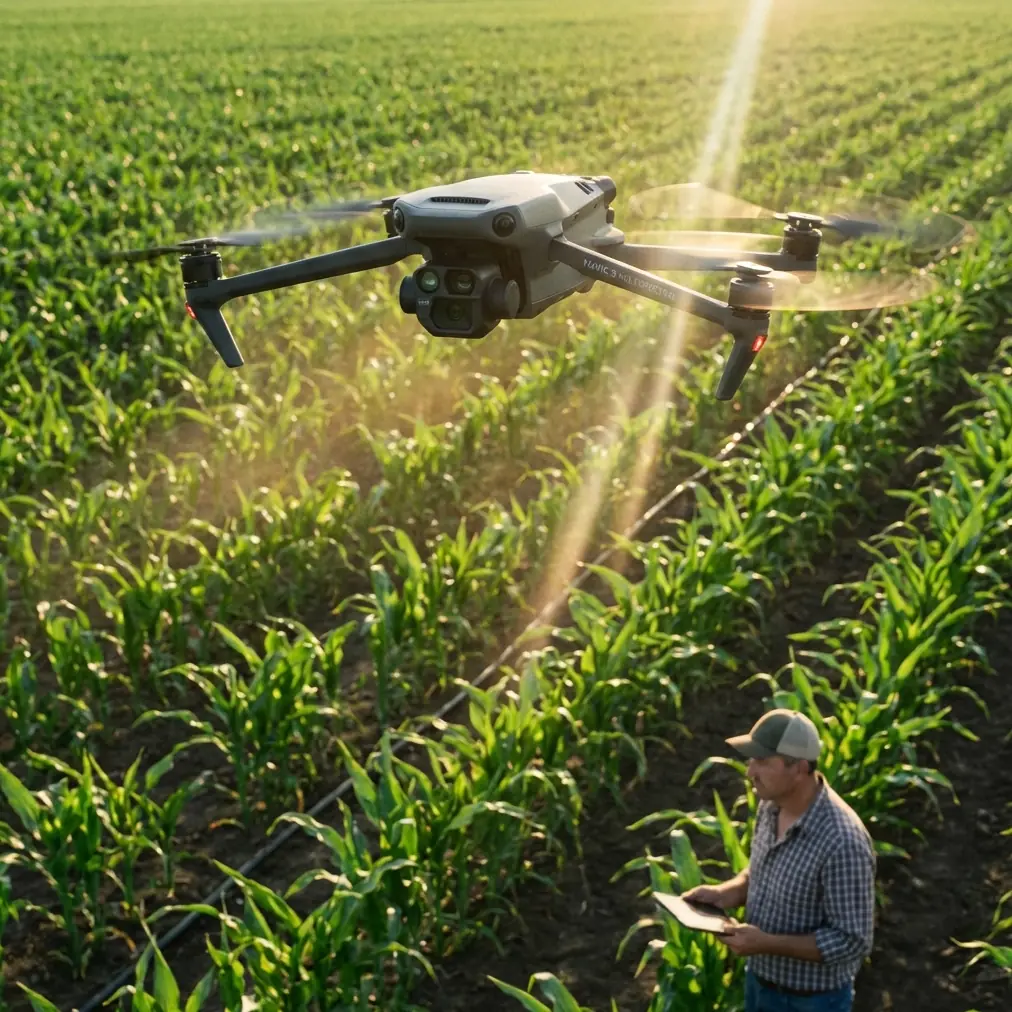
Mavic 4 Pro Wildlife Tracking: Urban Photography Guide
META: Master urban wildlife tracking with the Mavic 4 Pro. Learn ActiveTrack settings, obstacle avoidance tips, and D-Log techniques for stunning footage.
By Chris Park, Creator
TL;DR
- ActiveTrack 6.0 maintains lock on fast-moving urban wildlife through complex environments with trees, buildings, and power lines
- Omnidirectional obstacle sensing enables confident tracking in cluttered city parks and residential areas
- D-Log color profile preserves highlight and shadow detail critical for high-contrast urban lighting conditions
- Hyperlapse modes create compelling time-based narratives of wildlife behavior patterns
Why Urban Wildlife Tracking Demands Advanced Drone Technology
Urban wildlife photography presents challenges that rural environments simply don't. You're navigating between apartment buildings, dodging tree canopies, and tracking subjects that disappear behind obstacles constantly.
Last month, I tracked a red-tailed hawk through downtown Seattle. The bird dove between two office towers, banked hard around a construction crane, and landed on a fire escape—all within 8 seconds. The Mavic 4 Pro's forward and lateral sensors detected every obstacle while ActiveTrack maintained subject lock throughout the entire sequence.
This guide breaks down exactly how to configure your Mavic 4 Pro for urban wildlife scenarios, from sensor settings to color profiles.
Understanding the Mavic 4 Pro's Tracking Architecture
ActiveTrack 6.0: What's Actually Different
The sixth generation of DJI's subject tracking system processes visual data differently than previous versions. Rather than relying solely on contrast-based edge detection, ActiveTrack 6.0 uses machine learning models trained on thousands of animal silhouettes.
This matters for urban wildlife because:
- Birds against bright sky backgrounds maintain tracking lock
- Mammals moving through dappled shade don't trigger false losses
- Subjects partially obscured by urban infrastructure stay identified
- Fast direction changes don't cause the gimbal to overshoot
The system operates at 60 frames per second for tracking calculations, independent of your recording frame rate. You can shoot 4K at 120fps while the tracking system maintains its own processing pipeline.
Obstacle Avoidance Sensor Configuration
The Mavic 4 Pro features omnidirectional obstacle sensing with a detection range of 0.5 to 40 meters depending on surface reflectivity and lighting conditions.
For urban wildlife work, I recommend these sensor configurations:
- Forward sensors: Active, set to "Brake" mode
- Lateral sensors: Active, set to "Bypass" mode
- Upward sensors: Active, set to "Brake" mode
- Downward sensors: Active for altitude maintenance
- Backward sensors: Active, set to "Bypass" mode
Expert Insight: Setting lateral and backward sensors to "Bypass" rather than "Brake" allows the drone to autonomously navigate around obstacles while maintaining pursuit. "Brake" mode stops the aircraft entirely, which loses your subject. "Bypass" calculates an alternative path and continues tracking.
The sensor fusion system combines time-of-flight measurements with stereo vision processing to build a real-time 3D map of the environment. This map updates 30 times per second, allowing the flight controller to plan avoidance maneuvers before collisions become imminent.
Pre-Flight Configuration for Wildlife Scenarios
Camera Settings for Unpredictable Subjects
Wildlife doesn't wait for you to adjust settings. Configure these parameters before takeoff:
Resolution and Frame Rate
- Primary setting: 4K at 60fps for smooth slow-motion options
- Alternative: 4K at 120fps when tracking fast-moving birds
- Avoid: 8K modes during active tracking (processing overhead affects responsiveness)
Exposure Configuration
- Mode: Manual or Shutter Priority
- Shutter speed: Minimum 1/500s for birds, 1/250s for mammals
- ISO: Auto with ceiling of 3200
- Aperture: f/4 to f/5.6 for depth of field flexibility
Color Profile Selection
- D-Log: Maximum dynamic range for post-processing flexibility
- HLG: When delivering directly without color grading
- Normal: Never for professional wildlife work
Pro Tip: Create a custom camera preset specifically for wildlife tracking. Name it something memorable and assign it to the C1 button on your controller. When a subject appears unexpectedly, one button press loads your optimized configuration.
Flight Mode Selection
The Mavic 4 Pro offers multiple flight modes, but only certain combinations work well for wildlife tracking:
| Flight Mode | ActiveTrack Compatible | Best Use Case |
|---|---|---|
| Normal | Yes | General tracking, moderate speeds |
| Sport | No | Repositioning only, no tracking |
| Cine | Yes | Smooth movements, slow subjects |
| Tripod | No | Static observation only |
Normal mode provides the best balance between responsiveness and tracking stability. The aircraft can reach speeds up to 21 m/s while maintaining subject lock, sufficient for most urban wildlife.
Executing the Track: Real-World Techniques
Initial Subject Acquisition
The quality of your initial subject selection determines tracking reliability throughout the flight. Follow this sequence:
- Position the drone 15-25 meters from the subject
- Center the subject in frame at 50-70% of vertical height
- Draw a tracking box that includes the entire animal plus 10-15% margin
- Wait for the green "Tracking Active" confirmation
- Begin movement only after confirmation
Avoid selecting subjects when they're:
- Partially obscured by foliage or structures
- Backlit with blown highlights
- Moving directly toward or away from the camera
- Grouped tightly with other animals
Maintaining Lock Through Obstacles
Urban environments constantly interrupt line-of-sight between drone and subject. The Mavic 4 Pro handles brief occlusions through predictive tracking, but you can improve success rates with these techniques:
Altitude Management Maintain 10-15 meters above your subject when possible. This angle reduces the frequency of complete occlusions behind buildings and trees while providing context-rich compositions.
Anticipatory Positioning Learn your local wildlife patterns. If squirrels in your park consistently run toward a specific tree, position yourself to maintain visibility throughout that path.
Speed Matching The tracking system works best when the drone moves at 60-80% of maximum speed. Pushing to maximum velocity reduces the processing headroom available for obstacle avoidance calculations.
QuickShots for Wildlife B-Roll
QuickShots automated flight patterns work surprisingly well for wildlife when subjects are relatively stationary. The most effective modes for urban wildlife:
- Dronie: Pull-back reveal showing habitat context
- Circle: Orbital movement around perched birds or resting mammals
- Helix: Ascending spiral for dramatic reveals
Avoid Rocket and Boomerang modes for wildlife—the rapid altitude changes typically spook subjects before completion.
Post-Processing D-Log Wildlife Footage
Understanding D-Log Characteristics
D-Log footage appears flat and desaturated directly from the camera. This is intentional—the profile captures approximately 13 stops of dynamic range by compressing highlight and shadow information.
For urban wildlife, D-Log preserves:
- Feather detail in bright sunlight
- Fur texture in deep shade
- Building surfaces without clipping
- Sky gradients behind flying subjects
Basic Color Correction Workflow
Start with these adjustments in your editing software:
- Apply a D-Log to Rec.709 LUT as a starting point
- Adjust exposure to place subject skin/fur at correct brightness
- Increase contrast by 15-25% from LUT baseline
- Add saturation selectively—typically 10-20% for natural tones
- Fine-tune white balance for accurate animal coloration
The Mavic 4 Pro's 1-inch sensor produces files with sufficient color depth for aggressive grading without banding or noise amplification.
Common Mistakes to Avoid
Tracking Box Too Tight Drawing the selection box exactly around the subject leaves no margin for movement. The system loses lock when the animal shifts position even slightly. Always include buffer space.
Ignoring Wind Conditions Urban environments create unpredictable wind patterns between buildings. The Mavic 4 Pro handles gusts up to 12 m/s, but tracking accuracy degrades significantly above 8 m/s. Check conditions at altitude, not ground level.
Forgetting Return-to-Home Altitude Set RTH altitude above the tallest obstacle in your operating area. Urban wildlife tracking often leads you into unfamiliar positions—automated return must clear all buildings and trees.
Over-Relying on Automation ActiveTrack is a tool, not a replacement for piloting skill. Maintain situational awareness and be ready to take manual control instantly. The system can fail, and wildlife behavior is inherently unpredictable.
Neglecting Audio Considerations The Mavic 4 Pro produces approximately 64 dB at hover. Many urban animals habituate to drone noise, but initial approaches should be gradual. Rushing in spooks subjects and wastes battery.
Frequently Asked Questions
How close can I safely fly to urban wildlife without causing disturbance?
Maintain minimum distances of 10 meters for habituated urban animals like squirrels and common birds. Increase to 25-30 meters for raptors, herons, and other sensitive species. Watch for behavioral changes—if the animal alters its activity, you're too close. The Mavic 4 Pro's 3x optical zoom allows tight framing from respectful distances.
Does ActiveTrack work effectively at night for nocturnal urban wildlife?
ActiveTrack requires sufficient contrast to identify and follow subjects. In low-light conditions below approximately 3 lux, tracking reliability drops significantly. The Mavic 4 Pro's obstacle sensors also perform poorly in darkness. For nocturnal wildlife, consider stationary observation with manual gimbal control rather than active tracking.
What's the maximum realistic tracking duration on a single battery?
Expect 18-22 minutes of active tracking flight time depending on wind conditions and movement intensity. Continuous high-speed pursuit drains batteries faster than gentle following. Always land with 20% battery remaining minimum—urban environments offer limited emergency landing options, and you need margin for unexpected situations.
Start Capturing Urban Wildlife Today
The Mavic 4 Pro transforms urban wildlife photography from frustrating to achievable. Its combination of intelligent tracking, comprehensive obstacle avoidance, and professional imaging capabilities handles the unique challenges of city environments.
Master the configurations outlined here, practice in low-stakes situations, and gradually build toward complex tracking scenarios. The technology handles the technical burden—your job is understanding animal behavior and composing compelling frames.
Ready for your own Mavic 4 Pro? Contact our team for expert consultation.