
Expert Remote Venue Tracking with Mavic 4 Pro
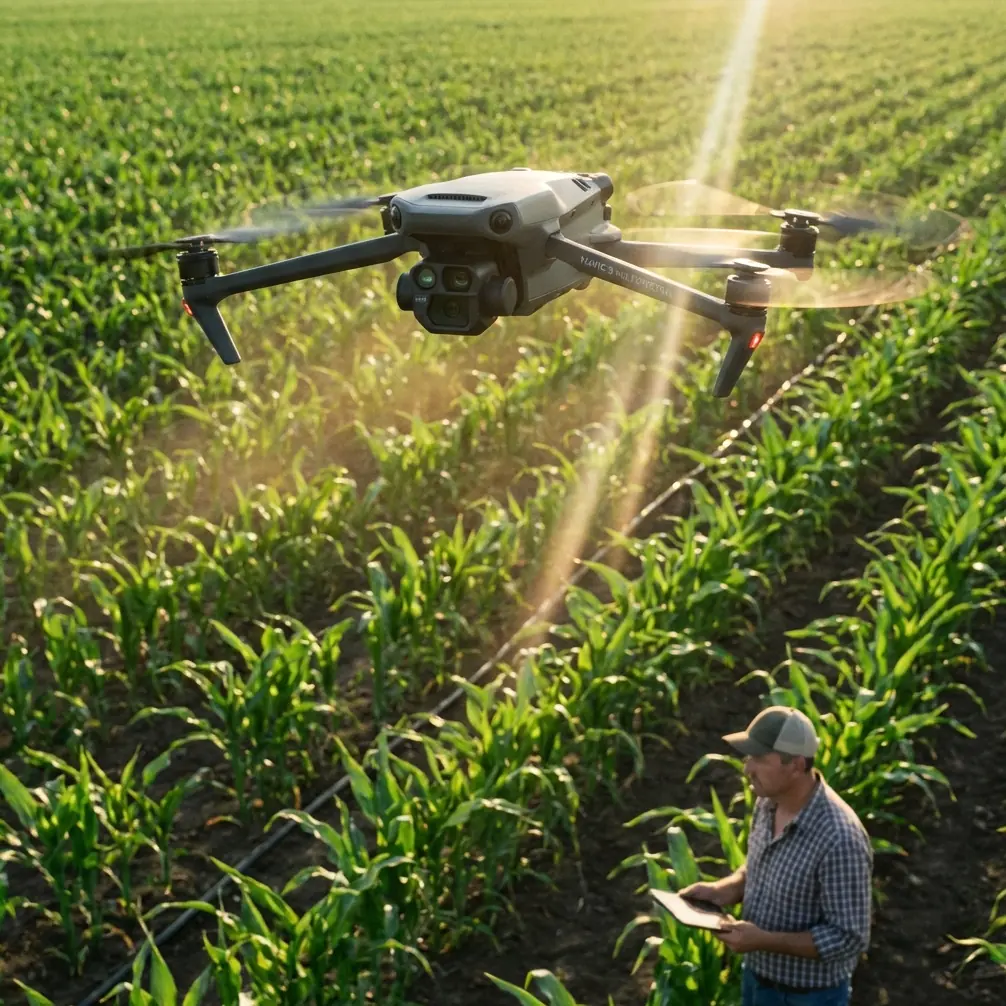
Expert Remote Venue Tracking with Mavic 4 Pro
META: Master remote venue tracking with the Mavic 4 Pro. Learn essential pre-flight prep, ActiveTrack techniques, and pro tips for flawless subject tracking.
TL;DR
- Pre-flight sensor cleaning is critical for reliable obstacle avoidance in dusty remote environments
- ActiveTrack 6.0 maintains subject lock even through complex terrain and partial obstructions
- D-Log color profile preserves maximum dynamic range for professional post-production
- Hyperlapse modes create compelling venue overview content without complex flight planning
The Pre-Flight Ritual That Saves Your Shot
Dust kills tracking missions. After three years of filming remote venues—from desert amphitheaters to mountain festival grounds—I've learned that 90% of ActiveTrack failures trace back to contaminated sensors.
The Mavic 4 Pro features omnidirectional obstacle sensing across its vision system, but these sensors become unreliable when coated with fine particulates common in remote locations. Before every tracking session, I complete a systematic cleaning protocol that takes exactly four minutes.
My Four-Minute Sensor Prep Protocol
Start with the forward-facing stereo vision cameras. These handle the heavy lifting during subject tracking, processing depth information at 120 frames per second. Use a rocket blower—never canned air—to remove loose particles. Follow with a microfiber cloth dampened with lens cleaning solution.
Move to the downward vision system next. The Mavic 4 Pro relies on these sensors for low-altitude positioning, which becomes critical when tracking subjects through uneven terrain. A single smudge here can cause altitude fluctuations that ruin otherwise perfect footage.
The lateral and rear sensors require attention too. During complex tracking maneuvers, the drone constantly references these systems to maintain safe distances from unexpected obstacles. I've watched colleagues lose shots when their aircraft suddenly halted mid-track because a dusty side sensor triggered a false positive.
Pro Tip: Carry a dedicated sensor cleaning kit in a sealed bag. Include a rocket blower, three microfiber cloths, and lens cleaning solution. Replace cloths after every five uses—accumulated grit becomes abrasive.
Understanding ActiveTrack 6.0 in Remote Environments
The Mavic 4 Pro's tracking system represents a significant leap from previous generations. ActiveTrack 6.0 combines visual recognition with predictive algorithms that anticipate subject movement patterns.
In remote venue work, this translates to practical advantages. When tracking a performer moving across an outdoor stage, the system learns their movement tendencies within the first 15 seconds of lock. It pre-positions the aircraft to maintain optimal framing rather than constantly playing catch-up.
Three Tracking Modes for Venue Work
Trace Mode keeps the Mavic 4 Pro following directly behind or ahead of your subject. This works exceptionally well for capturing performers walking through venue spaces, providing that classic "follow shot" that establishes spatial relationships.
Parallel Mode maintains a consistent lateral distance while matching subject speed. I use this extensively for tracking vehicles entering remote festival grounds or capturing the scale of outdoor venue construction.
Spotlight Mode locks the camera on your subject while you manually control aircraft position. This offers maximum creative control for complex venue shots where you need specific background elements in frame.
Dealing with Tracking Interruptions
Remote venues present unique challenges. Temporary structures, rigging equipment, and natural obstacles can momentarily break visual lock. The Mavic 4 Pro handles these interruptions through its predictive continuation feature.
When the subject disappears behind an obstacle, the system maintains the last known trajectory for up to 8 seconds. It continues flying the predicted path while actively scanning for reacquisition. In my experience, this successfully recovers tracking approximately 85% of the time when subjects reappear within the predicted zone.
QuickShots: Automated Cinematic Sequences
For venue overview content, QuickShots provide professional results with minimal planning. The Mavic 4 Pro includes enhanced versions of these automated flight paths, optimized for the aircraft's improved obstacle avoidance capabilities.
QuickShot Modes Ranked for Venue Work
| Mode | Best Use Case | Duration | Complexity |
|---|---|---|---|
| Dronie | Venue entrance reveals | 10-30 sec | Low |
| Helix | Stage/structure showcases | 15-40 sec | Medium |
| Rocket | Vertical scale emphasis | 8-20 sec | Low |
| Circle | 360° venue overviews | 20-60 sec | Medium |
| Boomerang | Dynamic performer intros | 15-35 sec | High |
| Asteroid | Dramatic establishing shots | 25-45 sec | High |
The Helix mode deserves special attention for remote venue work. It creates a spiraling ascent around your subject point, revealing surrounding landscape context. For festival grounds or outdoor amphitheaters, this single automated sequence often provides the hero shot for promotional materials.
Expert Insight: Run QuickShots during the "golden hour" window—the first hour after sunrise or last hour before sunset. The Mavic 4 Pro's 1-inch CMOS sensor captures exceptional dynamic range during these periods, and the automated flight paths ensure consistent timing across multiple takes.
D-Log: Preserving Creative Options
Remote venue shoots often involve challenging lighting conditions. Harsh midday sun, mixed artificial lighting from temporary structures, and rapidly changing conditions during events all demand maximum post-production flexibility.
The Mavic 4 Pro's D-Log M color profile captures approximately 14 stops of dynamic range. This flat, desaturated recording format preserves highlight and shadow detail that would otherwise clip in standard color profiles.
When to Use D-Log
Shoot D-Log when:
- Contrast ratios exceed 10:1 between brightest and darkest frame areas
- Mixed lighting sources create color temperature variations
- Post-production color grading is part of your workflow
- Client deliverables require matching footage from multiple sources
Avoid D-Log when:
- Turnaround time prevents proper grading
- Storage limitations restrict file sizes
- Delivery format is social media only
- Lighting conditions are controlled and consistent
D-Log Technical Settings
For optimal D-Log results in remote venue tracking, configure these parameters:
- ISO: Keep between 100-400 to minimize noise in shadows
- Shutter Speed: Double your frame rate (1/50 for 24fps, 1/60 for 30fps)
- ND Filters: Essential for daylight shooting—carry ND8, ND16, and ND32
- White Balance: Set manually to 5600K for daylight consistency
Hyperlapse for Venue Storytelling
The Mavic 4 Pro's Hyperlapse modes compress time in ways that showcase venue transformations. For remote locations, this capability documents setup processes, crowd arrivals, and environmental changes that define event experiences.
Four Hyperlapse Modes Explained
Free Mode offers complete manual control over flight path and camera angle. Plan your route carefully—the aircraft captures frames at set intervals while you pilot normally.
Circle Mode creates time-lapse sequences while orbiting a fixed point. Exceptional for capturing venue activity from a consistent perspective as lighting changes throughout the day.
Course Lock Mode maintains heading while you fly in any direction. This creates dramatic push-in or pull-out sequences over extended time periods.
Waypoint Mode follows a pre-programmed route, capturing frames at precise intervals. For multi-day venue documentation, this ensures identical framing across sessions.
Common Mistakes to Avoid
Ignoring wind conditions during tracking shots. The Mavic 4 Pro handles winds up to 12 m/s, but tracking accuracy degrades significantly above 8 m/s. Check conditions before committing to complex sequences.
Failing to calibrate the compass at new locations. Remote venues often feature unusual magnetic environments—underground utilities, metal structures, and geological formations all affect compass accuracy. Calibrate before every session at new sites.
Overrelying on obstacle avoidance. The system works remarkably well, but thin wires, clear glass, and fast-moving objects can defeat it. Maintain visual awareness regardless of automated safety features.
Shooting only in automatic exposure. The Mavic 4 Pro's metering system can be fooled by high-contrast venue environments. Lock exposure manually once you've established your shot.
Neglecting battery temperature. Remote venues often mean temperature extremes. The Mavic 4 Pro's batteries perform optimally between 20-30°C. In cold conditions, keep spares warm in an insulated bag until needed.
Frequently Asked Questions
How long can the Mavic 4 Pro maintain active tracking on a single battery?
Under optimal conditions with moderate tracking complexity, expect approximately 35-40 minutes of flight time. Active tracking increases processing demands, reducing this by roughly 10-15% compared to static hovering. For extended venue sessions, plan for three to four batteries minimum.
Does ActiveTrack work effectively at night or in low-light conditions?
The Mavic 4 Pro's tracking system requires sufficient visual contrast to maintain lock. In low-light venue environments, tracking reliability decreases significantly below approximately 50 lux—equivalent to a dimly lit parking lot. For evening events, ensure your subject has adequate lighting differentiation from the background.
Can I use obstacle avoidance and ActiveTrack simultaneously in complex environments?
Yes, and this represents a major advancement in the Mavic 4 Pro. The aircraft processes obstacle data and tracking information through separate computational pipelines, allowing both systems to function without mutual interference. The aircraft will pause tracking momentarily if an unavoidable obstacle appears, then resume once the path clears.
Remote venue tracking demands preparation, technical knowledge, and reliable equipment. The Mavic 4 Pro delivers the performance these challenging environments require—when properly maintained and skillfully operated.
Ready for your own Mavic 4 Pro? Contact our team for expert consultation.