
Tracking Highways with Mavic 4 Pro | Expert Tips
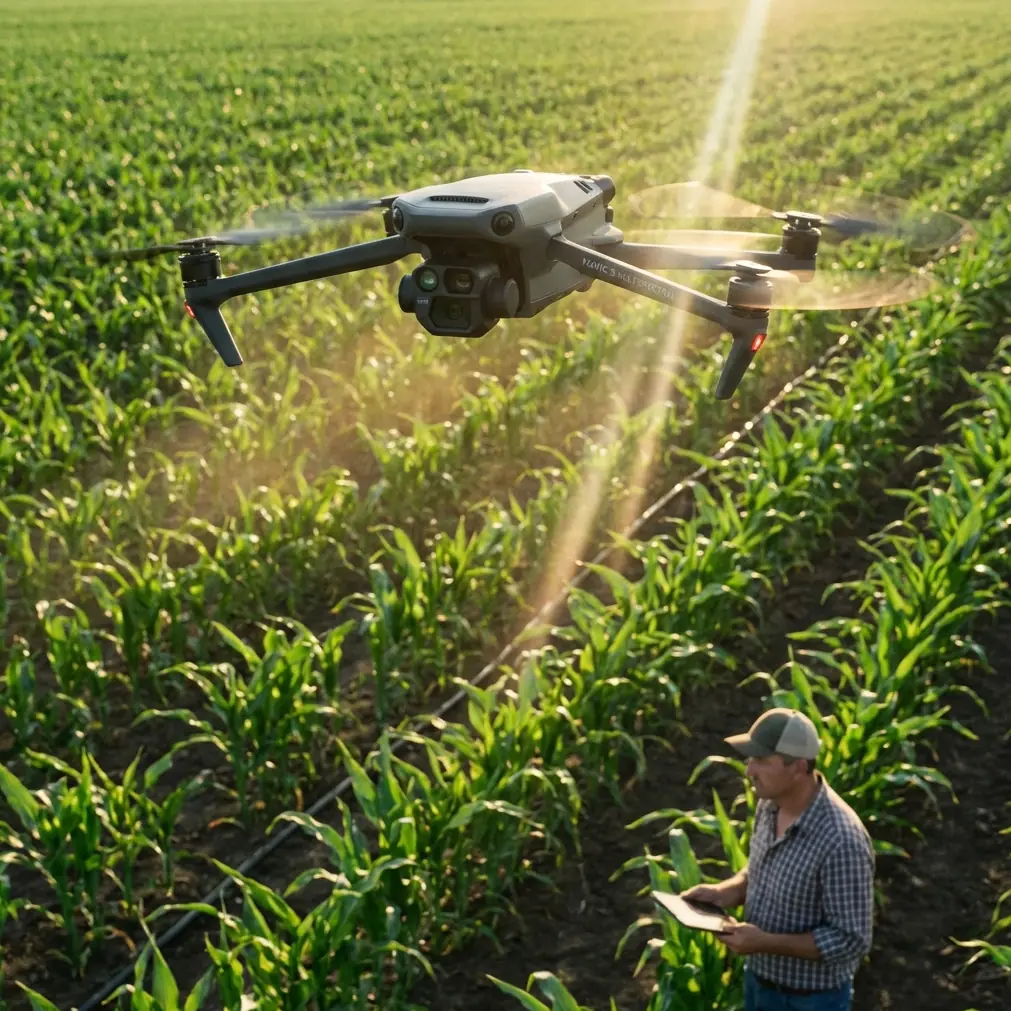
Tracking Highways with Mavic 4 Pro | Expert Tips
META: Master highway tracking at high altitude with Mavic 4 Pro. Learn antenna positioning, ActiveTrack settings, and pro techniques for stunning aerial footage.
TL;DR
- Antenna positioning at 45-degree angles maximizes signal strength for extended highway tracking at altitude
- ActiveTrack 6.0 maintains vehicle lock even through overpasses and complex interchanges
- D-Log color profile preserves highlight detail in reflective road surfaces and vehicle windshields
- High-altitude operations require specific obstacle avoidance configurations to prevent false triggers
Highway tracking presents unique challenges that separate casual drone pilots from professionals. The Mavic 4 Pro transforms this demanding scenario into a manageable workflow—when you understand the critical settings and positioning techniques that make extended tracking possible.
This guide breaks down everything you need for successful high-altitude highway footage: antenna optimization, ActiveTrack configuration, color science decisions, and the common pitfalls that ground even experienced pilots.
Why Highway Tracking Demands Specialized Techniques
Tracking vehicles along highways introduces variables you won't encounter in stationary shots. Moving subjects, reflective surfaces, altitude restrictions, and signal interference from infrastructure all compound simultaneously.
The Mavic 4 Pro addresses these challenges through its upgraded transmission system and enhanced subject tracking algorithms. However, hardware capabilities mean nothing without proper technique.
Key challenges specific to highway tracking:
- Signal reflection and interference from metal guardrails
- Rapid subject movement requiring predictive tracking
- Variable lighting conditions from tunnels and overpasses
- Altitude management for legal compliance and optimal framing
- Wind exposure at elevated positions
Understanding these factors shapes every decision from takeoff position to post-processing workflow.
Antenna Positioning for Maximum Range
Your controller antenna position directly determines tracking success or failure. Most pilots default to pointing antennas directly at the drone—this approach sacrifices significant range.
Expert Insight: Antenna radiation patterns emit strongest signals perpendicular to the flat antenna surface, not from the tips. Position antennas so their flat faces point toward your drone's operating area.
Optimal positioning for highway tracking:
- Angle both antennas at 45 degrees from vertical
- Keep antenna flat surfaces facing the drone's flight path
- Maintain clear line-of-sight between controller and aircraft
- Avoid positioning yourself under metal structures or near vehicles
For extended highway runs, consider your position relative to the tracking direction. Standing at a midpoint along the planned route maintains more consistent signal strength than positioning at either endpoint.
Signal strength comparison by antenna position:
| Antenna Position | Effective Range | Signal Stability | Best Use Case |
|---|---|---|---|
| Vertical (default) | 60% of max | Moderate | Close operations |
| 45-degree angle | 95% of max | Excellent | Extended tracking |
| Horizontal | 75% of max | Good | Overhead flights |
| Pointed at drone | 40% of max | Poor | Never recommended |
The difference between proper and improper antenna positioning can mean 2-3 kilometers of additional reliable range—critical when tracking vehicles moving away from your position.
Configuring ActiveTrack 6.0 for Vehicle Tracking
ActiveTrack 6.0 represents a significant upgrade over previous generations, but highway tracking requires specific configuration adjustments.
Initial setup steps:
- Enable ActiveTrack through the camera view interface
- Set tracking sensitivity to High for fast-moving subjects
- Configure obstacle avoidance to Bypass mode rather than Brake
- Establish altitude limits appropriate for your airspace
The subject tracking system uses visual recognition combined with predictive algorithms. For vehicles, the system performs best when you select the entire vehicle rather than a specific portion.
Pro Tip: Draw your tracking box to include slight space around the vehicle. This buffer allows the algorithm to maintain lock during lane changes and when other vehicles temporarily occlude your subject.
ActiveTrack mode selection for highways:
- Trace: Follows behind the subject—ideal for chase sequences
- Parallel: Maintains lateral position—best for profile shots
- Spotlight: Keeps subject centered while you control position—maximum creative flexibility
Parallel mode works exceptionally well for highway content because it maintains consistent framing regardless of road curves. The drone anticipates turns and adjusts position proactively.
Obstacle Avoidance Configuration at Altitude
High-altitude highway tracking creates a paradox: you need obstacle avoidance active for safety, but aggressive settings cause unnecessary flight interruptions.
The Mavic 4 Pro's omnidirectional sensing system detects objects in all directions. At altitude, this sensitivity can trigger false positives from birds, atmospheric haze, or even heat shimmer from road surfaces.
Recommended settings for high-altitude tracking:
- Forward sensing: Active (non-negotiable for safety)
- Downward sensing: Active with reduced sensitivity
- Lateral sensing: Bypass mode enabled
- Upward sensing: Active (aircraft and bird protection)
Bypass mode proves essential for highway work. When the drone detects an obstacle in its tracking path, it calculates an avoidance route rather than stopping completely. This maintains footage continuity while preserving safety margins.
Altitude considerations:
- 120 meters AGL represents the legal ceiling in most jurisdictions
- Highway tracking typically works best at 60-80 meters for optimal framing
- Higher altitudes reduce obstacle avoidance false triggers
- Wind speed increases approximately 20% for every 30 meters of altitude gain
Color Science: D-Log vs. Standard Profiles
Highway footage presents challenging dynamic range scenarios. Bright sky, dark asphalt, reflective vehicle surfaces, and shadowed underpasses can appear in a single shot.
D-Log captures approximately 2 additional stops of dynamic range compared to standard color profiles. This latitude proves invaluable for highway content.
When to use D-Log:
- Midday shooting with harsh shadows
- Tracking through tunnels or under overpasses
- Capturing both sky and road detail
- Any footage destined for color grading
When standard profiles work better:
- Golden hour with naturally compressed dynamic range
- Quick-turnaround projects without grading time
- Social media content where convenience outweighs quality
D-Log footage requires color grading—the flat, desaturated look straight from camera won't impress anyone. Budget post-processing time into your workflow.
QuickShots and Hyperlapse Integration
While manual tracking offers maximum control, the Mavic 4 Pro's automated modes can supplement your footage library efficiently.
QuickShots for highway content:
- Dronie: Reveals highway context as drone pulls back
- Circle: Orbital shots around stationary vehicles at rest stops
- Helix: Ascending spiral combining reveal with rotation
Hyperlapse mode creates compelling time-compressed sequences of traffic flow. For highway applications, the Waypoint hyperlapse mode allows you to program complex camera movements that would be impossible to execute manually while maintaining smooth motion.
Hyperlapse settings for traffic:
- Interval: 2 seconds for moderate traffic density
- Duration: Plan for 10-15 seconds of final footage minimum
- Speed: 5x maintains recognizable vehicle movement
- Resolution: Always capture at maximum for cropping flexibility
Common Mistakes to Avoid
Ignoring wind at altitude
Ground-level conditions rarely reflect what your drone experiences. Check forecasts for winds at your operating altitude, not surface readings. The Mavic 4 Pro handles 12 m/s winds, but tracking accuracy degrades significantly above 8 m/s.
Tracking too close to the subject
Tight framing seems cinematic until your subject changes lanes unexpectedly. Maintain framing that allows for movement variation—you can always crop in post.
Neglecting return-to-home battery reserves
Highway tracking often means extended distances from your launch point. The drone's RTH calculation assumes direct flight paths. If obstacles or airspace restrictions require detours, you need additional reserves.
Single-take mentality
Professional highway footage comes from multiple passes and angles, not single continuous shots. Plan for variety rather than attempting one perfect take.
Forgetting ND filters
Bright highway surfaces and sky demand neutral density filtration for proper motion blur. A 4-stop ND filter serves as a baseline for daylight shooting.
Frequently Asked Questions
What altitude provides the best balance between framing and signal strength?
For most highway tracking scenarios, 60-80 meters AGL delivers optimal results. This altitude maintains strong signal connection, provides context-rich framing that shows road infrastructure, and keeps the drone above most ground-level interference sources. Higher altitudes work for wide establishing shots but sacrifice subject detail.
How do I maintain tracking through tunnels and overpasses?
The Mavic 4 Pro's predictive tracking anticipates brief signal interruptions. Before entering a covered section, ensure your tracking box is well-established and the drone has stable lock. The system maintains predicted trajectory for approximately 3-4 seconds of visual occlusion. For longer tunnels, position the drone to track from an angle that minimizes coverage time.
Can I legally track vehicles on public highways?
Regulations vary by jurisdiction, but tracking vehicles on public roads generally falls within standard drone operation rules—provided you maintain required distances from people, follow altitude restrictions, and operate within visual line of sight. The vehicles themselves aren't the legal concern; airspace compliance and operational safety are. Always verify local regulations before flying.
Highway tracking with the Mavic 4 Pro rewards pilots who invest time in understanding the technical foundations. Proper antenna positioning alone can transform frustrating signal drops into reliable extended operations. Combined with optimized ActiveTrack settings and appropriate color science choices, you'll capture footage that stands apart from casual drone content.
The techniques outlined here apply whether you're documenting infrastructure, creating automotive content, or building a portfolio of dynamic aerial sequences. Master these fundamentals, and highway tracking becomes a reliable part of your creative toolkit.
Ready for your own Mavic 4 Pro? Contact our team for expert consultation.