
Mavic 4 Pro: Master Highway Tracking in Complex Terrain
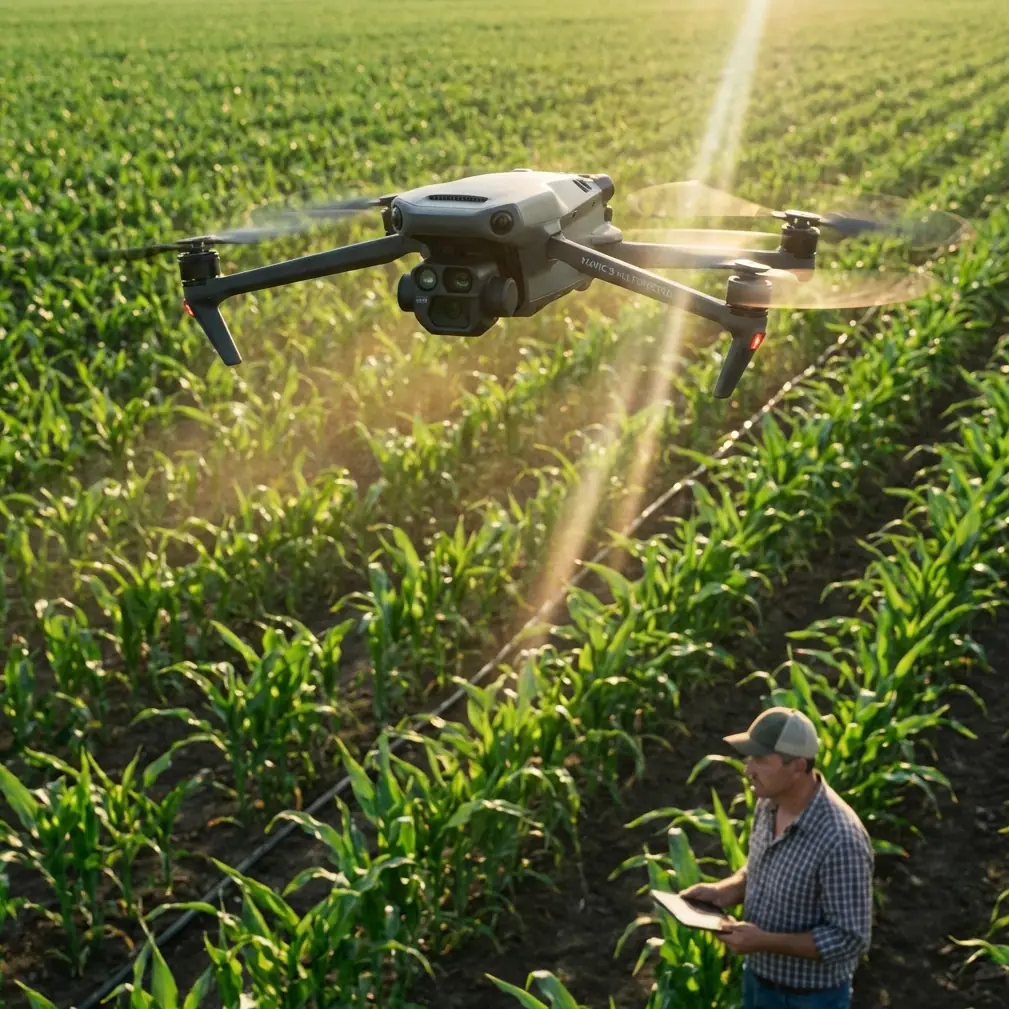
Mavic 4 Pro: Master Highway Tracking in Complex Terrain
META: Discover how the Mavic 4 Pro excels at highway tracking through mountains and valleys. Expert tips on antenna positioning, ActiveTrack settings, and obstacle avoidance.
TL;DR
- ActiveTrack 6.0 maintains lock on vehicles through tunnels, overpasses, and winding mountain roads
- Proper antenna positioning can extend reliable signal range by 30-40% in challenging terrain
- Omnidirectional obstacle sensing prevents crashes when tracking at highway speeds
- D-Log color profile captures maximum dynamic range for professional highway documentation
Why Highway Tracking Demands More From Your Drone
Tracking vehicles along highways sounds straightforward until terrain gets involved. Mountain passes, deep valleys, bridge structures, and signal-blocking rock faces turn a simple tracking shot into a technical nightmare.
The Mavic 4 Pro addresses these challenges with hardware and software specifically designed for dynamic subject tracking in environments where GPS signals bounce, obstacles appear suddenly, and maintaining visual lock requires split-second processing.
This guide breaks down exactly how to configure your Mavic 4 Pro for highway tracking success, with particular focus on antenna positioning strategies that most pilots overlook.
Understanding the Mavic 4 Pro's Tracking Architecture
ActiveTrack 6.0: The Brain Behind the Operation
The Mavic 4 Pro's tracking system processes visual data through a dedicated neural processing unit. Unlike previous generations that relied primarily on color and shape recognition, ActiveTrack 6.0 builds a 3D spatial model of your subject.
This matters enormously for highway tracking. When a vehicle passes behind a road sign, enters a tunnel shadow, or temporarily matches the color of surrounding terrain, the system predicts position based on:
- Velocity vector analysis
- Historical movement patterns
- Road geometry recognition
- Predictive path modeling
The result is tracking that recovers within 0.3 seconds of subject reacquisition—fast enough to maintain smooth footage through brief occlusions.
Obstacle Avoidance at Highway Speeds
Tracking a vehicle moving at 100+ km/h means your drone operates in a fundamentally different risk environment than static shooting. The Mavic 4 Pro's omnidirectional sensing system scans the environment 60 times per second, creating a constantly updating obstacle map.
Key specifications for highway tracking scenarios:
| Sensing Direction | Detection Range | Effective Speed Limit |
|---|---|---|
| Forward | 0.5-60m | 54 km/h (APAS active) |
| Backward | 0.5-50m | 43 km/h |
| Lateral | 0.5-40m | 36 km/h |
| Upward | 0.2-30m | 21 km/h |
| Downward | 0.3-30m | 21 km/h |
Expert Insight: When tracking at high speeds, the drone prioritizes forward sensing. Position yourself so the primary tracking direction aligns with the forward sensors. This means flying slightly behind and to the side of your subject rather than directly alongside.
Antenna Positioning: The Overlooked Performance Multiplier
Here's where most pilots leave significant capability on the table. The Mavic 4 Pro controller uses a dual-antenna MIMO system that performs dramatically differently based on positioning.
The Physics of Signal Propagation
Radio signals from your controller don't radiate equally in all directions. The antennas create a toroidal radiation pattern—imagine a donut shape extending from each antenna. Signal strength peaks perpendicular to the antenna axis and drops significantly off the ends.
For highway tracking in complex terrain, this means:
- Never point antennas directly at the drone
- Keep antenna faces oriented toward the aircraft
- Maintain antennas parallel to each other
- Adjust positioning as the drone moves through the tracking path
Terrain-Specific Antenna Strategies
Mountain Valley Tracking
When tracking through valleys, signal reflection off rock faces can cause multipath interference. Position yourself on elevated terrain when possible, keeping the controller antennas 45 degrees above horizontal. This reduces ground reflection while maintaining strong direct-path signal.
Overpass and Bridge Scenarios
Steel and concrete structures create signal shadows. Before the tracking run, identify which side of the highway offers clearer signal paths. Position yourself so the drone never passes directly behind structural elements relative to your location.
Tunnel Approaches
The Mavic 4 Pro cannot maintain control signal through tunnels. Program your tracking to automatically orbit to a hover position at tunnel entrances, resuming tracking when the subject exits. The Waypoint function handles this elegantly when pre-planned.
Pro Tip: For extended highway tracking sessions, bring a portable tripod mount for your controller. Consistent antenna positioning eliminates the signal fluctuations caused by arm fatigue and unconscious movement.
Configuring QuickShots for Highway Documentation
QuickShots provide automated cinematic movements, but default settings rarely suit highway tracking. Here's how to optimize each mode:
Dronie Configuration
- Set distance to maximum 120m for highway scale
- Reduce ascent speed to 3 m/s for smoother motion
- Enable parallel tracking to follow road direction during pullback
Helix Adjustments
- Increase radius to 50m minimum for highway context
- Set rotation speed to match subject velocity
- Use 270-degree arc rather than full rotation to maintain forward-facing footage
Rocket Mode Modifications
- Limit ascent to 80m for airspace compliance
- Enable subject centering throughout ascent
- Reduce speed near maximum altitude for stable endpoint framing
D-Log and Hyperlapse: Capturing Professional Results
Why D-Log Matters for Highway Footage
Highway environments present extreme dynamic range challenges. Bright sky, shadowed valleys, reflective vehicle surfaces, and dark tunnel entrances can appear in a single shot.
D-Log captures 13+ stops of dynamic range, preserving detail in highlights and shadows that standard color profiles clip. For highway tracking specifically:
- Reduces blown-out sky in upward-angled shots
- Maintains shadow detail in mountain passes
- Preserves vehicle detail against bright road surfaces
- Enables color matching across varying lighting conditions
Hyperlapse for Traffic Flow Documentation
The Mavic 4 Pro's Hyperlapse function creates compelling traffic flow visualizations. For highway applications:
- Free mode: Manual path control for complex interchanges
- Circle mode: Orbital timelapses around specific highway features
- Course Lock mode: Consistent direction for linear highway segments
- Waypoint mode: Precise repeatable paths for before/after comparisons
Set interval to 2 seconds for smooth traffic flow at standard playback speeds. Longer intervals create jarring vehicle jumps that distract from the footage purpose.
Common Mistakes to Avoid
Ignoring Wind Patterns in Valleys
Mountain valleys create unpredictable wind acceleration. The Mavic 4 Pro handles 12 m/s sustained winds, but valley funneling can create localized gusts exceeding this. Monitor the wind warning indicator constantly during valley tracking.
Tracking Too Close to the Subject
Highway tracking tempts pilots to fly close for dramatic footage. Maintain minimum 30m horizontal distance from moving vehicles. This provides reaction time for unexpected vehicle maneuvers and keeps you compliant with most aviation regulations.
Neglecting Return-to-Home Altitude
Complex terrain requires careful RTH altitude configuration. Set RTH height 50m above the highest obstacle in your operating area. The default setting often proves inadequate for mountain highway environments.
Forgetting Magnetic Interference
Highway infrastructure includes significant metal content—guardrails, signage, bridge structures. Calibrate your compass away from these elements and monitor for interference warnings during flight.
Underestimating Battery Consumption
Tracking at high speeds in windy conditions dramatically increases power consumption. Plan for 25% reduced flight time compared to hover specifications. Always maintain sufficient reserve for safe return.
Frequently Asked Questions
Can the Mavic 4 Pro track multiple vehicles simultaneously?
The Mavic 4 Pro tracks a single primary subject but maintains awareness of secondary objects for obstacle avoidance purposes. For multi-vehicle tracking, you'll need to manually switch subjects or use waypoint-based filming that captures multiple vehicles within frame.
What's the maximum speed the Mavic 4 Pro can track?
ActiveTrack 6.0 reliably tracks subjects moving up to 72 km/h in optimal conditions. Highway vehicles often exceed this speed, requiring Spotlight mode instead—the drone maintains framing while you manually control position and speed.
How does the drone handle tracking through GPS-denied areas?
The Mavic 4 Pro switches to visual positioning when GPS signal degrades. In mountain valleys with limited sky visibility, ensure adequate lighting for the downward vision sensors. The aircraft maintains tracking capability but may show reduced position-hold precision during hover segments.
Ready for your own Mavic 4 Pro? Contact our team for expert consultation.