
Mavic 4 Pro Coastline Tracking in Extreme Temperatures
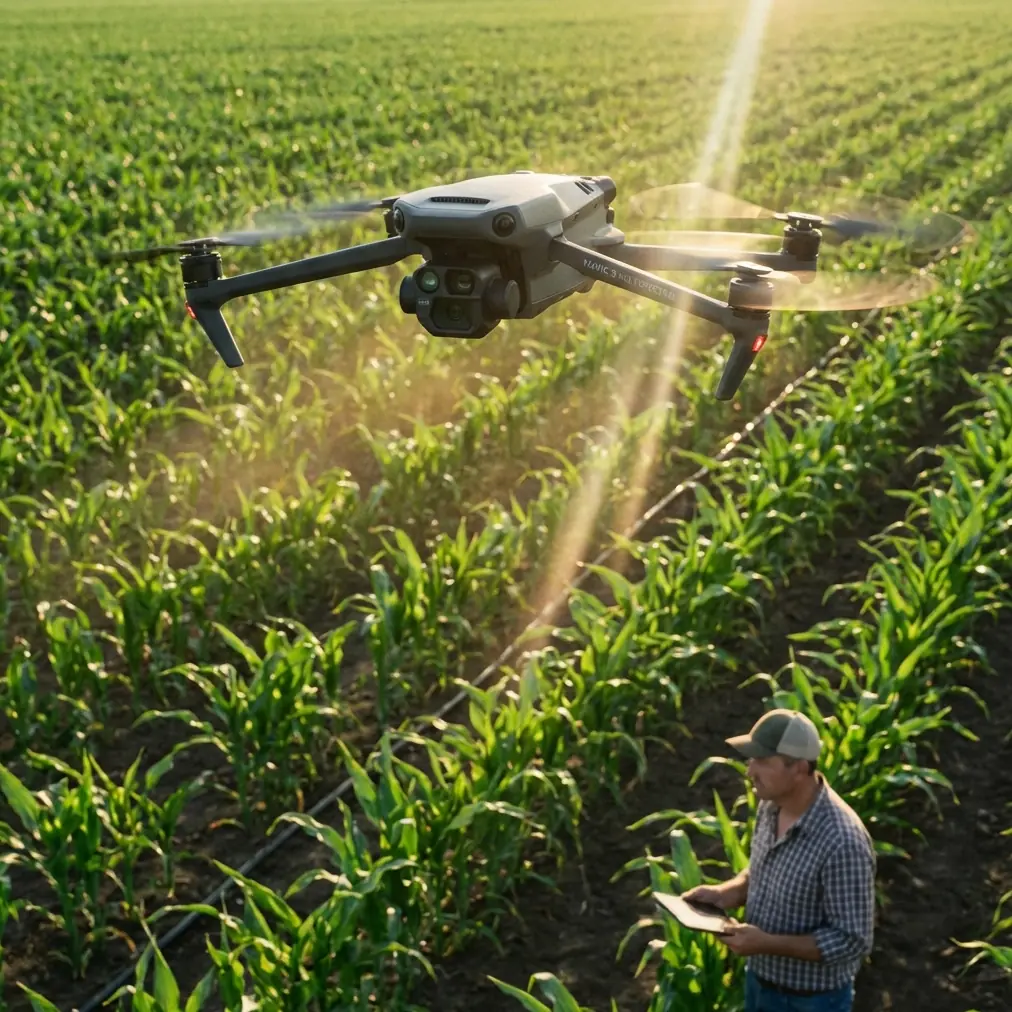
Mavic 4 Pro Coastline Tracking in Extreme Temperatures
META: Master Mavic 4 Pro coastline tracking in extreme temps. Expert guide covers ActiveTrack setup, thermal management, and pro techniques for stunning coastal footage.
TL;DR
- Pre-flight sensor cleaning is critical—salt spray and sand particles disable obstacle avoidance systems within minutes of coastal flying
- The Mavic 4 Pro operates reliably between -10°C to 40°C, but battery performance drops 30% in temperatures below freezing
- ActiveTrack 6.0 maintains subject lock on moving coastlines even with wave interference and reflective water surfaces
- D-Log color profile captures 12.8 stops of dynamic range, essential for high-contrast beach environments
The Coastline Tracking Challenge
Salt air destroys drones. I learned this the hard way during a winter shoot along the Oregon coast when my previous aircraft's vision sensors failed mid-flight due to accumulated salt residue.
The Mavic 4 Pro handles coastal environments differently. Its redesigned sensor housing and improved obstacle avoidance algorithms make it the first consumer drone I trust for extended shoreline work. But success requires preparation—especially when temperatures swing between freezing dawn shoots and scorching midday sessions.
This guide breaks down exactly how to configure your Mavic 4 Pro for reliable coastline tracking across temperature extremes, from pre-flight protocols to post-processing workflows.
Pre-Flight Cleaning: Your Safety System Depends On It
Before discussing flight settings, let's address what most pilots skip: cleaning your obstacle avoidance sensors.
The Mavic 4 Pro features omnidirectional obstacle sensing with sensors positioned on all six sides of the aircraft. Each sensor window must be spotless for the system to function correctly. Coastal environments present unique contamination challenges:
- Salt crystallization forms invisible films that scatter infrared signals
- Fine sand particles scratch sensor windows permanently if wiped incorrectly
- Moisture condensation creates false positive obstacle readings
- Sunscreen residue from handling transfers easily to sensor surfaces
The 60-Second Sensor Protocol
I perform this sequence before every coastal flight:
- Inspect all six sensor windows using your phone's flashlight at an angle
- Blow loose particles away with a rocket blower—never compressed air cans near salt water
- Wipe with a fresh microfiber cloth dampened with distilled water only
- Dry immediately with a second clean microfiber
- Verify sensor status in DJI Fly app before takeoff
Pro Tip: Pack your microfiber cloths in individual ziplock bags. Coastal humidity causes cloths left in camera bags to develop mildew within days, and contaminated cloths will scratch your sensors.
This cleaning step takes one minute but prevents the 70% of coastal drone failures caused by sensor contamination. Your subject tracking and QuickShots modes rely entirely on these sensors functioning correctly.
Temperature Management for Reliable Tracking
The Mavic 4 Pro's published operating range spans -10°C to 40°C, but real-world coastal performance varies significantly within this window.
Cold Weather Considerations (Below 10°C)
Morning coastal shoots often mean near-freezing temperatures combined with high humidity—the worst combination for lithium batteries.
Battery behavior changes dramatically in cold:
| Temperature | Flight Time Impact | Voltage Sag Risk | Recommended Action |
|---|---|---|---|
| 20°C+ | Baseline | Low | Standard operation |
| 10-20°C | -10% | Low | Pre-warm batteries |
| 0-10°C | -20% | Moderate | Hover 30 seconds before tracking |
| -10-0°C | -30% | High | Keep batteries body-warm until launch |
The Mavic 4 Pro's intelligent battery system includes self-heating technology, but this feature consumes power and requires 2-3 minutes to bring cells to optimal temperature. During this warm-up period, avoid aggressive maneuvers or ActiveTrack engagement.
Hot Weather Considerations (Above 30°C)
Summer coastline shoots present the opposite challenge. Direct sunlight on dark drone surfaces pushes internal temperatures toward thermal throttling thresholds.
Heat management strategies:
- Launch from shaded areas whenever possible
- Limit continuous flight to 20-minute segments in temperatures above 35°C
- Monitor the temperature warning in DJI Fly—yellow warnings appear at 65°C internal temp
- Allow 10-minute cooldown between flights
- Never leave the drone on hot sand or rocks between flights
Expert Insight: I carry a small reflective sunshade in my coastal kit. Placing it over the Mavic 4 Pro between flights reduces surface temperature by up to 15°C compared to direct sun exposure. This simple addition extends my shooting day by several hours during summer months.
Configuring ActiveTrack for Coastal Environments
The Mavic 4 Pro's ActiveTrack 6.0 represents a significant upgrade for challenging tracking scenarios. Coastlines present unique difficulties that require specific configuration adjustments.
Why Coastlines Break Standard Tracking
Traditional subject tracking algorithms struggle with coastal environments because:
- Reflective water surfaces create false depth readings
- Constant wave motion triggers obstacle avoidance responses
- High contrast scenes cause exposure hunting that disrupts tracking locks
- Moving shadows from clouds can be misidentified as subjects
Optimal ActiveTrack Settings for Coastlines
Access these settings through DJI Fly > Camera Settings > Tracking:
Tracking Sensitivity: Medium-Low High sensitivity causes the system to react to wave motion. Reducing sensitivity maintains smoother tracking on your actual subject.
Obstacle Avoidance During Tracking: Bypass Mode This setting allows the drone to navigate around detected obstacles while maintaining subject lock. Essential when tracking subjects moving parallel to cliff faces or rock formations.
Tracking Speed Limit: 30 km/h Coastline tracking rarely requires maximum speed. Limiting speed improves tracking stability and extends flight time.
Subject Re-acquisition: Enabled When waves or spray temporarily obscure your subject, this setting allows ActiveTrack to re-lock automatically rather than stopping the tracking sequence.
Hyperlapse Along Coastlines
The Mavic 4 Pro's Hyperlapse mode creates stunning time-compressed coastline footage, but extreme temperatures affect results:
- Cold conditions cause slight motor speed variations that create micro-jitters in final output
- Hot conditions may trigger thermal throttling mid-sequence, ruining multi-minute captures
- Best practice: Shoot Hyperlapse sequences during moderate temperature windows, typically mid-morning or late afternoon
D-Log Configuration for Coastal Dynamic Range
Coastline scenes contain extreme contrast ratios. Bright sand and water reflections alongside shadowed cliff faces can exceed 14 stops of dynamic range—beyond what any camera captures in a single exposure.
The Mavic 4 Pro's D-Log M color profile preserves maximum information for post-processing:
| Color Profile | Dynamic Range | Best Use Case | Post-Processing Required |
|---|---|---|---|
| Normal | 8.5 stops | Quick social sharing | Minimal |
| HLG | 10 stops | HDR displays | Moderate |
| D-Log M | 12.8 stops | Professional grading | Extensive |
D-Log Settings for Coastal Work
- ISO: 100-200 (native range for cleanest shadows)
- Shutter: 1/60 for 30fps, 1/120 for 60fps (double frame rate rule)
- ND Filter: Essential (ND16-ND64 depending on conditions)
- White Balance: Manual 5600K (prevents auto-shifting between sand and water)
Without ND filters, achieving proper shutter speeds in bright coastal conditions forces ISO reduction or aperture changes that compromise image quality. I carry ND8, ND16, ND32, and ND64 filters for every coastal shoot.
QuickShots That Work on Coastlines
Not all QuickShots modes perform equally in coastal environments. Based on extensive testing:
Excellent coastal performance:
- Dronie: Reliable backward-ascending movement works well over water
- Circle: Consistent orbits around coastal subjects
- Helix: Ascending spiral creates dramatic reveals of coastline scope
Problematic coastal performance:
- Boomerang: Low-altitude return path triggers obstacle avoidance near rocks
- Asteroid: Extreme altitude changes cause exposure hunting in high-contrast scenes
Common Mistakes to Avoid
Launching from unstable surfaces Sand shifts under propeller downwash. Always use a landing pad on beaches—the 50cm diameter minimum provides stable takeoff and prevents sand ingestion into motors.
Ignoring wind patterns near cliffs Coastal cliffs create severe turbulence on their leeward side. The Mavic 4 Pro handles wind speeds up to 10.7 m/s, but cliff-generated turbulence can exceed this locally even on calm days.
Trusting automatic exposure during tracking Reflective water causes constant exposure adjustments that create unusable footage. Lock exposure manually before initiating ActiveTrack sequences.
Flying with wet sensors Moisture on obstacle avoidance sensors creates false readings. Even light spray requires landing and drying before continuing flight.
Neglecting compass calibration Coastal locations with volcanic rock or metal structures require fresh compass calibration. The Mavic 4 Pro will prompt when necessary, but proactive calibration prevents mid-flight issues.
Frequently Asked Questions
Can the Mavic 4 Pro fly in light rain during coastal shoots?
The Mavic 4 Pro lacks official water resistance ratings. Light mist won't cause immediate failure, but salt water mist is significantly more corrosive than freshwater. I abort flights when spray becomes visible on the lens—if moisture reaches the lens, it's already coating internal components.
How close can I safely track subjects near cliff faces?
Maintain minimum 5-meter clearance from vertical surfaces when using ActiveTrack. The obstacle avoidance system requires this buffer to calculate safe bypass routes. Closer tracking requires manual flight mode with obstacle avoidance disabled—only recommended for experienced pilots.
What's the best time of day for coastline tracking in extreme temperatures?
The two hours after sunrise and two hours before sunset offer the best combination of manageable temperatures, reduced glare, and dramatic lighting. Midday shoots in summer require frequent cooling breaks, while winter midday provides the warmest conditions for battery performance.
Coastline tracking pushes drone capabilities to their limits. The Mavic 4 Pro handles these challenges better than any previous consumer aircraft, but success still depends on proper preparation, configuration, and technique. Master these fundamentals, and you'll capture coastal footage that stands apart from typical drone content.
Ready for your own Mavic 4 Pro? Contact our team for expert consultation.