
Mavic 4 Pro Surveying Tips for Mountain Wildlife Work
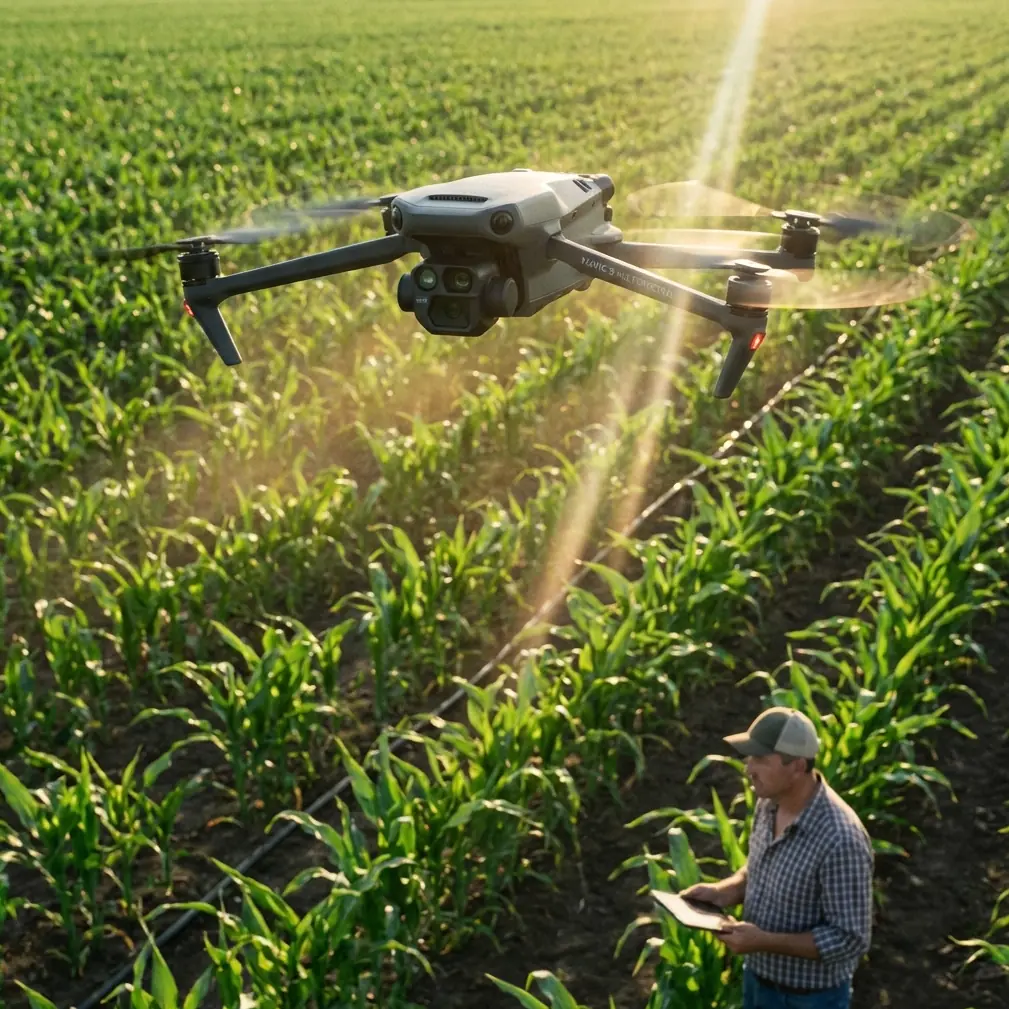
Mavic 4 Pro Surveying Tips for Mountain Wildlife Work: What the GNSS Rules Really Mean in the Field
META: Practical Mavic 4 Pro workflow for mountain wildlife surveying, with GNSS control, antenna placement, data backup discipline, and safer image capture strategy.
Mountain wildlife surveys look cinematic from a distance. In reality, they are procedural, repetitive, and unforgiving. A ridgeline gives you wind shear. Tree cover kills visibility. Valleys distort your sense of range. And if your control data is sloppy, the prettiest flight of the day can still be useless for mapping, habitat documentation, or land-boundary correlation.
That is why the most useful way to think about the Mavic 4 Pro is not as a flying camera first, but as one link in a measurement chain. The drone may gather the imagery, yet the reliability of the final result depends just as much on GNSS discipline, coordinate handling, and basic field data hygiene as it does on obstacle avoidance or subject tracking.
A technical design document for rural cadastral UAV mapping offers a surprisingly relevant lesson here. Although it was written for a formal surveying context rather than wildlife observation, its field logic transfers well to mountain work: record the station and receiver setup carefully, move data off the collector promptly, back everything up, and verify baseline and coordinate consistency before trusting any downstream output. That sounds administrative until you spend a full day climbing for a survey window and discover that one mismatched receiver format or one bad control assumption has compromised the whole dataset.
Why mountain wildlife surveying with Mavic 4 Pro demands survey habits, not just flying skill
Wildlife teams often use the aircraft for habitat condition checks, migration corridor documentation, nesting-area perimeter review, and visual change detection over time. The Mavic 4 Pro is attractive because it reduces the physical burden of carrying a larger platform into rough terrain while still giving you advanced imaging modes and pilot-assist features.
But in mountains, “good enough” positioning can quietly become the weak point. If your survey requires repeatable viewpoints, terrain-linked annotation, or integration with previous land records, then image capture alone is not enough. You need a disciplined control workflow.
One detail from the reference material deserves more attention than it usually gets: each survey area should collect GNSS data from at least 3 points, with observation time of more than 4 hours, to derive higher-accuracy elevation results through the regional geodetic model workflow. For a wildlife team, that matters operationally because mountain habitat analysis is often elevation-sensitive. Slope breaks, drainage lines, cliff nesting zones, and canopy transitions all depend on vertical reliability. If you rush your control and accept weak height references, your imagery may still look sharp while your terrain interpretation drifts.
The Mavic 4 Pro does not replace this control logic. It benefits from it.
Start with control planning before the aircraft leaves the bag
A common mistake in wildlife surveys is to plan the flight route first and the control geometry second. Reverse that.
The source document emphasizes recording initial station and receiver information such as station name or number, approximate coordinates and elevation, antenna and receiver identification, antenna height, sampling interval, and satellite cutoff angle. In practical mountain work, this is not clerical padding. It gives you traceability when a point fails later.
If you establish hilltop, valley-floor, and lateral-slope GNSS points, name them in a way that reflects terrain role, not just sequence. “Ridge_North_01” is more useful than “PT3.” If a later adjustment shows one baseline behaving oddly, terrain-aware naming helps you identify whether the issue came from obstruction, multipath, or a control point set too close to reflective rock faces.
For Mavic 4 Pro missions focused on wildlife, I recommend separating your control planning into three layers:
- Primary GNSS control for positional trust
- Flight safety points for takeoff, recovery, and emergency orientation
- Observation targets tied to ecological purpose, such as water edges, game trails, or canopy gaps
The drone’s obstacle avoidance and tracking features can help around irregular terrain and moving subjects, but these should support the mission rather than define it. If your geospatial backbone is weak, smart flight features merely help you collect flawed data more efficiently.
Antenna positioning advice for maximum range and cleaner links
Range in mountains is not just about transmitter strength. It is mostly about geometry and interference.
If you want the strongest practical link with the Mavic 4 Pro during wildlife survey work, position yourself where the remote controller antennas have a clean line through the flight corridor rather than directly at the drone’s launch point only. In steep terrain, pilots often stand too low because it feels sheltered. That creates a hidden radio penalty. A small move upslope or onto a shoulder with wider view can improve signal continuity far more than people expect.
Keep the controller antennas oriented broadside to the aircraft’s path rather than pointing the tips straight at it. In ravines or folded terrain, rotate your own body position as the aircraft transitions across the slope so the strongest part of the radiation pattern stays aligned with the route. Also avoid standing near metal railings, parked vehicles, or wet rock walls if you can help it; these surfaces can worsen reflections and muddle the link.
For GNSS base or observation antennas, mountain teams should be just as deliberate. The reference material’s insistence on recording antenna height and receiver details reflects a simple reality: poorly placed antennas degrade the whole network. Place the GNSS antenna where the sky view is open, away from cliff overhangs, high branches, and reflective surfaces. In mixed terrain, do not trade a five-minute walk for a compromised horizon mask. That shortcut is expensive later.
This becomes especially relevant if your flight imagery will be compared with control derived from WGS-84 and later adjusted into another working coordinate system. The source document specifically calls for using one point’s WGS-84 three-dimensional coordinates as the starting basis for unconstrained GNSS adjustment. Operationally, that means your control network begins with a global frame and only becomes locally useful after careful adjustment. If your antenna placement is poor at the start, every later transformation inherits that weakness.
Build a mountain workflow around immediate data offload
One of the smartest requirements in the reference is also one of the least glamorous: import field data from the data collector into a computer promptly, back it up, process it, and then clear the collector memory in an organized way.
That is not old-school bureaucracy. It is survival for remote missions.
When surveying wildlife in mountain environments, your failure points multiply: cold batteries, fatigue, changing weather, memory card confusion, and rushed descents. If you leave GNSS files sitting in one collector until the expedition ends, you are stacking risk for no reward.
My preferred Mavic 4 Pro field routine looks like this:
- After each flight block, copy aircraft imagery and logs to a primary laptop or tablet storage.
- Copy the same block to a separate backup device before moving on.
- Offload GNSS observations from the receiver or collector the same day.
- Check file completeness before anyone packs the antenna mast.
- Log whether the point used the same receiver type as other stations, because mixed hardware can force later format conversion.
That last part comes directly from the source material, which warns that when different receiver types are used, the observation data should be converted into a common format before baseline computation. In mountain wildlife projects, teams often borrow gear or combine instruments from multiple units. If you ignore format consistency, post-processing becomes slower and mistakes become harder to trace. The drone team and the GNSS team should agree on file naming and format standards before departure, not at midnight in the lodge.
Why unconstrained adjustment matters even for “simple” wildlife mapping
The document outlines a sequence many smaller field teams skip: first verify baseline vectors, then perform an unconstrained GNSS network adjustment using three-dimensional baseline vectors and their variance-covariance information, and only after that move into constrained adjustment.
Here is why this matters in plain language.
An unconstrained adjustment tells you how the network behaves on its own before you force it to agree with assumed known points or distances. In mountain conditions, this is how you discover whether one station is contaminated by multipath, obstruction, or a simple setup error. If you constrain too early, the software may still produce coordinates, but the bad data gets hidden inside the solution rather than exposed.
For a Mavic 4 Pro wildlife mission, that affects any workflow where you are:
- repeating observations over the same habitat across seasons
- tying animal movement evidence to terrain features
- comparing habitat boundary changes to land records
- generating orthomosaics or site models that need reliable positional reference
The source text also notes that if baseline checks fail, gross errors should be removed using software tools or manual review until the conditions are satisfied. That is a field lesson worth keeping: don’t fall in love with a dataset just because you worked hard to collect it. If one control point is bad, remove it and protect the integrity of the survey.
Use Mavic 4 Pro smart features selectively, not theatrically
Wildlife readers often ask about ActiveTrack, QuickShots, Hyperlapse, D-Log, and obstacle avoidance. They all have a place, but not every place is surveying.
Obstacle avoidance is valuable in mountains because terrain closes unexpectedly, especially near lateral ridges, tree crowns, and uneven cliff edges. It reduces pilot workload, but it is not a substitute for terrain-aware route design.
ActiveTrack and subject tracking can help when documenting larger animals at safe standoff distances, especially for behavioral observation or movement-path context. But for strict survey capture, manual route consistency is often better than letting the aircraft make its own framing decisions.
QuickShots are usually more useful for outreach clips than for technical survey outputs.
Hyperlapse can help visualize environmental change or weather movement across a valley, but it is secondary to repeatable georeferenced stills.
D-Log matters if your team needs better tonal control for habitat interpretation in high-contrast terrain, such as shaded forest edges against bright rock or snow patches. It does not make the survey more accurate, but it can make visual evidence more readable.
The key is to know when you are collecting ecological evidence, when you are collecting mapping imagery, and when you are collecting communication footage. The Mavic 4 Pro can do all three, but not all in the same pass if you care about rigor.
Coordinate systems are where many mountain projects quietly go wrong
The reference document makes a clear distinction between unconstrained adjustment in WGS-84 and later constrained or transformed output in another coordinate system. This is not a minor technical footnote.
A wildlife team may think, “We only need relative positions.” But if the final deliverable is going to be compared against existing land parcels, forestry layers, trail alignments, or historical survey records, coordinate frame discipline suddenly becomes critical. If one layer is in WGS-84 and another in a local or national system, unexamined assumptions can create false displacement that looks like ecological change when it is really coordinate mismatch.
That is why the document’s insistence on checking the starting coordinate system before baseline solution is so practical. Confirm your working frame before processing. Don’t wait until the orthomosaic looks “slightly off” against the base layer.
If your team needs help reviewing this before a trip, a quick pre-field technical check can save a wasted mountain day; you can share your route and control plan here: message our field workflow desk.
A field-tested capture sequence for mountain wildlife survey teams
Here is a workflow I trust for Mavic 4 Pro operations in mountainous wildlife areas:
1. Recon the terrain on foot first
Identify open-sky control positions, emergency landing options, and likely radio shadows. Don’t assume the best visual viewpoint is the best control point.
2. Set GNSS control with patience
Collect more than the minimum when practical. The reference benchmark of 3 or more GNSS points and 4+ hours of observation for each survey area is a reminder that vertical quality takes time.
3. Record setup details completely
Station ID, approximate coordinate, antenna height, receiver ID, sampling interval, and elevation context. These details matter later when diagnosing errors.
4. Fly the mapping mission conservatively
Use obstacle avoidance as a guardrail, not a dare. In mountain wildlife work, a stable and repeatable path beats aggressive maneuvering.
5. Separate technical capture from narrative capture
Do your survey imagery first. If you want D-Log habitat footage, ActiveTrack sequences, or Hyperlapse context shots, collect them after the core dataset is secure.
6. Offload and back up immediately
Follow the source logic without compromise: import, back up, process, then organize memory. This step has rescued more projects than any fancy feature ever has.
7. Run baseline and adjustment checks before final acceptance
Look at the network’s internal behavior before imposing hard constraints. If a point is suspect, investigate it early.
The real advantage of Mavic 4 Pro in this kind of work
For mountain wildlife surveying, the biggest advantage of the Mavic 4 Pro is not just image quality or convenience. It is that the aircraft is capable enough to fit into a disciplined measurement workflow without demanding a full heavy-lift field operation. That makes it practical for teams who need to hike, adapt, and repeat surveys across difficult terrain.
But the drone only performs as well as the habits around it.
The reference surveying document, despite being rooted in cadastral aviation mapping, offers a sharp reminder: successful field output begins with recorded setup details, prompt backup, standardized data formatting, baseline verification, unconstrained adjustment, and only then constrained results you can trust. Those are not abstract office tasks. They are what turn a mountain drone flight into defensible survey information.
If you approach the Mavic 4 Pro that way, wildlife work becomes more than documentation. It becomes repeatable, comparable, and operationally useful.
Ready for your own Mavic 4 Pro? Contact our team for expert consultation.