
Expert Surveying with Mavic 4 Pro in Extreme Temperatures
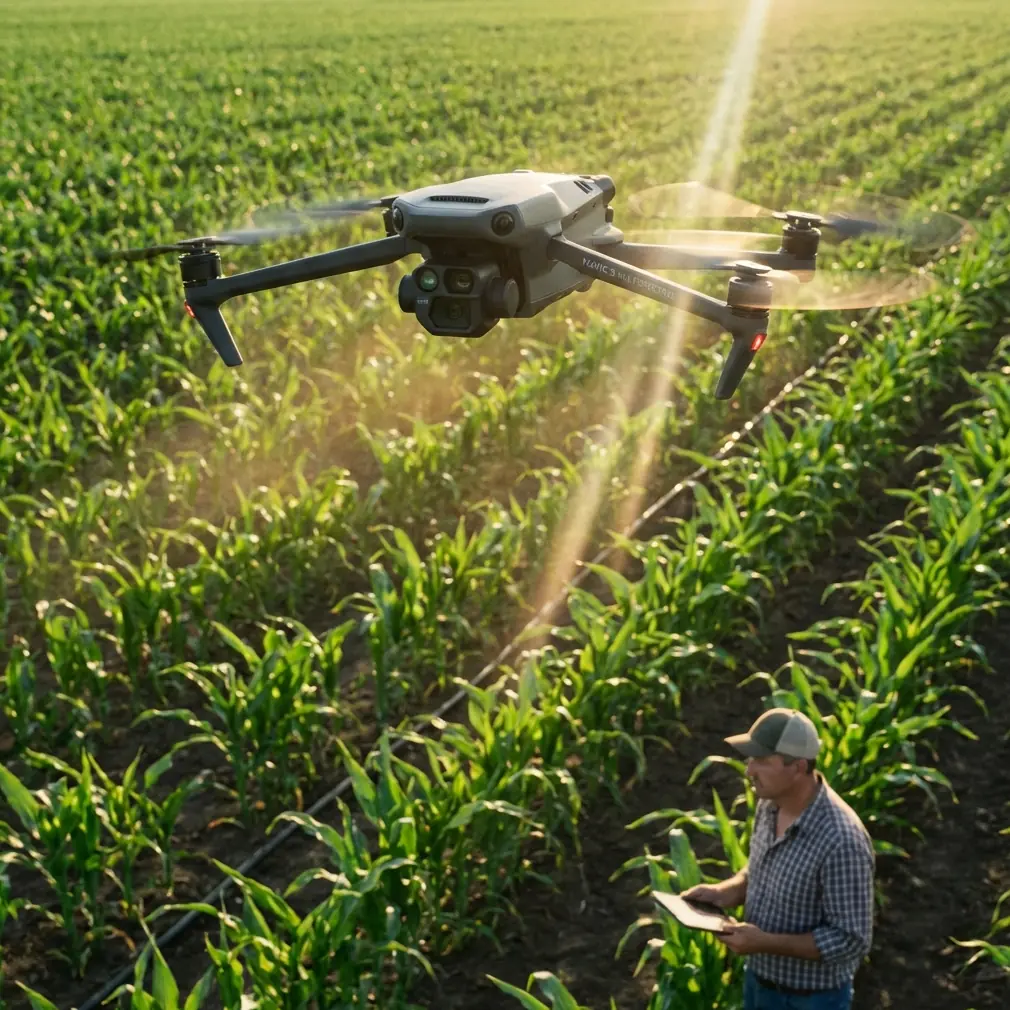
Expert Surveying with Mavic 4 Pro in Extreme Temperatures
META: A field-focused tutorial on using Mavic 4 Pro for surveying work in extreme temperatures, with practical workflow advice grounded in real oblique mapping project data.
I’ve seen a lot of drone articles drift into theory. Survey crews don’t need theory by itself. They need a workflow that still holds together when the site is hot, dusty, reflective, wind-scrubbed, or bitterly cold at sunrise.
That is where the Mavic 4 Pro conversation gets interesting.
Not because the aircraft magically replaces a dedicated oblique mapping platform. It doesn’t. The more useful question is this: how do you use a compact professional drone intelligently when the assignment resembles a real production job—dense buildings, mixed urban and industrial blocks, long days, and pressure to deliver usable model and vector outputs?
A good reference point comes from a documented oblique-photography modeling workflow built around a 50 square kilometer project. That job used an iFly D6 multirotor with an iCamQ5 oblique camera, flew 6 flight lines, and captured more than 600 images from different angles. The site mixed 24 square kilometers of urban area with 26 square kilometers of industrial area, and the building forms were described as complex and varied. That matters because it reflects the kind of environment where survey results rise or fall on image consistency, capture discipline, and post-processing compatibility.
If you’re planning to survey venues with Mavic 4 Pro in extreme temperatures, the lesson is not to imitate that exact hardware stack. The lesson is to borrow the operational logic behind it.
Why the reference project matters for Mavic 4 Pro users
The strongest takeaway from that 50 square kilometer case is not the aircraft model. It’s the workflow chain.
The captured imagery fed into fine modeling software, and once full vector extraction was complete, the data could be exported in multiple formats depending on what the downstream team needed. The source specifically mentions .cas for attributed outputs on line and point features, .dxf for output without attributes, and .dat for contour elevation point export. In practical survey work, that means the drone flight is only the first third of the job. What matters is whether your imagery can support clean modeling, vector collection, and direct use in mapping environments.
For a Mavic 4 Pro operator, this changes how you think about the mission. You’re not just trying to “get good shots.” You’re trying to gather imagery that survives the trip from capture to model to vector layer to final drafting.
Extreme temperatures make that harder. Heat can soften contrast through atmospheric shimmer and push batteries harder. Cold can slow chemistry, reduce effective flight time, and tempt crews to rush setup. Both conditions increase the odds of sensor contamination, focus inconsistency, and obstacle sensing issues.
That is why the pre-flight routine matters more than most people admit.
Step 1: Clean before you calibrate
If you do one thing before a temperature-stressed survey mission, do this properly: clean the vision and imaging surfaces before powering into your workflow.
On the Mavic 4 Pro, operators naturally focus on the main camera glass. That’s only half the story. For surveying around venues—especially sites with steel, glass, signage, fencing, roof structures, or utility clutter—you also need clean obstacle sensing surfaces. Dust, condensation residue, sunscreen smears from handling, or fine grit from industrial lots can interfere with how the aircraft reads its environment.
That becomes operationally significant when using obstacle avoidance and subject tracking tools during setup, route checks, or controlled manual repositioning. If the sensors are compromised, the aircraft may behave conservatively, warn unnecessarily, or fail to interpret edges as expected. On a hot day, dust is often the enemy. On a cold morning, condensation and micro-fogging are more common.
My standard sequence is simple:
- Inspect the main lens and any auxiliary optical surfaces.
- Wipe obstacle sensing windows with a clean microfiber cloth.
- Check for moisture along seams after moving from an air-conditioned vehicle into humid air, or from a warm cab into freezing conditions.
- Only then power up and confirm sensor status.
This is not housekeeping. It protects the reliability of your safety features. If you intend to use ActiveTrack, obstacle avoidance, or even QuickShots and Hyperlapse for supplementary visual documentation of a venue, clear sensors help keep those functions predictable.
QuickShots and Hyperlapse are not core survey tools, but they can be useful on commercial jobs. A polished hyperlapse of site progress or a controlled automated movement around a completed venue can supplement stakeholder reporting without requiring a second aircraft. The key is to treat them as deliverable extras, not as substitutes for structured survey capture.
Step 2: Build the mission around overlap discipline, not convenience
The reference job captured over 600 images across 6 flight lines at an altitude of 100 meters. Even though the aircraft and camera were purpose-built for oblique work, those numbers tell you something universal: complex built environments demand coverage discipline.
Venues in mixed-use zones are often harder than open land. Roof elevations change abruptly. Facades include reflective glazing, overhangs, signage, HVAC clusters, canopies, and service corridors. In industrial sections, buildings can be repetitive in shape but cluttered in surface detail. In urban blocks, narrow spacing can complicate angle coverage.
With Mavic 4 Pro, your capture strategy should account for:
- Nadir and angled passes where appropriate
- Consistent speed
- Stable altitude relative to the survey objective
- Enough overlap to preserve reconstruction quality around vertical surfaces
- Light direction that minimizes harsh blown highlights and deep shadow voids
When temperatures are extreme, I recommend reducing your urge to “finish in one battery block.” Instead, break the venue into logical sections. Heat and cold both erode consistency. Shorter, controlled sorties usually produce cleaner data than one long, optimistic mission.
The reference case covered a broad 50 square kilometer area with complex structures, and the workflow still emphasized refined modeling after capture. That tells us a second important truth: the model is only as good as the image set’s consistency. Mavic 4 Pro users should think in the same way. Every pass should support reconstruction, not just visual completeness from the pilot’s perspective.
Step 3: Use color profiles intelligently for survey-adjacent deliverables
Survey data itself is not about cinematic color. But venue documentation often is.
If your client expects both technical outputs and presentable visual content, Mavic 4 Pro’s D-Log capability can be useful for preserving tonal control in high-contrast scenes. This is especially relevant in extreme temperatures because those conditions often arrive with difficult light: glaring summer concrete, low winter sun, bright roof membranes, or mixed shadow under grandstands and canopies.
I would separate the mission in your mind:
- Survey capture should prioritize consistency and reconstruction-friendly imagery.
- Supplemental content can use D-Log for better grading latitude in progress reports, stakeholder updates, or marketing-adjacent project documentation.
That separation keeps you honest. Don’t let creative settings contaminate the methodical part of the job.
Step 4: Be careful with automation in thermal stress
Mavic 4 Pro’s smart features can reduce workload, but survey crews should use them selectively.
ActiveTrack and subject tracking can help with peripheral documentation, moving inspection walk-throughs, or following a vehicle around a venue perimeter for context footage. Obstacle avoidance can provide a margin of protection when operating near structures. But extreme temperatures magnify edge cases. In high heat, shimmering air and strong glare can make the scene visually harsher. In winter, low-angle light can flatten depth cues. Sensor cleanliness and conservative operator judgment become even more important.
For actual mapping passes, repeatability beats cleverness. Keep the automated intelligence for non-core shots unless you’ve already validated its behavior on site.
That same principle applied to the reference project, even if the document states it in a different language. The workflow emphasized systematic acquisition and then structured processing in Smart3D and DP-Modeler. It was not an improvisational capture exercise. That is exactly the mindset Mavic 4 Pro operators should adopt.
Step 5: Plan the output before takeoff
One of the most overlooked details in the source material is the export pathway.
After vector extraction, the workflow supported three different export types:
.dxfwithout attributes.caswith attributes for line and point features.datfor contour elevation points
This is operationally significant because it forces a professional question before launch: what exactly does the client need at the end?
If the final output is going into CAD drafting, GIS, contour generation, or a regional mapping environment, your image capture decisions should support that destination. There is no value in flying a beautiful mission that creates friction downstream.
For Mavic 4 Pro crews working venue surveys, I suggest writing the output target at the top of the flight sheet:
- 3D model only
- Vector extraction
- Contours
- Progress imagery
- Inspection visuals
- Mixed deliverables
That one line simplifies every decision after it.
If your team needs help matching capture style to processing workflow, it’s worth getting a second set of eyes before the mission. A practical starting point is this direct field coordination channel: message a drone workflow specialist.
Step 6: Manage altitude with the structure complexity in mind
The reference project used a flight height of 100 meters. That number should not be copied blindly, but it gives context. In dense urban and industrial environments, altitude is never just about coverage area. It affects facade readability, parallax quality, reconstruction strength, and the amount of geometric detail available for vector collection.
The source also mentions using reference imagery together with imported OSGB models to collect building vector data, supported by editing functions such as move, copy, and snap. That tells you the end use depended on stable geometry. In other words, the flight had to feed a model that was good enough to support precise vector editing later.
For Mavic 4 Pro, venue survey operators should think in the same chain: capture altitude -> image geometry -> model integrity -> vector usability
If temperatures are extreme, that chain becomes fragile. Hot air distortion and low-battery conservatism in cold weather can tempt you to raise altitude and speed up. Sometimes that’s reasonable. Often it just reduces the data quality you needed in the first place.
Step 7: Protect efficiency by pacing people, not just batteries
The source cites an efficiency figure of 0.4 square kilometers per person-week in the modeling workflow context. Even if your tools differ, that number is a useful reminder that post-processing labor is real. Field crews often obsess over battery count and flight time while underestimating what messy capture does to office time.
In extreme temperatures, the hidden efficiency win is not squeezing out another few minutes of air time. It is avoiding the reshoot.
That means:
- Keep batteries within sensible temperature bands before launch
- Review samples on site, not back at the office
- Watch for haze, glare, and focus drift
- Log environmental conditions with each sortie
- Re-fly weak sections immediately while you still have access
A clean, complete image set saves far more time than any aggressive field shortcut.
What Mavic 4 Pro does best in this role
Mavic 4 Pro is most valuable for venue surveying when used as a flexible professional platform inside a disciplined workflow. It shines when the operator needs mobility, strong imaging, smart safety features, and the ability to collect both technical and presentation-ready material during the same assignment.
But the aircraft only performs at that level when the pilot respects the same fundamentals seen in larger structured mapping projects:
- systematic route planning
- enough image coverage
- awareness of building complexity
- processing-aware capture decisions
- clean sensor surfaces before flight
- realistic adaptation to environmental stress
That final point is the one people skip. Extreme temperatures don’t always cause dramatic failures. More often, they produce small degradations—battery sag, lens haze, sensor contamination, sloppy overlap, operator fatigue. Stack enough of those together and your model quality drops long before the drone gives you a serious warning.
If you approach Mavic 4 Pro as a serious survey tool rather than a flying camera, it can be highly effective around venues. Especially when you borrow lessons from proven oblique modeling workflows: structured capture, careful data handling, and deliverables planned from the start.
Ready for your own Mavic 4 Pro? Contact our team for expert consultation.