
Mavic 4 Pro for Low-Light Venue Surveys: A Field Tutorial
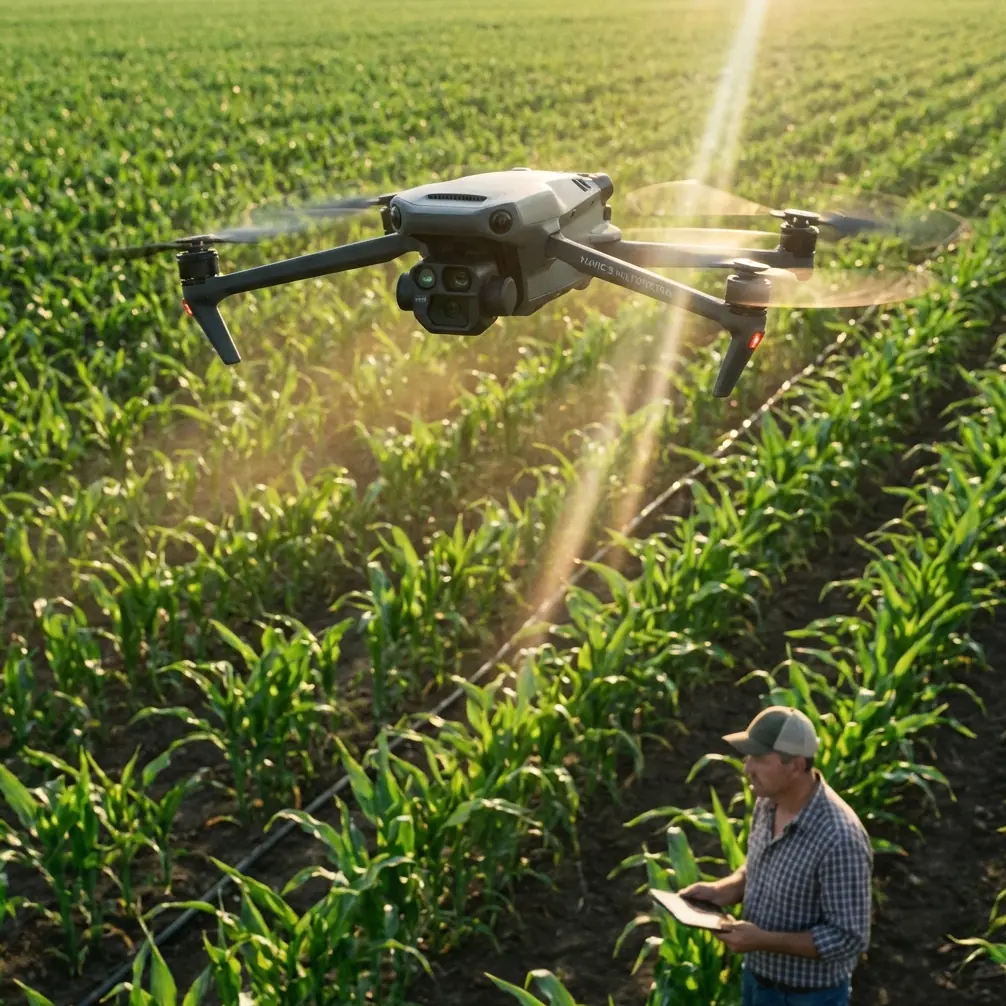
Mavic 4 Pro for Low-Light Venue Surveys: A Field Tutorial from a Photographer’s Workflow
META: Practical tutorial for using the Mavic 4 Pro to survey venues in low light, with tips on obstacle avoidance, ActiveTrack, D-Log, Hyperlapse, and safe pre-dawn operations.
Low-light venue surveying asks more from a drone pilot than a bright midafternoon real-estate shoot ever will. You are dealing with dim pathways, mixed lighting, reflective glass, dark roofing, trees that disappear into the background, and often a tight window before a site opens to staff or guests. That is where the Mavic 4 Pro becomes less about flashy specs and more about reliable workflow.
I approach this as a photographer first. A venue survey is not just about getting something in the air and collecting pretty footage. It is about building a visual record that helps a client understand space, access, lighting conditions, crowd flow, hazards, and presentation. In low light, every decision matters more: exposure, flight path, obstacle sensing confidence, tracking behavior, and how much grading room you preserve for review later.
This tutorial is built around that real-world scenario: using a Mavic 4 Pro to survey a venue at dawn, dusk, or under ambient architectural lighting, when you need clear, usable material rather than random dramatic clips.
Why low-light venue surveys are different
A venue survey in reduced light is one of the easiest ways to expose weak planning. During the day, you can sometimes get away with an improvised route because visual separation is obvious. At dawn or after sunset, that same route becomes riskier. Trees merge into dark background tones. Pergolas and cables become harder to spot. Decorative lights create contrast traps. Water features and polished surfaces can fool your eye and affect exposure.
The Mavic 4 Pro’s obstacle avoidance and subject tracking tools matter here because they reduce workload, not because they remove responsibility. That distinction is crucial. In low light, sensor-based awareness helps you maintain smoother, more repeatable movement around structures, but it should never replace a carefully designed manual survey path.
For venue work, the operational significance is simple: if obstacle avoidance helps you keep a clean line around rooflines, stage truss, trees, and façade elements, you spend less effort saving the aircraft and more effort capturing meaningful survey footage. If ActiveTrack stays dependable on a moving grounds manager or utility cart during a walkthrough, you can document access routes and service lanes with greater consistency.
Start with a survey plan, not camera settings
Before I power on the aircraft, I sketch the site into three capture categories:
- Perimeter overview
- Operational access and circulation
- Detail passes for lighting, signage, entry points, and bottlenecks
That structure keeps the flight honest. The first pass establishes geography. The second shows how the venue works. The third captures evidence.
For low-light work, I also divide the site into light zones:
- dark edges like tree lines or parking boundaries
- mixed lighting near entrances
- bright hot spots around signage, screens, or decorative fixtures
This matters because the Mavic 4 Pro can record beautiful footage in challenging conditions, but mixed illumination is where people ruin survey value. If one shot preserves shadow detail and the next clips the entrance lighting beyond usefulness, your client gets a disjointed record.
My advice is to think like an inspector who also understands composition. Every shot should answer a question.
The pre-flight routine I actually use
The cleanest low-light survey footage starts on the ground. My routine is simple and repetitive.
1. Walk the launch area
I want to know where the drone may hesitate, climb, or reroute if obstacle avoidance kicks in. In dim conditions, nearby branches and decorative structures can become more problematic than distant objects.
2. Check ambient light direction
At dusk, the venue may look evenly lit to your eyes while the camera sees deep shadow on one side of a structure. At dawn, the opposite often happens: the sky brightens quickly while the ground remains underexposed. That affects whether I begin with elevated establishing passes or stay lower for detail first.
3. Build a conservative first route
My first route is never the creative one. It is the route that tells me how the aircraft reads the environment. I keep speed moderate, maintain extra clearance, and watch how the drone behaves near trees, canopy edges, poles, and building corners.
4. Decide whether tracking is useful
ActiveTrack is valuable in venue surveying when you need to follow a staff member demonstrating access flow, delivery approach, or pathfinding from parking to entry. But in low light, I only use it after I have seen the aircraft handle the scene reliably in standard flight.
5. Record in D-Log if the deliverable needs grading
D-Log is not about being cinematic for its own sake. For surveys, its value is practical. It gives you more room to manage bright fixtures and darker landscaping in the same frame during post. That extra flexibility can make the difference between “looks nice” and “you can actually evaluate the venue.”
Camera setup for usable survey footage
People often overcomplicate this. For venue surveying, consistency beats experimentation.
I prioritize:
- stable exposure behavior
- highlight protection around practical lights
- enough shutter discipline to preserve natural motion
- a color profile that can handle mixed lighting
D-Log earns its place here because low-light venues often contain hard contrast transitions: backlit entrances, illuminated signs, string lights, spotlit landscaping, and dim walkways. If your footage is baked too aggressively, there is less room to recover detail from those zones.
Operationally, that means D-Log is not just a creative option. It is a documentation tool. If the client later asks whether a side path was underlit or whether a loading area had enough visibility, footage with preserved tonal information is far more useful than crushed shadows and clipped highlights.
Obstacle avoidance: what it is actually doing for you on site
Obstacle avoidance becomes most valuable in venue work when you fly lateral reveal passes or curving perimeter moves near layered objects. Think of a wedding venue bordered by trees, decorative archways, and a glass reception building. In good light, that route is straightforward. In low light, the scene compresses visually, and your margin for error narrows.
The Mavic 4 Pro’s obstacle avoidance is significant because it lets you maintain a cleaner, slower, more intentional survey path near those environmental layers. That improves not only safety but shot quality. Jerky corrections are common when pilots are manually reacting late to hidden obstacles. Sensor-assisted awareness can help avoid that last-second stutter that ruins a mapping-style pass or a client-facing review clip.
A specific moment from one of my early-morning flights still sticks with me. I was surveying the outer edge of a countryside event venue just before sunrise. A roe deer stepped out from the hedgerow and crossed near the service track below, almost invisible against the dark grass until it moved. The drone’s sensing behavior and my conservative speed gave me time to hold position and keep distance rather than pushing through the route. That is the real value of flying a sensor-aware platform in low light: not dramatic automation, just a wider margin for smart decisions when the environment changes unexpectedly.
Wildlife encounters are not rare in pre-dawn venue work. Rabbits, foxes, deer, and birds all become more active around the hours when survey pilots like to capture empty grounds. Low speed, extra stand-off distance, and careful use of obstacle sensing reduce disturbance and preserve the survey.
Using ActiveTrack for access-route documentation
ActiveTrack is often treated as a feature for athletes and lifestyle shooting. For venue surveys, I use it differently.
A staff member walking from overflow parking to the main entrance can reveal more about guest experience than any static overhead. A facilities lead driving a small cart from storage to service access can show whether the route is direct, visible, and safely lit. ActiveTrack helps capture those movement patterns while keeping framing stable.
The key in low light is restraint. Start with a well-lit segment, verify lock quality, and keep your flight line simple. This is not the moment for aggressive side or rear arcs close to trees and signage.
Operational significance matters here too. Subject tracking can turn an abstract site into a usable story:
- How long does it take to move from drop-off to check-in?
- Where do paths narrow?
- Which corners fall into shadow?
- Where would temporary event lighting likely be needed?
Those are venue questions, not just drone questions.
QuickShots and Hyperlapse: useful, but only in the right part of the survey
For client-facing recaps, QuickShots can be helpful as openers or closers, especially if the venue team wants a simple orientation clip. But I do not let automated motion dominate a survey package. The risk is that the footage becomes stylish without being informative.
Hyperlapse has a better role than many people realize. In low-light venue work, it can show changing illumination across a site over a short window. If pathway lighting ramps up, decorative fixtures turn on in sequence, or exterior ambience shifts from blue hour into night, a Hyperlapse segment can reveal whether the venue transitions gracefully or develops dark dead zones.
That is operationally valuable. Lighting designers, venue managers, and event planners can all read that material quickly.
Use these modes as supplements, not the backbone.
A sample low-light venue survey sequence
Here is the sequence I recommend for a Mavic 4 Pro mission around a medium-size event venue.
Pass 1: High overview
Climb to a safe height and capture a slow orbit or segmented sweep to establish boundaries, parking, access roads, and lighting distribution.
Pass 2: Entrance approach
Fly a measured forward path from public arrival zone toward main entry. Keep speed modest and watch exposure around signage and practical lights.
Pass 3: Perimeter structure pass
Move laterally along the main building edge to assess façade lighting, landscaping, and obstacle spacing. This is where obstacle avoidance earns its keep.
Pass 4: Service route documentation
Use either manual flight or ActiveTrack to follow a staff member or cart from operational access point to key venue zones.
Pass 5: Elevated static holds
Pause at a few strategic positions. Survey footage does not have to move constantly. Static elevated clips are often the easiest for clients to review.
Pass 6: Transitional light capture
If conditions are changing, use Hyperlapse or timed repeated clips to show how the site behaves over 10 to 20 minutes as ambient light shifts.
Even that one number range, 10 to 20 minutes, can matter. A venue that looks fine at the start of dusk may become uneven quickly once the sky drops another step.
Post-processing with survey intent
The edit should preserve truth. That sounds obvious, yet it gets lost.
When I grade D-Log footage for venue review, I do not push stylized contrast or dramatic color casts. I want:
- realistic visibility
- controlled highlights
- readable shadow detail
- consistent white balance between shots
The purpose is not mood. It is interpretation.
If the client needs a clean package for decision-making, label clips by zone and route. Aerial professionals who do this regularly know that organization alone can elevate the usefulness of a survey. A beautiful clip nobody can place geographically has limited value.
Common mistakes I see with the Mavic 4 Pro in this scenario
The first is trusting low-light visibility too quickly. The site always looks clearer to the naked eye than it does through a compressed, moving aerial perspective.
The second is flying too fast on the first pass. Sensor tools help, but speed steals reaction time.
The third is relying on automated modes before understanding the scene. QuickShots and tracking can wait. Survey intelligence comes first.
The fourth is ignoring wildlife and environmental movement. The roe deer I mentioned was not an isolated surprise. Early and late flights invite those moments. Build space for them.
The fifth is delivering footage with no grading discipline. D-Log only helps if you use that latitude to preserve information rather than flattening everything into murky gray or crushing the blacks.
Final field advice
The Mavic 4 Pro is at its best in low-light venue surveys when you treat it as a precision documentation platform with creative range, not a shortcut to dramatic footage. Obstacle avoidance helps you navigate layered spaces with more confidence. ActiveTrack can turn route analysis into something clients instantly understand. D-Log gives you room to hold lighting contrast together when the scene fights back. Hyperlapse can reveal how a venue changes over time rather than in a single flattering moment.
If you are surveying a site before dawn or after sunset, fly slower than your instincts tell you. Keep your route deliberate. Let the aircraft’s sensing support your judgment, not replace it. And remember that the best survey footage is usually the footage that answers practical questions without calling attention to itself.
If you want to compare route planning ideas for a difficult venue, I’m happy to share a straightforward workflow through this direct WhatsApp channel.
Ready for your own Mavic 4 Pro? Contact our team for expert consultation.