
Mavic 4 Pro for High-Altitude Highway Surveying: A Field
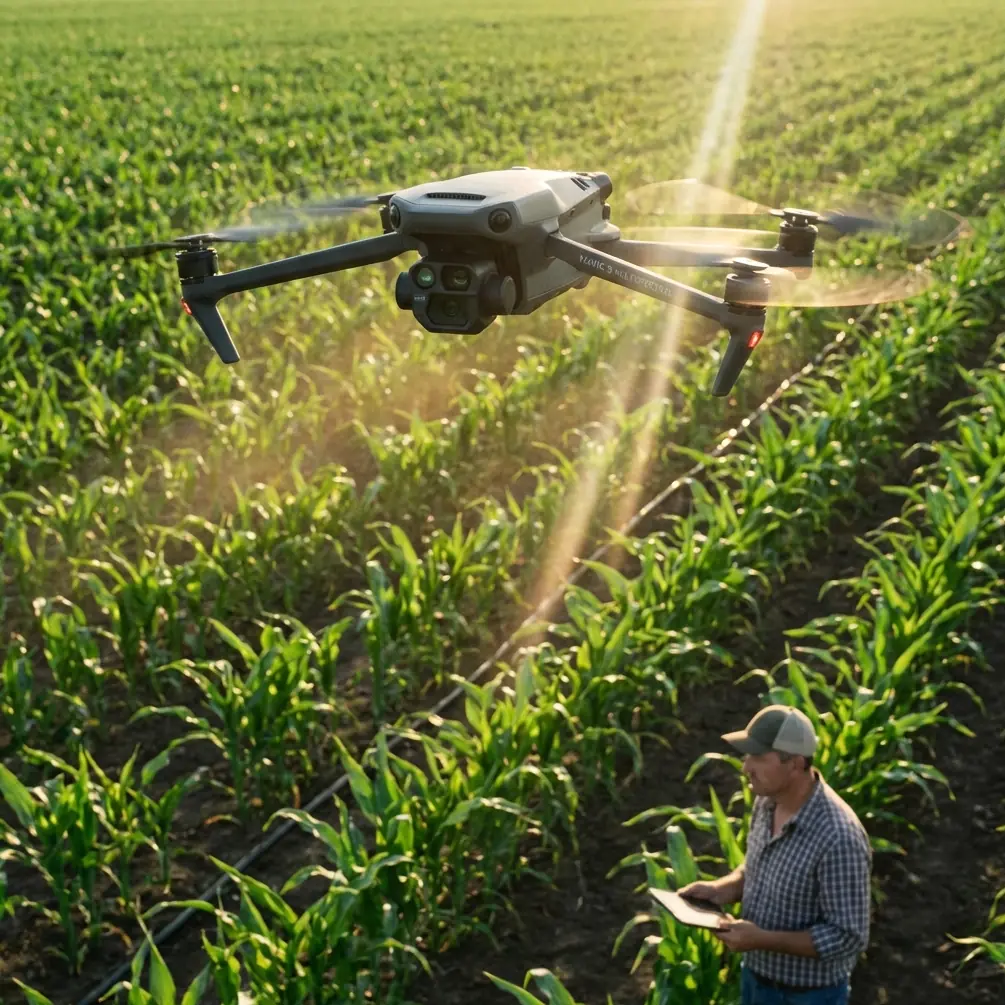
Mavic 4 Pro for High-Altitude Highway Surveying: A Field-First Tutorial
META: Learn how to use the Mavic 4 Pro for high-altitude highway surveying with practical flight planning, obstacle avoidance, battery management, D-Log capture, and tracking strategies.
High-altitude highway surveying asks a lot from a drone pilot. Wind behaves differently over cut slopes and bridges. Light changes fast when clouds move across mountain corridors. Battery estimates that looked comfortable on the ground start shrinking once the aircraft is fighting thinner air and colder temperatures. If your platform is a Mavic 4 Pro, the job is not simply to get airborne and record clean footage. The real task is to build a repeatable method that protects data quality, flight safety, and turnaround time.
This guide is written for that exact scenario: surveying highways at elevation with a Mavic 4 Pro, where the mission matters more than cinematic flair, but camera discipline and automation still have a real operational role.
Because there is no fresh news event attached to this topic, the best way to make this useful is to focus on practical decisions that affect a real field day. That includes obstacle avoidance behavior around roadside structures, when ActiveTrack or subject tracking is actually helpful, how D-Log can protect deliverables in harsh mountain light, and one battery habit that has saved more missions for me than any accessory ever has.
Start with the mission, not the drone
Highway survey work usually creates two competing impulses.
The first is to fly high and broad so you can cover distance quickly. The second is to fly lower and slower so you can inspect shoulders, drainage features, barriers, embankments, signage, and surface defects with enough detail to matter later. The Mavic 4 Pro can support both styles, but not on the same pass with equal efficiency.
That means your first planning move should be to split the mission into layers:
- A corridor overview pass for route context
- A detail pass for assets and problem areas
- A contingency pass for anything affected by changing wind or traffic conditions
This matters in the mountains because altitude compounds small planning mistakes. If you try to collect everything in one long flight, you usually end up with uneven exposure, unnecessary battery stress, and gaps where the aircraft had to reroute around terrain or roadside structures.
A cleaner approach is to treat each flight as a discrete data package. One pass, one purpose.
Why obstacle avoidance matters more on highways than many pilots expect
A lot of pilots think of obstacle avoidance as a forest or urban feature. In highway surveying, especially at altitude, it becomes a workload management tool.
Road corridors create deceptive geometry. Guardrails are predictable, but gantries, light poles, signs, bridge cables, retaining walls, rockfall fencing, and sharp vertical cuts can all appear in ways that compress your reaction time. In mountain areas, that problem gets worse because the road itself may curve while the terrain rises aggressively on one side. What looks like generous clearance from takeoff can turn into a narrow lateral margin midway through the run.
The operational significance is simple: obstacle avoidance reduces the number of micro-corrections you need to make while you are also monitoring alignment, traffic separation, wind drift, and exposure. That does not mean you should trust automation blindly. It means you should configure your route so obstacle sensing supports your scan discipline instead of replacing it.
My recommendation for highway work is to use obstacle avoidance as a guardrail, not as your primary plan. Keep your corridor offset intentional. If the road is on a mountain shelf, give the uphill side more buffer than instinct suggests. Pilots often center the aircraft on the road axis. In practice, a slightly biased position toward the open side usually gives you more recovery options if wind pushes the aircraft off line.
That single adjustment can reduce unnecessary braking events and keep footage or mapping capture more consistent.
Subject tracking and ActiveTrack: useful, but only in narrow cases
For survey work, subject tracking is often misunderstood. Many pilots hear ActiveTrack and think “not relevant.” That is too dismissive. The feature is not a substitute for a planned corridor mission, but it can help in specific highway scenarios.
If you need to document a moving maintenance convoy, pilot vehicle, inspection truck, or rolling escort unit within a controlled operation, ActiveTrack can create a stable visual record while you maintain attention on altitude, separation, and environmental changes. The value is not the novelty of autonomous following. The value is reduced stick workload during a short, controlled segment.
But this only makes sense if three conditions are met:
- The airspace and local rules allow the operation
- Traffic complexity is low enough to avoid ambiguous subject selection
- You are not relying on tracking as your only positioning method
On open public highways with dense traffic, subject tracking can become more trouble than it is worth. Vehicles merge, overtake, disappear under bridge structures, or visually blend with surrounding traffic. For that reason, I treat ActiveTrack as a specialty tool for documentation tasks, not a default survey mode.
Its operational significance is strongest during short visual follow segments, not full-length corridor acquisition.
D-Log is not just for pretty footage
In mountain highway environments, contrast can swing hard within minutes. Bright concrete, dark asphalt, reflective signage, snow residue, exposed rock, and deep shadows under overpasses can all sit in the same frame. If you record in a flatter profile such as D-Log, you preserve more flexibility when matching sequences and correcting difficult highlights later.
That matters for survey-adjacent work because clients often want images that are both readable and presentation-ready. They may need to evaluate lane markings, drainage paths, pavement edge conditions, and slope protection features while also using the visuals in reporting. A standard profile can look fine in the field and then fall apart during review when signs clip, clouds wash out, or shadow detail disappears on the cut face.
D-Log gives you room to recover consistency. Not magic. Room.
The practical trick is to avoid using that flexibility as an excuse for sloppy exposure. In fast-changing mountain light, I still recommend exposing with the most important surface detail in mind. On highway jobs, that is often the pavement and shoulder transition, not the sky. If the road data is the deliverable, protect the road first.
QuickShots and Hyperlapse have a place, but it is not where most people use them
QuickShots and Hyperlapse sound like marketing features until you find a use case that justifies them. In highway surveying, that use case is usually communication.
A corridor overview generated with a disciplined automated move can help non-pilot stakeholders understand grade changes, curve sequences, interchange complexity, and the spatial relationship between structures. That is not the same as survey-grade mapping, and it should never be presented as such. But for briefing project managers, civil teams, public agencies, or site crews, these modes can compress a lot of context into a short sequence.
The mistake is treating these tools as field priorities. They should come after the core capture is complete and battery margins are still healthy. If your primary mission is highway assessment at elevation, QuickShots and Hyperlapse are optional communication layers, not the backbone of the operation.
Used sparingly, they can save follow-up explanations. Used too early, they steal battery and attention from the data that actually matters.
The battery management tip I use in the field
Here is the habit that has saved missions for me: I mentally split every battery into three usable zones, and I treat the middle zone as my real working window.
On paper, a battery may suggest a longer flight. In high-altitude highway operations, especially in cooler air and variable wind, I do not plan critical capture into the final third. I launch only after deciding what I need to accomplish before that threshold, and I start my return before the battery looks urgent.
Why? Because mountain corridor flights rarely consume power evenly.
You can cruise outbound with a tailwind and feel efficient, then discover on the return leg that the aircraft is working much harder over a bridge deck or exposed ridge alignment. Add a slight climb to clear terrain or roadside structures, and your comfortable reserve disappears faster than expected.
The field lesson is straightforward: use the strongest, most predictable portion of the battery for the work that cannot be repeated casually.
My routine goes like this:
- Battery one handles orientation and a short validation pass if conditions are uncertain
- Battery two and three do the critical capture
- Any remaining charge after the main objective is for optional context shots
This is not about being overly cautious. It is about protecting the mission from the false confidence created by percentage numbers. Battery state alone does not reflect wind gradient, cold soak, climb demand, or the psychological drag of trying to squeeze one more pass out of a pack that is already past its most reliable zone.
If I know I will be surveying above a long elevated corridor, I also keep batteries insulated before flight in cold conditions and avoid leaving them exposed on a tailgate or concrete barrier while waiting. A battery that starts cold can change the entire pacing of your mission.
Build a repeatable highway workflow
A solid Mavic 4 Pro highway survey workflow should feel boring in the best way. Predictable. Measurable. Hard to derail.
Here is the tutorial structure I recommend.
1. Walk the launch and recovery logic first
Before powering on, decide where you can safely recover if wind increases or traffic management changes. On highway projects, your best launch point is not always your best recovery point. Elevated terrain and road curvature can make those two very different decisions.
2. Fly a short reconnaissance segment
Do not burn a full mission battery to discover the ridge line produces turbulence near a bridge span. A short first flight reveals how the aircraft is behaving, whether obstacle avoidance is interrupting your path unexpectedly, and how your exposure settings hold up against the landscape.
3. Capture the corridor in discrete sections
Segment the road into logical lengths. Bridges, interchanges, retaining walls, drainage transitions, and cut/fill changes are natural break points. This makes battery planning cleaner and review simpler later.
4. Use obstacle avoidance intentionally
Keep it enabled when roadside structure density or terrain compression justifies it, but avoid placing the aircraft in routes where sensors are forced to solve poor planning. Automation should support your margin, not invent it.
5. Reserve tracking features for controlled visual tasks
If ActiveTrack helps document a convoy or a slow-moving inspection asset, use it briefly and under clear conditions. For general traffic environments, manual oversight remains the better choice.
6. Record in D-Log when lighting is severe
Mountain roads often create mixed exposure scenes that punish standard profiles. D-Log provides editing flexibility for final delivery and helps maintain consistency across changing conditions.
7. Leave optional shots for the end
If the mission still has battery and weather margin, capture Hyperlapse or a concise QuickShot-style overview for project communication. Do not let these extras disrupt the technical capture sequence.
What pilots often get wrong at altitude
The biggest mistake is not flying too aggressively. It is assuming that a drone flight over a highway is basically the same as one at lower elevation with a better view.
It is not.
At altitude, your timing changes. Your reserve philosophy changes. Your interpretation of obstacle proximity changes. Even your post workflow changes if the light is harsh enough to demand more careful grading. The Mavic 4 Pro is capable, but capability only shows up when the pilot’s process is honest about the environment.
That is why I tell new operators to stop chasing the perfect single flight. Build a sequence of smaller, controlled wins instead.
If you are configuring your own corridor workflow and want a second set of eyes on the mission logic, send the route details through this direct planning chat. Sometimes one small adjustment to launch position or pass order saves an entire battery cycle.
A practical setup mindset for the Mavic 4 Pro
For high-altitude highway surveying, the Mavic 4 Pro is most effective when you use its smart features selectively.
Obstacle avoidance earns its keep by reducing pilot workload around roadside structures and rising terrain. ActiveTrack and subject tracking can support controlled moving-asset documentation, but they are not default survey modes. D-Log is valuable because mountain light is unforgiving and final review often depends on visible detail in both highlights and shadows. QuickShots and Hyperlapse are useful only after core survey objectives are already secured.
That combination turns the aircraft from a camera drone into a disciplined field tool.
And that is really the point. On a highway project in high terrain, the best Mavic 4 Pro workflow is not the one that looks most impressive on takeoff. It is the one that returns with complete, usable, well-exposed data while leaving enough margin for the unexpected.
Ready for your own Mavic 4 Pro? Contact our team for expert consultation.