
M4P Surveying Tips for Dusty Construction Sites
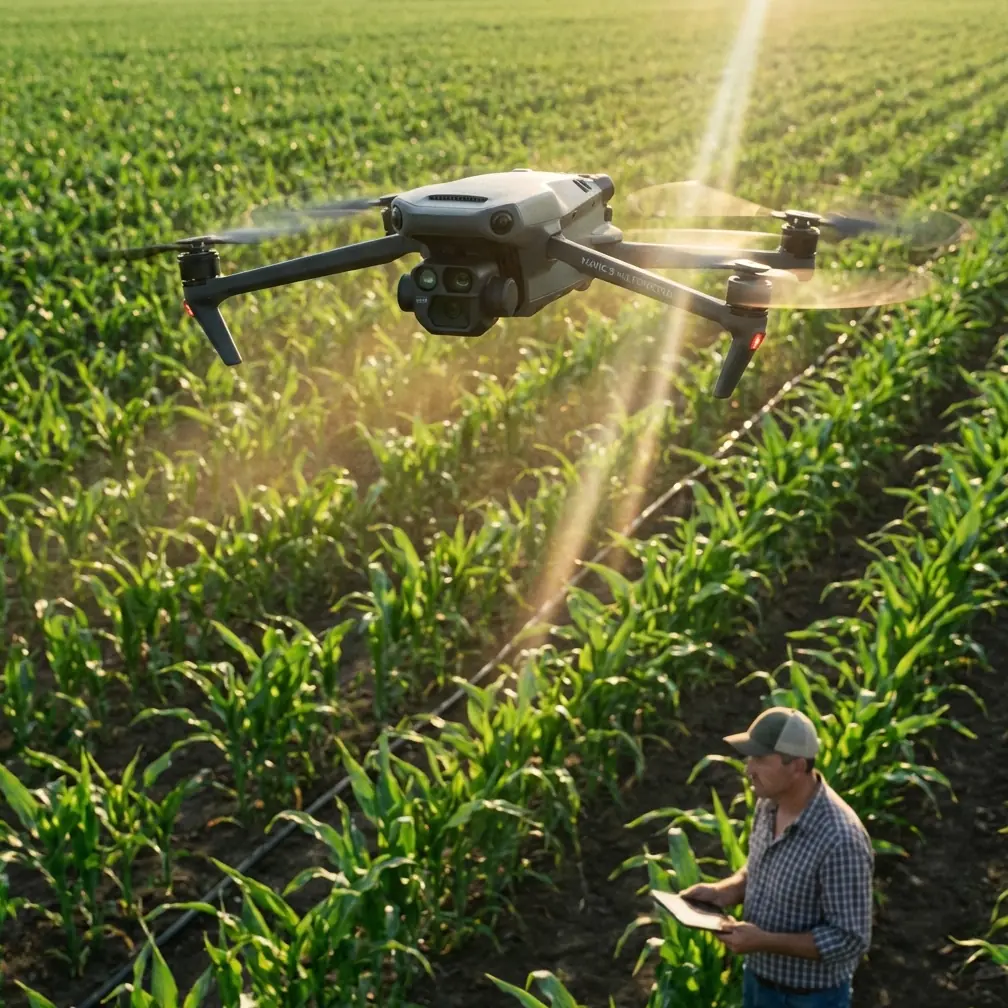
M4P Surveying Tips for Dusty Construction Sites
META: Master Mavic 4 Pro surveying on dusty construction sites. Learn proven techniques for obstacle avoidance, EMI handling, and capturing accurate site data.
TL;DR
- Dust particles wreak havoc on drone sensors—specific pre-flight protocols protect your Mavic 4 Pro investment
- Electromagnetic interference (EMI) from heavy machinery requires antenna positioning adjustments for reliable signal
- ActiveTrack and obstacle avoidance need recalibration in low-visibility conditions to prevent mission failures
- D-Log color profile captures superior dynamic range for accurate site documentation in harsh lighting
The Dusty Construction Site Challenge
Construction site surveying pushes drones to their operational limits. The Mavic 4 Pro handles these demanding environments exceptionally well—but only when operators understand how dust, debris, and electromagnetic interference affect flight performance.
This guide covers battle-tested techniques for maintaining survey accuracy, protecting your equipment, and troubleshooting common issues that plague construction site operations.
Understanding How Dust Affects Mavic 4 Pro Performance
Sensor Degradation and Visual Systems
The Mavic 4 Pro relies on omnidirectional obstacle avoidance using multiple vision sensors positioned around the aircraft body. Dust accumulation on these sensors creates blind spots that compromise safety systems.
Fine particulate matter common on construction sites—concrete dust, silica, and soil particles—adheres to lens surfaces within minutes of flight. This contamination affects:
- Forward and backward vision sensors used for obstacle detection
- Downward positioning sensors critical for stable hovering
- Camera lens clarity essential for survey-grade imagery
- Cooling vents that regulate internal temperature
Expert Insight: Carry microfiber cloths and a rocket blower in your field kit. Clean all sensor surfaces every 3-4 battery cycles during dusty operations. Never use compressed air—it forces particles deeper into sensor housings.
Motor and Propeller Considerations
Dust infiltration into motor bearings accelerates wear significantly. The Mavic 4 Pro's brushless motors are sealed, but fine particles still penetrate over time.
Listen for changes in motor sound during pre-flight checks. A grinding or inconsistent pitch indicates contamination requiring maintenance.
Handling Electromagnetic Interference on Active Sites
Construction sites generate substantial EMI from welding equipment, generators, rebar concentrations, and heavy machinery. This interference disrupts the communication link between your controller and the Mavic 4 Pro.
Antenna Positioning Techniques
The DJI RC 2 controller's antennas require specific orientation relative to the aircraft for optimal signal strength. On construction sites with EMI sources, standard positioning often fails.
Optimal antenna adjustment protocol:
- Position antennas perpendicular to the ground (vertical orientation)
- Ensure flat antenna faces point directly toward the aircraft
- Maintain line-of-sight between controller and drone whenever possible
- Relocate your ground position if signal drops below 3 bars
When operating near active welding or generator clusters, increase your standoff distance to minimum 50 meters from EMI sources. The Mavic 4 Pro's transmission system operates on 2.4GHz and 5.8GHz bands—both susceptible to industrial interference.
Pro Tip: Switch to 5.8GHz manual channel selection in areas with heavy 2.4GHz congestion. Construction site radios and equipment typically operate on lower frequencies, leaving the 5.8GHz band cleaner for drone operations.
Signal Loss Recovery Procedures
Program your Return-to-Home altitude above all site structures before launch. In EMI-heavy environments, signal loss triggers automatic RTH—an aircraft returning at insufficient altitude risks collision with cranes, scaffolding, or material stockpiles.
Set RTH altitude to minimum 30 meters above the tallest structure on site.
Optimizing Obstacle Avoidance for Low-Visibility Conditions
The Mavic 4 Pro's obstacle avoidance system performs remarkably well in clear conditions. Dust clouds, however, create false positives that halt missions prematurely.
Adjusting Sensitivity Settings
Access obstacle avoidance settings through the DJI Fly app's safety menu. For construction site work, consider these adjustments:
| Setting | Standard Value | Dusty Site Value | Reasoning |
|---|---|---|---|
| Obstacle Avoidance | Brake | Bypass | Prevents false stops from dust clouds |
| Detection Range | Maximum | Medium | Reduces sensitivity to airborne particles |
| Return-to-Home Obstacle Check | On | On | Never disable for safety |
| Downward Vision | On | On | Essential for landing accuracy |
| Horizontal Avoidance Distance | 5m | 3m | Allows closer approach to structures |
Critical warning: Reducing obstacle avoidance sensitivity increases collision risk. Only experienced operators should modify these settings, and only when visual line-of-sight monitoring compensates for reduced automation.
Subject Tracking Limitations
ActiveTrack struggles with dust interference. The system tracks subjects using visual recognition algorithms that misidentify dust clouds as obstacles or lose subject lock entirely.
For tracking vehicles or personnel across construction sites:
- Select subjects with high contrast against the background
- Avoid tracking during active earthmoving operations
- Use Spotlight mode instead of ActiveTrack for predictable paths
- Maintain manual override readiness throughout tracking sequences
Camera Settings for Construction Site Documentation
D-Log Configuration for Maximum Flexibility
Survey documentation requires accurate color representation and maximum detail retention. The Mavic 4 Pro's D-Log color profile captures over 1 billion colors with extended dynamic range.
Configure D-Log settings as follows:
- ISO: Keep at 100-200 to minimize noise
- Shutter Speed: Use ND filters to maintain 1/50 for video (double your frame rate)
- White Balance: Set manually to 5600K for consistent grading
- Color Profile: D-Log M for balanced highlight/shadow retention
D-Log footage appears flat and desaturated in-camera. This is intentional—the profile preserves data for post-processing where you recover highlights blown out in standard profiles.
Hyperlapse for Progress Documentation
Construction progress documentation benefits enormously from Hyperlapse sequences. The Mavic 4 Pro's onboard processing creates stabilized time-lapse videos showing site evolution.
Effective Hyperlapse parameters for construction:
- Duration: Minimum 10 seconds of final output
- Interval: 2-second capture intervals for equipment movement
- Path: Circle or waypoint modes for consistent framing
- Time of Day: Early morning or late afternoon for dramatic shadow detail
QuickShots modes—Dronie, Helix, Rocket—serve marketing purposes but lack the precision required for survey documentation. Reserve these for client-facing promotional content rather than technical records.
Pre-Flight Protocol for Dusty Environments
Establish a consistent pre-flight routine that accounts for construction site hazards:
Equipment inspection checklist:
- Clean all vision sensors with microfiber cloth
- Inspect propellers for dust accumulation and micro-cracks
- Verify gimbal moves freely without grinding
- Check battery contacts for dust contamination
- Confirm SD card is inserted and formatted
- Test controller connection before launch
Site assessment requirements:
- Identify all EMI sources and plan flight paths accordingly
- Note wind direction relative to dust generation points
- Establish alternative landing zones away from active work
- Communicate flight plans with site supervisors
- Verify airspace authorization if required
Common Mistakes to Avoid
Launching downwind from active earthmoving: Dust plumes travel faster than most operators anticipate. Position your launch point upwind from excavation, grading, or demolition activities.
Ignoring gimbal calibration drift: Dust contamination causes gradual gimbal drift that ruins survey accuracy. Recalibrate the gimbal weekly during intensive site work.
Flying during peak dust hours: Midday operations coincide with maximum site activity and thermal updrafts that lift dust higher. Schedule flights for early morning when possible.
Neglecting battery terminal cleaning: Dust on battery contacts creates resistance that triggers false low-battery warnings. Clean contacts before every flight.
Storing equipment in site trailers: Construction trailers accumulate dust continuously. Transport your Mavic 4 Pro in sealed cases and store off-site when practical.
Frequently Asked Questions
How often should I clean my Mavic 4 Pro during construction site surveys?
Clean all external sensors and the camera lens every 3-4 battery cycles during active dusty operations. Perform thorough cleaning including motor inspection and gimbal checks after each survey day. Dust accumulation accelerates wear on all mechanical components, making consistent maintenance essential for equipment longevity.
Can the Mavic 4 Pro fly safely in visible dust clouds?
The aircraft can physically fly through dust, but obstacle avoidance reliability drops significantly. Vision sensors cannot distinguish between solid obstacles and dense particulate matter, causing erratic braking or missed detections. Avoid flying through visible dust concentrations—wait for conditions to clear or reposition your flight path.
What's the best way to handle sudden signal interference during a survey mission?
If signal strength drops unexpectedly, first reorient your controller antennas toward the aircraft. Move away from nearby generators, welding operations, or rebar concentrations. If interference persists, initiate manual Return-to-Home rather than waiting for automatic failsafe activation. Document the interference location to avoid that area in future missions.
Maximizing Your Construction Survey Results
Successful construction site surveying with the Mavic 4 Pro demands respect for environmental challenges. Dust and EMI will test your equipment and skills—but proper preparation transforms these obstacles into manageable variables.
Implement the protocols outlined here consistently. Clean your sensors religiously. Position your antennas deliberately. Configure your camera settings for maximum post-processing flexibility.
The Mavic 4 Pro delivers professional-grade survey capabilities when operators understand its limitations and work within them. Construction sites will always present challenges—your job is ensuring those challenges never compromise mission success.
Ready for your own Mavic 4 Pro? Contact our team for expert consultation.