
Mavic 4 Pro Coastline Surveying Tips in Mountain Terrain
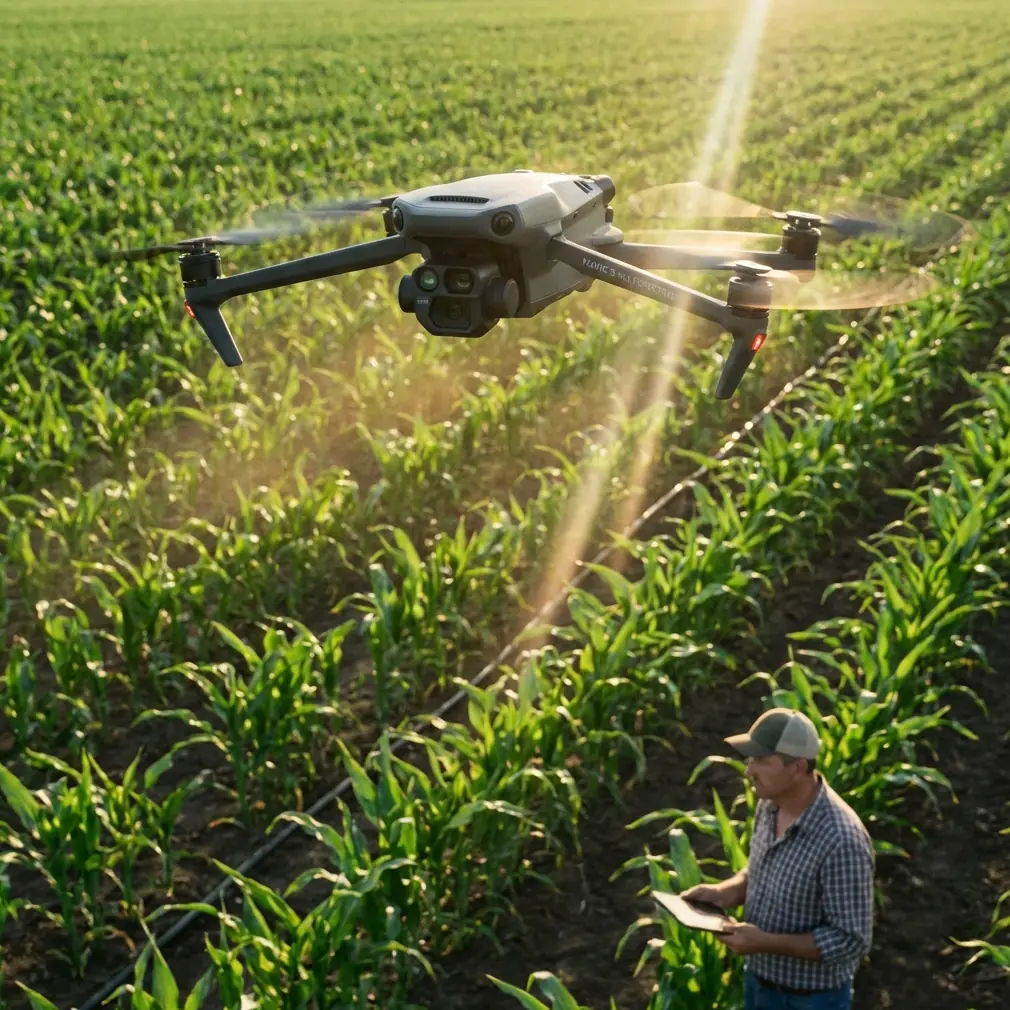
Mavic 4 Pro Coastline Surveying Tips in Mountain Terrain
META: Practical Mavic 4 Pro advice for surveying coastlines in mountain terrain, including flight altitude strategy, obstacle avoidance, tracking, D-Log workflow, and safer route planning.
Surveying a coastline that runs beneath mountain slopes asks more from a drone than a flat-beach mission ever will. You are dealing with moving wind, abrupt elevation changes, bright reflections off water, dark rock faces, and GPS geometry that can shift as you move in and out of ridgelines. This is exactly the kind of job where the Mavic 4 Pro earns its place—not because of one headline feature, but because several systems work together when the terrain gets complicated.
If your objective is to document erosion, inspect access routes, capture environmental change, or build repeatable visual records for planners and land managers, the key decision is not just camera settings. It starts with altitude discipline.
The first rule: stop thinking about altitude as a single number
On a mountain coastline, there is no “best” fixed height above takeoff point. That approach breaks down almost immediately. You launch from a turnout or a cliffside path, fly out over a cove, and within a minute the terrain may drop 60 meters on one side while rising sharply on the other. A safe and useful survey flight depends on maintaining a consistent relationship to the subject, not a static number on your controller.
For this scenario, the practical sweet spot is usually 50 to 80 meters above the immediate survey subject, not simply above your launch point. That range gives the Mavic 4 Pro room to see and avoid terrain transitions while still preserving enough detail for shoreline features such as rock breaks, drainage channels, trail erosion, retaining walls, and vegetation edges.
Why this matters operationally:
- Below 50 meters, coastal gusts and rotor turbulence from cliff faces become more disruptive, especially when you fly close to irregular rock formations.
- Above 80 meters, you often lose some of the visual value you came to capture in the first place. Shoreline cracks, wave-cut patterns, path washouts, and structure details flatten out.
- In mountain terrain, your margin for error narrows fast. A drone that is “high enough” over the water can still be too low relative to a rising shoulder of land during a lateral pass.
The smarter method is to divide the mission into sections: waterline segment, cliff base segment, slope transition segment, and elevated overlook segment. Adjust height for each one instead of trying to force one altitude across the full route.
Use terrain logic, not beach logic
A normal coastal survey on open shoreline encourages straight parallel lines. In mountainous coastal terrain, that can be the wrong geometry. The mountain creates wind shadows, side gusts, and dead zones where your visual perspective changes too quickly for a single long pass to remain clean.
Instead, build the mission around short, overlapping passes.
A reliable structure looks like this:
Recon pass Fly a higher observational line to read the terrain, wave reflection, and wind behavior near the cliff edge.
Primary mapping pass Drop into your target working altitude, often in that 50–80 meter zone above the active subject area.
Angle correction pass Shift laterally or slightly upslope to capture surfaces hidden during the first line.
Context pass Climb for a wider run that links the shoreline to the mountain features above it.
This approach reduces the chance that one bad wind corridor or one overexposed water segment ruins the mission. It also gives you footage and stills that are easier to compare over time if you are repeating the survey seasonally.
Obstacle avoidance matters more near ridgelines than near the cliff face
People tend to think of obstacle avoidance on coastal flights as protection against flying into rock walls. That matters, but the trickier problem is often the terrain you are not directly facing. On a mountain coast, you may be tracking laterally with the shoreline in frame while a ridge shoulder rises diagonally into your path. This is where obstacle sensing becomes operationally significant rather than just reassuring.
The Mavic 4 Pro’s obstacle avoidance systems are most useful when you are flying oblique routes, not just head-on approaches. If you are documenting a coastline from an angle to show both the surf zone and the upper slope, the drone may encounter terrain from the side or from a forward-upward vector as the land climbs. In those moments, obstacle sensing gives you a buffer against terrain geometry that is easy to misread on a bright screen.
Still, don’t delegate judgment to automation. Coastal glare can reduce scene clarity, and steep terrain creates visual compression. Use obstacle avoidance as a layer, not as permission to fly aggressively.
A practical habit: before each lateral run, yaw the aircraft slightly through the route and inspect the slope profile visually. If the ridge line rises into your intended path, increase separation early rather than waiting for the system to react.
ActiveTrack and subject tracking are useful here—but not for the obvious reason
On a survey mission, many pilots ignore tracking features because they associate them with action content rather than documentation. That leaves capability on the table.
For mountain coastlines, ActiveTrack or subject tracking can help when the “subject” is not a person or vehicle, but a consistent moving reference such as a shoreline access road, a footpath contour, or a service vehicle traveling between inspection points. The value is not cinematic flair. It is flight consistency.
If you need to maintain visual coverage of a narrow coastal route while also watching wind drift and terrain spacing, tracking support reduces manual workload. That can free you to pay more attention to altitude relative to the slope and to your framing overlap between passes.
The limitation is clear: don’t use tracking blindly in cluttered, uneven terrain. It works best when the path is visually separated enough from background texture. If a road blends into rock and scrub under harsh midday light, manual control may be more dependable.
The best time of day is not always sunrise
Many pilots default to the first or last light for coastline work. That is often great for appearance, but not always for survey clarity. On a mountain coast, low-angle sunlight can throw long shadows across drainage cuts, stair-step retaining features, or erosion channels. Sometimes that helps. Sometimes it hides the exact boundary you need to document.
For practical survey use, the strongest window is often mid-morning, after the light has lifted enough to separate terrain detail but before sea haze and gust patterns intensify. This is especially helpful if you are collecting footage in D-Log for later grading and comparison. D-Log gives you more flexibility to recover highlight and shadow information, which matters when your frame includes reflective water and dark mountain faces at the same time.
That combination—moderate sun angle plus D-Log capture—can preserve usable tonal detail across a high-contrast coastal scene that would otherwise force ugly compromises.
Operationally, D-Log matters because it helps keep a repeatable record. If your survey project spans months, consistent grading gives planners or site managers a better visual basis for comparing slope changes, vegetation shifts, runoff marks, or structural weathering.
QuickShots and Hyperlapse are not just for presentation
There is a narrow way to think about QuickShots and Hyperlapse: polished output for social clips. That misses their practical value on recurring site surveys.
A controlled Hyperlapse from the same lookout point can reveal cloud shadow movement, wave impact rhythm, and changing visibility patterns along a mountain coast. Over repeated sessions, that visual context helps explain why some images or passes look inconsistent. It can also show whether certain sections are regularly obscured by haze or turbulent spray.
QuickShots can serve as fast-reference capture tools when you need a standard orbit or reveal around a fixed feature—say, a headland path, a slope stabilization zone, or a small harbor wall set beneath a ridge. Used consistently, these automated motions can create a repeatable visual archive rather than just a dramatic sequence.
The key is discipline. Don’t scatter automated shots randomly. Build one or two standard patterns and repeat them from the same positions each visit.
Wind on mountain coastlines is layered, not uniform
This is where many otherwise capable pilots get caught out. Your controller may show manageable conditions at launch, yet the air over the waterline, midway up the cliff, and near the shoulder of the ridge may all behave differently.
Three layers usually matter:
- Surface layer near water: smoother visually, but can contain sudden direction shifts from reflected cliff winds.
- Mid-slope layer: often the messiest, with turbulence where sea air meets rising terrain.
- Ridge-edge layer: can produce lift and abrupt crosswind push.
The Mavic 4 Pro handles dynamic conditions well, but that does not erase the need for route discipline. On a coastline survey in mountain terrain, the most efficient pattern is usually to fly the upwind leg first while the battery is fullest, then return with the wind advantage. If conditions build during the mission, you want the harder segment behind you, not ahead.
A good preflight habit is to hover at two or three test heights before committing to the route. Spend 20 to 30 seconds at each level and watch the aircraft’s stability corrections. That tells you more than ground-level intuition ever will.
Camera angle and frame design are part of measurement logic
Even if you are not producing a formal orthomosaic, your framing choices affect how useful the survey is later. A mountain coastline is full of surfaces that can disappear when the gimbal angle is too cinematic.
For inspection-style work:
- Use a slightly downward angle for shoreline continuity.
- Use a shallower oblique angle when you need to relate cliff features to the waterline.
- Capture at least one wider contextual pass showing the mountain, the coast, and any access infrastructure in the same frame.
This makes your footage more than attractive. It becomes readable.
If you later need to explain where a drainage scar sits relative to a maintenance path or why wave action is undercutting a trail base, that context pass becomes the bridge between close detail and site geography.
How to plan a repeatable Mavic 4 Pro coastline survey
Here is a field-tested workflow for this exact scenario.
1. Start from the highest safe launch point with clear sky view
A slightly elevated launch position improves line of sight and helps you read the terrain before descending into your working altitude. It also reduces the chance of signal complications caused by rock walls or vegetation.
2. Fly a conservative scout route first
Stay higher than your intended survey pass. Read the wind, identify bird activity, and note any hidden rock projections or terrain shelves.
3. Set your working altitude by segment
Use that 50 to 80 meter rule relative to the local subject area, not takeoff point. Increase separation whenever the slope begins rising into your path.
4. Record your baseline pass in D-Log
This gives you more latitude when balancing water glare and dark terrain later. It is especially useful for repeated inspections where image consistency matters.
5. Use obstacle avoidance, but keep your own terrain buffer
The drone can help detect complex terrain. You still need lateral spacing and vertical clearance, especially around ridgelines and oblique runs.
6. Add one repeatable automated reference shot
A Hyperlapse or a controlled QuickShot from the same place each mission can become a useful change-detection layer over time.
7. End with a high, wide context line
Before landing, capture one final pass that ties together the shore, slope, and access routes. This often becomes the most valuable clip for stakeholders who were not on site.
A note on battery judgment in this environment
Mountain coastlines create a subtle trap: the site looks compact, but the flying distance expands once you start routing around terrain instead of across it. Add climbing, wind compensation, and extra setup passes, and battery use climbs faster than expected.
Treat your reserve more conservatively than you would on flat shoreline work. If one section lies downwind beyond a ridge shoulder, return thresholds should be earlier. The safest battery percentage is the one that still leaves margin after the wind changes, not before.
When the mission is really about consistency
The Mavic 4 Pro can produce beautiful footage here. That part is easy to celebrate. The harder and more useful truth is that mountain-coast surveys reward consistency more than spectacle.
If your altitude varies unpredictably, your future comparisons become messy. If your camera angle changes every visit, your records lose value. If you chase the most dramatic line instead of the most repeatable one, you make your own archive harder to trust.
A strong mission is one you can fly again next month and compare honestly.
If you are planning a specific mountain coastline route and want a second set of eyes on altitude strategy or flight pattern design, you can message our flight team here.
The Mavic 4 Pro is at its best in places where terrain, light, and wind all try to complicate the job. Mountain coastlines do exactly that. Fly them with segmented altitude control, use obstacle avoidance where ridgelines compress your margins, lean on D-Log when contrast gets ugly, and build repeatable passes instead of improvised hero lines. The result is a cleaner survey and a far more useful record.
Ready for your own Mavic 4 Pro? Contact our team for expert consultation.