
Mavic 4 Pro Scouting Tips for Coastal Power Line Work
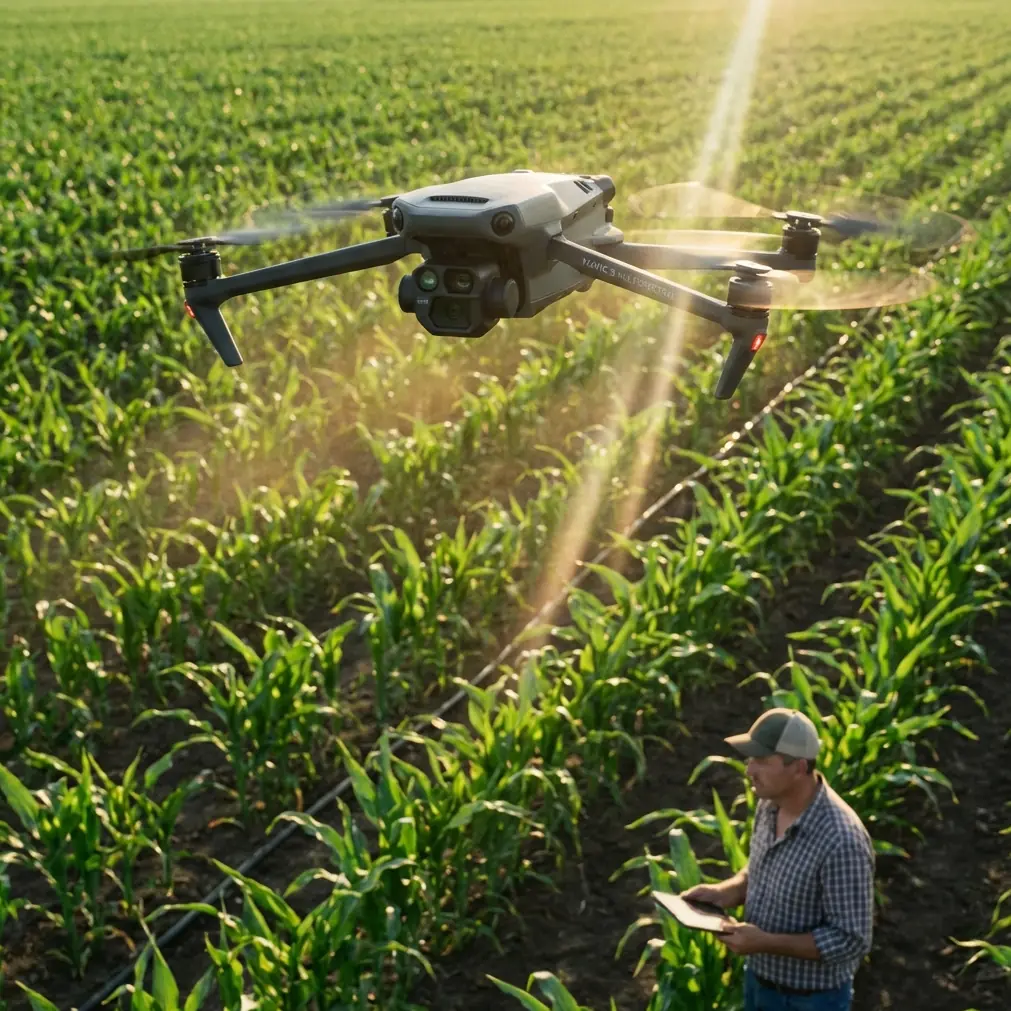
Mavic 4 Pro Scouting Tips for Coastal Power Line Work
META: A technical review of how the Mavic 4 Pro fits coastal power line scouting, with field tips on battery management, obstacle avoidance, D-Log capture, ActiveTrack limits, and safer inspection workflows.
Coastal power line scouting is where small weaknesses in a drone setup turn into expensive delays. Salt air shortens margins. Wind shifts without much warning. Light bouncing off water can confuse both pilots and sensors. And when your route runs parallel to poles, crossarms, insulators, and feeder lines, “close enough” flight planning stops being good enough.
That is exactly why the Mavic 4 Pro deserves a more technical look than the usual camera-drone roundup treatment.
For utility scouting, the question is not whether a drone can produce attractive footage. The question is whether it can gather reliable visual data, maintain stable positioning in messy coastal conditions, and let the pilot manage risk while covering enough line in one sortie to make the operation worth deploying. On that front, the Mavic 4 Pro sits in an interesting place. It is not a heavy enterprise aircraft, but it carries enough flight intelligence and imaging flexibility to be genuinely useful for reconnaissance, spot checks, and pre-maintenance documentation when used within the right envelope.
The key is understanding where its strengths actually help and where field discipline matters more than the spec sheet.
Why the Mavic 4 Pro Makes Sense for Coastal Line Recon
Power line scouting near the coast is a layered task. You are not just looking for broken hardware. You are often checking corrosion patterns, vegetation proximity, pole lean, insulator contamination, shoreline erosion near structures, and access constraints for ground crews. That means a drone needs to do two things well at the same time: fly predictably and preserve image detail.
The Mavic 4 Pro’s obstacle avoidance system is one of the first features that matters here. In open marketing language, obstacle sensing sounds like a safety net. In actual utility work, it is a workload reducer. When you are flying offset from a line to keep proper separation, scanning for cracked porcelain or damaged fittings, your attention is split between aircraft position, route geometry, wind drift, and visual inspection. A capable obstacle avoidance suite does not remove pilot responsibility, but it lowers the odds that a small lateral drift turns into a bigger problem near poles or adjacent trees.
That said, power lines themselves are a special case. Thin conductors are notoriously harder for any autonomous sensing system to interpret consistently, especially against bright sky, reflective water, or low-angle sun. Operationally, that means obstacle avoidance should be treated as support, not permission to tighten your clearance. The smart move is to use the system to help manage the broader environment—poles, transformers, vegetation, buildings—while still flying the line with a conservative manual offset.
That distinction matters in coastal work because visual clutter changes fast. One minute you are over a sandy access road with clean contrast; the next you are tracking a line past scrub, marsh grass, and a reflective inlet. Sensor confidence is never uniform across that entire route.
Imaging Features That Actually Matter in Utility Scouting
A lot of drone reviews overemphasize cinematic modes. For line work, the relevant question is simpler: can the aircraft help you capture evidence that stands up to a second look back at the office?
This is where D-Log earns its place. Not because every inspection flight needs a dramatic grade, but because flatter capture preserves more flexibility when you are trying to recover detail from a difficult scene. Coastal utility scouting often puts bright sky, water glare, dark hardware, and weathered timber in the same frame. Shooting in D-Log gives more room to balance those extremes during review, which can make corrosion, cracking, staining, or attachment issues easier to see without crushing shadows or clipping highlights.
That operational benefit is easy to underestimate until you have to compare two frames of the same pole top taken under slightly different light. Standard color profiles can look cleaner straight out of the aircraft, but they also commit more of the tonal decision up front. For utility documentation, that is not always the trade you want.
QuickShots and Hyperlapse also deserve a more practical framing than they usually get. These are not inspection modes in the strict sense, but they can support broader situational awareness. A short Hyperlapse sequence over a shoreline corridor can help illustrate terrain access, tidal proximity, and the changing relationship between the line and coastal vegetation. QuickShots are less relevant for close utility inspection, but they can be useful when creating stakeholder visuals for route context or pre-job briefings, provided they are flown well away from energized infrastructure.
In other words, these modes are supplements. The inspection value still comes from deliberate route planning, repeatable passes, and disciplined camera control.
Where ActiveTrack and Subject Tracking Help—and Where They Don’t
The Mavic 4 Pro’s subject tracking and ActiveTrack capabilities are useful tools, but not in the way consumer demos usually imply.
For coastal power line scouting, ActiveTrack is not something I would rely on to “follow the line.” That is not what it is for, and treating it that way creates the wrong expectations. Power line corridors are full of repeating shapes, crossing elements, and changing backgrounds. Utility infrastructure is a poor substitute for a clean moving subject. The aircraft may be able to help maintain framing on a service vehicle, a walking field technician, or a shoreline access route survey, but line-following still belongs in the hands of the pilot.
Where subject tracking becomes operationally meaningful is around support activity. If a ground team is moving along a narrow coastal maintenance path and you need to document access limitations, washout areas, or equipment staging, tracking tools can reduce camera workload and keep attention available for flight safety. That is a very different mission from conductor inspection, and it is worth keeping those two use cases separate.
This is one of the biggest mistakes I see when consumer and professional drone conversations overlap. Smart flight modes are helpful, but their real value comes from narrowing pilot workload in defined tasks, not replacing inspection judgment.
The Battery Management Tip That Matters in Salt Air
Here is the field habit that saves more coastal sorties than any headline feature: land earlier than your inland instincts tell you to.
Not by a tiny margin. By a planned margin.
On paper, pilots often build their route around ideal battery expectations. In coastal environments, that can backfire. Persistent headwinds on the outbound leg may be manageable. The trap is the return segment when wind direction shifts around shoreline contours, or when the aircraft spends longer than expected holding position to inspect a suspect fitting. Add repeated speed changes, corrective inputs, and a little extra hover time for image confirmation, and your battery curve can stop looking linear.
My rule of thumb for power line scouting near the coast is simple: if I would normally consider a battery “comfortably workable” inland, I downgrade that confidence level by one notch over salt air and open shoreline. I also avoid squeezing “one last structure” into the flight at the end of a pack. That extra pole is often where the mission starts to own you instead of the other way around.
A practical rhythm works better:
- use the first minute after takeoff to feel the wind at working altitude, not just at launch point
- watch return-to-home assumptions carefully if terrain or structures force a lower or offset route
- treat reserve power as inspection insurance, not unused capacity
- swap packs before the aircraft gives you a reason to
After landing, I like to let batteries rest out of direct sun and away from damp gear before the next sortie. That is not glamorous advice, but it keeps pack temperature and moisture exposure from piling onto an already harsh environment. Coastal drone work is death by accumulation, not one dramatic mistake.
Obstacle Avoidance Is Valuable, but Geometry Still Rules
If I had to reduce coastal line scouting to one operational principle, it would be this: your path geometry matters more than your aircraft confidence.
The Mavic 4 Pro can help you avoid broad environmental hazards, but the safest and most productive inspections still come from flying a deliberate offset line rather than trying to hug the infrastructure. That offset needs to account for wind drift, line sag, pole hardware protrusions, and any nearby vegetation that may intrude into the route from below or behind.
A common mistake is to fly too close because the image looks sharper live. In reality, a slightly wider, steadier pass often produces more useful footage than a closer pass with constant correction. Stability improves review quality. It also gives the pilot time to identify hardware changes from structure to structure.
In coastal settings, that extra breathing room becomes even more valuable because gusts are often shaped by terrain transitions. A line that runs clean along an open stretch may suddenly cross a road cut, dune edge, or stand of trees where the airflow changes character. If you are already flying tight, that change leaves very little margin.
D-Log Workflow for Real Inspection Use
If you are using D-Log on the Mavic 4 Pro for utility scouting, the goal should not be to create a cinematic masterpiece. The goal is controlled consistency.
I prefer to think of D-Log as a decision deferral tool. It lets you capture the scene with more tonal latitude, then decide later how to prioritize detail. That is especially useful for coastal poles where white sky, reflective saltwater, and darker equipment share the frame. During review, being able to pull down highlights and lift shadow detail can reveal condition clues that looked marginal in the raw field monitor image.
The catch is that D-Log demands discipline. If your exposure is sloppy, the extra latitude will not rescue bad flying or poor scene management. So the workflow has to stay simple:
- lock in a repeatable inspection pattern
- avoid overcomplicating camera moves
- capture enough overlap in your passes for comparison
- review critical assets before leaving the site
That last step matters. Coastal weather and access windows do not always give you an easy return.
When the Mavic 4 Pro Is the Right Tool
The Mavic 4 Pro is strongest in coastal power line work when the mission is scouting, documenting, and prioritizing—not replacing every deeper inspection method. It is ideal for:
- route reconnaissance before sending crews
- post-weather checks along exposed shoreline sections
- visual review of access constraints and vegetation encroachment
- condition documentation for poles, hardware, and surrounding terrain
It is less ideal when the mission demands the payload flexibility, sensor redundancy, or procedural integration of a larger enterprise platform. That is not a criticism. It is just the line between smart deployment and false economy.
Used well, the aircraft gives field teams a fast way to see farther down the corridor, identify obvious problem areas, and return with footage that is actually usable rather than merely impressive. That makes it valuable.
Final Assessment for Coastal Utility Operators
The Mavic 4 Pro earns respect in this role not because of one standout feature, but because several features become more useful together in difficult field conditions. Obstacle avoidance helps reduce environmental workload. D-Log improves the odds of recovering important visual detail from high-contrast coastal scenes. ActiveTrack and subject tracking can support adjacent field tasks when used selectively. QuickShots and Hyperlapse have limited but real value for route context and stakeholder communication.
But the aircraft only performs at that level when the pilot stays conservative on spacing, skeptical of automation around conductors, and disciplined with battery planning.
That last point is the one I would emphasize most for anyone scouting power lines near the coast with a Mavic 4 Pro. The battery that feels generous at launch can look very average after a few holds, a few corrections, and one wind shift over open water. Plan for that from the start and the rest of the platform starts to make much more sense.
If you want to compare notes on a coastal inspection workflow, this direct chat link is the easiest way to reach me.
Ready for your own Mavic 4 Pro? Contact our team for expert consultation.