
Mavic 4 Pro for Highway Scouting in Complex Terrain
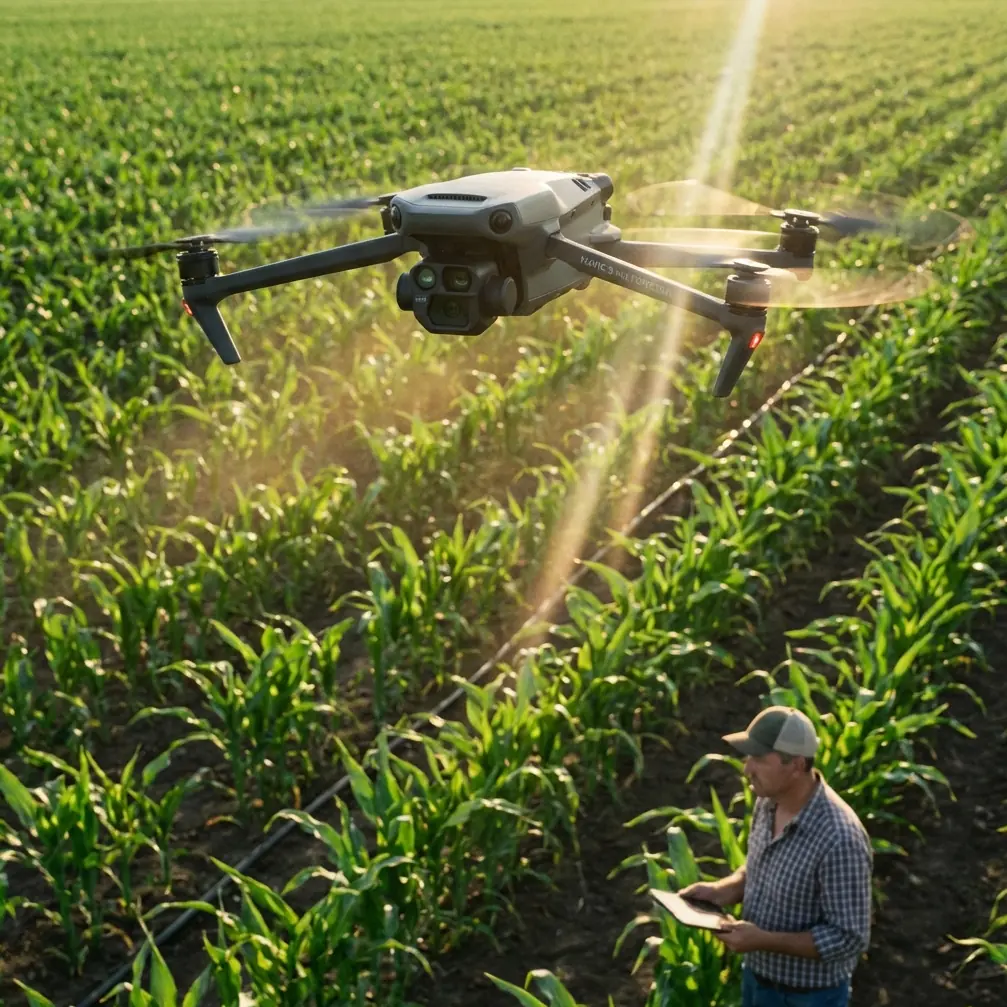
Mavic 4 Pro for Highway Scouting in Complex Terrain: A Field Case Study on Range, Tracking, and Safer Flight Paths
META: A practical Mavic 4 Pro case study for highway scouting in complex terrain, with antenna positioning advice, obstacle avoidance strategy, ActiveTrack workflow, and D-Log capture tips.
I approach highway scouting differently than I do landscape work. The mission is narrower, the margin for error is smaller, and the airspace around the subject is usually messier than it looks on a map. Ridges pinch signal paths. Cut slopes create blind pockets. Trucks throw visual clutter into tracking shots. Utility lines, sign gantries, bridge structures, and uneven wind all show up in the same flight.
That is exactly where the Mavic 4 Pro becomes interesting.
Not because it is simply “better” in a broad marketing sense, but because its real value in this kind of work sits at the intersection of three things: obstacle avoidance, stable long-range control, and reliable subject tracking that does not fall apart the moment the road bends into difficult terrain. If your job is scouting highways rather than just filming them, those differences matter in practical, measurable ways. They shape whether you come back with usable footage, complete site awareness, and a battery log that still leaves room for a second pass.
I’ll frame this as a field case study from the perspective I know best: a photographer working a pre-dawn to mid-morning scouting run over a mountain highway corridor with elevation changes, partial tree cover, retaining walls, and intermittent visibility along the route.
Why highway scouting stresses a drone differently
A highway is not one subject. It is a chain of changing environments stitched together by asphalt.
One section may be fully open, where signal stays clean and the drone has a broad view of the roadway. Another may dip into a cut through rock, where the controller line of sight weakens and the aircraft begins dealing with reflected signal, crosswind, and reduced visual separation from obstacles. Then the road emerges onto an embankment or bridge deck where exposure changes again.
That matters because many pilots think in cinematic terms first. For scouting, the priority shifts. You need repeatable situational awareness. You need to understand where a lane transition begins, where runoff channels intersect the shoulder, where a retaining wall blocks side visibility, or where vegetation creeps toward the right of way. The drone is not just collecting pretty clips. It is helping you read terrain.
The Mavic 4 Pro is particularly useful here when you build the flight plan around its strongest operational features: obstacle avoidance for route confidence, ActiveTrack-style subject following for moving vehicle references, QuickShots and Hyperlapse for context-building visuals, and D-Log for preserving detail when lighting is uneven across hillsides and pavement.
The field setup: one highway, broken terrain, no clean signal corridor
On this assignment, the goal is simple on paper: scout a multi-mile highway stretch through complex terrain and come back with footage that helps a team evaluate line of sight, slope conditions, traffic behavior, access points, and visual bottlenecks.
On site, the conditions are less tidy.
The road cuts around a ridge, drops into a shallow valley, and passes beneath overhead structures before straightening toward an exposed section. That means the aircraft will repeatedly move between open sky and partial obstruction. It also means any pilot who ignores antenna orientation is quietly giving away range and link stability before the mission even starts.
This is where many otherwise capable operators make a preventable mistake. They point the tips of the controller antennas directly at the drone as if they are aiming flashlights. For maximum range, that is usually the wrong geometry. The broadside of the antenna pattern is what you want facing the aircraft, not the narrow tip. In plain terms, keep the flat faces of the antennas oriented toward the drone’s position as it moves along the corridor. As the aircraft slides downrange or laterally around a bend, rotate your body and controller so that relationship stays consistent.
That sounds minor. It is not.
In broken terrain, small signal losses compound quickly. A ridge shoulder, a row of roadside trees, or a concrete overpass can degrade link quality enough to force a premature turnback or introduce transmission instability right when you need precise framing over traffic. Proper antenna positioning will not defeat terrain, but it can preserve enough control margin to make a safe, clean pass instead of a compromised one.
For newer operators, my rule is simple: if the road bends, your stance should probably change too.
Obstacle avoidance is not a crutch here. It is a workload reducer.
Highway corridors contain a strange mix of obvious and non-obvious hazards. Everyone remembers bridge trusses and power lines. Fewer people account well for sloped embankments that rise into the drone’s lateral path during side-tracking maneuvers, or isolated sign structures that sit just outside the center of the frame while the pilot is focusing on a moving vehicle.
That is why obstacle avoidance has outsized value in scouting work.
When I am flying the Mavic 4 Pro along a road in complex terrain, obstacle sensing is not there to replace judgment. It is there to reduce cognitive load. Instead of dedicating the full stack of attention to micro-corrections near terrain transitions, I can allocate more focus to mission logic: Did we capture the drainage outlet? Did the merge lane enter frame cleanly? Did the vehicle maintain a representative speed? Did the camera angle actually reveal shoulder width, or just make the road look dramatic?
This becomes even more useful during oblique passes, where the drone is not directly above the highway but offset to one side for better depth cues. That angle is often superior for scouting because it shows the relationship between carriageway, slope, barriers, and adjacent ground. It is also the angle where obstacle risk rises, especially near trees, poles, and uneven ground. A robust avoidance system gives you a wider safety envelope for those more informative lines.
The operational significance is obvious: less pilot overload means better decisions, and better decisions mean cleaner data.
Using ActiveTrack without letting it dictate the mission
There is a reason ActiveTrack remains relevant for professional users even when they do not want a fully automated look. On a highway scouting run, a moving vehicle can function as a visual reference object. Tracking that vehicle helps standardize the route and gives the footage scale, timing, and repeatability.
But there is a catch. If you let tracking behavior define the whole flight, you can miss the infrastructure details that matter more than the car.
My preferred approach is selective use. I use ActiveTrack to hold a reference vehicle through a challenging section, particularly where the road curves or dips behind terrain features. That gives me a steady observational thread through the scene. Then I break out of tracking mode to inspect fixed features: barriers, merge geometry, shoulder conditions, culvert entries, rockfall zones, or sightline obstructions.
For example, when a highway wraps around a hillside, manual flying often leads to tiny framing errors as the pilot tries to preserve both the vehicle and the road geometry. Tracking helps stabilize that segment. The drone follows the moving subject while I concentrate on altitude, offset, and terrain clearance. In a complex corridor, that division of labor is valuable.
The significance of this workflow is not just convenience. It improves consistency. If multiple stakeholders review the footage later, they can compare sections more meaningfully because the vehicle reference remains stable across key segments of road.
D-Log matters more on highways than many pilots expect
Highway surfaces are unforgiving under mixed light. Dark asphalt, bright lane markings, reflective signage, pale concrete barriers, and shadow from hills or bridges can all land in the same frame. Standard color profiles may look punchy at first glance, but they often clip highlights on road paint or crush shadow detail along embankments and drainage features.
That is where D-Log becomes a working tool rather than a post-production luxury.
On a scouting flight, I want the flexibility to recover information from both the road surface and the surrounding terrain. If the highway exits a shaded cut into bright open sun, the exposure shift can be abrupt. D-Log preserves more latitude for balancing those transitions later. That is especially helpful when the footage is being reviewed for conditions rather than only aesthetics.
Operationally, this means you can inspect more than one thing from the same pass. Instead of choosing between exposing for the road or exposing for the slope beside it, you preserve a broader tonal range that can support both. For teams evaluating terrain interaction, that is a real gain.
I still recommend disciplined exposure rather than relying on grading to fix everything. But if your route includes alternating sun and shadow, D-Log gives you room to keep detail that would otherwise disappear.
QuickShots and Hyperlapse are not just creative extras
A lot of pilots dismiss QuickShots and Hyperlapse when the mission sounds technical. That is a mistake.
QuickShots can help build fast, repeatable establishing sequences before the main scouting passes begin. A brief automated reveal from a safe launch area can show how the highway sits inside the broader terrain system: ridge line, valley opening, adjacent service roads, or bridge relation to the surrounding grade. That overview often becomes the clip that helps non-pilots orient themselves immediately.
Hyperlapse is different. It is useful when traffic pattern, cloud shadow movement, or shifting visibility matters. On a highway corridor, a Hyperlapse sequence can show how light traverses a section of road or how traffic density changes through a specific window. That context supports planning in ways a single real-time pass cannot.
Used carelessly, these modes produce filler. Used intentionally, they supply context at very low operational cost.
If I am building a scouting package for a team, I want three layers:
- a wide contextual view,
- a set of controlled passes over critical segments,
- and one or two motion-compressed sequences that explain rhythm over time.
The Mavic 4 Pro’s feature set supports all three without requiring a platform change.
The antenna lesson most people learn too late
Let me come back to antenna positioning, because for highway work it deserves more emphasis than it gets.
In open farmland, you can get away with lazy habits. On a mountain road or in broken terrain, those habits reveal themselves immediately. If the drone is moving down a corridor that periodically drops below your relative position, controller placement becomes active flight management. You should not be waiting for a weak-signal warning before adjusting. You should already be tracking the aircraft’s relative geometry and keeping the antenna faces presented to it.
A second practical note: your own body can interfere more than many pilots realize. If you turn away awkwardly, crouch near a vehicle, or stand in a spot where roadside structures block your clean orientation, you can reduce link quality at the exact moment terrain is already working against you. When possible, choose a launch point with a slight elevation advantage and room to rotate freely as the aircraft moves along the highway.
That one habit can extend usable control confidence more than many accessory purchases.
If you want a practical flight checklist for this kind of corridor work, I sometimes share one directly through my field notes on WhatsApp when crews are preparing for a survey day.
A real-world Mavic 4 Pro workflow for this mission
For complex highway scouting, I would structure the session like this:
Start with a high, wide establishing pass to identify signal dead zones, obstacle concentrations, and terrain transitions. Then move to medium-altitude oblique flights along the corridor, using obstacle avoidance as a safety buffer while preserving a side-on read of the road and adjacent landform. Use ActiveTrack on a reference vehicle through the most topographically confusing section, especially where the road curves behind a ridge or structure. Capture D-Log footage during mixed-light segments to hold detail in both pavement and terrain. Finish with one Hyperlapse or controlled QuickShot sequence to create a concise orientation layer for later review.
Nothing in that workflow is gimmicky. Each tool serves a different decision-making need.
That is why the Mavic 4 Pro fits this scenario so well. Not because any single feature sounds impressive on its own, but because these functions combine into a credible scouting platform for a highway environment that keeps changing under the aircraft.
What this means for pilots working real corridors
The biggest misunderstanding about highway drone work is that it is basically linear. It is not. It is dynamic, interrupted, and full of visibility traps. A drone that handles those interruptions gracefully gives you more than convenience. It gives you better information.
If I had to reduce the lesson to two details that carry the most operational weight, they would be these:
First, obstacle avoidance directly improves mission quality by reducing pilot workload in cluttered, uneven terrain. That makes more room for observation and less room for error.
Second, antenna positioning is not a technical footnote. Correct orientation can preserve range and signal integrity when the aircraft is working around bends, grade changes, and partial obstructions. In highway scouting, that can be the difference between completing the pass and cutting it short.
Add ActiveTrack for standardized moving references, D-Log for uneven lighting, and selective use of QuickShots or Hyperlapse for context, and the Mavic 4 Pro becomes much more than a camera in the sky. It becomes a disciplined reconnaissance tool for reading a road the way it actually behaves in terrain.
That is the standard I would hold it to. And for this kind of mission, it earns its place.
Ready for your own Mavic 4 Pro? Contact our team for expert consultation.