
M4P Coastal Scouting Tips for Windy Conditions
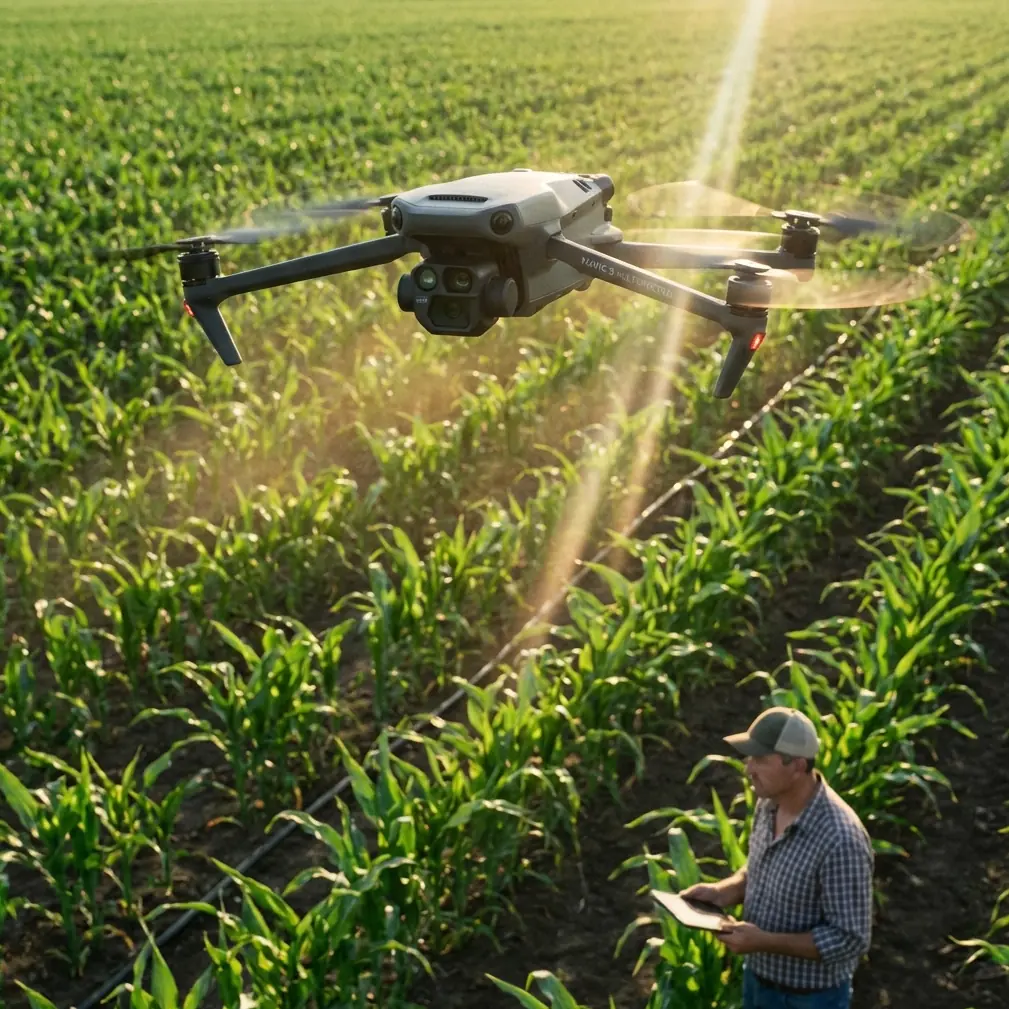
M4P Coastal Scouting Tips for Windy Conditions
META: Master Mavic 4 Pro coastal scouting in wind with expert altitude settings, obstacle avoidance tips, and pro techniques for stunning shoreline footage.
TL;DR
- Optimal flight altitude for windy coastlines: 50-80 meters balances stability with cinematic perspectives
- Use Sport Mode for repositioning, then switch to Normal for smooth footage capture
- Enable ActiveTrack 6.0 with forward obstacle avoidance for dynamic coastal subject tracking
- Shoot in D-Log color profile to preserve highlight detail in high-contrast beach environments
Coastal drone scouting in windy conditions separates capable pilots from frustrated ones. The Mavic 4 Pro handles wind speeds up to 12 m/s while maintaining stable footage—but only if you understand the specific techniques that make shoreline flying successful.
This guide breaks down the exact altitude strategies, camera settings, and flight patterns that professional coastal scouts use daily. You'll learn why most pilots fly too low, how to leverage the M4P's obstacle avoidance system in unpredictable environments, and which QuickShots modes actually work when gusts hit.
Understanding Coastal Wind Dynamics
Coastlines create unique aerodynamic challenges. Onshore winds accelerate as they compress against cliffs and dunes. Offshore winds create turbulent downdrafts near the water's edge. The Mavic 4 Pro's tri-directional obstacle sensing helps, but understanding these patterns prevents problems before they start.
The Altitude Sweet Spot
Most recreational pilots hover at 20-30 meters—a mistake on windy coastlines. This altitude places your drone directly in the turbulent boundary layer where wind shear peaks.
The 50-80 meter range offers three advantages:
- Smoother, more laminar airflow above ground-level turbulence
- Better GPS signal stability away from reflective surfaces
- Superior composition options for establishing shots
Below 40 meters, you'll fight constant micro-corrections. Above 100 meters, you lose intimate coastal detail and face increased wind exposure.
Expert Insight: Wind speed typically increases 15-20% for every 30 meters of altitude gain. The 50-80 meter range represents the optimal trade-off between turbulence avoidance and wind intensity for the Mavic 4 Pro's motor capabilities.
Reading Conditions Before Launch
Never trust weather apps alone for coastal flying. They measure conditions at fixed stations, often miles from your location.
Pre-flight wind assessment checklist:
- Watch wave patterns for 2-3 minutes before launching
- Observe vegetation movement at multiple elevations
- Check for wind shadows behind natural barriers
- Note cloud movement direction versus surface wind
- Test hover stability at 10 meters before ascending
The M4P's onboard sensors provide real-time wind data during flight, but launching into conditions you haven't visually assessed invites problems.
Configuring Obstacle Avoidance for Coastal Environments
The Mavic 4 Pro's obstacle avoidance system uses omnidirectional sensing with a detection range up to 50 meters forward. Coastal environments present unique challenges for these sensors.
Why Default Settings Fail at the Beach
Sand, spray, and reflective water surfaces can confuse proximity sensors. Bright sunlight creates harsh shadows that register as obstacles. Sea birds trigger avoidance responses mid-shot.
Recommended coastal obstacle avoidance configuration:
| Setting | Default | Coastal Optimized |
|---|---|---|
| Forward Sensing | On | On |
| Backward Sensing | On | On |
| Lateral Sensing | On | Off* |
| Downward Sensing | On | On |
| Brake Distance | 5m | 8m |
| Return-to-Home Altitude | 30m | 60m |
*Disable lateral sensing only when flying parallel to cliff faces where false readings occur frequently.
Navigating Cliff Faces and Rock Formations
Coastal geology demands respect. The M4P's APAS 6.0 (Advanced Pilot Assistance System) can navigate around obstacles autonomously, but rocky coastlines often feature overhangs and irregular surfaces that confuse automated systems.
Manual override protocol for complex terrain:
- Reduce maximum speed to 8 m/s near structures
- Maintain minimum 15-meter clearance from vertical surfaces
- Use Tripod Mode for precise positioning in tight spaces
- Keep visual line of sight—don't rely solely on FPV feed
Pro Tip: When scouting sea caves or arch formations, disable APAS entirely and fly manually. The sensor system struggles with enclosed spaces where multiple surfaces create conflicting proximity data.
Subject Tracking Along Coastlines
ActiveTrack 6.0 transforms coastal scouting from static observation to dynamic storytelling. The system maintains subject lock even when targets move unpredictably—essential for tracking wildlife, surfers, or boats.
ActiveTrack Configuration for Moving Subjects
The M4P offers three tracking modes. Each serves different coastal scenarios:
Trace Mode: Drone follows behind or in front of subject
- Best for: Following kayakers, runners on beaches
- Wind consideration: Requires headwind compensation
Parallel Mode: Drone maintains lateral position
- Best for: Tracking vehicles along coastal roads
- Wind consideration: Most stable in crosswinds
Spotlight Mode: Drone stays stationary while camera tracks
- Best for: Wildlife observation, wave pattern documentation
- Wind consideration: Ideal for high-wind conditions
Tracking Limitations in Coastal Environments
ActiveTrack struggles with certain coastal scenarios:
- Subjects entering/exiting water (reflection interference)
- Multiple similar subjects (surfers in matching wetsuits)
- Subjects against bright sand backgrounds
- Fast-moving subjects exceeding 20 m/s
When tracking fails, the M4P defaults to hover mode rather than continuing blind—a safety feature that prevents runaway situations.
Camera Settings for Coastal Conditions
High-contrast coastal environments punish incorrect exposure settings. Bright sand, dark water, and reflective surfaces create dynamic range challenges that require specific approaches.
D-Log Color Profile Essentials
D-Log captures 14+ stops of dynamic range, preserving detail in highlights and shadows that standard profiles clip. For coastal work, this means:
- Recoverable detail in bright sky areas
- Shadow information in cliff faces and rock formations
- Flexibility in post-production color grading
D-Log coastal settings baseline:
- ISO: 100-200 (never auto)
- Shutter: Double your frame rate (1/60 for 30fps)
- Aperture: f/4-f/5.6 for optimal sharpness
- White Balance: 5600K (manual, not auto)
ND Filter Selection
The Mavic 4 Pro's adjustable aperture (f/2.8-f/11) reduces ND filter dependency, but coastal brightness often exceeds the aperture's compensation range.
| Condition | Recommended ND | Aperture Setting |
|---|---|---|
| Overcast | ND4 | f/4 |
| Partly Cloudy | ND8 | f/5.6 |
| Full Sun | ND16 | f/8 |
| Bright Sand/Snow | ND32 | f/8-f/11 |
QuickShots and Hyperlapse for Coastal Content
Automated flight modes produce consistent results when manual flying becomes challenging in wind.
QuickShots That Work in Wind
Not all QuickShots perform equally in coastal conditions:
Recommended:
- Dronie: Predictable backward movement, handles wind well
- Circle: Consistent radius, wind-compensated automatically
- Helix: Combines circle with altitude gain, dramatic results
Avoid in high wind:
- Rocket: Vertical ascent fights headwinds poorly
- Boomerang: Complex path creates jerky footage in gusts
- Asteroid: Requires stable hover at apex—wind disrupts this
Hyperlapse Along Coastlines
Coastal Hyperlapse captures tidal changes, cloud movement, and lighting transitions. The M4P's Waypoint Hyperlapse mode excels here.
Optimal Hyperlapse settings for coastal scenes:
- Interval: 3-5 seconds for cloud movement
- Duration: Minimum 20 minutes for visible tidal change
- Altitude: 60-80 meters for stability
- Movement: Minimal—let the scene provide motion
Common Mistakes to Avoid
Flying directly into strong headwinds on departure: Always launch with wind assistance, return against it. This preserves battery for the critical return phase.
Ignoring battery temperature warnings: Cold coastal winds accelerate battery drain. Land immediately when warnings appear—the M4P's estimates become unreliable below 15°C cell temperature.
Trusting Return-to-Home in complex terrain: RTH follows a straight path at set altitude. Coastal cliffs, trees, and structures require manual return in challenging environments.
Shooting only in 4K/60fps: Higher frame rates reduce dynamic range. For most coastal scouting, 4K/30fps in D-Log provides superior image quality and editing flexibility.
Neglecting lens maintenance: Salt spray accumulates rapidly. Clean the lens and sensors after every coastal session using appropriate microfiber materials.
Frequently Asked Questions
What wind speed is too dangerous for Mavic 4 Pro coastal flying?
The M4P handles sustained winds up to 12 m/s (27 mph), but coastal gusts often exceed sustained readings by 40-50%. If sustained winds exceed 8 m/s, expect gusts that challenge the drone's limits. Monitor battery consumption—if it exceeds 25% during a 5-minute hover, conditions are marginal.
How do I prevent salt damage to my Mavic 4 Pro?
Salt corrosion begins within hours of exposure. After coastal flights, wipe all surfaces with a slightly damp cloth, then dry completely. Pay attention to motor vents, gimbal mechanisms, and sensor housings. Store in a climate-controlled environment with silica gel packets. Consider conformal coating for motors if you fly coastal environments regularly.
Can I fly the Mavic 4 Pro over water safely?
The M4P lacks waterproofing—any water contact risks total loss. Maintain minimum 10-meter altitude over water, avoid flying through spray zones, and never attempt water-surface shots in waves. The downward sensors struggle with reflective water surfaces, potentially causing altitude miscalculations. Enable "Precise Landing" only over solid ground.
Coastal scouting with the Mavic 4 Pro rewards pilots who understand both the aircraft's capabilities and the environment's demands. The techniques covered here—from optimal altitude selection to wind-appropriate QuickShots—transform challenging conditions into opportunities for exceptional footage.
Ready for your own Mavic 4 Pro? Contact our team for expert consultation.