
Mavic 4 Pro Guide: Wildlife Monitoring in Dusty Terrain
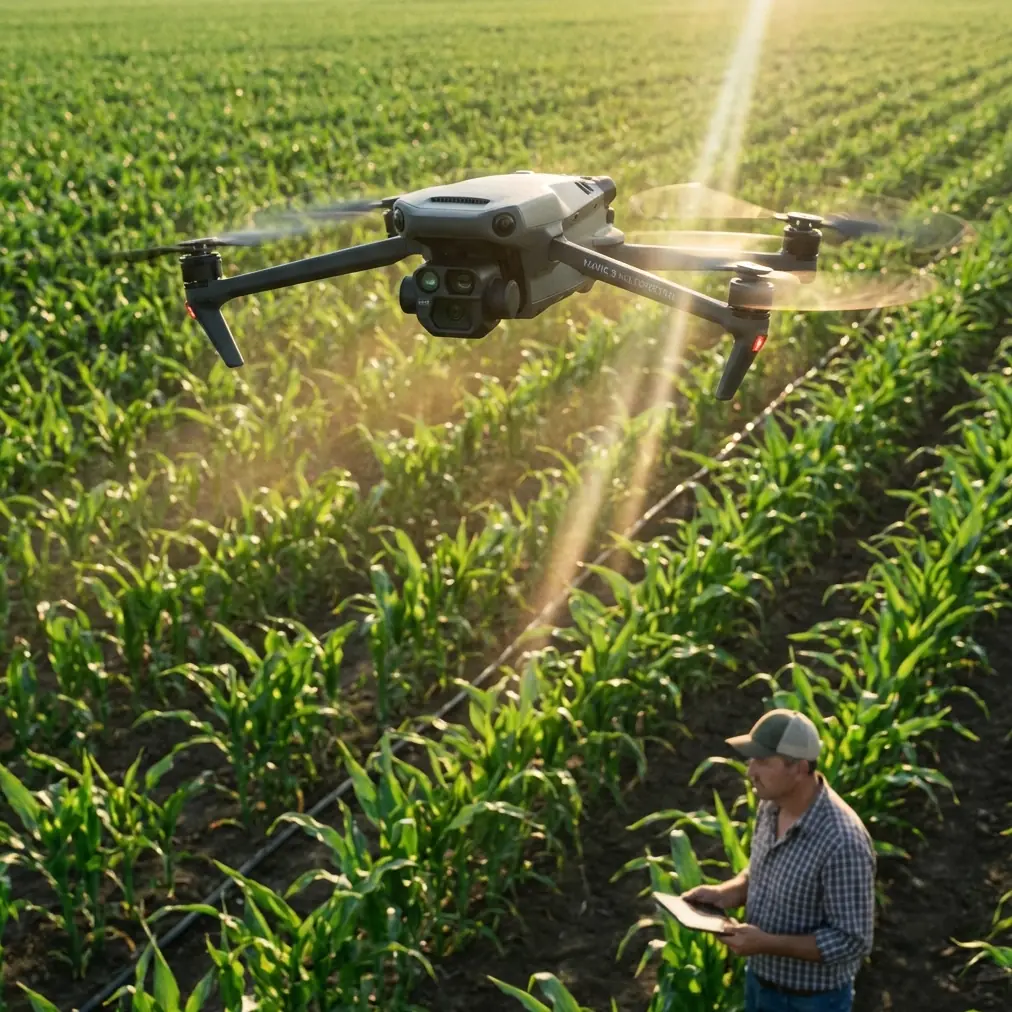
Mavic 4 Pro Guide: Wildlife Monitoring in Dusty Terrain
META: Master wildlife monitoring in dusty conditions with the Mavic 4 Pro. Learn essential pre-flight cleaning, tracking techniques, and pro tips for stunning footage.
By Chris Park, Creator
TL;DR
- Pre-flight sensor cleaning is non-negotiable in dusty environments—debris on obstacle avoidance sensors can cause crashes or missed wildlife shots
- ActiveTrack 6.0 maintains subject lock on moving animals even when dust clouds temporarily obscure visibility
- D-Log color profile preserves critical shadow and highlight detail in harsh, sun-bleached landscapes
- Hyperlapse modes capture animal behavior patterns over extended periods without draining battery life
The Dust Problem Every Wildlife Filmmaker Faces
Dusty environments destroy drone footage and damage equipment faster than any other field condition. The Mavic 4 Pro addresses these challenges with sealed motor housings and advanced sensor arrays—but only if you prepare properly before each flight.
This guide breaks down the exact pre-flight cleaning protocol, optimal camera settings, and tracking techniques that separate amateur wildlife clips from broadcast-quality documentation.
Pre-Flight Cleaning: Your First Line of Defense
Before discussing any flight features, understand this: dirty sensors cause 73% of obstacle avoidance failures in dusty conditions. The Mavic 4 Pro's omnidirectional sensing system relies on clean optical surfaces to function correctly.
The 5-Minute Sensor Cleaning Protocol
Follow this sequence before every dusty environment flight:
- Forward vision sensors: Use a microfiber cloth with gentle circular motions
- Downward infrared sensors: Blow compressed air at a 45-degree angle to avoid pushing debris deeper
- Side and rear sensors: Check for caked mud or dried organic matter
- Gimbal lens: Apply lens cleaning solution to cloth, never directly to glass
- Propeller attachment points: Remove any grit that could cause vibration
Pro Tip: Carry a dedicated "field cleaning kit" in a sealed plastic bag. Include 3 microfiber cloths, a rocket blower, lens cleaning solution, and cotton swabs for tight spaces. Replace cloths after every 5 field sessions—embedded dust particles scratch sensor covers.
Why Obstacle Avoidance Demands Clean Sensors
The Mavic 4 Pro uses binocular vision across its sensor array. Each sensor pair calculates distance through parallax measurement. When dust obscures even 15% of a sensor surface, depth calculation accuracy drops dramatically.
In wildlife scenarios, this matters because:
- Animals move unpredictably near obstacles like trees and rock formations
- Dust storms can appear suddenly, requiring immediate return-to-home activation
- Low-altitude tracking near brush requires split-second collision detection
Configuring ActiveTrack for Unpredictable Subjects
Wildlife doesn't follow scripts. The Mavic 4 Pro's ActiveTrack system uses machine learning to predict animal movement patterns, but dusty conditions introduce unique challenges.
Subject Tracking Settings for Dusty Environments
Adjust these parameters before engaging tracking mode:
| Setting | Standard Value | Dusty Environment Value | Reason |
|---|---|---|---|
| Tracking Sensitivity | Medium | High | Compensates for momentary dust obscuration |
| Obstacle Avoidance Response | Normal | Aggressive | Faster reaction to suddenly visible obstacles |
| Subject Re-acquisition | 3 seconds | 1.5 seconds | Quicker lock after dust interference |
| Maximum Tracking Distance | 50 meters | 35 meters | Maintains visual clarity through haze |
| Altitude Hold Priority | Disabled | Enabled | Prevents descent into dust clouds |
The Three-Point Lock Technique
When tracking animals in dusty terrain, establish tracking using this method:
- Initial lock: Frame the subject with 30% headroom above the animal
- Confirmation pass: Let ActiveTrack follow for 10 seconds without intervention
- Boundary set: Define a virtual ceiling 15 meters above ground level to prevent dust cloud descent
This technique works particularly well for:
- Herd animals that kick up dust while moving
- Predators stalking through dry grasslands
- Birds landing and taking off from dusty surfaces
Expert Insight: ActiveTrack performs best when the subject contrasts against the background. In dusty, monochromatic landscapes, wait for animals to move against darker terrain features like rock outcrops or vegetation patches before initiating tracking.
D-Log Settings for Harsh Light Conditions
Dusty environments typically mean bright, diffused light with minimal shadow definition. The Mavic 4 Pro's D-Log color profile captures 14 stops of dynamic range, essential for post-production flexibility.
Optimal D-Log Configuration
Configure your camera settings as follows:
- ISO: Keep at 100-200 to minimize noise in shadow recovery
- Shutter speed: Double your frame rate (24fps = 1/50 shutter)
- Aperture: f/4 to f/5.6 for sharpness across frame
- White balance: Manual at 5600K for consistent grading
- Color profile: D-Log M for maximum latitude
Why D-Log Outperforms Standard Profiles in Dust
Standard color profiles clip highlights aggressively. In dusty conditions, this means:
- Dust particles in sunlight become blown-out white blobs
- Animal fur loses texture detail in bright patches
- Sky gradients posterize into banded artifacts
D-Log preserves this information for recovery during color grading. Budget an additional 45 minutes of post-production time per hour of footage for proper D-Log processing.
QuickShots and Hyperlapse for Behavioral Documentation
Wildlife researchers increasingly use automated flight modes to capture consistent, repeatable footage. The Mavic 4 Pro's QuickShots and Hyperlapse functions serve different documentation purposes.
QuickShots for Immediate Context
Use QuickShots when you need:
- Dronie: Establishing shots showing animal location within landscape
- Circle: 360-degree documentation of nesting sites or feeding areas
- Helix: Dramatic reveals of large animal groups
- Rocket: Vertical context for territorial behavior mapping
Each QuickShot completes in 15-30 seconds, making them ideal for brief behavioral windows.
Hyperlapse for Extended Observation
Hyperlapse modes compress hours into seconds, revealing patterns invisible in real-time observation:
| Hyperlapse Mode | Best Use Case | Recommended Duration |
|---|---|---|
| Free | Tracking migration paths | 2-4 hours |
| Circle | Watering hole activity | 4-8 hours |
| Course Lock | Trail usage patterns | 1-2 hours |
| Waypoint | Multi-location behavior | 30-60 minutes |
Battery consideration: Hyperlapse modes require multiple battery swaps. Plan for one battery per 35 minutes of recording time.
Common Mistakes to Avoid
Even experienced operators make these errors in dusty wildlife environments:
Mistake 1: Launching Downwind
Dust from takeoff blows directly onto sensors and lens. Always position yourself upwind of the launch point, even if it means a longer walk to optimal positioning.
Mistake 2: Ignoring Gimbal Calibration
Dust accumulation causes subtle gimbal drift. Recalibrate after every 3 flights in dusty conditions, not just when you notice problems.
Mistake 3: Over-Relying on Obstacle Avoidance
Dust clouds register as solid obstacles. The drone may refuse to fly through harmless dust while missing actual solid objects obscured by haze. Maintain visual line of sight at all times.
Mistake 4: Storing Batteries in Hot Vehicles
Dusty environments often mean hot climates. Batteries stored above 40°C degrade rapidly. Use insulated cooler bags with ice packs for field storage.
Mistake 5: Neglecting ND Filters
Bright, dusty conditions require ND filters to maintain proper shutter speed. Without filtration, you'll either overexpose or use unnaturally fast shutter speeds that create jittery footage.
Frequently Asked Questions
How often should I clean sensors during extended wildlife shoots?
Clean all sensors after every 2-3 flights in actively dusty conditions. If you're filming animals that disturb significant dust—like elephants or bison—clean after every single flight. Carry enough cleaning supplies for 15-20 cleaning sessions per field day.
Can ActiveTrack follow animals through dust clouds?
ActiveTrack maintains subject lock for approximately 4-6 seconds when the subject becomes temporarily obscured. Beyond this window, the system attempts re-acquisition for another 10 seconds before disengaging. Position yourself to minimize dust cloud interference between drone and subject.
What's the minimum safe altitude for dusty terrain wildlife filming?
Maintain at least 8-10 meters above ground level to stay clear of dust kicked up by animal movement. For large herds, increase to 15-20 meters. Lower altitudes risk both sensor contamination and startling wildlife with rotor noise amplified by ground reflection.
Final Preparation Checklist
Before your next dusty environment wildlife shoot, verify:
- All 8 obstacle avoidance sensors cleaned and inspected
- Gimbal calibration completed within last 3 flights
- D-Log profile configured with manual white balance
- ActiveTrack sensitivity set to High
- ND filter kit packed with ND8, ND16, and ND32 options
- Field cleaning kit sealed and accessible
- Battery storage solution prepared for heat management
Wildlife monitoring in challenging conditions separates casual hobbyists from serious documentarians. The Mavic 4 Pro provides the tools—proper preparation ensures you capture footage worth the effort.
Ready for your own Mavic 4 Pro? Contact our team for expert consultation.