
Expert Monitoring With Mavic 4 Pro: A Remote Venue Case
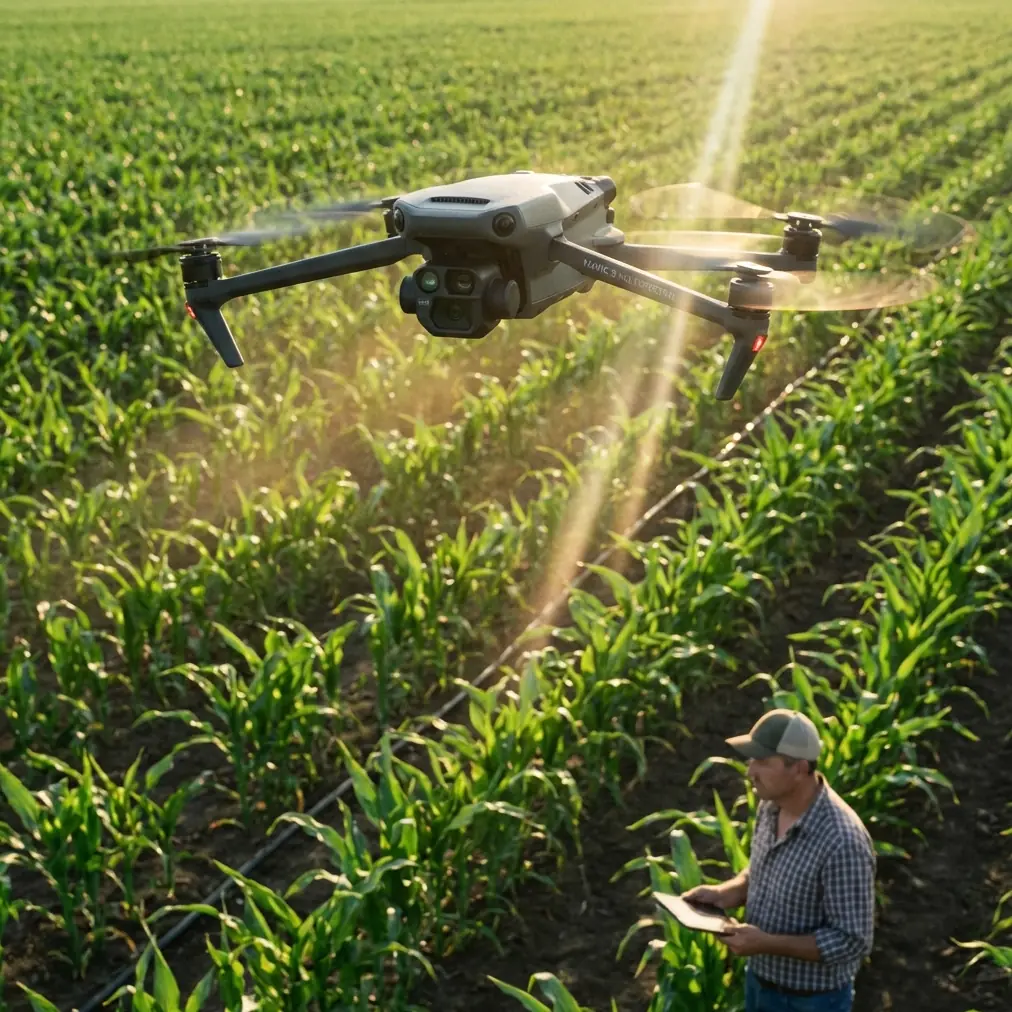
Expert Monitoring With Mavic 4 Pro: A Remote Venue Case Study
META: A practical case study on using the Mavic 4 Pro for remote venue monitoring, with expert insight on obstacle avoidance, ActiveTrack, D-Log, Hyperlapse, and real-world workflow decisions.
Remote venue monitoring sounds simple until the first real-world constraint shows up.
A site looks manageable on paper. A few access roads. A main structure. Maybe a stage, utility corridor, parking zone, or fenced perimeter. Then the day begins and the complications stack up: changing light, uneven terrain, temporary structures, blind corners, moving staff, patchy signal conditions, and the constant need to document what changed without wasting battery time on repeat flights. I have dealt with that kind of assignment more than once, and it is exactly the sort of job where a tool either reduces friction or quietly creates more of it.
That is the frame I want to use for the Mavic 4 Pro.
Not as a spec-sheet trophy, and not as a generic “best drone” discussion. I want to look at it through a single practical lens: monitoring a remote venue where you need reliable visibility, repeatable coverage, and footage that remains useful after the flight is over.
The problem that used to slow everything down
A few seasons ago, I was helping document an isolated outdoor venue that sat well outside easy urban support. The terrain around it was not extreme, but it was messy in the way real locations often are. Uneven service roads. Trees close to temporary installations. Power and lighting structures added in phases. Staff vehicles moving in and out without perfect coordination. The client did not just want pretty aerial shots. They needed routine visual checks, progress confirmation, and clear records that could be reviewed later by people who had never stepped on site.
That distinction matters.
A cinematic flight and a monitoring flight are not the same mission. Monitoring asks different questions:
- Can you fly repeatable patterns without overthinking every pass?
- Can you safely work around obstacles that were not there last week?
- Can you keep a moving subject in frame when the point is operational awareness, not just visual flair?
- Can the footage survive later color work and still hold detail in mixed lighting?
- Can one aircraft cover overview, detail capture, and quick social-ready clips without turning the workflow into a gear circus?
This is where the Mavic 4 Pro becomes interesting.
The conversation around this aircraft often circles features such as obstacle avoidance, subject tracking, QuickShots, Hyperlapse, D-Log, and ActiveTrack. Those are familiar terms in the UAV world. The real question is whether they solve actual field problems for someone monitoring a remote venue.
In my experience, they do—when used with discipline.
Why obstacle avoidance matters more at a venue than over open land
Open terrain can make pilots complacent. Venues do the opposite. Even remote ones tend to accumulate complexity. Temporary towers go up. Banners get rigged. Equipment containers shift position. Staff parking spills into unexpected areas. What looked clear on the last mission can become a tighter corridor on the next one.
That is why obstacle avoidance is not just a safety headline. It is an operational stabilizer.
When I am running a monitoring session, I do not want all of my cognitive bandwidth consumed by micro-corrections around every visual hazard. I want to think about route consistency, subject relevance, and whether my current angle answers the client’s actual question. Effective obstacle sensing helps preserve that focus. It gives the pilot more margin when flying around staging structures, trees near access roads, or partially obstructed perimeter lines.
The value is not that the aircraft “flies itself.” The value is that it reduces the risk of minor environmental surprises derailing the mission. At a remote venue, that matters because recovery, replacement, or even just a second trip can cost more in time than the flight itself.
ActiveTrack and subject tracking are not just for athletes and influencers
This is one of the most misunderstood parts of modern drone workflows.
A lot of people hear “subject tracking” or “ActiveTrack” and picture action sports or stylized social clips. That is only part of the story. In venue monitoring, tracking tools can be surprisingly useful when the subject is operational rather than dramatic.
Think about the kinds of moving elements that matter on a remote site: maintenance vehicles, utility carts, inspection teams, escorted visitors, or even a manager walking a long route through key infrastructure zones. When you need to preserve context around a moving subject, manual framing can get busy fast, especially if you are also managing altitude, spacing, and obstacle awareness.
ActiveTrack helps by reducing camera-management workload while keeping the subject relationship readable. That does not replace piloting judgment. It does let you capture movement patterns more cleanly, which becomes valuable in after-action review. If a site lead wants to see how a vehicle navigated a constrained service approach or how teams circulated between two structures, smooth tracked footage can tell that story faster than a stack of static images.
The operational significance here is simple: less time fighting framing means more time evaluating what the movement actually reveals about site flow.
D-Log earns its place when lighting shifts from minute to minute
Remote venues often produce ugly lighting conditions. You may start with low-angle morning light, move into harsh midday contrast, then finish with deep shadows near structures or trees. Add reflective roofing, pale gravel, dark equipment housings, and patchy cloud cover, and the scene can exceed what standard quick-delivery footage handles gracefully.
That is where D-Log becomes less of a creator buzzword and more of a documentation advantage.
Flat capture profiles preserve more flexibility for post-processing. In plain terms, that means better control when you need to recover shadow detail under a roofline without blowing out a bright access road, or when the client wants one consistent deliverable from flights captured under uneven conditions. For venue monitoring, image consistency is not cosmetic. It affects interpretability.
If different parts of the venue are rendered too dark, too bright, or too contrasty from one pass to the next, the footage becomes harder to compare. D-Log gives you room to normalize scenes so changes on site remain the focus rather than exposure swings.
That matters a lot when teams are using aerial material for progress checks, maintenance planning, stakeholder reporting, or contractor verification.
Hyperlapse is more useful than many operators admit
Used badly, Hyperlapse is decorative. Used properly, it becomes a high-efficiency reporting tool.
At one venue, I needed to show the relationship between setup progress, vehicle circulation, and the way light changed across several sections of the property over time. Static time-lapse from the ground would not give enough context. Repeated full manual flights would take too long and increase inconsistency. Aerial Hyperlapse created a clearer summary of site evolution in a format that management could grasp almost instantly.
For remote venue monitoring, this matters because stakeholders are often not on location. They want to understand tempo and sequence, not just isolated snapshots. Hyperlapse can compress hours of activity into something watchable without losing the spatial relationships that explain how the venue is functioning.
That is a good example of why the Mavic 4 Pro fits this kind of role. The aircraft is not just there to collect scenic footage. It helps convert aerial perspective into operational shorthand.
QuickShots have a place, but only when they serve the brief
I am cautious with automated cinematic modes on professional jobs. Not because they are useless, but because they are often overused. Still, QuickShots can help in remote venue monitoring when the output needs to serve multiple departments at once.
The operations team may want methodical overhead passes. A communications team may need a clean orbit or reveal shot to show venue context to partners or remote decision-makers. A project manager may need a quick visual summary before a longer written update goes out. QuickShots can deliver those concise, polished views without eating into the time needed for the more important inspection-oriented flight segments.
The key is intent. If the automated move clarifies the site layout or shows access relationships cleanly, it has value. If it is only there to look flashy, it is a distraction.
That balance is one reason experienced operators still matter even with increasingly capable aircraft. The platform can automate movement. It cannot decide what evidence the client actually needs.
What changed in my workflow with a platform like this
The biggest improvement was not any single feature. It was the reduction in friction between tasks.
Older field routines often forced a choice. One flight for overview. Another for moving subjects. Another for polished update footage. Then extra time in post because the footage from different passes did not match cleanly enough. When site conditions changed quickly, that fragmented workflow became inefficient.
With the Mavic 4 Pro approach, the day can be structured more intelligently:
- Start with broad orientation passes for baseline site condition.
- Move into focused monitoring around access roads, perimeter edges, and temporary structures where obstacle awareness matters most.
- Use ActiveTrack or subject tracking when a moving vehicle or team route needs context.
- Capture selected D-Log footage where lighting or deliverable quality requires grading flexibility.
- Finish with one or two QuickShots or a Hyperlapse sequence for summary communication.
That sequence sounds straightforward because the platform tools remove some of the old compromises. You spend less effort switching mindsets between “creative,” “technical,” and “documentation” flying. For remote venues, where weather windows and battery discipline both matter, that efficiency is not trivial.
Why remote monitoring especially benefits from this setup
A venue in a city can often absorb mistakes. A remote venue is less forgiving.
If access is difficult, every revisit becomes expensive in time and coordination. If decision-makers are off-site, the quality of your captured material carries more weight. If the venue is changing week to week, repeatability matters as much as image quality. You are not just flying for the moment. You are building a visual record.
That is why details like obstacle avoidance and D-Log are not separate talking points. Together, they address two of the core pressures of remote operations: mission resilience and post-flight usefulness.
Obstacle avoidance supports safer, more confident flights in dynamic venue environments. D-Log supports footage that can be standardized and interpreted later, even under uneven lighting. Add ActiveTrack for moving subjects and Hyperlapse for change-over-time storytelling, and the aircraft becomes more than a camera in the sky. It becomes a compact documentation system.
If you are planning a similar workflow and want to compare notes on route design or deliverable structure, you can reach me through this direct WhatsApp line.
A realistic view of where the Mavic 4 Pro fits
No aircraft solves poor planning. It will not fix unclear objectives, weak airspace preparation, or bad communication with the site team. It also does not remove the need for disciplined piloting around people, vehicles, and temporary infrastructure.
But for remote venue monitoring, the Mavic 4 Pro sits in a very effective middle ground. It is capable enough to support high-value documentation workflows while staying agile enough for real field use. That combination matters more than headline hype.
What I appreciate most is that it supports layered outputs from a single mission. You can gather practical oversight footage, movement-based context, and polished summary visuals without forcing the site into a long, disruptive operation. For clients, that means clearer reporting. For operators, it means fewer compromises. For remote venues, it means better visibility without adding complexity where you least want it.
If I compare this to the challenge I described at the start—the isolated site, shifting structures, moving staff, mixed light, and the constant need for useful records—the difference is clear. The job becomes less about wrestling the aircraft and more about interpreting the site. That is where a serious monitoring platform proves itself.
And that, more than any headline feature, is why the Mavic 4 Pro makes sense for this kind of work.
Ready for your own Mavic 4 Pro? Contact our team for expert consultation.