
Mavic 4 Pro for Highway Monitoring at Altitude
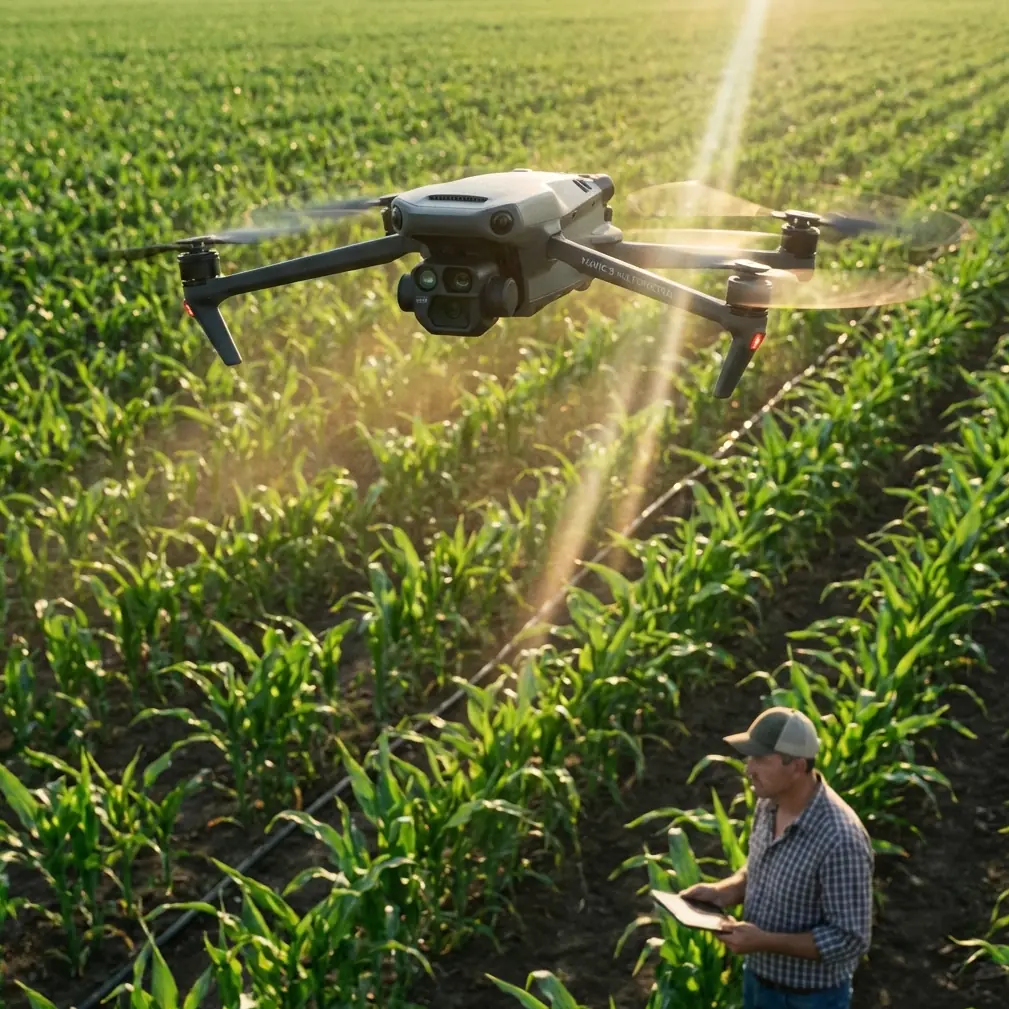
Mavic 4 Pro for Highway Monitoring at Altitude
META: Learn how to use the Mavic 4 Pro for high-altitude highway monitoring with expert tips on battery management, obstacle avoidance, and D-Log workflows.
TL;DR
- The Mavic 4 Pro excels at highway monitoring above 3,000 feet thanks to its extended flight endurance, obstacle avoidance system, and high-resolution imaging capabilities.
- Cold, thin air at altitude drains batteries up to 30% faster—a field-tested battery rotation strategy is essential for uninterrupted coverage.
- D-Log color profile and Hyperlapse modes capture road surface conditions and traffic patterns with cinematic-grade detail.
- ActiveTrack and Subject tracking allow autonomous vehicle-following for dynamic traffic analysis across multi-lane highway corridors.
Why Highway Monitoring at Altitude Demands a Specialized Drone
Highway infrastructure teams working in mountainous terrain face a brutal combination of challenges: thin air reduces rotor efficiency, high winds sweep across exposed ridgelines, and vast stretches of pavement require consistent, repeatable imaging passes. The Mavic 4 Pro addresses every one of these pain points with a platform built for professional-grade aerial work—here's exactly how to deploy it for high-altitude highway monitoring.
This guide, drawn from dozens of field deployments along mountain highway corridors, walks you through equipment setup, flight planning, camera configuration, and the battery management protocol that keeps your Mavic 4 Pro airborne when altitude works against you.
Understanding High-Altitude Challenges for Drone Operations
Thin Air and Rotor Performance
At elevations above 3,000 feet MSL, air density drops significantly. The Mavic 4 Pro's propulsion system must spin faster to generate equivalent lift, which directly impacts flight time and stability. At 6,000 feet, expect a 10–15% reduction in hover time compared to sea-level performance. At 9,000 feet and above, that reduction can reach 20–25%.
The Mavic 4 Pro compensates with its high-efficiency motors and intelligent power management, but operators must plan for shorter effective mission windows.
Wind Exposure on Highway Corridors
Mountain highways often follow ridgelines, passes, and exposed valleys where sustained winds of 15–25 mph are common. The Mavic 4 Pro's omnidirectional obstacle avoidance system uses wide-angle vision sensors and infrared detection to maintain spatial awareness, but wind remains the primary threat to image stability and battery life.
Temperature Swings
High-altitude environments frequently drop below 40°F, even during summer mornings. Battery chemistry suffers in cold conditions, and this is where field experience separates successful missions from failed ones.
The Battery Management Protocol That Changed Everything
Early in my highway monitoring work along a 7,200-foot mountain pass, I lost an entire morning of data because two batteries died prematurely in 34°F conditions. That failure led me to develop a rotation system I now use on every cold-weather, high-altitude deployment.
Expert Insight — Chris Park's 3-Battery Warm Rotation Method: Carry a minimum of four fully charged batteries. Keep two inside a heated vehicle or insulated pouch with hand warmers at all times. When the active battery reaches 40%, land immediately—do not push to 30% at altitude. Swap to a pre-warmed battery and place the depleted one back into the heated pouch. This rotation ensures every battery begins its flight cycle at optimal temperature, recovering 8–12% of effective capacity that cold-soaking would otherwise steal. At 7,000+ feet, this single practice has extended my total mission coverage by roughly 35% across a full day of operations.
This protocol is non-negotiable for professional highway work above 5,000 feet.
Step-by-Step: Setting Up the Mavic 4 Pro for Highway Monitoring
Step 1 — Pre-Flight Planning and Airspace Clearance
Before launching anywhere near a highway corridor, confirm the following:
- Airspace authorization via LAANC or manual FAA waiver if operating near controlled airspace
- NOTAM check for the specific region—mountain highways often sit beneath military training routes
- State DOT coordination if flying directly over active roadway lanes
- Wind forecast at altitude, not at ground level—use services that report winds at your planned flight altitude
Step 2 — Camera and Imaging Configuration
The Mavic 4 Pro's Hasselblad camera system delivers exceptional detail for pavement analysis, guardrail inspection, and traffic flow documentation. Configure these settings before takeoff:
- Shooting mode: Manual exposure for consistent frame-to-frame brightness
- Color profile: D-Log for maximum dynamic range—critical when shooting dark asphalt under bright sky conditions
- Resolution: Maximum available (4K or above) for post-processing crop flexibility
- Shutter speed: 1/1000s minimum when capturing moving vehicles to eliminate motion blur
- ISO: Keep at 100–400 to minimize noise in detailed pavement texture shots
Step 3 — Obstacle Avoidance Configuration
For highway monitoring, the obstacle avoidance system needs specific tuning:
- Enable omnidirectional sensing at all times—power lines, signage, and overpass structures are constant hazards along highway corridors
- Set avoidance behavior to "Brake" rather than "Bypass" to prevent the drone from autonomously detouring into traffic lanes or adjacent airspace
- APAS (Advanced Pilot Assistance Systems) should remain active during automated flight paths but disabled during manual precision passes near structures
Step 4 — Flight Path Programming
Use the Mavic 4 Pro's waypoint mission planning to create repeatable survey lines:
- Altitude: Maintain 150–200 feet AGL for pavement-level detail; increase to 300–400 feet AGL for corridor-wide traffic pattern capture
- Speed: 12–18 mph groundspeed for survey-grade overlap
- Overlap: Set 75% frontal and 65% side overlap for photogrammetric stitching
- Heading: Lock camera gimbal heading to the highway centerline for consistent perspective
Leveraging Advanced Features for Highway Data
ActiveTrack and Subject Tracking for Traffic Analysis
The Mavic 4 Pro's ActiveTrack system allows operators to lock onto a specific vehicle or convoy and autonomously follow it along the highway. This is invaluable for:
- Speed flow analysis across construction zones
- Merge behavior studies at on-ramp locations
- Incident response documentation where the drone follows emergency vehicles to a scene
Subject tracking works best when the target vehicle has clear visual contrast against the road surface. White or brightly colored vehicles against dark asphalt provide the strongest lock.
QuickShots for Stakeholder Presentations
When highway monitoring data needs to reach non-technical audiences—county commissioners, public meetings, planning boards—QuickShots modes produce polished, automated camera movements that elevate raw survey footage into compelling visual narratives.
- Dronie and Rocket modes effectively reveal the scale of a highway corridor
- Circle mode documents interchange geometry from every angle
- Helix mode creates dramatic reveals of mountain pass environments
Hyperlapse for Traffic Pattern Documentation
Set the Mavic 4 Pro into Hyperlapse mode to compress hours of traffic flow into seconds of visual data. Position the drone at 300 feet AGL overlooking a congestion point and capture a 2–4 hour Hyperlapse sequence. The resulting footage clearly reveals:
- Peak congestion windows
- Lane utilization imbalances
- Intersection queuing patterns
Pro Tip: When shooting Hyperlapse at altitude, increase your capture interval to every 4–5 seconds rather than every 2 seconds. This reduces total shutter actuations and conserves battery, which matters enormously when cold and thin air are already cutting into your flight time.
Technical Comparison: Mavic 4 Pro vs. Alternative Platforms for Highway Work
| Feature | Mavic 4 Pro | Enterprise-Class Fixed Wing | Mid-Range Quadcopter |
|---|---|---|---|
| Max Flight Time | ~46 minutes (sea level) | ~55–90 minutes | ~30–35 minutes |
| Obstacle Avoidance | Omnidirectional | Typically none | Front/rear only |
| ActiveTrack | Yes — advanced Subject tracking | No | Limited or absent |
| Camera Sensor | Hasselblad, large format | Varies (often mapping-specific) | 1-inch or smaller |
| D-Log / Pro Color | Yes | Rarely available | Sometimes |
| Portability | Foldable, single-operator carry | Vehicle-launched, team required | Moderate |
| Wind Resistance | Up to force 6 winds | High | Moderate |
| Hyperlapse / QuickShots | Full suite | No | Partial |
| High-Altitude Suitability | Strong with battery management | Excellent (fixed-wing advantage) | Weak |
The Mavic 4 Pro occupies a unique position: it offers enterprise-grade imaging and autonomy in a platform that a single operator can deploy from the shoulder of a highway in under 5 minutes.
Common Mistakes to Avoid
- Ignoring altitude-adjusted flight times. Planning a 40-minute mission at 8,000 feet based on sea-level specs will result in a forced landing or crash. Always calculate with a 20–25% time reduction.
- Flying with cold batteries. Launching a battery stored at ambient mountain temperatures (35–45°F) causes voltage sag, erratic power delivery, and premature low-battery warnings. Pre-warm every battery.
- Setting obstacle avoidance to "Bypass" near highways. A drone that autonomously swerves to avoid a bird or sign could fly directly into traffic lanes or oncoming airspace.
- Neglecting D-Log calibration. Shooting in D-Log without a proper LUT (Look-Up Table) workflow in post-production results in flat, unusable footage. Calibrate your editing pipeline before the mission, not after.
- Skipping wind checks at flight altitude. Ground-level winds near a highway may read 5 mph while conditions at 200 feet AGL exceed 20 mph. Always verify winds at your operating altitude.
- Forgetting to lock gimbal heading on survey passes. Inconsistent camera angles ruin photogrammetric data sets and force costly re-flights.
Frequently Asked Questions
Can the Mavic 4 Pro legally fly over active highway traffic?
Flying directly over moving vehicles falls under FAA Part 107 restrictions for operations over people and moving vehicles. Operators need either a Part 107.39 waiver or must fly under the updated Final Rule on Operations Over People with the appropriate category compliance. Always coordinate with the relevant state DOT and obtain written authorization.
How does obstacle avoidance perform near highway infrastructure like bridges and overpasses?
The Mavic 4 Pro's omnidirectional obstacle avoidance reliably detects large structures such as bridge spans, overhead signs, and overpass decks. Performance can degrade with thin cables, guy wires, and chain-link fencing, so always conduct a visual scan of the flight area and manually note hazards that sensors may not detect. Fly at reduced speed (under 10 mph) when operating within 50 feet of any structure.
What is the best altitude for highway pavement inspection versus traffic monitoring?
For pavement-level detail—crack mapping, pothole identification, lane marking assessment—fly at 100–150 feet AGL with the camera angled at 60–80 degrees nadir. For traffic flow and corridor-wide analysis, increase altitude to 250–400 feet AGL with a nadir or slight-angle perspective to capture lane utilization, queue lengths, and merge dynamics across a wider field of view.
Bring the Mavic 4 Pro to Your Next Highway Project
High-altitude highway monitoring is demanding work, but the right platform and preparation turn complex aerial operations into reliable, repeatable data collection missions. The Mavic 4 Pro delivers the imaging quality, intelligent flight features, and operational flexibility that professional infrastructure teams depend on.
Ready for your own Mavic 4 Pro? Contact our team for expert consultation.