
Monitoring Forests in Dusty Conditions With Mavic 4 Pro
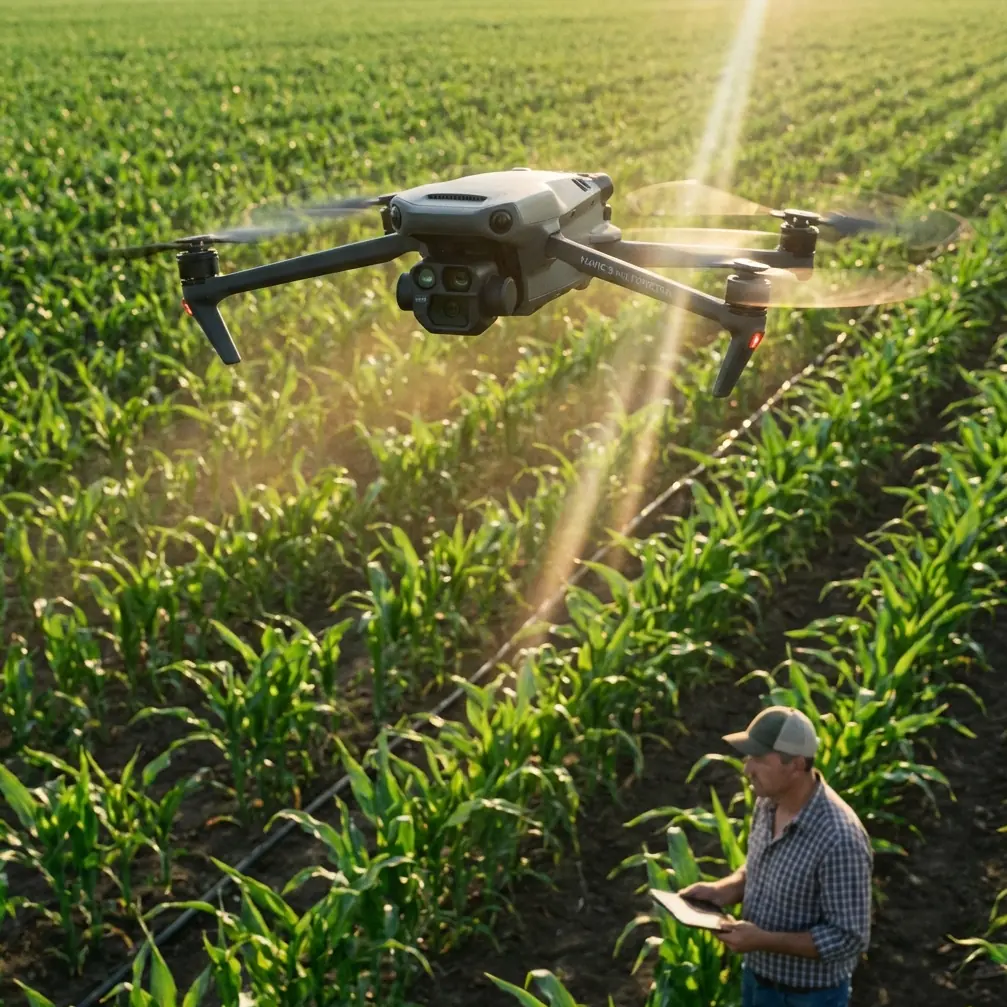
Monitoring Forests in Dusty Conditions With Mavic 4 Pro: Practical Tips That Protect Your Data
META: A field-focused guide to using Mavic 4 Pro for forest monitoring in dusty conditions, including pre-flight cleaning, obstacle avoidance checks, ActiveTrack use, D-Log capture, and safer flight planning.
Forest monitoring sounds peaceful until you are actually out there. Dry access roads. Fine dust hanging in the air. Pine needles and grit collecting in every seam of your case before the drone even leaves the ground. In those conditions, the difference between a smooth data-collection flight and a frustrating partial mission often comes down to details most pilots rush past.
If you are planning to use the Mavic 4 Pro for monitoring forests in dusty environments, the biggest mistake is treating dust as a cosmetic issue. It is not. Dust interferes with sensors, image quality, gimbal movement, cooling efficiency, and the reliability of automated flight features. That matters in forest work because you are often depending on the aircraft to do several things at once: maintain safe clearance around branches, hold stable framing over uneven canopy lines, and produce footage or stills consistent enough for comparison over time.
I approach this as a photographer first, but in forest monitoring, photography habits alone are not enough. You need an inspection mindset. The Mavic 4 Pro is a highly capable platform, yet its advanced features only deliver when the aircraft is physically clean and operationally prepared.
The real problem in dusty forest work
Forests in dry seasons create a very specific type of flying environment. The air near dirt tracks and clearings can carry fine particulate matter that settles quickly on the front sensing array, downward vision system, lens surfaces, and gimbal housing. If you launch from bare ground, rotor wash makes that worse in seconds.
Why does that matter? Because many of the Mavic 4 Pro’s strongest field advantages rely on clean optical and sensing pathways. Obstacle avoidance is only as trustworthy as the sensor surfaces and visibility conditions allow. Subject tracking, including ActiveTrack, depends on a clean image feed and stable scene recognition. If your monitoring workflow includes QuickShots or Hyperlapse to document forest edges, regrowth patterns, road encroachment, or canopy gaps, tiny contamination issues can degrade consistency before you notice them on the controller.
This is where a lot of operators lose time. They blame light, wind, or software, when the problem started with a dusty launch point and a two-minute pre-flight that should have been five.
The first safety feature is not software. It is cleaning.
Before I think about routes, exposure, or tracking modes, I clean the aircraft. In dusty forest operations, that is not optional maintenance. It is a flight safety step.
The key area is the obstacle sensing system. Any fine layer of dust on those sensor windows can reduce clarity and confidence, especially when flying near tree trunks, hanging branches, or irregular canopy edges. In a forest setting, obstacle avoidance is not just there for dramatic emergency saves. It helps the aircraft make small, continuous judgments while you focus on monitoring tasks. If those sensors are obscured, even slightly, you are reducing one of the most useful protections the platform offers.
The pre-flight cleaning sequence I recommend is simple:
- Start with the lens and gimbal cover area after removing the protector.
- Check front, rear, top, bottom, and side sensing surfaces for dust film, smudges, or pollen.
- Inspect the gimbal movement path for grit.
- Look at motor vents and body seams for accumulated dust.
- Clean the controller screen and camera view source so you can actually spot haze or image softness before launch.
Use a blower first, then a clean microfiber cloth if needed. Rubbing dry dust directly into a lens or sensor window is how minor grime becomes a long-term scratch. It takes very little contamination to alter the confidence you have in obstacle avoidance near foliage.
That one step has operational significance far beyond “keeping the drone nice.” Clean sensors improve your margin around branches. Clean optics preserve detail for later review. Clean gimbal surfaces reduce the risk of slight movement restriction that shows up as jitter in footage. In forest monitoring, all three matter.
Why Mavic 4 Pro fits this kind of work
The Mavic 4 Pro is attractive for forest monitoring because it sits in a practical middle ground. It is portable enough to reach remote sites without turning every survey day into a logistics exercise, but it still offers the imaging control needed for serious field documentation. That balance is useful when your work alternates between broad overviews of canopy condition and closer looks at trail damage, clearings, erosion points, or isolated tree stress.
For a photographer, one of the strongest tools here is D-Log. In dusty forests, contrast can be deceptive. Midday light bouncing off pale soil or dry leaves can flatten detail in one part of the frame and clip highlights in another. Shooting in D-Log gives you more flexibility to recover tonal separation later, which is valuable when you are trying to compare forest conditions across dates rather than just capture something visually appealing.
That is an operational advantage, not a stylistic one. Monitoring work depends on consistency. If one month’s flight crushes shadow detail under the canopy and the next month’s flight blows out a clearing, your ability to make clean visual comparisons drops. D-Log helps preserve more usable information in difficult light.
Obstacle avoidance in forests: useful, but not magical
A lot of pilots hear “obstacle avoidance” and become either overconfident or dismissive. Both responses are risky in woods.
In forest monitoring, obstacle avoidance is best understood as a layer of support, not a substitute for route design. Branches can be thin, irregular, and partially obscured by light angle, dust haze, or overlapping foliage. Sensor-based systems can help significantly, but they work best when paired with deliberate flight lines and conservative speed choices.
This is especially relevant in dusty air. Reduced visual clarity affects both you and the aircraft. If you know the environment is messy, lower your expectations for aggressive automated movement. Give the system more time and space to respond.
I typically suggest using obstacle avoidance to reinforce safe inspection-style flying, not cinematic risk-taking. That means:
- slower approach speeds near tree lines,
- wider lateral offsets from branches than you would use in open land,
- cautious altitude changes near uneven canopy,
- and visual confirmation of escape routes before activating any automated sequence.
The Mavic 4 Pro can help you work more efficiently in a forest, but only if you fly in a way that lets the aircraft’s sensing do its job.
ActiveTrack and subject tracking for forest monitoring
At first glance, subject tracking sounds more relevant to sports or action filming than environmental work. In practice, ActiveTrack can be useful in civilian forest operations when you need repeatable visual coverage of moving subjects such as field teams walking survey routes, maintenance vehicles on forest roads, or researchers moving between plots.
The significance is not novelty. It is attention management.
If the aircraft can maintain tracking on a worker or vehicle while you monitor surroundings and composition, your workload shifts in a good way. Instead of manually correcting every small framing change, you can devote more focus to terrain, branch clearance, and signal conditions. In dusty environments, reducing pilot overload is valuable because visibility and scene contrast may already be compromised.
Still, this is another feature that depends on clean optics and good setup. A dusty lens or hazy sensor view can weaken tracking reliability. Before using ActiveTrack in forest monitoring, do a short verification pass in a clear area. Confirm that the subject lock is stable, the framing looks clean, and the aircraft is not hunting visually due to glare or haze.
That five-minute test can save a full mission segment.
QuickShots and Hyperlapse are not just for social media
These modes are often dismissed by technical operators, which is a mistake. In forestry work, QuickShots and Hyperlapse can have legitimate documentation value when used carefully.
QuickShots can help standardize short overview captures of specific sites such as regeneration zones, access roads, stream buffers, or edge transitions between dense forest and cleared land. If you use the same launch point and similar framing across multiple visits, these clips become visual checkpoints rather than decorative content.
Hyperlapse is even more interesting in dry forest conditions. It can show how dust moves through a clearing, how shadows cover monitoring plots over time, or how activity changes along a forest road during a survey window. That kind of time-compressed context can support planning and reporting.
But there is a catch. Automated camera movement exaggerates every small setup mistake. If the gimbal has any contamination, or the lens is carrying dust spots, the resulting footage can become distracting fast. This is another reason the pre-flight cleaning step deserves to be treated as part of mission safety, not basic housekeeping.
Launch technique matters more than many pilots realize
Dust often enters the equation before the drone reaches 2 meters. Rotor wash lifts loose particles immediately, and if you launch from open dirt, you are creating your own contamination cloud.
For forest work, I prefer a compact launch pad or any clean, stable surface that keeps the aircraft above loose soil and dry organic debris. It is a simple adjustment, but it directly protects the camera, gimbal, and downward sensors. In some sites, even moving 3 to 5 meters away from the dustiest patch can make a visible difference.
That one number matters. A small relocation of just a few meters can shift your launch point from loose powdery ground to firmer soil or sparse vegetation, reducing the debris kicked into the aircraft at takeoff. In practical terms, that means cleaner sensors and more reliable obstacle awareness during the part of the flight when the aircraft is transitioning from hover checks into mission movement.
Camera settings for usable forest data
Dusty forests create difficult visual conditions: bright exposed roads, dark under-canopy gaps, and a general softness in the air when fine particles are suspended. The Mavic 4 Pro’s imaging flexibility helps, but only if you use it with a monitoring mindset.
A few habits help:
- Record in D-Log when post-processing consistency matters.
- Check histogram or exposure tools before each run, not just once at the start of the day.
- Review the image at full screen for dust spots after your first ascent.
- Keep white balance controlled if you need comparison footage across dates.
- Avoid constantly changing profiles mid-mission unless the light genuinely shifts.
This is where the photographer side of me becomes useful. Forest monitoring is not artless. It demands visual discipline. Better capture discipline means better interpretation later.
A field workflow that actually works
For dusty forest operations with the Mavic 4 Pro, I would build the mission like this:
Arrive and evaluate wind, dust level, and launch surface. Set up away from vehicle movement if possible. Clean the lens, gimbal area, and obstacle sensing surfaces carefully. Power on and verify gimbal behavior. Conduct a short hover to check for warnings, image softness, or sensor abnormality. Fly a brief test pass using obstacle avoidance in a simple area. If tracking is part of the plan, test ActiveTrack before moving toward denser canopy. Then start your monitoring route.
If conditions are especially dusty, stop treating one cleaning as enough for the day. Re-check between flights. Forest work often involves multiple battery cycles, and each landing adds more contamination. A pilot who cleans once in the morning and assumes the aircraft stays clean is usually collecting unnecessary risk.
If you need a second opinion on configuring your setup or choosing accessories that make dusty-site operation easier, you can message a drone specialist here.
The larger takeaway
The Mavic 4 Pro is well suited to forest monitoring, but in dusty conditions its best features become surprisingly dependent on a humble routine: clean before you fly. That one habit supports obstacle avoidance, improves ActiveTrack reliability, protects image quality for D-Log workflows, and makes automated captures like QuickShots and Hyperlapse far more usable.
That is the practical story with this aircraft. Not hype. Not feature chasing. Just understanding that advanced tools only perform at their best when the aircraft is prepared for the environment it is entering.
In forest monitoring, especially in dry and dusty locations, the smartest pilots are usually the ones who look boring on the ground. They wipe sensors. They avoid dirty launch spots. They test before committing. And then the flight goes smoothly because the boring part was done properly.
Ready for your own Mavic 4 Pro? Contact our team for expert consultation.