
M4P Monitoring Tips for Construction Sites at Altitude
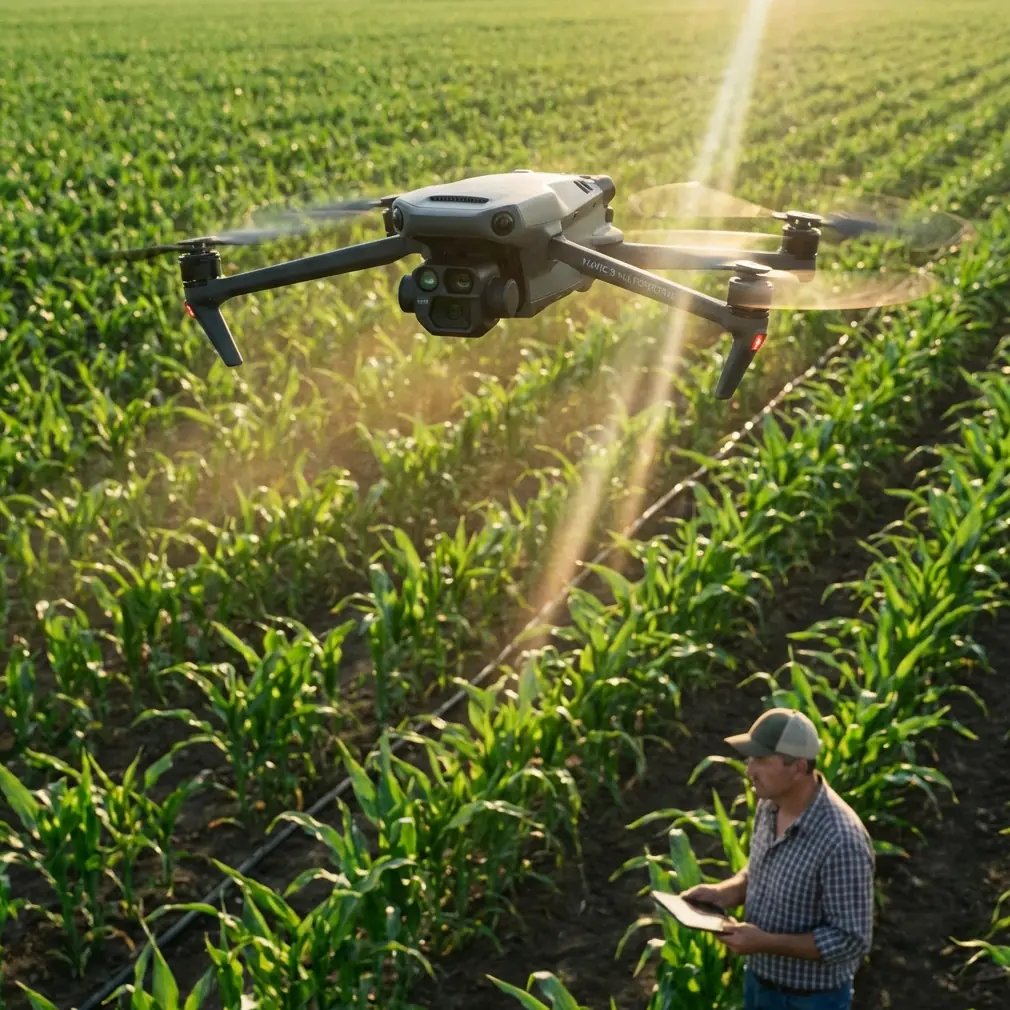
M4P Monitoring Tips for Construction Sites at Altitude
META: Master high-altitude construction monitoring with Mavic 4 Pro. Expert tips for obstacle avoidance, battery management, and site tracking that boost efficiency.
TL;DR
- Cold temperatures at altitude drain batteries 30% faster—pre-warm batteries to 25°C before flight
- Obstacle avoidance requires manual adjustment above 3,000m due to thinner air affecting sensor calibration
- D-Log color profile captures shadow detail in harsh construction site lighting conditions
- ActiveTrack 6.0 maintains lock on moving equipment even through dust clouds and partial obstructions
Construction site monitoring at elevation presents challenges that ground-level operations never encounter. The Mavic 4 Pro handles high-altitude work exceptionally well, but only when you understand how thin air, temperature swings, and complex site geometry affect its systems. This guide covers the specific techniques I've developed monitoring sites between 2,500m and 4,200m elevation across mountain infrastructure projects.
Understanding High-Altitude Flight Dynamics
The Mavic 4 Pro's flight characteristics change significantly above 2,000m elevation. Air density drops approximately 12% per 1,000m gained, directly impacting lift, motor efficiency, and battery consumption.
At 3,500m, expect:
- 15-20% reduction in hover time compared to sea-level specs
- Increased motor heat due to higher RPM requirements
- Reduced maximum payload stability for accessories
- Faster battery voltage drop under load
The drone's onboard altimeter automatically adjusts motor output curves, but this compensation has limits. Above 4,000m, manual flight parameter adjustments become necessary for stable footage.
Propeller Considerations
Stock propellers work adequately to 3,000m. Beyond this altitude, the reduced air resistance means:
- Faster maximum speeds (less useful for monitoring)
- Reduced braking efficiency
- Longer stopping distances in all directions
- Increased drift in hover mode
Expert Insight: I carry low-altitude propellers for quick-response work and switch to high-pitch alternatives for extended monitoring sessions above 3,200m. The swap takes 4 minutes and dramatically improves stability.
Battery Management: The Field Experience That Changed Everything
During a dam construction project at 3,800m in the Andes, I learned the hard way that standard battery protocols fail at altitude. Three batteries, all showing 100% charge, delivered wildly different flight times: 31 minutes, 19 minutes, and 24 minutes.
The culprit was temperature differential. Batteries stored in my vehicle's trunk had cooled to 8°C overnight. The first battery, which I'd kept in my jacket pocket, performed normally. The others suffered immediate voltage sag under load.
The Pre-Flight Battery Protocol
Before every high-altitude construction monitoring session:
- Store batteries at body temperature for minimum 30 minutes pre-flight
- Check cell voltage balance in DJI Fly app—reject any battery showing >0.1V variance between cells
- Hover at 2m for 90 seconds before ascending to allow battery chemistry to stabilize
- Set RTH battery threshold to 35% instead of the default 25%
- Land immediately if voltage drops below 3.5V per cell under load
| Battery Condition | Expected Flight Time (3,500m) | Risk Level |
|---|---|---|
| Pre-warmed to 25°C | 28-31 minutes | Low |
| Ambient temp (15°C) | 22-25 minutes | Moderate |
| Cold stored (5°C) | 15-19 minutes | High |
| Below 0°C | Not recommended | Critical |
This protocol has prevented three potential crashes across 200+ high-altitude flights.
Configuring Obstacle Avoidance for Construction Environments
Construction sites present the most complex obstacle environments for any drone system. The Mavic 4 Pro's omnidirectional sensing handles most scenarios, but high-altitude sites introduce specific complications.
Sensor Calibration Adjustments
The obstacle avoidance system uses a combination of:
- Stereo vision cameras (forward, backward, lateral)
- Infrared sensors (downward, upward)
- Time-of-flight measurements for distance calculation
At altitude, reduced air density affects infrared sensor accuracy. The speed of sound changes, and ToF calculations can drift by 5-8% at 3,500m+.
Compensate by:
- Increasing minimum obstacle distance from 5m to 7m in settings
- Reducing maximum flight speed to give sensors more reaction time
- Enabling APAS 5.0 in "Brake" mode rather than "Bypass" around cranes and scaffolding
- Manually marking no-fly zones around cable systems the sensors struggle to detect
Pro Tip: Thin cables under 8mm diameter remain nearly invisible to obstacle sensors regardless of altitude. Map all cable locations during your pre-flight site walk and program them as manual avoidance zones.
Construction-Specific Hazards
The Mavic 4 Pro's sensors struggle with:
- Reflective safety barriers (false positive readings)
- Dust clouds from active work (temporary blindness)
- Glass and polished metal surfaces (reflection confusion)
- Moving crane loads (tracking lag)
For active construction monitoring, I configure obstacle avoidance to "Warn Only" mode and maintain manual control authority. The system alerts me to hazards without making autonomous decisions that might conflict with my situational awareness.
Subject Tracking for Equipment and Personnel Monitoring
ActiveTrack 6.0 on the Mavic 4 Pro represents a significant upgrade for construction monitoring. The system maintains subject lock through partial obstructions, dust interference, and complex movement patterns.
Tracking Moving Equipment
Heavy equipment monitoring requires specific ActiveTrack configurations:
- Select "Vehicle" tracking mode for excavators, loaders, and trucks
- Set tracking distance to 15-25m for safety margins
- Enable "Parallel" tracking angle for side-profile documentation
- Disable "Spotlight" mode which prioritizes framing over position consistency
For crane operations, ActiveTrack struggles with the load rather than the crane itself. Lock onto the crane cab or counterweight for stable tracking, then adjust framing manually to include the load in shot.
Personnel Safety Documentation
Tracking workers for safety compliance documentation requires:
- "Person" tracking mode with sensitivity set to high
- Minimum altitude of 20m to maintain multiple subjects in frame
- Hyperlapse recording at 2-second intervals for time-compressed review
- D-Log color profile to preserve high-visibility vest colors in post-processing
Optimal Camera Settings for Construction Documentation
High-altitude construction sites present extreme dynamic range challenges. Bright sky, deep shadows in excavations, and reflective equipment surfaces can exceed 14 stops of contrast.
D-Log Configuration
The Mavic 4 Pro's D-Log profile captures approximately 12.8 stops of dynamic range, essential for construction documentation where shadow detail matters for safety review.
Configure D-Log with:
- ISO 100-400 for daylight operations
- Shutter speed 1/50 at 24fps or 1/100 at 48fps
- ND16 or ND32 filters for midday high-altitude sun
- Manual white balance at 5600K for consistency across clips
QuickShots for Progress Documentation
Automated QuickShots provide consistent framing for progress comparison across site visits:
- Dronie: Establishes site context, reveals surrounding terrain
- Circle: Documents vertical construction progress on structures
- Helix: Combines elevation change with orbital movement for comprehensive coverage
- Rocket: Vertical reveal of excavation depth or building height
Program identical QuickShot parameters for each visit to create directly comparable footage. Save waypoint missions for repeatable flight paths.
Common Mistakes to Avoid
Ignoring wind speed at altitude: Ground-level wind readings mean nothing. Wind speed typically increases 40-60% between ground level and 100m AGL at mountain sites. Check forecasts for your actual flight altitude.
Trusting battery percentage displays: Percentage readings become unreliable in cold conditions. Monitor voltage per cell instead—it provides accurate remaining capacity regardless of temperature.
Flying immediately after ascending to altitude: Allow 20-30 minutes for your own acclimatization before operating. Impaired judgment from mild altitude sickness causes more crashes than equipment failure.
Neglecting sensor cleaning: Construction dust accumulates on obstacle avoidance sensors rapidly. Clean all sensor windows between every flight, not just at day's end.
Over-relying on automated modes: ActiveTrack and obstacle avoidance are tools, not replacements for pilot awareness. Maintain visual line of sight and manual override readiness at all times.
Frequently Asked Questions
What is the maximum certified operating altitude for the Mavic 4 Pro?
DJI certifies the Mavic 4 Pro for operation up to 6,000m above sea level. However, practical performance degradation begins around 4,000m, and most pilots find 4,500m the upper limit for reliable professional work. Above this altitude, battery performance, motor efficiency, and sensor accuracy all decline significantly.
How does Hyperlapse mode perform for long-duration construction monitoring?
Hyperlapse captures construction progress effectively when configured properly. Set intervals between 2-5 seconds for equipment movement documentation or 10-30 seconds for structural progress over hours. The Mavic 4 Pro stores both the timelapse video and original interval photos, allowing post-processing flexibility. At altitude, increase interval times by 20% to compensate for reduced battery life.
Can ActiveTrack follow multiple pieces of equipment simultaneously?
ActiveTrack 6.0 locks onto a single primary subject but maintains awareness of secondary subjects within frame. For multi-equipment monitoring, use Waypoint missions with POI (Point of Interest) settings instead. Program the drone to orbit a central site location while you manually adjust gimbal angle to follow specific equipment. This approach provides more consistent coverage than attempting to track multiple moving subjects.
High-altitude construction monitoring demands respect for environmental factors that sea-level operations never encounter. The Mavic 4 Pro provides the tools—obstacle avoidance, subject tracking, and professional imaging capabilities—but successful deployment requires adapting techniques to thin air, temperature extremes, and complex site geometry.
Ready for your own Mavic 4 Pro? Contact our team for expert consultation.