
Mapping Highways in Complex Terrain With Mavic 4 Pro
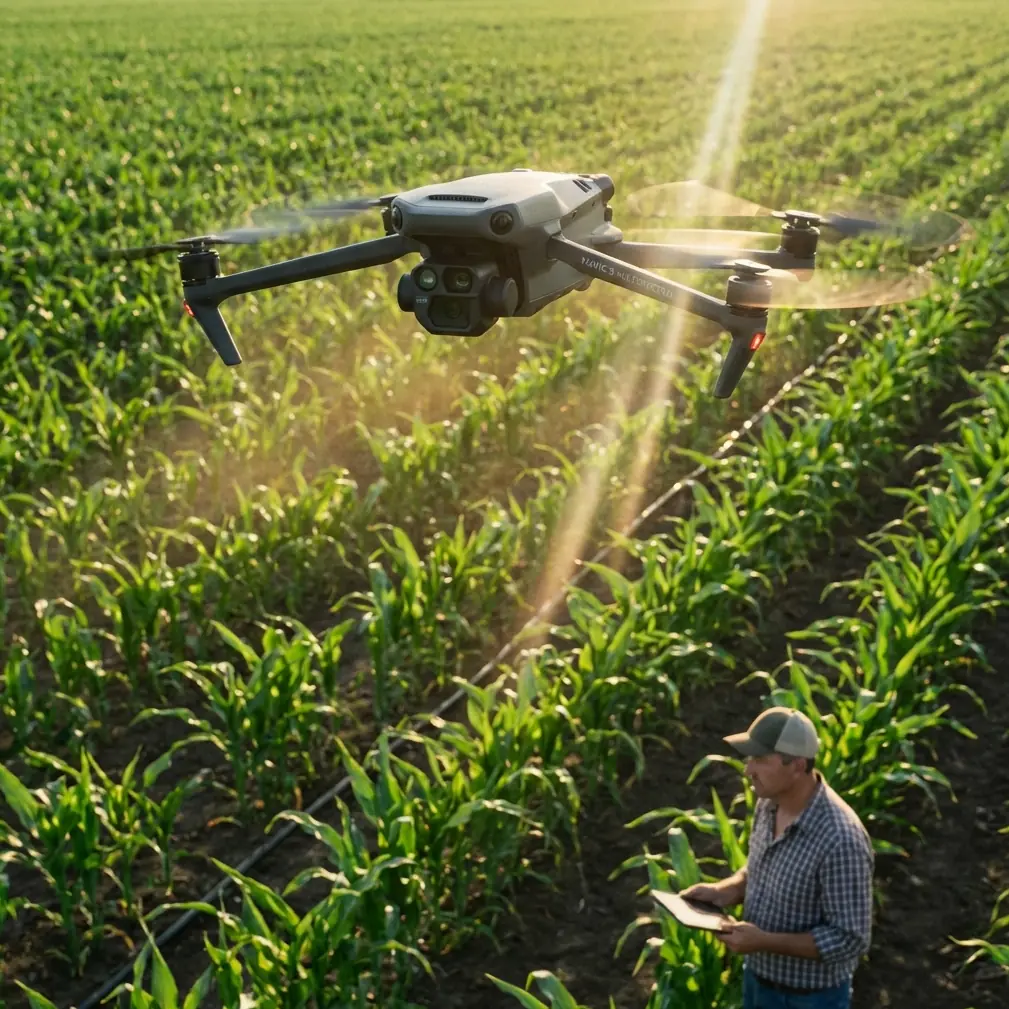
Mapping Highways in Complex Terrain With Mavic 4 Pro: What the Standard Gets Right
META: A field-focused guide to using Mavic 4 Pro for highway mapping in difficult terrain, built around low-altitude aerial survey standards, image QA, triangulation checks, and workflow discipline.
Highway mapping looks straightforward on a screen. Draw the corridor, launch the aircraft, collect the imagery, process the dataset. In the field, especially in broken terrain, that neat sequence falls apart fast.
Steep cut slopes change relative height across the corridor. Bridges, retaining walls, utility crossings, and lane curvature create visual complexity that can hide small coverage failures until stitching begins. Wind shear along ridgelines can alter aircraft behavior just enough to affect image consistency. And when a project depends on clean downstream photogrammetry, “almost right” is not right at all.
That is where Mavic 4 Pro becomes interesting. Not because it makes standards irrelevant, but because it can fit into a standards-driven mapping workflow if the operator treats it like a survey tool rather than a casual camera drone.
For highway work in complex terrain, the real question is not whether the aircraft can capture beautiful imagery. It can. The harder question is whether the collected data can survive quality inspection, handoff, and precision validation without creating rework. A low-altitude aerial survey standard offers a useful lens for answering that, and several of its details matter directly to Mavic 4 Pro operators.
The problem: corridor mapping fails in small, expensive ways
Highway projects rarely fail because the drone could not fly. They fail because of subtle breaks in image logic.
One of the more practical requirements from the low-altitude digital aerial photography standard is that coverage checks should prioritize quality inspection software for digital imagery. That sounds procedural, but in real operations it changes behavior. If you are mapping a long transportation corridor with Mavic 4 Pro, you should not rely on the pilot’s visual impression of success at the end of the mission. You need software-based confirmation that the coverage across the survey area and sub-areas is intact.
Why does that matter on a highway route?
Because complex terrain amplifies edge risk. A route may appear fully covered on the controller, while the actual image block contains weak overlap around embankments, elevated transitions, or bends where the corridor widened unexpectedly. Once the imagery hits processing, those weak sections can show up as stitching artifacts, thin spots in the model, or geometry that refuses to settle.
The same standard also calls for checking whether stitched imagery shows obvious blur, ghosting, and misalignment. Those three defects are operationally significant for Mavic 4 Pro corridor missions.
- Blur can come from speed, vibration, or exposure choices in uneven light.
- Ghosting often reveals unstable image relationships caused by moving traffic, inconsistent overlap, or drift.
- Misalignment points toward either inadequate geometry or platform-camera behavior that wasn’t properly accounted for.
On a highway assignment, those are not cosmetic flaws. They affect lane edge extraction, shoulder interpretation, drainage feature visibility, and confidence in the base map.
Why Mavic 4 Pro is a good fit, if you control the workflow
Mavic 4 Pro sits in a useful middle ground. It is compact enough to deploy quickly along a corridor, yet capable enough to produce serious datasets when operated with discipline. That balance matters on highway work where access points are limited, launch areas may be narrow, and terrain can force multiple repositionings in a single day.
Its obstacle avoidance system is especially relevant here. Not in the consumer sense of “safer flying,” but in the practical sense of operating near cut slopes, tree lines, overpasses, sign gantries, and terrain breaks where visual awareness becomes fragmented. In complex corridors, obstacle sensing reduces workload during repositioning and low-altitude transitions, freeing more attention for line planning, overlap logic, and wind assessment.
Subject-tracking features such as ActiveTrack, along with QuickShots and Hyperlapse, are not the center of a mapping workflow. They are usually associated with media capture. Still, they have value in adjacent project tasks. Before a formal survey mission, those modes can help a team document access constraints, inspect roadside conditions, or create a quick visual reconnaissance of terrain transitions. That reconnaissance can inform the actual mapping plan by revealing obstructions, slope changes, and traffic-related complications that a desktop route study missed.
D-Log also has a place, though not for the orthomosaic itself. On infrastructure projects, clients often need more than measurement products. They want visual context for reporting, stakeholder review, and progress communication. A pilot can capture separate contextual footage in D-Log for grading flexibility while keeping the mapping mission itself tightly standardized. That separation matters. Too many operators blend cinematic habits into measurement missions and degrade data quality.
The standard’s most overlooked lesson: validate when the platform-camera relationship changes
One of the strongest details in the reference material concerns air triangulation accuracy verification. It specifically notes that when geometric conditions may have changed—for example, when the digital camera’s geometry changes, or when the camera is paired with a flight platform it has not been matched with before—the aerial survey unit may add a precision verification step.
The method is concrete: select imagery from the survey area consisting of 3 flight lines and 8 photos to form a test block for bundle adjustment verification.
That is not an abstract standard clause. It is highly relevant to Mavic 4 Pro operators, especially those adding third-party accessories.
A third-party RTK or mounting accessory can absolutely enhance field capability. On corridor work, an external ecosystem component such as a professional-grade GNSS workflow accessory, antenna solution, or field mounting aid can improve control integration, operational convenience, or deployment consistency. But the moment you alter the physical or operational relationship around the imaging system, you should think like the standard thinks: verify geometry, don’t assume it.
That is the operational significance of the “3 flight lines × 8 photos” check. It creates a manageable validation block before you commit to kilometers of highway capture. If the platform behavior, camera alignment assumptions, or processing profile are off, you want to see it inside a small test geometry first.
For Mavic 4 Pro users, that means this:
- After changing a major accessory or workflow element, do not go straight into production.
- Fly a compact verification pattern.
- Run a bundle adjustment or equivalent photogrammetric check.
- Confirm residual behavior and block stability before scaling up.
This is old-school survey discipline applied to a modern compact drone, and it saves money.
Image numbering and orientation are not boring details
Another useful detail in the standard is the image numbering structure: the first 1–4 digits identify the survey area code, 5–6 identify the sub-area, 7–9 identify the flight line, and 10–12 identify the sequential photo number.
At first glance, this looks like paperwork. In highway mapping, it is actually a control mechanism.
Corridor projects often involve multiple takeoff points, several route segments, repeated sorties due to traffic windows or weather, and separate processing batches. Without a disciplined naming structure, image management turns messy very quickly. A weak naming system leads to handoff confusion between field and office teams, especially when one segment must be reflown or when imagery from adjacent days is merged.
With Mavic 4 Pro, adopting a standard-style numbering convention creates traceability through the whole chain:
- which corridor segment the image belongs to,
- which sub-zone or interchange it covers,
- which flight line generated it,
- where it sits in sequence.
That structure becomes even more valuable when a civil engineering consultant, photogrammetry specialist, and field pilot are not the same person. The standard explicitly frames precision verification as a way to make data handoff between the aerial capture side and indoor processing side smoother and to avoid accuracy disputes later. That logic maps perfectly onto commercial drone operations today.
A better problem-solution workflow for complex highway terrain
The biggest mistake I see is trying to solve terrain complexity only in the air. The better solution starts before takeoff.
1. Break the highway into mapping zones, not just one corridor
The reference standard discusses survey areas and sub-areas. For complex terrain, that is exactly the right mindset. A highway route through hills or elevated terrain should be divided into operational sections based on relief, obstacles, structures, and access. Do not let a single mission plan span terrain types that behave differently.
A valley segment, a bridge approach, and a cut-and-fill hillside section should not necessarily be flown the same way just because they are contiguous on the road.
2. Use software-first coverage inspection
The standard prioritizes quality inspection software for digital imagery. Follow that principle strictly. After each mission block, inspect coverage digitally before leaving the area if possible. This is where Mavic 4 Pro’s efficiency helps: fast deployment means you can re-fly a weak section while still on site instead of discovering the problem back at the office.
3. Watch for blur, ghosting, and stitching displacement
The standard explicitly tells you what to look for in image quality checks: obvious blur, double images, and misregistration in stitched outputs. On a highway project, inspect sections with traffic, shadow transitions, and terrain-induced altitude variation first. Those are the places where problems usually appear.
4. Calculate motion risk, don’t guess it
The source text ties image point displacement to aircraft speed, exposure time, and ground resolution. That relationship matters more on corridor mapping than many pilots admit. If your Mavic 4 Pro is flying quickly to cover distance, and lighting forces slower shutter behavior, motion-related displacement can become the silent quality killer.
In plain terms: long corridors tempt operators to push speed. Complex terrain punishes that decision. Slow down when light drops or relief increases.
5. Keep image orientation consistent with camera parameters
The standard says low-altitude digital aerial photos should remain consistent with camera parameters and should not be arbitrarily rotated north-up during preprocessing. For Mavic 4 Pro, that is a reminder not to “tidy up” files in ways that disconnect them from their acquisition geometry. Preserve orientation logic and document flight direction clearly.
That sounds technical, because it is. But the practical value is simple: you reduce ambiguity in processing and troubleshooting.
Where a third-party accessory genuinely helps
The prompt asks for a third-party accessory that enhanced capability, and for this use case the best answer is not a flashy add-on. It is a workflow accessory that improves repeatability.
A high-visibility landing pad with survey markers, paired with a field GNSS workflow kit from a third-party vendor, can make a real difference on roadside deployments. On irregular roadside surfaces, reliable takeoff/landing consistency matters. On segmented highway projects, cleaner control-point coordination matters even more. That kind of accessory support does not replace methodology, but it reduces small field errors that become expensive office problems.
Just remember the standard’s warning in spirit: when the capture setup changes, verify accuracy. Accessories are useful. Unverified assumptions are not.
Mavic 4 Pro works best when the team thinks beyond the flight
If you are building a serious highway mapping workflow around Mavic 4 Pro, the aircraft itself is only one part of the chain. The standard makes that obvious. It talks about inspection, verification, preprocessing, naming, and handoff. That is the real backbone of reliable aerial mapping.
For teams that need to compare corridor planning options or discuss a practical deployment setup, a direct project conversation often solves more than another spec sheet. If that helps, you can message the field team here.
The larger point is this: Mavic 4 Pro is most effective on complex terrain when used inside a survey-minded framework.
Not because standards are bureaucratic. Because standards capture hard-earned lessons:
- inspect digital coverage with software, not optimism,
- verify image quality for blur and misalignment before processing deepens the problem,
- validate triangulation when platform-camera conditions change,
- keep file organization structured enough for handoff and rework control,
- respect the connection between speed, exposure time, and image displacement.
Those are the habits that turn a compact drone from a convenient flying camera into a dependable mapping instrument.
And on a highway corridor running through difficult terrain, that difference is everything.
Ready for your own Mavic 4 Pro? Contact our team for expert consultation.