
Mapping Urban Highways with Mavic 4 Pro: What Actually
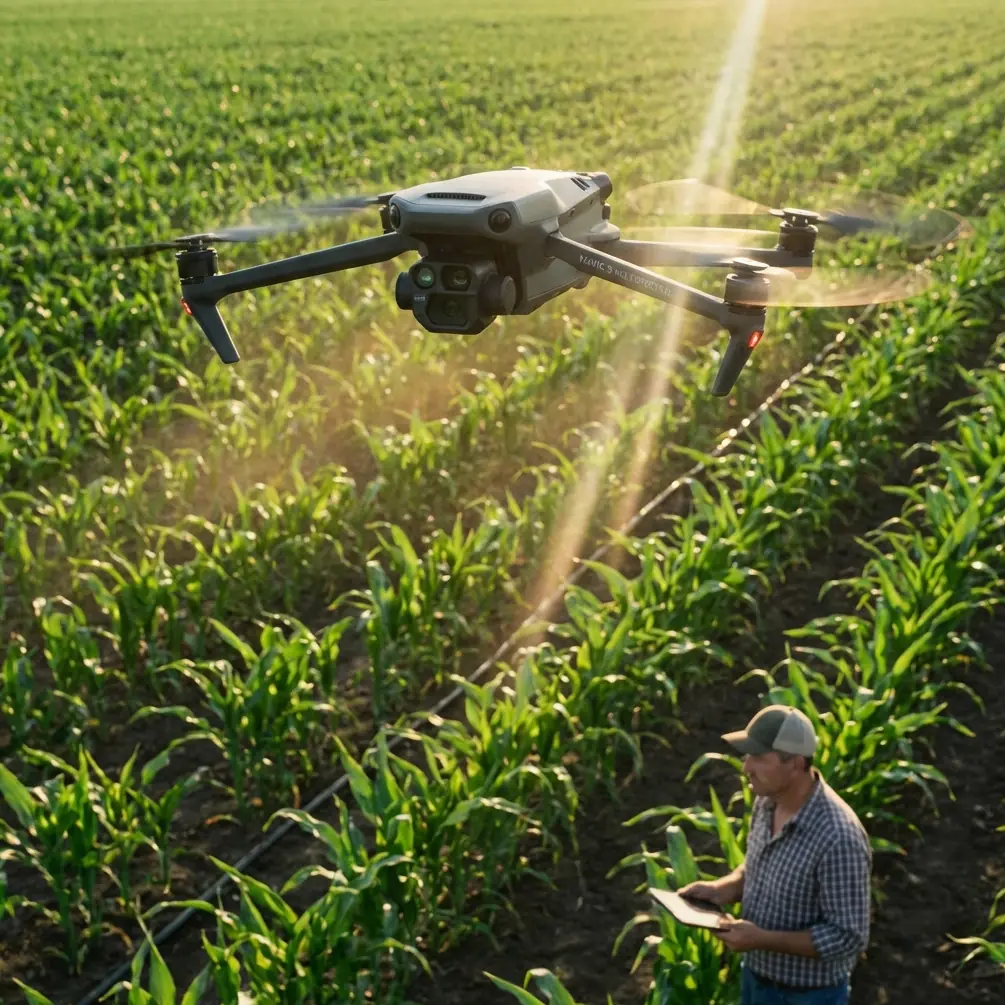
Mapping Urban Highways with Mavic 4 Pro: What Actually Determines Useful Survey Detail
META: Practical Mavic 4 Pro mapping advice for urban highway projects, focused on GSD, flight height, motion control, antenna positioning, and photogrammetry decisions that affect real deliverables.
Highway mapping in a city is never just about getting a drone in the air. The hard part is collecting imagery that will still hold up when someone zooms into lane edges, barrier offsets, drainage structures, bridge approaches, retaining walls, or utility conflicts beside the carriageway.
That is where many otherwise capable operators get tripped up. They think first about altitude, battery time, or a flashy autonomous feature set. For mapping, the better starting point is image quality in measurable terms. A useful way to frame Mavic 4 Pro missions for urban highways is through a much older and still highly relevant photogrammetry principle: flight height by itself does not tell you enough. Ground Sample Distance, or GSD, does.
A 2009 civil UAV photogrammetry paper made this point clearly. It argued that relative flight height alone cannot accurately represent mapping capability, while GSD more directly reflects interpretation strength and positioning precision. That matters today just as much as it did then. Even with a modern platform like Mavic 4 Pro, your deliverable quality is still governed by how much ground each pixel represents.
Why GSD should drive your highway mission planning
For an urban highway corridor, clients usually care about more than a pretty orthomosaic. They need confidence that the imagery supports measurement, feature recognition, and consistent downstream modeling. GSD is the first filter for all three.
The reference document provides a simple relationship: GSD is tied to pixel size, focal length, and relative flight height. In its worked example, a camera with a 17 mm focal length and 7.2 μm pixel size produces 5 cm GSD at 118 m and 10 cm GSD at 236 m. The operational meaning is straightforward. Double the height, and your ground detail per pixel doubles too, which means you lose fine visual discrimination.
For highway work in urban space, that tradeoff becomes immediate:
- At around the equivalent of 5 cm GSD, you are in a much safer zone for extracting lane markings, curb geometry, manhole positions, shoulder transitions, and small roadside assets.
- At 10 cm GSD, corridor coverage gets easier, but subtle detail starts slipping. Paint lines become less crisp. Narrow cracks or shallow edge failures may blur into texture. Tight urban infrastructure interfaces become harder to interpret reliably.
The same source links those two GSD values to mapping output expectations: 5 cm aligned with 1:500 mapping, while 10 cm aligned with 1:1000 mapping. Even if your Mavic 4 Pro payload differs from the legacy camera in that paper, the planning logic still applies. If the highway owner expects engineering-grade corridor context in dense city conditions, you should define your target GSD first and only then decide flight altitude.
That one reversal in workflow can prevent the most expensive mistake in drone mapping: covering everything, then discovering the imagery is not sharp enough for the actual design or inspection task.
Height is not the real limiter in urban corridors
In city highway environments, operators often default to “fly higher to stay safe and efficient.” That instinct is understandable. Higher flights can reduce the number of lines, simplify obstacle clearance, and speed up broad corridor acquisition. But urban highways punish oversimplification.
Bridges, gantries, noise barriers, sign structures, lamp poles, tree canopies, and adjacent buildings all interfere with line of sight and image consistency. If you climb simply to avoid complexity, you may buy smoother geometry at the cost of deliverable detail.
This is exactly why GSD-based planning is so useful with Mavic 4 Pro. It forces you to ask practical questions:
- Do I need lane-level extraction or only corridor context?
- Are drainage inlets and roadside cabinets part of the scope?
- Will the model be used for design coordination, claims documentation, or general site progress?
A general progress map can tolerate looser sampling. A preconstruction or redesign package usually cannot.
Mavic 4 Pro gives you modern convenience features like obstacle avoidance, subject-aware automation, and polished capture modes such as QuickShots or Hyperlapse, but none of those replace survey logic. For urban highway mapping, the aircraft’s intelligence helps you operate more safely and efficiently around clutter. It does not rescue a mission planned at the wrong resolution.
The underappreciated issue: motion blur over moving corridors
The reference paper includes another detail that deserves more attention from drone operators: image point displacement caused by motion during exposure. In their test setup, they abandoned the old film-era allowable displacement limit because it was far too loose for digital imagery. Instead, they used a much tighter threshold of 1/3 pixel, or 2.4 μm, with an exposure time of 1/800 s. Under those assumptions, the computed maximum permitted ground speed was 23.3 m/s at 236 m relative height and 30 m terrain difference. In actual operation, they kept speed below 15 m/s, which is 54 km/h.
That distinction between theoretical maximum and practical operating speed is exactly the kind of judgment urban highway mapping needs.
On paper, Mavic 4 Pro may be able to move briskly. In the field, speed should be governed by whether your imagery remains photogrammetrically clean. If you are flying above an urban corridor with variable elevations, retaining structures, overpasses, and mixed pavement reflectivity, motion blur is not a trivial issue. The faster you push, the more likely you are to reduce edge definition in markings and roadside features, especially if lighting forces a slower shutter than you planned.
The lesson is not “always fly slowly.” The lesson is that image sharpness sets the ceiling. The old study’s practical cap of 15 m/s is a useful mindset even for newer hardware: leave margin. A conservative cruise speed gives your Mavic 4 Pro a better chance of preserving usable frames, especially when wind, light angle, and urban turbulence begin working against you.
Overlap and stereo quality still matter
The same paper also examined base-to-height ratio, which is one of those photogrammetry concepts many drone operators use indirectly without thinking much about it. Using 60% forward overlap, a camera with 4,992 pixels along the flight direction, 7.2 μm pixel size, and 17 mm focal length yielded a base-height ratio of 1:1.18. The authors noted that a range between 1:1 and 1:1.5 is well suited for photogrammetry because it balances obstruction handling with good elevation measurement.
That becomes especially relevant for urban highways. Corridors are full of partial occlusions: bridge shadows, overhead signage, side barriers, vegetation, parked maintenance vehicles, and abrupt embankments. A stereo geometry that is too weak can flatten or distort these areas. A geometry that is tuned well improves reconstruction in exactly the places where corridor projects become contentious.
For Mavic 4 Pro users, this means overlap is not just a software default. It is part of your measurement strategy. If your mission is expected to support elevation-sensitive outputs around ramps, drainage channels, underpasses, or retaining walls, you should think in terms of stereo robustness, not merely “enough photos to process.”
How this changes a real Mavic 4 Pro urban highway workflow
A practical Mavic 4 Pro mission for a city highway should begin with deliverable intent.
If the job is aimed at engineering review, utility coordination, or roadway asset inventory, aim for a resolution profile comparable to the tighter side of the reference logic. That usually means planning for finer GSD rather than maximizing area per flight. If the work is broad corridor progress documentation, you may accept a coarser sampling rate, but only after confirming what features still need to be recognized clearly.
Next, control your speed based on imaging conditions rather than aircraft capability. Bright sun and a fast shutter may give you more room. Haze, low-angle light, or shadowed under-bridge sections may demand a much gentler ground speed. The paper’s practical reduction from 23.3 m/s allowable to 15 m/s actual is a smart reminder that theoretical limits are not operating targets.
Then, pay attention to overlap and corridor geometry. Highways are long, repetitive, and full of reflective surfaces. Uniformity can confuse processing if overlap is thin and image texture is weak. A more conservative overlap strategy often pays back in cleaner reconstructions and fewer holes around merges, ramps, and roadside structures.
Finally, use the Mavic 4 Pro’s obstacle sensing and route awareness as risk-reduction tools, not as excuses to fly carelessly close to structures. In cities, obstacle avoidance is operationally valuable because it helps protect continuity when poles, sign bridges, and adjacent buildings intrude into the corridor envelope. But in mapping, consistency beats heroics. Stable track lines and predictable capture are worth far more than aggressive maneuvering.
Antenna positioning advice for maximum range in urban mapping
Since highway corridors stretch linearly, signal discipline matters more than many pilots expect. This is where simple antenna habits can extend practical control quality.
For maximum range and a steadier link on Mavic 4 Pro, keep the controller antennas broadside to the aircraft rather than pointing their tips directly at it. The strongest part of the radiation pattern is usually off the face or sides, not the end. On a long corridor mission, that means you should rotate your body and controller as the drone progresses down the highway instead of locking your stance and letting the aircraft drift into an inefficient signal angle.
Urban environments add another complication: multipath reflection from buildings, sound barriers, and metal sign gantries. If you are standing low beside a corridor, trucks, barriers, and embankments can also interrupt line of sight. Small repositioning moves can make a surprising difference. Step to a clearer shoulder location, a safe elevated verge, or a point with fewer reflective obstructions whenever regulations and site safety allow.
One more practical tip: don’t wait until signal bars drop to rethink your position. On linear mapping jobs, range problems often begin gradually. If you want a second opinion on a corridor setup or antenna orientation before heading to site, you can message our flight team here.
What modern features are actually useful here
There is a temptation to overemphasize cinematic functions whenever a flagship drone is discussed. For urban highway mapping, features like D-Log, ActiveTrack, QuickShots, and Hyperlapse are secondary at best.
D-Log can be useful if part of the assignment includes visual documentation for stakeholder review under challenging light, especially when preserving highlight and shadow information around concrete structures and dark pavement. ActiveTrack and other intelligent subject tools are largely irrelevant for measurement-grade mapping runs, though they may help in adjacent documentation tasks such as tracking construction progress vehicles in a separate media workflow. QuickShots and Hyperlapse are presentation tools, not survey tools.
The capabilities that matter more are the less glamorous ones: stable positioning, consistent exposure behavior, reliable obstacle sensing in cluttered corridors, and a link robust enough to maintain confidence over a long linear route.
The bigger lesson from the reference material
The most valuable part of the source document is not the age of the aircraft or the camera. It is the discipline behind the mission design. The authors successfully applied their system in major projects including a reservoir resettlement engineering project, a major railway station development, and archaeological work near a reservoir. Different sites, same principle: technical image planning determines whether the data can support real-world decisions.
That is the lens through which Mavic 4 Pro should be used for urban highway mapping.
Not as a flying camera that happens to make maps.
As a data collection platform whose flight height, GSD, shutter strategy, speed control, overlap design, and link management all need to be aligned with the final deliverable.
If you remember only three things, make them these:
- Plan by GSD, not altitude alone. The reference example of 5 cm at 118 m versus 10 cm at 236 m shows how quickly useful detail changes.
- Protect image sharpness by controlling speed. The study’s practical in-field cap of 15 m/s is a strong reminder that motion blur can quietly ruin mapping value.
- Treat overlap and antenna orientation as production variables. Stereo quality and signal stability directly affect corridor reliability.
When those pieces are handled well, Mavic 4 Pro becomes a genuinely effective urban highway mapping tool. When they are ignored, even the best aircraft is reduced to collecting expensive but mediocre imagery.
Ready for your own Mavic 4 Pro? Contact our team for expert consultation.