
Expert Mapping With Mavic 4 Pro: A Smarter Workflow
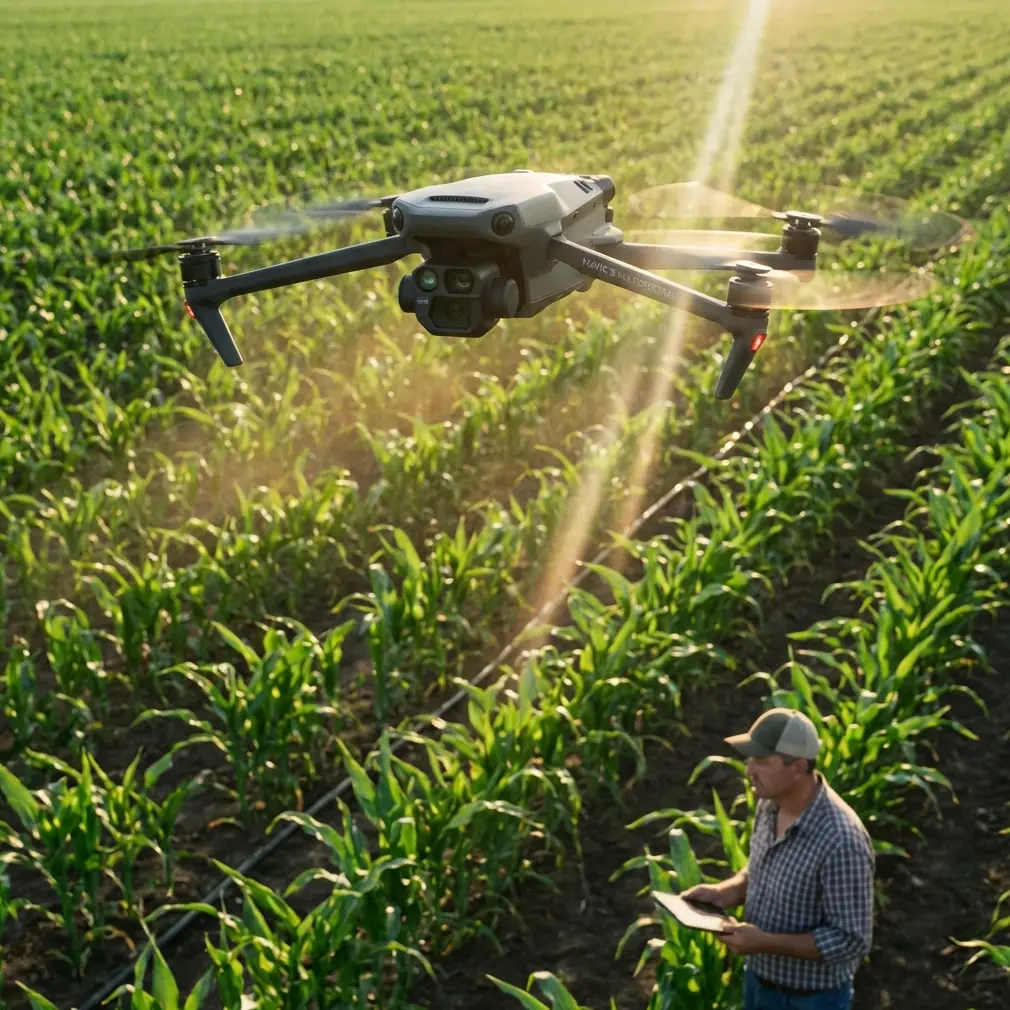
Expert Mapping With Mavic 4 Pro: A Smarter Workflow for Urban Forest Surveys
META: Learn how Mavic 4 Pro fits an urban forest mapping workflow, from image capture to DSM, TDOM, quality checks, and final data delivery.
Urban forest mapping looks deceptively simple from the sidewalk. Trees, paths, roads, building edges, maybe a drainage line disappearing under canopy. Once you put a drone in the air and try to turn that scene into dependable mapping data, the hard part shows up fast: occlusions, vertical structures, mixed ground cover, and the constant need to balance visual richness with geometric accuracy.
That is where the Mavic 4 Pro becomes interesting.
Not because it magically removes the discipline required for photogrammetry. It does not. The real value is that it gives solo operators and small survey teams a more agile platform for collecting the kind of image sets that stand up better in downstream processing. In urban forest work, that matters far more than cinematic specs alone.
Why urban forest mapping is harder than it looks
Urban woodland and park-edge environments create a very specific mapping problem. You are not surveying a clean agricultural block or an open industrial site. You are dealing with:
- dense tree crowns
- footpaths partly hidden by canopy
- retaining walls and small structures
- bridges, rails, fences, signs, and utility features
- abrupt transitions between vegetation and built form
Those details are exactly where weak data capture turns into expensive office corrections later.
One of the most important technical points in the reference material is this: TDOM quality depends primarily on DSM quality. That single idea should shape how you use a Mavic 4 Pro in the field. If your digital surface model is poor, your resampled true orthographic output will also be poor. No amount of attractive color, D-Log grading, or polished presentation fixes that.
For urban forest mapping, that means the mission is not just “get enough photos.” The mission is to collect imagery that supports a cleaner DSM in areas with canopy edges, building faces, bridges, and other elevated objects that often create occlusion problems.
The real mapping value of Mavic 4 Pro
A lot of drone discussions drift toward lifestyle features. For mapping professionals, the better question is operational: does the aircraft help you capture more consistent, more complete data in a cluttered environment?
The Mavic 4 Pro earns its place when you think about it in that frame.
In a city forest corridor, obstacle avoidance is not merely a comfort feature. It supports safer low-altitude route adjustments around branches, poles, and edge vegetation when you are trying to maintain planned coverage. Competitor platforms can capture map imagery too, of course, but the Mavic 4 Pro is particularly useful when the site forces frequent micro-decisions. Tight edges and mixed vertical elements punish hesitation. A platform that inspires confidence near complexity often translates into better field discipline and fewer coverage gaps.
The same goes for subject tracking and ActiveTrack, though not in the way many people assume. These are not mapping tools in the strict photogrammetric sense, and I would not use them for primary survey grids. Where they do help is in ancillary documentation: tracking a moving inspection walk along a trail, recording access routes, or creating contextual visual material for stakeholders who need to understand why a certain stand of trees, path network, or bridge crossing requires special treatment in the map. QuickShots and Hyperlapse also fit that supporting role. They are not replacements for structured acquisition, but they can document site conditions, seasonal context, and environmental constraints with far more clarity than a written note.
For a photographer-operator like Jessica Brown, that crossover matters. Urban forestry projects often need both hard data and a visual narrative. The Mavic 4 Pro is strong precisely because it can serve both without forcing a complete platform change.
Start with the end product, not the flight
One weakness I see in newer operators is that they plan flights before they define deliverables. The reference material points in the opposite direction. It emphasizes a chain that ends in data conversion, database entry, user inspection, revision, and final qualified delivery. That is the mindset professionals need.
Before flying the Mavic 4 Pro, decide which output is actually required:
- a true orthomosaic for planning or asset review
- DLG-style mapping deliverables derived from stereo workflows
- a coarse model for visualization followed by measured editing
- a combined map package with labels, layers, and standardized symbology
The reference specifically notes that oblique photogrammetry data has two major application directions, one of which is to build a coarse model first and then use stereo mapping software to produce more traditional survey outputs such as DLG. That has direct relevance to urban forest work. If your client ultimately needs structured vector layers rather than just imagery, your image strategy must support interpretation, editing, and verification beyond simple top-down viewing.
In other words, don’t let the aircraft dictate the mission. Let the final cartographic and database requirements dictate how the aircraft is used.
A practical Mavic 4 Pro workflow for urban forest mapping
1. Capture nadir and contextual oblique imagery
If the target includes paths under tree edges, small bridges, structures near canopy, or changes in terrain, a nadir-only approach is often too thin. The reference makes a crucial distinction between ordinary orthophoto logic and true orthophoto production: a true orthographic image requires visibility analysis so elevated objects are corrected to their proper position without incorrectly obscuring other features such as roads.
This is a big deal in urban forests. A path under partial canopy or next to a pavilion can disappear in weak workflows.
Using the Mavic 4 Pro, I would treat the primary grid as the geometric backbone, then collect supplemental oblique imagery around problematic features. The point is not artistic coverage. The point is improving surface reconstruction and giving the processing stage better chances to resolve occluded zones.
2. Protect DSM quality at all costs
Again, this is the hinge point. The source is explicit: only a high-quality DSM can generate a high-quality TDOM.
Operationally, that means:
- maintain image overlap discipline
- avoid rushed edge passes
- pay special attention to transitions between vegetation and structures
- revisit shadow-heavy corridors if conditions compromise detail
- capture enough variation around bridges, embankments, and vertical edges for cleaner modeling
The Mavic 4 Pro’s stable imaging platform helps here, but the bigger gain is pilot confidence. If you can safely and calmly hold a better route through mixed obstacles, your DSM improves because your coverage improves.
3. Use D-Log for interpretation support, not just aesthetics
D-Log is often discussed by creators, but it has a place in project communication too. For mapping itself, geometric reliability comes first. Yet urban forest projects frequently involve multidisciplinary teams: planners, arborists, landscape architects, environmental consultants, and municipal staff. D-Log footage, when graded properly, can preserve tonal range in mixed light conditions under canopy and around reflective hardscape. That makes it easier to produce reference visuals that show understory density, trail erosion, canopy gaps, or drainage features without crushed shadows.
That may not affect the DSM directly, but it can reduce misinterpretation during review meetings. On complex jobs, that saves time.
Why true orthographic thinking matters in wooded city environments
The source material explains that in true orthographic production, visible areas are handled similarly to standard orthophoto generation, while occluded areas are repaired using visible portions from adjacent imagery. The difference between methods comes down largely to how the hidden areas are detected.
For urban forest mapping, this matters because the environment is full of partial visibility. A walkway beside a raised planter, a road shoulder under overhanging limbs, a bridge deck partly covered by tree shadow—these are classic cases where standard assumptions break down.
Mavic 4 Pro operators should take this as a field instruction: fly for visibility redundancy. Give the software adjacent looks at the same area from enough valid perspectives to support better occlusion handling. In a cleaner open field, a weakly planned mission may still survive. In a dense urban green space, it usually will not.
The overlooked phase: office editing and standardization
Many articles stop at image capture. The reference material does not, and that is one reason it is useful.
It describes office editing as the process of taking all field-noted content and representing it accurately on topographic data according to specification. That includes modifying the original collected map content based on field annotations, applying names and labels in the required font, size, and arrangement, and strictly following prescribed layers, colors, line types, and line weights so the result meets the user’s database-entry requirements.
This is the part many drone-first operators underestimate.
The Mavic 4 Pro can collect excellent imagery, but a forestry mapping product becomes professionally usable only when the office workflow translates those observations into standardized data. In urban projects, names, trail classifications, water features, retaining structures, and vegetation boundaries often need to fit an existing municipal or enterprise schema. If your output does not align with that schema, your map becomes a pretty intermediate file rather than a useful asset.
So when planning a Mavic 4 Pro mission, think beyond image quality. Ask:
- What labels will be required?
- Which layer conventions must be followed?
- How will field edits be captured and transferred?
- Does the client require strict symbolization or database-ready vector structures?
That is where expert workflows separate themselves from hobbyist ones.
Field verification is not optional
Another detail from the reference deserves more attention than it usually gets: field inspection checks whether the mapped representation matches the real landscape, whether feature selection is reasonable, whether names are correct and standardized, whether accuracy meets the specification, and whether important features have been omitted.
That is a precise description of what goes wrong in urban forest work.
Canopy hides things. Seasonal growth changes things. Trail furniture gets moved. New erosion cuts appear. Small culverts and informal footpaths are easy to miss. Even with a strong Mavic 4 Pro dataset, there is no substitute for a verification pass.
A disciplined workflow uses the drone to reduce uncertainty, not to eliminate the need for checking. If your project includes public-facing green infrastructure, campus woodland management, or city park upgrades, that extra verification step protects both credibility and downstream design decisions.
Quality control should be built in, not added later
The reference states that quality inspection commonly uses 15% sampling to check finished map quality. If too many issues appear, the product may be returned for rework or full correction.
That number matters because it reveals how professional mapping should be managed: with measurable review, not vague confidence.
For Mavic 4 Pro teams, a simple adaptation works well:
- sample a percentage of output tiles or feature classes
- compare them against field notes and source imagery
- check for omissions near canopy edges and structures
- verify labeling consistency
- confirm that the geometry of roads, paths, walls, and water features is reasonable
A drone that captures attractive visuals can still feed a flawed map. Formal checks catch that before the client does.
If you need a second set of eyes on an urban forest mapping workflow, mission planning, or output review, you can reach a specialist team directly through this UAV mapping contact line.
Where Mavic 4 Pro stands out against weaker-fit alternatives
Some competing drones are perfectly serviceable in open-area mapping but become less comfortable in spatially busy environments where tree limbs, light poles, and built edges narrow your options. That is where the Mavic 4 Pro has an advantage. It is not just about obstacle avoidance as a safety spec on paper. It is about reducing the operator’s cognitive load while preserving route discipline and image consistency.
In urban forest mapping, that translates into fewer improvised gaps, cleaner edge coverage, and better support for DSM generation. And since DSM quality drives TDOM quality, that advantage carries all the way through the pipeline.
That is the bigger story. Not that the aircraft is flashy. That it fits a demanding real-world workflow where data quality depends on how calmly and consistently the operator can work around complexity.
The bottom line for serious urban forest projects
If your goal is a polished social post, almost any modern camera drone can produce something pleasing. If your goal is a mapping product that survives editing, quality control, database integration, and client acceptance, the standard is much higher.
The reference material lays out that chain clearly: capture, edit to specification, inspect, correct, convert for storage, submit for acceptance, revise if needed, then deliver the final qualified product. The Mavic 4 Pro earns its place in that chain because it helps you collect stronger imagery in the exact kind of mixed, obstructed environment that urban forest mapping creates.
Use it with the right mindset:
- build missions around DSM quality
- collect for visibility redundancy
- support true orthographic processing where occlusion matters
- plan for office standardization from day one
- verify in the field
- sample and check your outputs before delivery
That is how you turn a capable aircraft into a dependable mapping tool.
Ready for your own Mavic 4 Pro? Contact our team for expert consultation.