
Mavic 4 Pro Mapping Tips for Remote Construction Sites
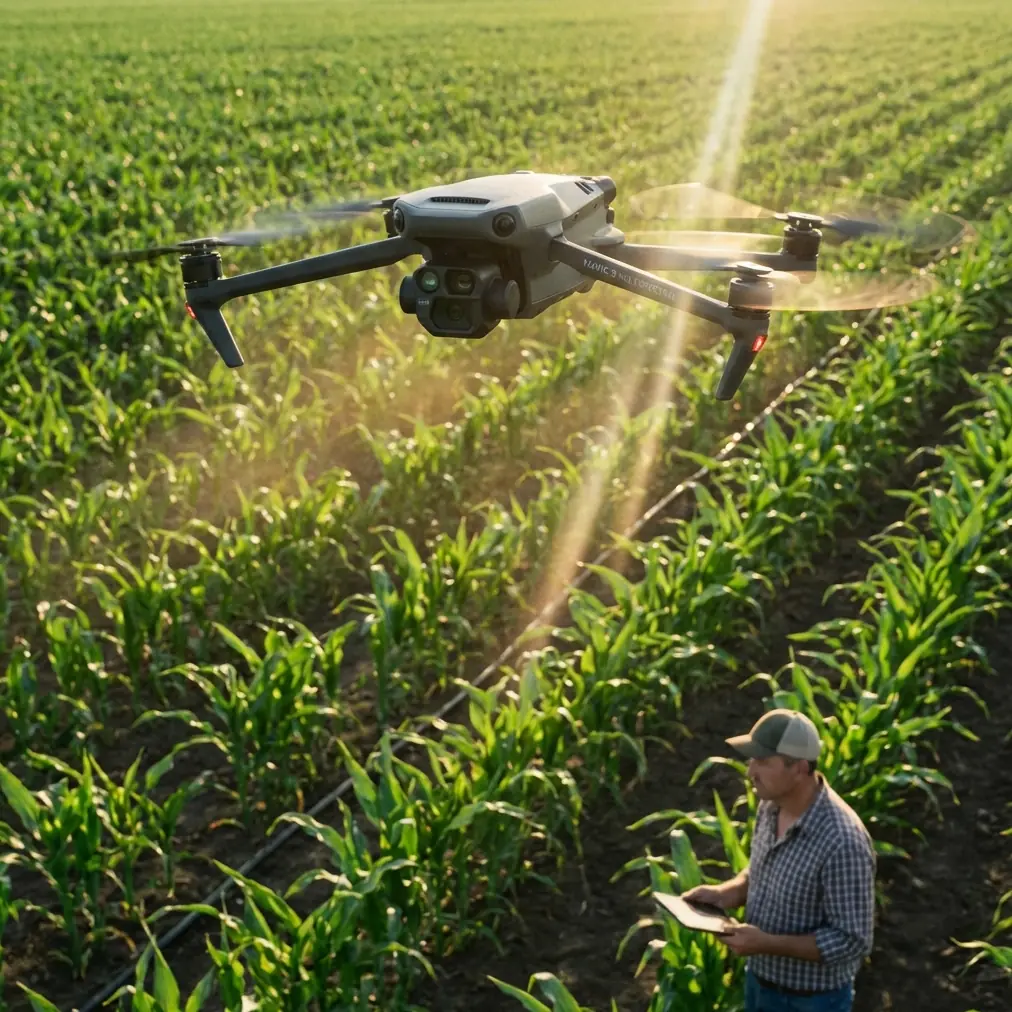
Mavic 4 Pro Mapping Tips for Remote Construction Sites
META: Master remote construction site mapping with Mavic 4 Pro. Learn optimal flight altitudes, obstacle avoidance settings, and workflow tips from professional drone operators.
TL;DR
- Fly between 80-120 meters AGL for optimal ground sampling distance on construction sites
- Configure omnidirectional obstacle avoidance to "Bypass" mode for uninterrupted mapping runs
- Use D-Log color profile to capture maximum dynamic range in challenging lighting conditions
- Plan flights during 10 AM - 2 PM to minimize shadow interference in orthomosaic outputs
Remote construction site mapping presents unique challenges that standard drone workflows simply cannot address. The Mavic 4 Pro solves critical pain points—from unreliable GPS in canyon-like terrain to battery management across vast survey areas—through intelligent flight systems designed specifically for professional mapping applications.
This guide breaks down the exact settings, flight patterns, and troubleshooting techniques I use when mapping construction sites in remote locations where cellular coverage disappears and the nearest charging station sits hours away.
Why Remote Construction Mapping Demands Professional-Grade Equipment
Construction sites in remote areas operate under constraints that suburban projects never encounter. Equipment arrives on limited schedules. Weather windows close without warning. And every flight must count because returning tomorrow might mean a four-hour drive each direction.
The Mavic 4 Pro addresses these realities through three core capabilities:
- Extended flight time of 46 minutes reduces the number of battery swaps required per survey
- 100W fast charging enables rapid turnaround between mapping missions
- Dual-frequency RTK compatibility maintains centimeter-level accuracy even without ground control points
Traditional survey methods require crews to physically traverse terrain that might include active excavation zones, unstable slopes, or areas with heavy machinery operation. Aerial mapping eliminates ground-based safety risks while delivering data that updates stakeholders in real-time.
Optimal Flight Altitude Selection for Construction Mapping
Altitude selection directly impacts your deliverable quality. Fly too high, and you sacrifice the resolution needed to identify rebar placement or formwork details. Fly too low, and you multiply flight time while risking obstacle strikes from cranes, scaffolding, or material stockpiles.
Expert Insight: For general construction progress documentation, maintain 100 meters AGL as your baseline. This altitude produces approximately 2.5 cm/pixel ground sampling distance with the Mavic 4 Pro's Hasselblad camera—sufficient for volumetric calculations and progress tracking while keeping total flight time manageable.
Altitude Recommendations by Survey Type
| Survey Purpose | Recommended Altitude | GSD Result | Overlap Setting |
|---|---|---|---|
| Progress documentation | 100m AGL | 2.5 cm/px | 75/65 |
| Volumetric stockpile analysis | 80m AGL | 2.0 cm/px | 80/70 |
| Detailed structural inspection | 50m AGL | 1.2 cm/px | 85/75 |
| Large site overview | 120m AGL | 3.0 cm/px | 70/60 |
Adjust these baselines based on your specific deliverable requirements. Clients requesting as-built documentation for BIM integration typically need the 50-meter altitude captures, while weekly progress reports work perfectly at 100 meters or above.
Configuring Obstacle Avoidance for Mapping Efficiency
The Mavic 4 Pro's omnidirectional obstacle avoidance system uses vision sensors across all directions combined with infrared sensing for comprehensive environmental awareness. However, default settings prioritize safety over mission completion—which creates problems during automated mapping runs.
Construction sites contain vertical elements that trigger constant avoidance maneuvers: tower cranes, concrete pumps with extended booms, partially completed structures, and temporary fencing. Each avoidance event interrupts your planned flight path and introduces gaps in image coverage.
Recommended Obstacle Avoidance Configuration
Switch from "Brake" mode to "Bypass" mode before initiating mapping missions. This setting allows the aircraft to navigate around detected obstacles while maintaining its programmed flight path rather than stopping completely and awaiting pilot input.
Configure these specific parameters:
- Horizontal obstacle avoidance distance: 5 meters minimum
- Downward sensing: Enable for landing protection
- APAS 6.0: Active for intelligent path planning
- Return-to-home obstacle avoidance: Maximum sensitivity
Pro Tip: Before each mapping mission, perform a manual reconnaissance flight at 150 meters AGL to identify the tallest structures on site. Set your mapping altitude at least 20 meters above the highest obstacle to eliminate mid-mission avoidance events entirely.
Leveraging D-Log for Maximum Post-Processing Flexibility
Remote construction sites present extreme dynamic range challenges. Bright concrete surfaces reflect intense sunlight while excavated areas and shadows beneath equipment create deep blacks. Standard color profiles clip highlights and crush shadows, destroying data you cannot recover.
The Mavic 4 Pro's D-Log M color profile captures approximately 14 stops of dynamic range, preserving detail across the entire luminance spectrum. This flat, desaturated footage looks underwhelming straight from the camera but contains the information needed for accurate photogrammetric processing.
D-Log Configuration Steps
- Access camera settings through the DJI RC 2 controller
- Navigate to Color mode selection
- Select D-Log M for maximum latitude
- Set ISO to 100-400 to minimize noise in shadow recovery
- Enable histogram display to monitor exposure distribution
For orthomosaic generation, the additional dynamic range improves feature matching algorithms' ability to identify tie points between overlapping images. This translates directly to more accurate point clouds and surface models.
Subject Tracking and ActiveTrack Applications
While mapping missions typically follow predetermined grid patterns, the Mavic 4 Pro's ActiveTrack 6.0 system proves invaluable for documenting specific construction activities. Equipment operation, concrete pours, and crane lifts benefit from dynamic tracking that keeps subjects centered while the aircraft maintains safe distances.
ActiveTrack uses the same obstacle avoidance sensors to predict subject movement and plan flight paths that avoid collisions. The system recognizes:
- Construction vehicles and heavy equipment
- Personnel wearing high-visibility clothing
- Moving materials suspended from cranes
- Vehicles entering and exiting the site
Combine ActiveTrack with QuickShots modes to generate polished client-facing content during the same site visit that produces technical survey data. The Dronie, Rocket, and Circle modes create professional reveal shots without requiring manual piloting expertise.
Hyperlapse Documentation for Long-Term Projects
Construction projects spanning months or years benefit from time-compressed documentation that communicates progress more effectively than static images. The Mavic 4 Pro's Hyperlapse function automates this process through four distinct modes:
- Free: Manual flight path with automated image capture
- Circle: Orbital movement around a designated point of interest
- Course Lock: Linear movement while maintaining consistent heading
- Waypoint: Fully programmable multi-point paths
For construction documentation, Waypoint Hyperlapse delivers the most repeatable results. Program your flight path once, then execute identical passes at weekly or monthly intervals. Post-processing software stitches these sequences into compelling progress visualizations.
Set capture intervals between 2-5 seconds depending on flight speed. Faster intervals produce smoother final videos but consume more storage and battery.
Common Mistakes to Avoid
Flying during midday without shadow consideration While midday lighting minimizes shadows in orthomosaics, it also creates harsh contrast that challenges exposure settings. Schedule flights for 10 AM or 2 PM when sun angle provides definition without extreme shadows.
Ignoring wind speed at altitude Ground-level conditions rarely reflect conditions at mapping altitude. The Mavic 4 Pro handles winds up to 12 m/s, but sustained high winds reduce battery efficiency by 15-25%. Check forecasts for conditions at your planned flight altitude.
Insufficient image overlap in complex terrain Default overlap settings assume relatively flat surfaces. Construction sites with vertical structures, excavations, and varied elevations require increased overlap—minimum 80% frontal and 70% side—to ensure complete coverage.
Neglecting compass calibration in new locations Remote sites often contain subsurface infrastructure or mineral deposits that affect magnetic readings. Calibrate the compass at each new location, away from vehicles and metal structures.
Failing to document ground control points Even with RTK positioning, visible ground control points improve absolute accuracy and provide verification checkpoints. Place minimum 5 GCPs distributed across the survey area before flight operations begin.
Frequently Asked Questions
What battery strategy works best for full-day remote mapping operations?
Carry minimum 6 batteries for extended remote operations. Charge three while flying with the remaining three using a vehicle-powered charging hub. The Mavic 4 Pro's 100W charging capability restores batteries from 20% to 90% in approximately 35 minutes, enabling continuous operations throughout the workday.
How does the Mavic 4 Pro maintain positioning accuracy without cellular connectivity?
The aircraft uses dual-frequency GNSS receiving signals from GPS, GLONASS, Galileo, and BeiDou satellite constellations simultaneously. This multi-constellation approach maintains positioning accuracy independent of cellular networks. For centimeter-level precision, pair with a portable RTK base station that communicates directly with the aircraft via dedicated radio link.
Can mapping data integrate directly with construction management software?
Yes. Export orthomosaics and point clouds in standard formats including GeoTIFF, LAS, and OBJ. These files import directly into platforms like Autodesk Construction Cloud, Procore, and Trimble Connect. Many photogrammetry processing applications also offer direct API integrations with major construction management systems.
Remote construction mapping demands equipment that performs reliably when support infrastructure disappears. The Mavic 4 Pro delivers the flight time, positioning accuracy, and imaging capability that professional surveyors require—backed by intelligent systems that adapt to challenging environments without constant pilot intervention.
Ready for your own Mavic 4 Pro? Contact our team for expert consultation.