
Mavic 4 Pro for Coastline Mapping in Complex Terrain
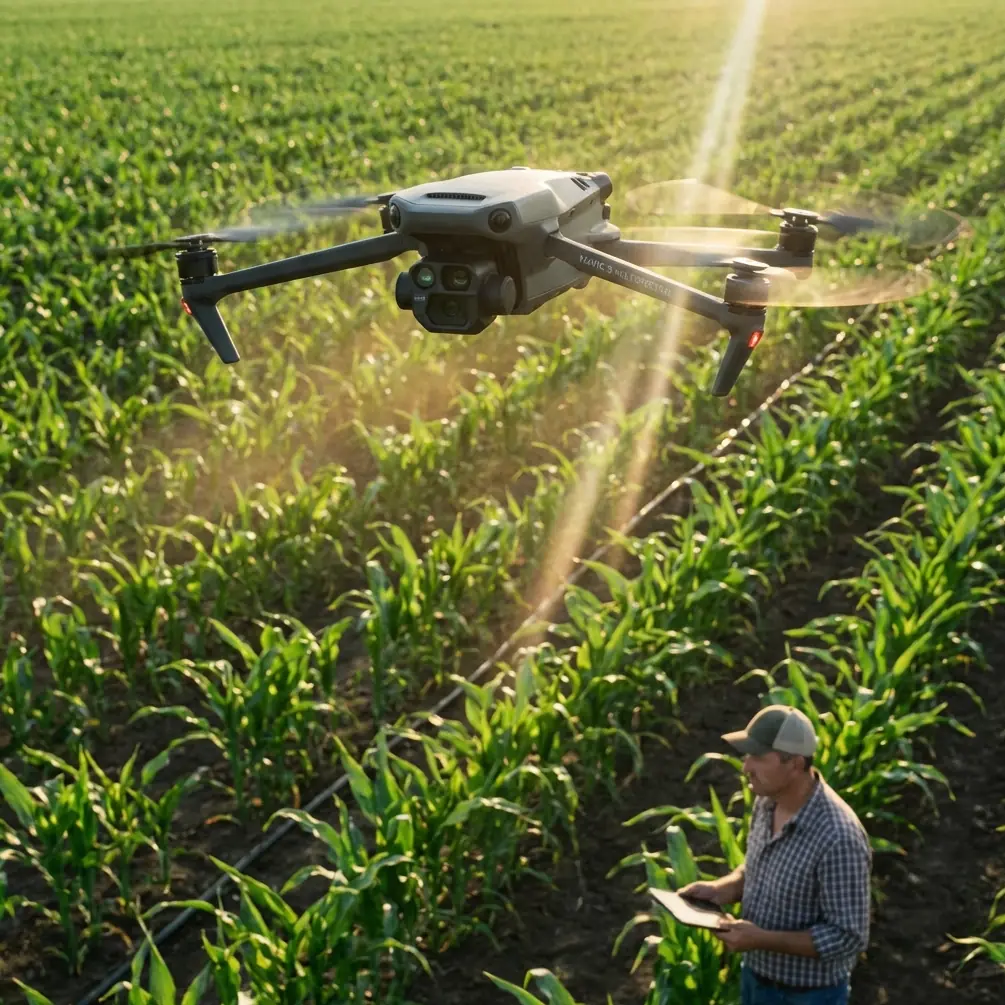
Mavic 4 Pro for Coastline Mapping in Complex Terrain: A Practical Field Workflow
META: Learn how to use the Mavic 4 Pro for coastline mapping in cliffs, coves, and wind-exposed terrain, with practical setup advice on obstacle avoidance, ActiveTrack, D-Log, Hyperlapse, and antenna positioning.
Coastlines look simple from a distance. In the field, they are anything but. You are dealing with shifting wind, reflective water, abrupt elevation changes, rocky outcrops, and long stretches where line-of-sight can change in seconds. That is exactly where the Mavic 4 Pro becomes interesting—not as a spec-sheet trophy, but as a working tool for pilots who need stable data and predictable handling in difficult terrain.
I approach this as a photographer first, but coastline mapping forces you to think beyond pretty frames. You need repeatability. You need clean overlaps. You need to avoid blind spots created by cliffs and sea stacks. And you need to preserve enough image latitude that shoreline textures, erosion lines, and surface detail still hold up when the light turns harsh. The Mavic 4 Pro earns its place when you use its flight intelligence and imaging controls with discipline rather than treating them as convenience features.
Start with the terrain, not the drone
Before takeoff, the coastline itself should dictate your plan. A beach with gradual access behaves one way. A cliff-backed cove behaves another. If the route includes headlands, narrow inlets, or ridgelines that block direct signal paths, build the mission in short, logical segments instead of one continuous push down the coast.
That matters because complex terrain punishes lazy geometry. The aircraft may still be physically close to you, yet radio performance can degrade if the drone slips behind a rock face or below the lip of a bluff. In open country, range discussions tend to focus on distance. Along a rugged shoreline, signal quality is often more about angle and obstruction than raw separation.
This is why antenna positioning advice is not a minor tip. It is operationally significant. For maximum range and the most stable link, point the flat faces of the controller antennas toward the aircraft’s flight path rather than aiming the antenna tips directly at the drone. Keep your body, vehicle, and metal gear from blocking the controller. If you need to map along a curved bay, physically reposition yourself as the drone moves so the transmission path stays broadside to the aircraft instead of skimming through terrain. A two-minute relocation on foot can protect the mission better than trying to force one launch point to cover everything.
On coastlines, I also prefer to launch from slightly elevated ground whenever possible. Even a modest rise can improve line-of-sight over wave-cut shelves and low ridges. That is not about squeezing every last meter out of the system. It is about avoiding the sudden dropouts that happen when the aircraft ducks behind terrain just as you are trying to hold a clean mapping line.
Build a mapping workflow around safety automation
The Mavic 4 Pro’s obstacle avoidance is most valuable on the coast when it is used as a buffer, not as permission to cut tighter lines. Coastal environments create visual complexity: vertical cliff faces, isolated rock pillars, scrub on ridges, and birds moving through the same airspace. A good obstacle sensing system helps when light changes quickly or when you need to transition between altitude bands near uneven ground.
For mapping work, though, obstacle avoidance should support a conservative route design. If your flight path depends on the drone aggressively detecting and dodging terrain at the last second, your route is poorly built. The better use is to maintain safer lateral spacing from cliffs while letting the system provide an extra layer of protection during turns, repositioning legs, or manual corrections.
This becomes especially relevant when the terrain rises behind the shore. One of the easiest mistakes in coastal mapping is focusing on the waterline while forgetting the upslope behind it. If you are capturing oblique imagery for erosion monitoring or habitat assessment, that inland rise can enter the aircraft’s path faster than expected during a sideways move. Obstacle avoidance helps, but disciplined standoff distance is what preserves the mission.
Why tracking features still matter on a mapping day
At first glance, ActiveTrack and subject tracking sound like tools for lifestyle footage rather than survey work. In practice, they can be useful during reconnaissance passes before the actual data capture begins.
I often use a short scouting flight to follow a moving point of interest, such as a vehicle on a legal access track or a walking surveyor moving along the shoreline boundary. Not for the final map output, but to understand how the terrain opens and closes, where wind shears are likely, and which sections may cause signal masking. ActiveTrack can hold the aircraft’s attention on a moving reference while you study the surrounding geometry and identify safer launch or reposition points. That preparatory view can save a full battery cycle later.
The same logic applies to subject tracking in visual planning. If the site team needs context footage to document access constraints or route conditions, the drone’s tracking tools can capture those support visuals efficiently before you switch into the more rigid flight pattern needed for mapping. It is a small workflow detail, but it keeps your operational day tighter.
Image settings matter more than pilots admit
Coastline mapping often happens in ugly light. Midday glare off the water. Deep shadows under cliffs. Pale foam against dark rock. If your files break apart in post, the mission becomes harder to interpret and less useful for any downstream analysis or visual reporting.
That is why D-Log has real value here. Not because “cinematic” is the goal, but because a flatter capture profile can preserve highlight and shadow information across scenes with extreme contrast. When you are documenting shoreline edges, surface texture, and transitions between wet and dry ground, tonal control matters. D-Log gives you more room to normalize inconsistent light between passes, especially when clouds move through during a long session.
Operationally, that means two things. First, expose carefully so you are not protecting the sky at the expense of the terrain detail you actually need. Second, be consistent. Mapping projects fall apart visually when adjacent flight lines carry different exposure decisions. If you are shooting in a profile designed for grading flexibility, treat that flexibility as a quality-control tool, not an excuse for uneven capture.
QuickShots and Hyperlapse also have a place, just not in the main mapping run. I use them for context packages that help clients and site teams understand the geography surrounding the mapped area. A short Hyperlapse can reveal tidal movement, traffic on shoreline access points, or shifting cloud shadows over the terrain. QuickShots can create clean establishing visuals for reports or presentations, particularly when a project needs both technical deliverables and public-facing imagery. The point is not novelty. It is communication. A good map tells one story. A good context sequence makes that story easier to use.
A practical flight sequence for difficult coastlines
When I am working a coastline with cliffs, coves, and changing elevations, the day usually breaks into five stages.
First, I do a visual read from the ground. Not just weather and wind, but signal geometry. Where will the drone disappear behind landforms? Where are the safe alternates if the first launch point proves weak?
Second, I run a short reconnaissance pass. This is where obstacle avoidance, ActiveTrack, or manual observation help me understand how the air and terrain interact. I am not collecting final data yet. I am validating assumptions.
Third, I divide the coastline into manageable blocks. A complicated shore should not be flown like a wide-open agricultural field. Segmenting the area creates cleaner overlaps and reduces the temptation to stretch the transmission link through poor terrain angles.
Fourth, I fly the core mapping passes with conservative margins. That means consistent altitude relative to the ground where possible, deliberate overlap, and smooth turns well away from rock faces. If the shoreline curves around a headland, I would rather land and move than continue into a blind section with compromised antenna orientation.
Fifth, I capture contextual assets after the main mission. This is the right time for Hyperlapse, QuickShots, or a tracking-enabled site overview. The priority stays on the mapping data; the supporting visuals come after.
That order sounds simple, but it solves a common problem: pilots burning time and battery on secondary footage before the most demanding part of the task is complete.
Antenna positioning: the small habit that saves missions
Since range and signal reliability are central on a complex shoreline, antenna setup deserves its own section. Pilots often sabotage their link without realizing it.
For the strongest connection, do not point the antenna ends at the aircraft. Aim the broad faces toward the drone. Think of creating a clean signal window, not a laser pointer. If the aircraft is running parallel to the coast, rotate your body and controller so that window stays aligned with the route. If the mission bends around a point or drops into a cove, move yourself before the signal degrades. Do not wait for warnings and then react.
This advice becomes even more valuable near cliffs because terrain can clip the signal abruptly. Water can also create visual confusion, making it easy to misjudge exact aircraft position. Good antenna discipline gives you more margin before environmental factors begin to stack against you.
If your team is planning a complicated shoreline operation and wants a second opinion on route design or field setup, it can help to get a pilot-to-pilot view before the day starts. You can share site details through this direct WhatsApp chat: https://wa.me/85255379740
Where the Mavic 4 Pro fits best
The Mavic 4 Pro is particularly strong for coastline projects that need a balance of mobility, imaging quality, and intelligent safety features without moving into a much larger operational footprint. That makes it well suited to consultants, visual survey teams, environmental documentation crews, and photographers who increasingly need map-grade discipline in addition to creative capture.
Its strength is not that it removes complexity. Complex coastlines stay complex. Its strength is that it gives skilled operators better control over the variables that usually ruin these missions: blocked line-of-sight, inconsistent imagery, and unsafe proximity to terrain.
For civilian work, that has practical value across erosion monitoring, habitat documentation, infrastructure checks along seawalls or access roads, tourism site planning, and coastal property assessment. In each case, the aircraft is only part of the equation. The workflow is what determines whether the output is trustworthy.
The real difference between a good flight and a usable result
A lot of pilots come home from the coast with impressive footage and weak data. The difference is rarely hardware alone. It comes down to whether the operator understood the environment well enough to use the aircraft deliberately.
On the Mavic 4 Pro, obstacle avoidance is there to preserve safe margins. ActiveTrack and subject tracking can make reconnaissance smarter. D-Log protects detail when contrast gets brutal. Hyperlapse and QuickShots help explain the site once the mapping work is finished. And something as unglamorous as antenna positioning can be the reason the mission holds together when the shoreline turns hostile.
That is the mindset that makes this platform useful in complex terrain. Not chasing distance for its own sake. Not relying on automation to fix poor planning. Just using the aircraft’s tools in the right order, for the right reasons, in a landscape that demands respect.
Ready for your own Mavic 4 Pro? Contact our team for expert consultation.