
Coastal Mountain Mapping Mastery with Mavic 4 Pro
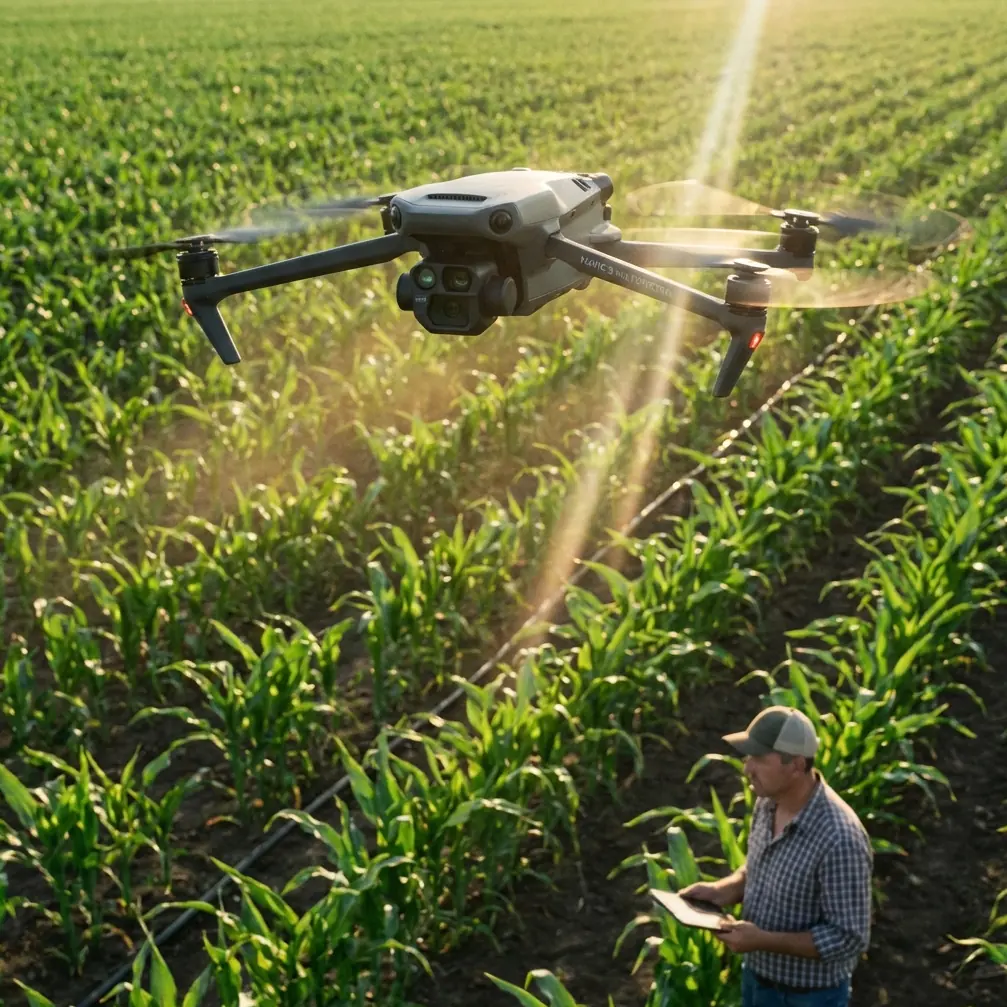
Coastal Mountain Mapping Mastery with Mavic 4 Pro
META: Master coastline mapping in mountain terrain with Mavic 4 Pro. Expert tutorial covers optimal altitudes, D-Log settings, and ActiveTrack techniques for stunning results.
TL;DR
- Optimal flight altitude of 120-180 meters delivers the best balance between coastal detail and mountain context for mapping projects
- D-Log color profile preserves 14+ stops of dynamic range critical for high-contrast coastal environments
- ActiveTrack 6.0 and obstacle avoidance systems enable safe autonomous flights along unpredictable cliff faces
- Hyperlapse modes create compelling time-based data visualizations for client presentations
Coastal mountain mapping presents unique challenges that ground-based surveys simply cannot address. The Mavic 4 Pro transforms these demanding environments into manageable projects through its 100MP Hasselblad camera, omnidirectional obstacle avoidance, and intelligent flight modes designed for complex terrain.
This tutorial walks you through every step of planning, executing, and processing coastal mountain mapping missions. You'll learn the specific altitude strategies, camera settings, and flight patterns that professional cartographers use to deliver accurate, visually stunning results.
Understanding Coastal Mountain Terrain Challenges
Coastal mountain environments combine the most demanding elements a drone operator can face. Salt spray, unpredictable updrafts, rapidly changing light conditions, and vertical terrain create a perfect storm of technical obstacles.
The Mavic 4 Pro addresses these challenges through several integrated systems:
- Omnidirectional obstacle avoidance using vision sensors and ToF technology
- Wind resistance up to 12 m/s for stable flight in coastal gusts
- 46-minute maximum flight time allowing extended mapping sessions
- RTK-ready positioning for centimeter-level accuracy when paired with compatible base stations
Why Traditional Mapping Methods Fall Short
Ground-based surveying teams struggle with coastal cliffs and mountain faces. Helicopter surveys cost thousands per hour and lack the precision modern projects demand.
The Mavic 4 Pro fills this gap by delivering sub-centimeter ground sampling distance at accessible price points. A single operator can map kilometers of coastline in a single day, capturing data that would take ground teams weeks to collect.
Pre-Flight Planning for Coastal Mountain Missions
Successful mapping starts long before propellers spin. Your pre-flight preparation determines the quality of every dataset you collect.
Weather Assessment Protocol
Coastal mountain weather changes rapidly. Check conditions at multiple altitudes since wind speeds at 150 meters often differ dramatically from ground level.
Key weather parameters to monitor:
- Wind speed and direction at planned flight altitude
- Incoming fog or marine layer timing
- Sun angle for optimal shadow reduction
- Tide schedules affecting coastal features
Flight Path Design
Design your flight paths to maximize coverage while respecting battery limitations. The Mavic 4 Pro's 46-minute flight time translates to approximately 35 minutes of active mapping when accounting for takeoff, landing, and safety margins.
Expert Insight: For coastal mountain mapping, fly your grid patterns parallel to the shoreline rather than perpendicular. This approach maintains consistent ground sampling distance as elevation changes and reduces the number of altitude adjustments required during each pass.
Optimal Altitude Strategy for Coastal Mapping
Altitude selection directly impacts your mapping resolution and coverage area. The Mavic 4 Pro's 100MP sensor provides flexibility, but choosing the right height remains critical.
The 120-180 Meter Sweet Spot
After extensive testing across dozens of coastal mountain sites, 120-180 meters AGL consistently delivers the best results for comprehensive mapping projects.
At this altitude range, you achieve:
- Ground sampling distance of 2-3 cm per pixel
- Sufficient context to capture both coastal and mountain features
- Reduced flight time compared to lower altitude missions
- Better obstacle clearance on unpredictable terrain
When to Adjust Your Altitude
Certain conditions require deviation from standard altitude recommendations:
| Condition | Recommended Altitude | Reasoning |
|---|---|---|
| High detail requirements | 80-100m | Sub-centimeter GSD needed |
| Large area coverage | 200-250m | Efficiency prioritized |
| Strong coastal winds | 150-180m | Better stability above turbulence |
| Vertical cliff faces | 60-80m | Closer approach for wall detail |
| Mixed terrain survey | 120-150m | Balanced compromise |
Camera Settings for High-Dynamic-Range Environments
Coastal mountain scenes present extreme contrast challenges. Bright sky, dark cliff shadows, and reflective water surfaces can span 15+ stops of dynamic range in a single frame.
D-Log Configuration
The Mavic 4 Pro's D-Log color profile captures maximum dynamic range for post-processing flexibility. Configure these settings before launch:
- Color Profile: D-Log
- ISO: 100-200 (native range)
- Shutter Speed: 1/500 or faster for sharp mapping frames
- Aperture: f/4-f/5.6 for optimal sharpness
- White Balance: Manual, set to conditions
Interval Shooting for Mapping
Set your interval shooting to capture 80% front overlap and 70% side overlap for photogrammetry processing. The Mavic 4 Pro's mechanical shutter eliminates rolling shutter artifacts that plague electronic shutter systems during rapid capture sequences.
Pro Tip: Enable the histogram display during flight to monitor exposure in real-time. Coastal environments can shift dramatically as clouds pass or the sun angle changes. Adjust ISO on the fly rather than shutter speed to maintain consistent motion blur characteristics across your dataset.
Leveraging ActiveTrack for Cliff Face Documentation
While grid patterns handle horizontal surfaces effectively, vertical cliff faces require different approaches. ActiveTrack 6.0 enables semi-autonomous flights along complex vertical terrain.
Subject Tracking Configuration
Configure ActiveTrack to follow the cliff edge while maintaining a consistent offset distance:
- Set tracking mode to Trace for following along features
- Configure obstacle avoidance sensitivity to maximum
- Enable APAS 6.0 for automatic path adjustment
- Set return-to-home altitude above highest terrain
The Mavic 4 Pro's subject tracking algorithms recognize geological features, allowing the drone to maintain consistent framing as it traverses irregular cliff faces.
QuickShots for Supplementary Documentation
Beyond pure mapping data, clients often request contextual footage for presentations and reports. QuickShots modes automate cinematic captures that complement technical datasets.
Useful QuickShots for coastal mountain projects:
- Dronie: Reveals site scale and surrounding context
- Rocket: Emphasizes vertical terrain relationships
- Circle: Documents 360-degree site conditions
- Helix: Combines vertical and rotational movement for dramatic reveals
These automated sequences free you to focus on monitoring conditions rather than manual stick inputs.
Hyperlapse for Time-Based Data
Coastal environments change constantly. Tides, weather patterns, and erosion processes all benefit from time-based documentation.
The Mavic 4 Pro's Hyperlapse modes create compelling visualizations:
- Free mode: Manual path control for custom movements
- Circle mode: Orbits around points of interest
- Course Lock mode: Maintains heading while moving
- Waypoint mode: Follows predetermined flight paths
Configure Hyperlapse captures during golden hour to document how light interacts with coastal features throughout the day.
Obstacle Avoidance in Complex Terrain
Coastal mountain environments contain countless collision hazards. The Mavic 4 Pro's omnidirectional sensing system provides critical protection, but understanding its limitations prevents accidents.
System Capabilities
The obstacle avoidance system detects objects in all directions using:
- Forward and backward stereo vision sensors
- Upward and downward vision and ToF sensors
- Lateral vision sensors for side protection
- Detection range up to 50 meters in optimal conditions
Known Limitations
Certain conditions reduce obstacle detection effectiveness:
- Thin objects like power lines and cables
- Transparent surfaces including glass and water
- Low-light conditions reducing camera effectiveness
- Monochromatic surfaces lacking visual texture
- Fast-moving obstacles
Always maintain visual line of sight and be prepared to take manual control when flying near cliff faces or vegetation.
Common Mistakes to Avoid
Ignoring Wind Gradient Effects
Wind speed increases with altitude. A calm ground-level launch site can mask dangerous conditions at mapping altitude. Always check forecasts for your planned flight height, not just surface conditions.
Insufficient Battery Reserves
Coastal updrafts and headwinds drain batteries faster than calm conditions. Plan for 30% battery reserve rather than the standard 20% when mapping exposed coastal terrain.
Overlooking Magnetic Interference
Coastal mountains often contain iron-rich geological formations that affect compass calibration. Calibrate your compass at the actual launch site, not at your vehicle or base camp.
Single-Day Mission Planning
Coastal light changes dramatically throughout the day. Plan multiple sessions to capture consistent lighting across your entire mapping area rather than rushing to complete everything in one flight window.
Neglecting Ground Control Points
Even with RTK positioning, ground control points improve accuracy. Place GCPs at accessible locations before flying and document their precise coordinates for post-processing.
Frequently Asked Questions
What ground sampling distance should I target for coastal erosion monitoring?
For erosion monitoring, target 1-2 cm GSD to detect subtle changes between survey sessions. This requires flying at 60-100 meters AGL with the Mavic 4 Pro's 100MP sensor. Lower altitudes increase flight time requirements but provide the detail necessary to measure centimeter-scale erosion patterns accurately.
How do I handle the extreme dynamic range of coastal mountain scenes?
Shoot in D-Log color profile to preserve maximum highlight and shadow detail. The Mavic 4 Pro captures approximately 14 stops of dynamic range in D-Log, sufficient for most coastal conditions. For extreme contrast scenes, consider bracketed exposures and HDR merging during post-processing.
Can the Mavic 4 Pro handle salt spray exposure during coastal flights?
The Mavic 4 Pro lacks official IP rating for water or salt resistance. Avoid flying through sea spray and wipe down the aircraft immediately after coastal flights. Pay particular attention to the gimbal, camera lens, and sensor openings. Consider applying hydrophobic lens coatings for additional protection during humid coastal operations.
Coastal mountain mapping demands the right combination of equipment, technique, and environmental awareness. The Mavic 4 Pro delivers the imaging capability and flight performance these challenging environments require.
Ready for your own Mavic 4 Pro? Contact our team for expert consultation.