
Mavic 4 Pro Coastal Wildlife Filming Tips When the Weather T
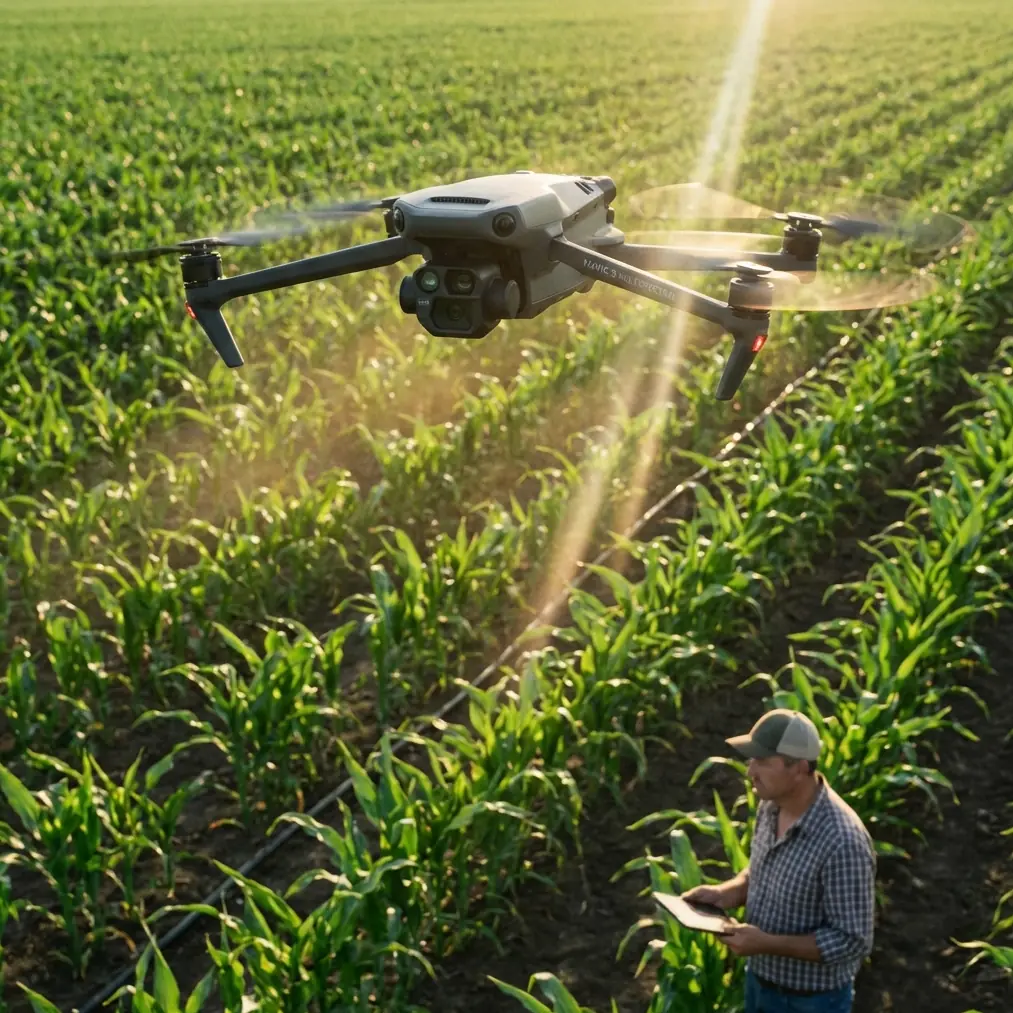
Mavic 4 Pro Coastal Wildlife Filming Tips When the Weather Turns Mid-Flight
META: Practical Mavic 4 Pro filming advice for coastal wildlife shoots, with expert tips on obstacle avoidance, ActiveTrack, D-Log workflow, and handling sudden weather changes.
Coastal wildlife filming looks calm from a distance. It rarely is.
You arrive expecting soft sea light, a predictable tide line, and birds moving in clean patterns across open water. Then the wind shifts. Mist thickens over the rocks. Gulls break formation. What looked simple from shore becomes a fast technical exercise in exposure control, flight discipline, and subject management. That is exactly where the Mavic 4 Pro becomes interesting—not as a spec-sheet trophy, but as a working tool for difficult, changing locations.
I shoot wildlife with one rule above all others: the drone must never become part of the disturbance. On the coast, that rule gets tested quickly. Nesting birds react to sound and proximity. Seals can spook if you drift too low on approach. Wind coming off a cliff can push an aircraft sideways when everything looked stable five seconds earlier. A drone for this environment has to do more than produce sharp video. It has to help you stay controlled when the scene stops cooperating.
That is the real problem this aircraft solves for a coastal wildlife shooter. It lowers the workload in the moments that usually cause missed shots or bad decisions.
The coastal wildlife problem is not image quality alone
Plenty of drone discussions obsess over resolution, frame rates, and headline camera features. Those matter, but they are not the first challenge in a live wildlife situation. The first challenge is maintaining a respectful and stable working distance while the subject moves unpredictably and the environment changes around you.
On a coastal shoot, you are often balancing five variables at once:
- wind direction changing off the water
- birds crossing at uneven speeds and heights
- reflective glare confusing your exposure choices
- rocky outcrops and sea stacks creating collision risk
- rapidly shifting weather reducing visibility and contrast
A drone that demands constant manual correction turns every one of those variables into friction. The Mavic 4 Pro is better understood as a workload reducer. Features like obstacle avoidance, ActiveTrack, QuickShots, and D-Log are not there for brochure value. In the field, they decide whether you come home with a usable sequence or a folder full of compromised clips.
What changed mid-flight on my last coastal session
I had gone out to film a mixed scene: gulls working the wind edge above a narrow cove, with waves wrapping around black rock shelves below. The plan was straightforward. Start with wider establishing passes, then shift into controlled tracking shots once the birds settled into a more repeatable path.
The weather had other ideas.
About 12 minutes into the flight, the light flattened. A bank of sea haze moved in faster than expected, and the wind came around from the side instead of straight off the water. That sounds minor until you are trying to hold a clean lateral line while keeping enough separation from birds and enough margin from cliff faces. The scene lost contrast almost immediately. White birds against grey water can vanish into the background if your exposure and angle are even slightly off.
This is where the Mavic 4 Pro’s obstacle avoidance and subject tracking behavior become operationally significant, not just convenient. With the aircraft helping monitor the environment, I could spend more attention on framing and animal behavior instead of using most of my mental bandwidth to avoid terrain. Near irregular coastal rock, that matters. Sea stacks and protruding ledges can break your line of sight in an instant, especially when mist rolls through and depth perception starts to soften.
I also shifted into a flatter profile using D-Log because the scene’s tonal range changed fast. Before the haze arrived, there was enough contrast to work with a more straightforward capture approach. Once the weather turned, preserving detail in pale birds and darker wet rock became the priority. D-Log gave me more room to recover subtle highlight detail in feathers without crushing the texture in the shoreline below. For wildlife footage, that flexibility is not abstract. If the whites on a bird clip hard, the shot often feels dead no matter how smooth the movement is.
Why ActiveTrack matters more on the coast than many pilots realize
There is a persistent misconception that subject tracking is mainly for action sports or social media clips. For coastal wildlife work, it can be the difference between disciplined filming and chaotic overcorrection.
Birds do not move like cyclists or cars. Their path changes with gusts, feeding behavior, and interactions inside the flock. When conditions are stable, manual flight can produce beautiful results. When wind direction changes mid-flight, your manual inputs often start fighting the subject instead of flowing with it. You end up making reactive corrections, which usually show up in the footage.
ActiveTrack helps by reducing those abrupt, unnecessary control inputs. That does not mean you hand over creative judgment. It means the aircraft assists with maintaining relationship and framing while you make better decisions about distance, angle, and exit path. In a coastal setting, that assistance is especially valuable because the background is rarely simple. Water, rock, foam, and moving birds create a visually dense scene. Keeping the subject legible without pushing too close is harder than it looks.
The key is using tracking conservatively. Wildlife work is not the place for aggressive pursuit. I treat ActiveTrack as a stabilizing assistant, not a chase mode. If the subject changes behavior or moves toward sensitive habitat, I break off. Good wildlife drone footage always starts with restraint.
Obstacle avoidance is not a luxury when cliffs and sea stacks are involved
A coastal flight path can turn technical very quickly. What looks open from takeoff can include hidden vertical hazards once you move down the shoreline. Jagged rock formations, uneven cliff contours, and isolated outcrops create the sort of environment where a small misjudgment becomes expensive.
That is why obstacle avoidance deserves more respect than it usually gets in online drone conversations. In these locations, it is not just there to protect the aircraft. It protects the shoot itself.
When the weather changed during my session, visibility dropped just enough to make rock edges feel less defined. Not invisible—just less certain. That is the dangerous zone. Pilots often think risk only appears in obvious bad conditions, but marginal visibility is where you start to trust your depth perception more than you should. Having the aircraft actively assist with obstacle awareness helps maintain a safer buffer while you adapt your route.
Operationally, that means you can shorten your decision loop. Instead of constantly asking, “Can I safely hold this line?” you can focus on “Is this line still appropriate for the animals and the story?” That is a better question, and it usually leads to better footage.
QuickShots and Hyperlapse are useful, but only if you use them selectively
QuickShots and Hyperlapse can be misunderstood in wildlife work. Many pilots either ignore them completely or overuse them in ways that make serious footage feel gimmicky. The better approach is to treat them as occasional structure tools.
For example, if you are filming a coastline where tidal movement and bird patterns create a sense of place, Hyperlapse can help establish scale and environmental change before moving into tighter behavioral footage. That works especially well when the weather itself becomes part of the story. A coastal haze front building over 10 or 15 minutes can add context that a single normal-speed shot cannot provide.
QuickShots can also help when you need one clean, repeatable movement to introduce a location without spending precious battery time manually rehearsing the same path. The caution is obvious: wildlife comes first. If a pre-programmed movement risks pushing too near the subject or creating noise where it should not, do not use it.
The Mavic 4 Pro is at its best here when you treat automation as a way to reduce wasted flight time, not as a replacement for judgment.
The weather shift changed the shot list too
One thing newer pilots often miss is that weather does not just affect flight safety. It changes the kind of footage you should pursue.
Once the haze moved in on my flight, I stopped chasing wide, crisp scenic frames and leaned into mood, motion, and layering. The Mavic 4 Pro handled that transition well because I was not fighting the aircraft to maintain control near terrain, and I had enough flexibility in D-Log to preserve a natural tonal range for grading later.
Instead of broad reveal shots, I focused on:
- side-on bird passes against softer water texture
- slower tracks along rock contours with wave movement below
- compressed compositions where mist added separation
- shorter subject sequences that respected the shifting conditions
That is a practical lesson for anyone filming wildlife on the coast. Do not force the original plan after the environment has changed. Let the aircraft’s stability and smart systems buy you time, then rebuild the shot list around the new reality.
Settings and habits that help in real coastal conditions
The best Mavic 4 Pro feature in wildlife work is often the one that keeps you calm enough to make better decisions. For me, that comes down to a few habits rather than one magic mode.
First, give yourself more distance than you think you need. Coastal air can be deceptive, and wildlife sensitivity is easy to underestimate from above. Start farther out, observe behavior, and only tighten the shot if the animals remain undisturbed.
Second, use tracking with intention. ActiveTrack is strongest when the subject path is readable and your escape route is clear. If birds begin circling erratically or shifting toward cliff faces, disengage and reset.
Third, capture in D-Log when the light is unstable or low-contrast. Coastal weather can move from bright glare to muted haze in minutes. A flatter profile gives you more room to preserve subtle detail, especially in white plumage, wet stone, and reflective water.
Fourth, keep obstacle avoidance active and treat it as part of your planning, not a backup. It is especially valuable when terrain lines get visually muddy in mist or side light.
Fifth, do not overwork the sky. A shorter, cleaner sequence is almost always better than extending a flight because the conditions might improve. Wildlife footage gets stronger when each move has a reason.
If you want to compare coastal filming workflows with another pilot, I sometimes share field notes here: message me directly.
The Mavic 4 Pro is strongest when the situation gets messy
That is the real takeaway.
The Mavic 4 Pro makes the most sense for coastal wildlife shooters when the job becomes less predictable. Not because it removes the need for skill, and not because it magically solves every environmental challenge. It matters because it supports good decision-making under pressure.
Obstacle avoidance helps when rock formations and visibility start working against you. ActiveTrack helps smooth out footage when the subject path becomes less predictable in changing wind. D-Log helps preserve recoverable detail when the weather flattens the scene and contrast collapses. QuickShots and Hyperlapse can add structure, but only when used with restraint and respect for the animals.
That mix is what makes this aircraft valuable in the field. Wildlife filming on the coast is not won by chasing dramatic moves. It is won by reading the environment early, adjusting quickly, and letting the drone assist without letting it take over.
If you are planning to use the Mavic 4 Pro in coastal wildlife conditions, think less about ideal demos and more about imperfect real sessions. Wind arrives from the wrong angle. Mist cuts the scene in half. Birds refuse your planned route. The best drone is the one that still lets you work cleanly when all of that happens at once.
That is where this one earns its place.
Ready for your own Mavic 4 Pro? Contact our team for expert consultation.