
Filming Wildlife at High Altitude with Mavic 4 Pro | Expert
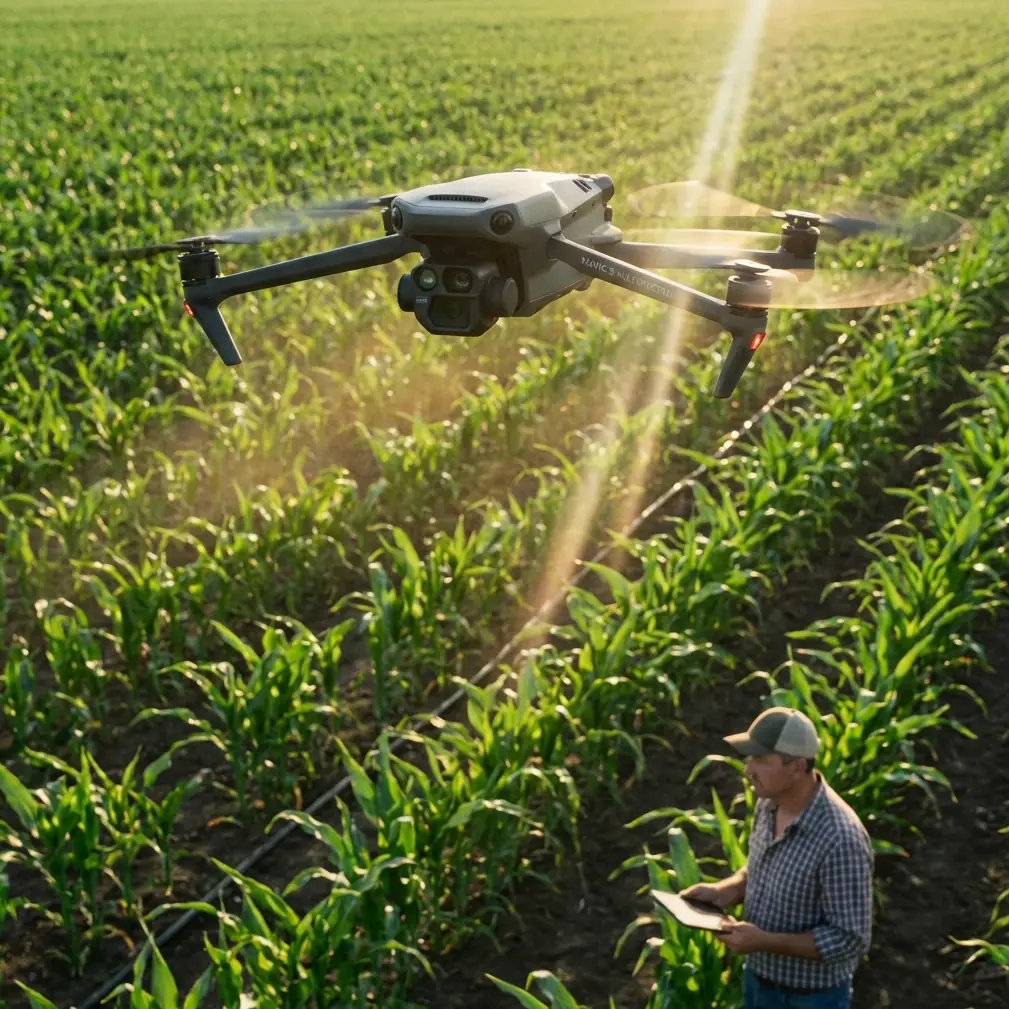
Filming Wildlife at High Altitude with Mavic 4 Pro | Expert Tips
META: Master high-altitude wildlife filming with the Mavic 4 Pro. Learn essential pre-flight prep, camera settings, and tracking techniques from professional creator Chris Park.
TL;DR
- Pre-flight sensor cleaning is critical—dust and debris at altitude compromise obstacle avoidance reliability
- The Mavic 4 Pro's 100MP camera and D-Log M color profile capture stunning wildlife detail even in harsh mountain light
- ActiveTrack 360° maintains subject lock on moving animals while you focus on composition
- Altitude affects battery performance—expect 15-20% reduced flight time above 3,000 meters
High-altitude wildlife filming pushes both pilot and drone to their limits. The Mavic 4 Pro handles these demanding conditions better than any prosumer drone I've tested—but only when you prepare it correctly. After three years documenting mountain ecosystems across the Himalayas and Andes, I've developed a systematic approach that maximizes your chances of capturing publication-worthy footage.
This guide covers everything from pre-flight safety protocols to advanced tracking techniques specifically optimized for wildlife subjects at elevation.
Why Pre-Flight Cleaning Determines Mission Success
Before discussing camera settings or flight patterns, we need to address the step most creators skip: thorough sensor cleaning.
At high altitude, fine particulate matter behaves differently. Dust particles remain suspended longer in thin air, and temperature differentials create static charges that attract debris to your drone's sensors. The Mavic 4 Pro relies on its omnidirectional obstacle sensing system to navigate safely—and contaminated sensors produce false readings.
My Pre-Flight Cleaning Protocol
I perform this sequence before every high-altitude wildlife shoot:
- Visual inspection of all eight obstacle avoidance sensors using a headlamp at an angle
- Compressed air cleaning from the center outward on each sensor lens
- Microfiber wipe with lens-safe solution on the main camera and gimbal housing
- Propeller inspection for micro-cracks that altitude stress can worsen
- Landing gear check for debris that could shift during flight
Expert Insight: The downward vision sensors collect the most debris during takeoff and landing. I carry a dedicated soft brush specifically for these sensors and clean them between every flight—not just at the start of each day.
This cleaning routine takes four minutes. Skipping it has cost me entire shooting days when obstacle avoidance triggered phantom warnings mid-flight.
Understanding Altitude's Impact on Mavic 4 Pro Performance
The Mavic 4 Pro maintains stable flight up to 6,000 meters above sea level, but performance characteristics shift significantly as you climb.
Battery and Flight Time Considerations
Thin air forces the motors to work harder, directly impacting your available shooting window:
| Altitude | Expected Flight Time | Motor Load Increase |
|---|---|---|
| Sea level | 46 minutes | Baseline |
| 2,000m | 40 minutes | +12% |
| 3,500m | 37 minutes | +22% |
| 5,000m | 32 minutes | +35% |
Cold temperatures compound this effect. At -10°C, expect another 15-20% reduction on top of altitude losses.
Practical Flight Planning
For wildlife work, I never plan shots that would use more than 60% of adjusted battery capacity. Animals are unpredictable—you need reserve power for extended tracking sequences or repositioning when subjects move unexpectedly.
Pre-warm batteries inside your jacket before flight. The Mavic 4 Pro's intelligent battery system includes self-heating, but starting from a warmer baseline extends your operational window significantly.
Camera Configuration for High-Altitude Wildlife
Mountain environments present unique exposure challenges. Harsh UV light, high contrast between snow and shadow, and rapidly changing conditions demand specific camera settings.
Optimal Settings for Wildlife Subjects
The Mavic 4 Pro's 1-inch CMOS sensor with 100MP resolution captures extraordinary detail, but you must configure it correctly:
- Shoot in D-Log M for maximum dynamic range recovery in post
- Set ISO between 100-400 to minimize noise in shadow areas
- Use 1/500 shutter minimum for moving wildlife—faster for birds
- Enable 10-bit color depth for smoother gradients in sky and snow
- Select H.265 codec for better compression of high-detail footage
Pro Tip: The Mavic 4 Pro's Hasselblad color science excels at natural tones, but D-Log M output looks flat until graded. Create a simple LUT that restores contrast while preserving highlight detail in snow—this saves hours in post-production.
Hyperlapse for Environmental Context
Wildlife footage gains impact when viewers understand the habitat. The Mavic 4 Pro's Hyperlapse mode creates stunning establishing shots that show your subject's environment at scale.
For mountain wildlife work, I prefer:
- Circle mode around prominent landscape features
- 15-second final duration for social media, 30 seconds for documentary work
- Course Lock for consistent directional movement across valleys
The drone captures individual frames and processes them internally, producing smooth time-lapse sequences without post-production assembly.
Mastering Subject Tracking for Unpredictable Wildlife
Wild animals don't follow scripts. The Mavic 4 Pro's ActiveTrack 360° system represents a genuine breakthrough for solo wildlife creators.
How ActiveTrack Handles Wildlife
The system uses machine learning to recognize and follow subjects, but wildlife presents unique challenges:
- Animals lack the consistent shape profile of humans or vehicles
- Fur and feathers can confuse edge detection in certain lighting
- Subjects may disappear behind terrain features
I've found ActiveTrack performs best when you:
- Initialize tracking during movement—the system learns motion patterns
- Select the entire animal rather than just the head or body
- Maintain 30-50 meter distance for optimal tracking algorithm performance
- Use Spotlight mode for subjects moving toward or away from camera
QuickShots for Guaranteed Coverage
When tracking proves unreliable, QuickShots provide consistent results. These automated flight patterns work independently of subject tracking:
- Dronie: Pull back and up from a stationary subject
- Circle: Orbit around a fixed point
- Helix: Ascending spiral for dramatic reveals
- Boomerang: Forward-and-back arc movement
For wildlife, I trigger QuickShots when animals are feeding or resting—predictable behavior windows where automated patterns succeed.
Technical Comparison: Mavic 4 Pro vs. Previous Generation
Understanding what the Mavic 4 Pro offers compared to its predecessor helps contextualize its high-altitude wildlife capabilities:
| Feature | Mavic 4 Pro | Mavic 3 Pro |
|---|---|---|
| Max Altitude | 6,000m | 6,000m |
| Obstacle Sensing | Omnidirectional with AI | Omnidirectional |
| Main Sensor | 100MP, 1-inch | 50MP, 4/3-inch |
| Video Resolution | 8K/30fps | 5.1K/50fps |
| ActiveTrack Version | 360° | 5.0 |
| Flight Time | 46 minutes | 43 minutes |
| Transmission Range | 20km | 15km |
The sensor upgrade matters most for wildlife work. That 100MP resolution allows significant cropping in post while maintaining broadcast-quality output—essential when you can't approach subjects closely.
Common Mistakes to Avoid
After mentoring dozens of creators in high-altitude drone work, I see the same errors repeatedly:
Ignoring acclimatization for equipment Bring your drone to altitude the day before shooting. Rapid pressure changes can affect gimbal calibration and battery cell balance. Let everything equalize overnight.
Flying too close to wildlife Drones stress animals. Maintain minimum 50-meter distance from mammals, 100 meters from nesting birds. Stressed animals flee, ending your shoot and potentially harming the subject.
Neglecting ND filters Bright snow and sky demand neutral density filtration. Without ND filters, you're forced into tiny apertures or excessive shutter speeds that create unnatural motion.
Over-relying on obstacle avoidance At altitude, thin air affects sensor accuracy. The system may not detect thin branches or guy wires reliably. Fly with obstacle avoidance as backup, not primary navigation.
Single battery expeditions Always carry minimum three batteries for serious wildlife work. You'll use one for scouting, one for primary shooting, and keep one warm as emergency reserve.
Frequently Asked Questions
Can the Mavic 4 Pro's obstacle avoidance detect birds in flight?
The omnidirectional sensing system can detect larger birds at close range, but don't rely on it for collision prevention with wildlife. Birds move faster than the avoidance system's reaction time at typical approach speeds. Maintain visual awareness and avoid flying through active flight corridors during migration seasons or near nesting colonies.
What's the best time of day for high-altitude wildlife filming?
Golden hour provides the most flattering light, but wildlife activity often peaks at different times. I prioritize the first two hours after sunrise when animals are active and light remains soft. Midday creates harsh shadows and blown highlights on snow—use this time for battery charging and location scouting rather than primary shooting.
How do I prevent lens fogging when moving between temperatures?
Temperature transitions cause condensation that ruins footage. Keep the drone in a sealed bag when moving from warm vehicles to cold exteriors—let it equalize slowly. I carry silica gel packets in my drone case and replace them daily during mountain expeditions. If fogging occurs, never wipe the lens—let it evaporate naturally to avoid smearing.
High-altitude wildlife filming demands preparation, patience, and the right equipment. The Mavic 4 Pro delivers professional-grade capabilities in a portable package, but success ultimately depends on your systematic approach to pre-flight preparation and in-field technique.
Ready for your own Mavic 4 Pro? Contact our team for expert consultation.