
Mavic 4 Pro for Filming Power Lines in Low Light
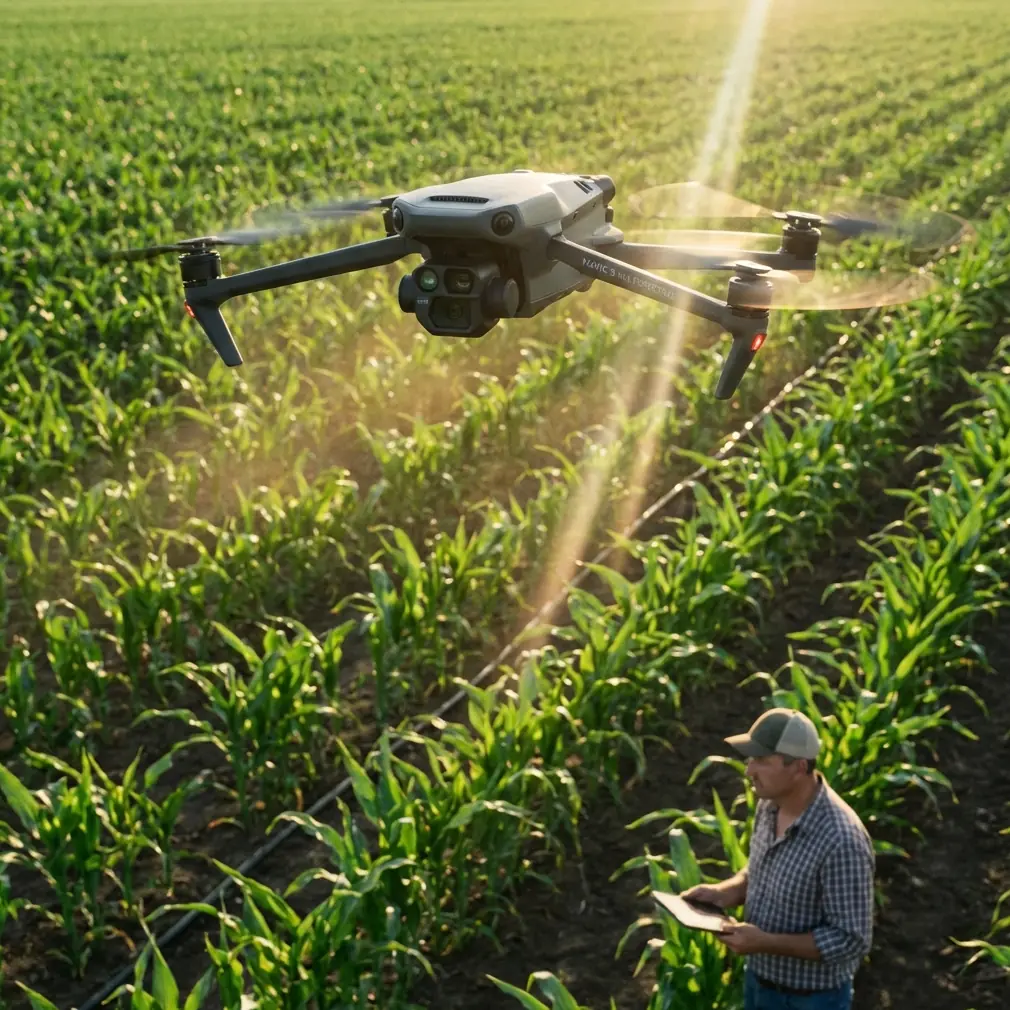
Mavic 4 Pro for Filming Power Lines in Low Light: What Actually Matters in the Field
META: A field-focused Mavic 4 Pro guide for filming power lines in low light, covering obstacle avoidance, ActiveTrack, D-Log, camera control, and why these features matter for safer, cleaner utility footage.
Power line filming sounds simple until the light starts to fall.
At that point, every weakness in a drone setup gets exposed at once. Contrast gets harsh. Thin cables disappear into the background. Towers turn into dark silhouettes. Wind becomes harder to read on-screen. And the pilot is stuck balancing three competing priorities: keeping the aircraft clear of obstacles, preserving enough image detail for usable footage, and moving smoothly enough that the final clip doesn’t look like a nervous correction reel.
This is where the Mavic 4 Pro earns attention. Not because it makes low-light utility work effortless. It doesn’t. Filming near linear infrastructure still demands planning, visual discipline, and conservative flight paths. But as a platform, it brings together the exact set of features that matter most for this kind of assignment: strong obstacle awareness, reliable subject handling tools, advanced color capture modes like D-Log, and enough automated motion support to reduce the small control errors that become painfully visible in dusk footage.
I’m approaching this as a photographer first. When the job is filming power lines in low light, the question is not whether a drone can fly the route. Many can. The real question is whether it can deliver stable, legible, gradable footage while operating around one of the least forgiving visual environments in commercial aerial work.
The real problem with power lines at dusk
Power lines create a very specific imaging challenge. They are narrow, repetitive, low-contrast, and often set against messy backgrounds like trees, industrial yards, hillsides, or cloud bands. In full daylight, you can usually separate them cleanly. In low light, that separation starts to collapse.
That matters for two reasons.
First, image readability drops fast. If the footage is intended for utility documentation, project review, route visualization, or promotional content for infrastructure contractors, the lines themselves must remain visible. If they smear into the background, the shot loses purpose.
Second, flight risk rises as visual cues disappear. Towers remain visible longer than the wires they support. A drone pilot may have excellent line-of-sight awareness of the structure while the finer hazards are already hard to distinguish, especially if the route includes crossing angles, offset conductors, or surrounding vegetation.
This is why low-light power line filming is not just a camera test. It is a systems test.
Why the Mavic 4 Pro stands out for this job
The Mavic 4 Pro’s appeal in this scenario comes from feature combination rather than a single headline spec. On paper, many drones promise quality video, smart tracking, and obstacle sensing. In practice, the difference is how those tools work together when the scene is visually difficult.
For power line filming, the priority stack usually looks like this:
- Precise, predictable aircraft control
- Obstacle avoidance support
- High-quality image capture in dim light
- Stable tracking or route consistency
- Flexible post-production color latitude
The Mavic 4 Pro aligns well with that stack.
Obstacle avoidance is not optional here
When people talk about obstacle avoidance, they often reduce it to a convenience feature. For power line work, that misses the point. Around utility corridors, obstacle sensing is less about making flight easy and more about buying margin.
That margin matters most when low light hides depth cues. A tower leg, insulator array, branch overhang, or side approach to a pole can become deceptively hard to judge on a live feed once contrast drops. A drone with strong obstacle awareness can help catch the kind of drift or approach error that happens not because the pilot is careless, but because the environment is visually deceptive.
No obstacle system should be treated as a license to fly close to conductors. That would be bad operating practice. Still, compared with weaker systems on lower-tier aircraft, a more advanced obstacle avoidance setup gives the pilot another layer of protection when working parallel to structures, repositioning after a pass, or backing away from a tower in fading light.
Operational significance: this reduces the chance that a minor framing adjustment turns into a proximity problem. In utility filming, that is not a small advantage. It is one of the main reasons to choose a higher-end platform.
ActiveTrack and subject tracking have a practical role, not just a cinematic one
There’s a tendency to think of ActiveTrack and subject tracking as tools for athletes, vehicles, and lifestyle footage. In infrastructure filming, they can still be useful if used intelligently.
The key is not to “track a power line” as if the drone understands the complete hazard geometry. The better use is to maintain consistency around adjacent visual anchors: service roads, maintenance vehicles, tower rows, or inspection teams moving under the corridor. When handled carefully, tracking features can reduce jerky stick inputs and help preserve framing while the pilot focuses on separation and route awareness.
That becomes especially valuable in low light, where manual adjustments often get overcorrected. Tiny pitch or yaw changes that might pass unnoticed at noon look messy at dusk. ActiveTrack, used conservatively, can smooth some of that out.
Operational significance: smoother tracking means cleaner footage and fewer abrupt pilot corrections near infrastructure. That is one of the areas where the Mavic 4 Pro can outperform competitors that advertise tracking features but struggle when backgrounds are busy or contrast is poor.
D-Log is one of the most useful tools for dusk utility footage
If I had to pick one feature from the creative side that genuinely matters for power line filming in low light, it would be D-Log.
Flat color profiles are often discussed in abstract, but here the benefit is direct. D-Log helps retain more tonal information in a scene that tends to break apart quickly: bright sky, dark tower steel, dim ground textures, and thin line elements sitting somewhere in between. In a standard profile, those transitions can get clipped or crushed too easily. With D-Log, you have more room to recover highlight detail in the sky while still lifting structure and landscape information later in grading.
That flexibility matters if the footage needs to show the corridor clearly rather than simply look dramatic. Utility content often has a documentary function. The audience may need to see tower condition, route context, vegetation proximity, or worksite access. D-Log gives you more room to shape the image without sacrificing those details too early.
Operational significance: better grading latitude means better separation between cables, towers, and background terrain after the flight. For a low-light mission, that can be the difference between footage that is usable and footage that only looks acceptable on a small phone screen.
QuickShots and Hyperlapse are useful, but only in specific ways
QuickShots and Hyperlapse are not the first features I would build a power line workflow around, but they do have a place.
QuickShots can help generate clean establishing material before the light drops too far. If the assignment includes a presentation layer for a utility contractor, renewable energy developer, or engineering team, these short automated movements can capture context efficiently: approach arcs toward a corridor, reveal shots over substation surroundings, or elevated pullbacks that explain terrain and route direction.
Hyperlapse is more niche, but it can be effective when the goal is to show environmental change around the infrastructure corridor: cloud movement over a transmission route, traffic patterns near access roads, or a shifting weather window before maintenance begins. It is less about line detail and more about storytelling around the site.
The caution is obvious. These tools are best used in open, pre-scouted sections of the route, not close to structures or where visual complexity increases the chance of automated motion becoming a liability.
Where this model can beat competitors in the real world
A lot of competing drones look similar on a comparison chart. The gap usually appears once conditions stop being ideal.
For low-light power line filming, the Mavic 4 Pro has an edge when you need a blend of imaging control and flight confidence in one aircraft. Some competitors may deliver decent daylight footage but become harder to trust once the line itself starts disappearing into the scene. Others have respectable safety systems but less flexible color capture, which leaves less room to rescue contrast-heavy dusk material in post.
The Mavic 4 Pro excels when the pilot needs to move carefully, hold composition, and bring back footage that still has grading room. That combination is what makes it a stronger fit than drones that are either too automation-dependent or too limited in image workflow.
To put it simply: in this job, you do not want a drone that is merely easy to fly or merely good on paper. You want one that remains useful after the sun drops and the scene gets complicated.
A practical field workflow for low-light line filming
Here is the approach I recommend with a Mavic 4 Pro.
1. Scout in better light than you plan to shoot in
Do not make the first pass of the evening your first look at the route. Fly the corridor earlier, mark structure spacing, identify tree encroachment, and note where the lines visually disappear against terrain.
2. Build shots around towers, not wires alone
Thin conductors are hard to keep legible in low light. Towers, poles, and corridor geometry give the shot structure. Use those larger elements as anchors so the viewer can understand what they’re seeing even when the wires are subtle.
3. Keep your paths conservative
Obstacle avoidance is support, not permission. Maintain generous clearance from towers and avoid side-slip movements near line hardware unless the route has been fully assessed.
4. Use D-Log when the light range is wide
If the sky is still bright but the ground is dimming, D-Log gives you the best chance of preserving both. This is especially useful during the short window when sunset color looks attractive but structural detail is beginning to sink.
5. Let tracking smooth the easy parts
If you are following a maintenance vehicle under the corridor or holding a steady relationship to a service path, ActiveTrack can help reduce visible micro-corrections. Save full manual control for the tighter, higher-risk sections.
6. Capture context clips before the detailed passes
Use QuickShots or simple automated moves early for overview footage. Once the light gets marginal, switch to direct, deliberate manual shots focused on line readability and tower detail.
7. Grade for separation, not drama
The goal in post should be cleaner distinction between line, structure, and background. Do not overpush contrast if it causes cables to vanish into black areas or sky highlights to become distracting.
One thing experienced operators understand quickly
Low-light infrastructure filming is often won before the aircraft leaves the ground. The drone matters, but the workflow matters just as much. The Mavic 4 Pro gives you more room for error recovery than many alternatives, yet it still rewards disciplined operation.
That is what makes it a strong tool for this use case. Not because it turns a difficult assignment into an easy one, but because it handles the assignment with fewer compromises. Obstacle avoidance supports safer repositioning. ActiveTrack helps remove some of the unevenness that creeps into dim-light manual control. D-Log preserves footage that would otherwise be boxed in during editing. QuickShots and Hyperlapse add context when used in the right airspace and at the right stage of the shoot.
If you’re planning a utility corridor project and want to talk through a practical setup, flight planning choices, or what accessories make sense for this kind of work, you can message me directly here.
The bottom line is simple. For filming power lines in low light, the best drone is not the one with the loudest spec sheet. It is the one that helps you fly cautiously, see clearly, and come home with footage that still holds up under scrutiny. The Mavic 4 Pro fits that brief unusually well.
Ready for your own Mavic 4 Pro? Contact our team for expert consultation.