
Mavic 4 Pro for Coastal Highway Filming: A Field Report
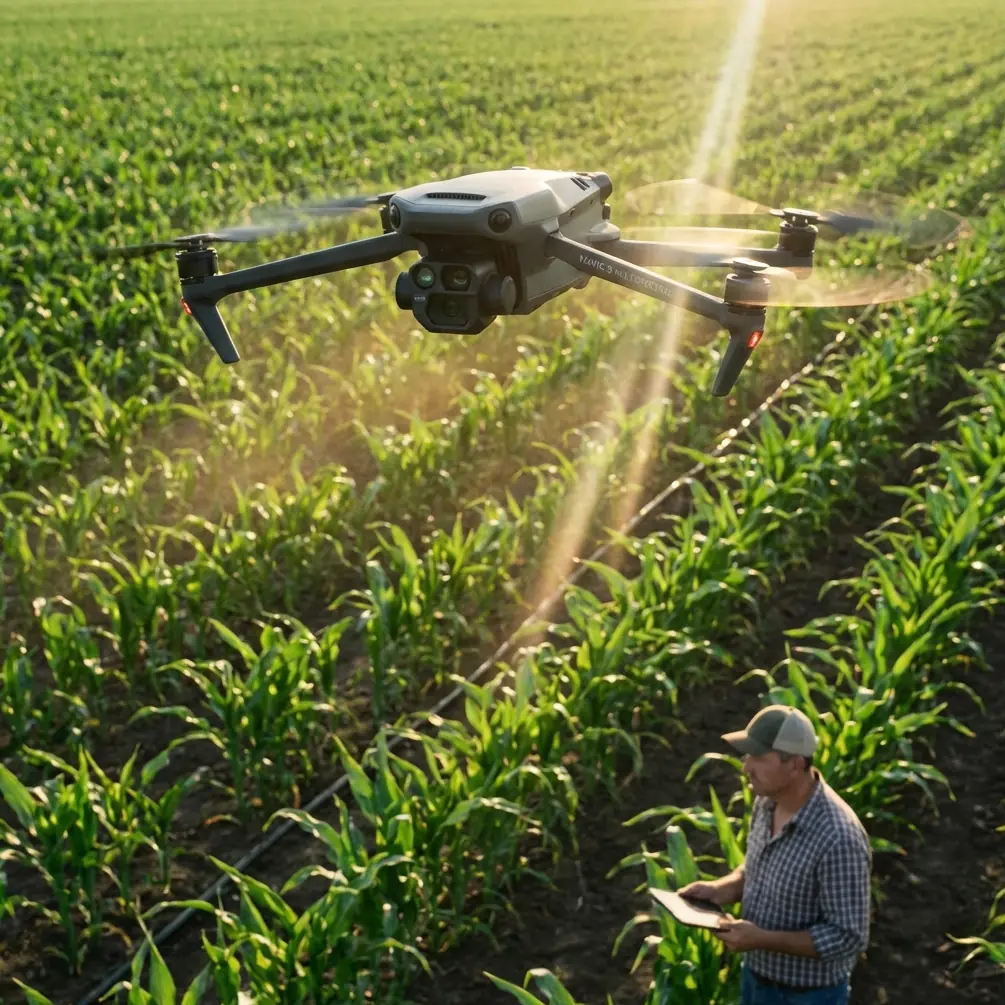
Mavic 4 Pro for Coastal Highway Filming: A Field Report on Altitude, Coverage, and Real-Time Confidence
META: Field-tested guidance for using Mavic 4 Pro on coastal highway shoots, with practical altitude strategy, transmission context, mapping-grade reference insights, and safer cinematic workflow planning.
I’ve spent enough time around corridor operations to know that highway filming looks simple only from a distance. Once you’re actually on site—wind pushing in from the coast, traffic flow changing by the minute, reflective pavement, long linear subjects with very few forgiving reset points—you stop thinking in terms of “nice drone shots” and start thinking in terms of repeatability, visibility, and clean data capture.
That is exactly where the Mavic 4 Pro conversation gets interesting.
Not because it replaces a dedicated pipeline or survey platform. It doesn’t. The more useful question is this: what can a compact aircraft like the Mavic 4 Pro borrow from proven corridor and oblique-imaging workflows to make coastal highway filming more reliable and more usable for real-world deliverables?
The reference material here comes from a pipeline UAV solution set built around two revealing components: the iCamQ5 oblique camera and the iGCS-1 digital image transmission system. On paper, those are not “Mavic accessories.” But they tell us something valuable about what matters when filming long infrastructure assets: high-resolution image capture across wide areas, modular sensor thinking, and dependable live transmission under field pressure. Those principles transfer directly to how an expert should approach a Mavic 4 Pro mission on a coastal highway.
Why coastal highways are harder than they look
A highway by the sea creates three distinct flight problems at once.
First, it is a corridor subject. That means the scene stretches far longer than it is wide, so your flight planning has to prioritize consistency over single-shot drama.
Second, it is reflective. Water, barriers, wet shoulders, and light-colored pavement can all challenge exposure discipline and make footage feel less stable than the aircraft actually is.
Third, it is windy in a layered way. Coastal air is rarely just “strong” or “weak.” It shifts by altitude. A flight that feels calm at launch can become noticeably less settled 60 to 90 meters up, especially where embankments, overpasses, and open sea air interact.
That is why altitude is not a stylistic afterthought here. It is the backbone of the job.
My altitude rule of thumb for this scenario
For Mavic 4 Pro highway filming in a coastal environment, the sweet spot is usually 55 to 85 meters AGL for your main working passes.
That range gives you enough separation from poles, gantries, sign structures, and roadside trees while still keeping vehicles large enough in frame to feel purposeful rather than anonymous. It also helps maintain a more controlled perspective on road curvature, merge zones, and coastline adjacency.
If I need a more map-like reveal or a clean establishing shot showing the relationship between the highway and the shoreline, I’ll often step up toward 90 to 110 meters, assuming local rules and airspace allow it. But I don’t stay there for the whole mission. At that height, moving traffic starts to lose texture, barriers flatten visually, and side winds often become more noticeable.
For closer cinematic tracking passes, especially when showcasing lane geometry, bridge approaches, or sweeping bends, I usually come down into the 35 to 50 meter range—but only on pre-checked segments with predictable vertical clearance and a clean escape path.
If you want one altitude to start with before refining on site, pick around 70 meters AGL. For coastal highway filming, that’s the most reliable compromise between coverage, safety margin, and visual readability.
What a pipeline imaging system teaches us about the Mavic 4 Pro
The source material highlights the iCamQ5 oblique imaging camera, a unit built for wide-area 3D image acquisition. Two details stand out.
The first is its total pixel count of more than 100 million. The second is its stated ability to produce image resolutions in the 1 cm to 10 cm range, depending on mission profile. That combination tells you what professional corridor operators care about most: not just beauty, but usable detail at scale.
Now, the Mavic 4 Pro isn’t carrying a 1.68 kg industrial oblique block with a φ300 mm × 144 mm body and modular multi-sensor architecture. That’s not the point. The point is operational mindset. When filming a highway, you should think less like a casual content creator and more like someone trying to preserve optionality in post.
In practical terms, that means:
- Fly passes that preserve edge detail on shoulders, medians, and ramps.
- Avoid altitude choices that make vehicles and lane markings visually collapse.
- Build coverage sequences that can be edited cinematically but also reviewed operationally by planners, contractors, or stakeholders.
This is why Mavic 4 Pro users who only chase low dramatic parallax often come home with footage that looks energetic but explains very little. Corridor work demands shots that can do both: feel polished and still communicate spatial relationships.
Transmission matters more on highways than many pilots admit
The same reference set also details the iGCS-1 HD digital transmission system. Its airborne transmitter supports 1920×1080 at 60P/50P, with a listed transmission distance of 5 km at 100 m, and the ground receiver is designed around dual-antenna redundancy with an end-to-end latency of 500 ms.
Even if you never touch that hardware, those numbers tell an important story.
Infrastructure operators don’t treat live view as a convenience. They treat it as mission control.
For highway filming, this matters because the aircraft is often moving through visually repetitive terrain. One stretch of pavement can look a lot like the next, especially in overcast coastal light. A strong live image feed helps you judge whether your frame is actually holding the guardrail line correctly, whether traffic density is building into the shot the way you intended, and whether glare is creeping in from the sea side.
The iGCS-1 receiver’s emphasis on high-brightness viewing in strong light is another clue. Coastal highway work often happens under exactly those conditions: bright sky, hard reflections, and washed-out monitors if you are not properly set up. So with a Mavic 4 Pro, don’t underbuild the ground side of the shoot. Good shade discipline, monitor visibility, and a viewing setup you trust can do more for mission quality than one extra speculative flight.
If you want to compare your planned route, framing logic, or coastal corridor workflow with someone who understands these production constraints, this is a practical place to continue the discussion in the field.
How I would structure a real Mavic 4 Pro coastal highway shoot
For this kind of assignment, I build the flight in layers.
1. The establishing layer
This is where the 70 to 100 meter altitude band shines. Your goal is to define the road’s relationship to coastline, retaining walls, bridges, cut slopes, or urban interfaces. These are the shots that orient the viewer immediately.
Use broad, deliberate movement. Fast lateral moves often waste the natural geometry of the scene.
2. The corridor layer
This is the core operational footage. I prefer 55 to 80 meters AGL here. It keeps lane structure legible and gives obstacle avoidance systems a more forgiving environment than low-altitude rush work. For long straightaways, this is also where subject tracking logic can become genuinely useful if you are following a lead vehicle in a controlled, pre-planned way.
Not every pilot should default to ActiveTrack on active road environments, but in the right section—with clean separation, stable light, and no cluttered overpasses—it can reduce micro-corrections and keep motion feeling more natural. The key is supervision, not automation worship.
3. The texture layer
This is where lower-altitude passes earn their keep. Use them selectively for bridge joints, sea-wall alignment, directional curves, entry ramps, or traffic movement details. I would avoid making the entire mission live in this band. Low flying near a highway increases complexity quickly, especially with crosswinds and roadside verticals.
4. The contingency layer
Always reserve battery and headspace for a second pass on the most important segment. Coastal conditions shift. A shot that was flat ten minutes ago may suddenly improve as cloud cover softens glare or traffic spreads more evenly.
Obstacle avoidance is not just about collision prevention
On a coastal highway, obstacle avoidance has a second job: preserving confidence when your route transitions between open corridor and built infrastructure.
Think about the objects that matter here: light poles, sign gantries, bridge edges, sound barriers, power lines near interchanges, and occasional construction equipment. The value of obstacle sensing on the Mavic 4 Pro is not that it makes you invincible. It reduces the cognitive load in mixed environments so you can spend more attention on composition, pacing, and traffic rhythm.
That said, there’s a trap. Pilots who overtrust obstacle systems tend to fly too low, too fast, and too close to lateral hazards. Highway filming rewards discipline. If the scene works at 70 meters, don’t force it to 25 just because the aircraft seems capable.
D-Log and exposure strategy for sea-adjacent pavement
Highways near the coast create nasty contrast problems. The sea can spike highlights. Dark vehicles disappear into asphalt. Concrete structures shift color as clouds move. This is where D-Log style capture becomes less about “cinematic” branding and more about protecting edit flexibility.
I would use it whenever the assignment has any serious post-production path. It helps preserve detail across bright water, pale sky, and darker roadway surfaces—especially on flights where the angle to the sun changes over a long corridor leg.
But profile choice alone won’t save a rushed mission. You still need stable exposure logic. Don’t let the brightness of the sea convince you to underexpose the road for an entire segment. Review key clips while still on location, ideally in shaded monitor conditions.
QuickShots and Hyperlapse: useful, but only in narrow windows
There’s a place for automated cinematic modes in highway work, but it’s a smaller place than many creators think.
QuickShots can be effective for isolated features such as a roundabout by the shoreline, a service area, or a bridge approach where the airspace and traffic context are simple. Hyperlapse can work for demonstrating traffic progression or coastal weather movement, but only if the visual objective is editorial rather than analytical.
If the mission is meant to support planning, documentation, stakeholder review, or infrastructure storytelling with real geographic clarity, hand-built flight paths usually outperform automated novelty modes.
A note on repeatability
One of the most interesting cues in the source material is the industrial design philosophy behind the iCamQ5: modular build, industrial-grade ABS body, compatibility with multiple platforms, and tolerance for a range of natural weather conditions, including light rain.
That matters because professional infrastructure imaging is about repeatable output, not just a successful single flight.
Mavic 4 Pro operators should borrow that attitude. For coastal highway missions, document your altitude bands, camera angles, direction of travel, wind behavior, and time-of-day results. The next visit to the same road will go faster, look better, and produce footage that can be compared meaningfully over time.
In other words, don’t just collect shots. Build a method.
The real takeaway for Mavic 4 Pro users
The best way to use a compact flagship drone on a coastal highway is to stop pretending the job is purely cinematic.
Professional corridor references make that clear. A camera system with over 100 million pixels exists for a reason. A transmission system built around 1080P 60P/50P, dual-receiver reliability concepts, and long-range situational awareness exists for a reason. Long linear assets demand clarity, consistency, and confidence in what you are seeing while you fly.
So if you’re taking the Mavic 4 Pro out to film highways in a coastal setting, start with altitude discipline. Begin around 70 meters AGL, expand upward for context, drop lower only where the route is verified, and treat every pass as part of a structured corridor capture plan. Use obstacle avoidance to reduce workload, not to justify risk. Use D-Log when the scene’s contrast calls for future-proofing. And pay real attention to live-view quality, because the shot you think you got and the shot you actually got are not always the same thing when sea glare and long pavement lines enter the frame.
That’s how a small aircraft starts producing work that feels much bigger than its size.
Ready for your own Mavic 4 Pro? Contact our team for expert consultation.