
Filming Highways in Extreme Temperatures With the Mavic 4 Pr
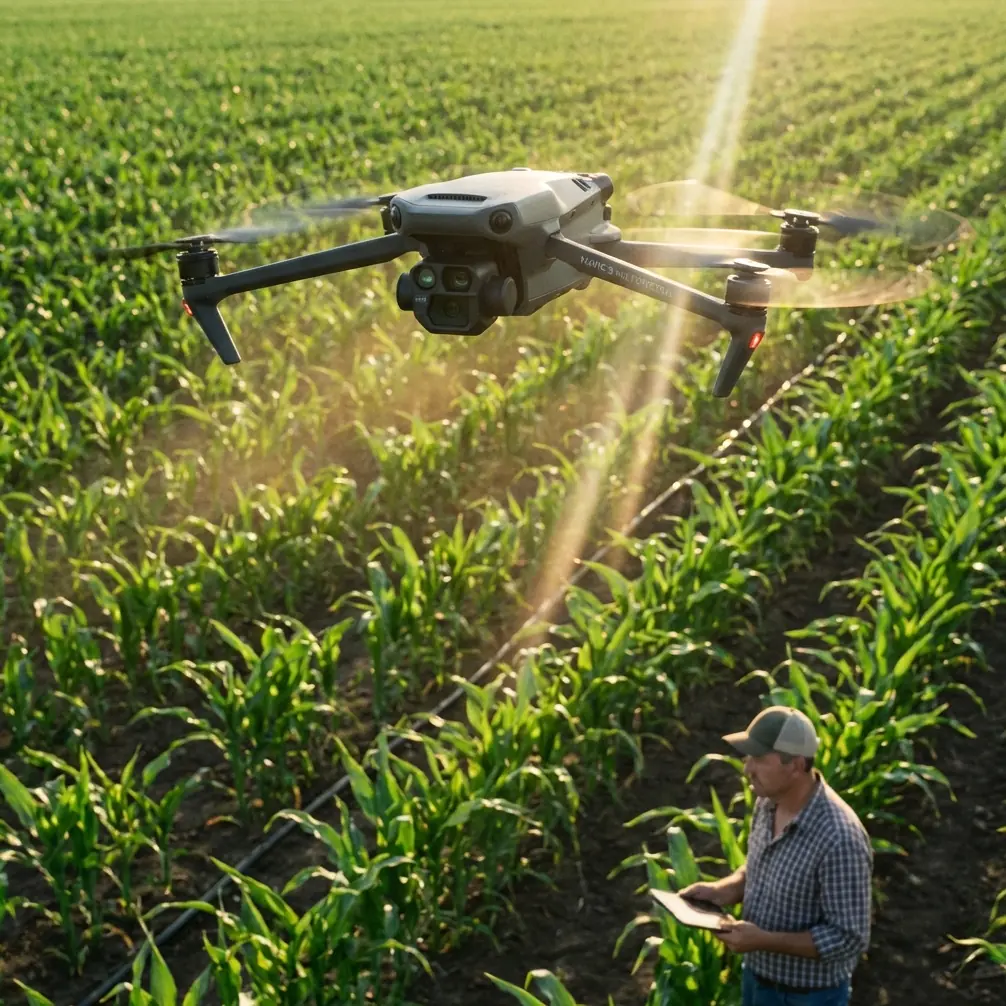
Filming Highways in Extreme Temperatures With the Mavic 4 Pro: Practical Field Tips That Actually Hold Up
META: A field-focused guide to using the Mavic 4 Pro for highway filming in extreme heat and cold, with antenna positioning, obstacle avoidance, D-Log workflow, ActiveTrack strategy, and battery management tips.
Highway work exposes every weak habit a drone pilot has. Long sightlines tempt you to push distance. Fast-moving vehicles demand smooth tracking. Heat shimmer can ruin sharpness by midday, while winter air drains batteries faster than most crews expect. If you are planning to film highways with the Mavic 4 Pro, the aircraft itself is only half the equation. The rest comes down to how you manage temperature, signal geometry, flight timing, and camera decisions under pressure.
I shoot as a photographer first, which means I care about the picture before I care about the spec sheet. But on highway jobs, the operational side decides whether you get the shot at all. The Mavic 4 Pro is a strong platform for this kind of work because it combines three things that matter on roadside productions: intelligent obstacle avoidance, reliable subject tracking, and flexible color capture modes like D-Log that hold up in difficult lighting. Those features are not abstract selling points. On a highway corridor, they change how you plan a flight.
The core problem is simple. Highways are visually open, but operationally unforgiving. There are moving vehicles at multiple speeds, roadside structures, sign gantries, overpasses, power lines, and bursts of wind created by terrain and traffic flow. Add extreme temperatures and the margin for error shrinks. Batteries sag in cold air. Sensors may behave differently under harsh glare. Pilots rush because no one wants to stand on the shoulder longer than necessary. Good results come from treating the Mavic 4 Pro like a precision camera system, not a toy with a cinematic mode.
The first decision is timing. In hot conditions, the best-looking shot is often unavailable during the hottest part of the day, even if the sky is technically clear. Asphalt throws heat upward, creating shimmer that softens distant detail. On a highway sequence, that matters because your frame usually contains long receding lines, road texture, lane markings, and traffic patterns extending deep into the background. When the air starts moving unevenly above the pavement, the image can look mushy no matter how stable the drone is. Early morning gives you denser air, steadier battery behavior, and cleaner contrast across the road surface. In freezing weather, the first hour after sunrise can still be excellent, but battery preparation becomes critical.
This is where many pilots get caught. Extreme cold does not just shorten flight time in a vague way. It changes how confident you can be in the second half of a shot. A flight that feels fine near takeoff can lose its comfort margin quickly once you are committed to a long tracking run. On highway jobs, I prefer shorter sorties with a clear visual objective instead of one extended “capture everything” mission. If your plan includes ActiveTrack on a vehicle or repeated passes for multiple focal lengths, swap batteries sooner than your instincts tell you. The Mavic 4 Pro can produce polished footage quickly, so there is rarely a good reason to stretch a battery to the edge when temperatures are punishing.
Heat creates a different trap. Pilots assume warm weather is easier because batteries tend to perform more predictably than they do in winter. But long highway flights in extreme heat put stress on the aircraft, the controller, and the operator. Screens become harder to read. Judging exposure by eye gets less reliable under hard glare. You may also find yourself shooting through waves of radiating pavement heat that destroy the sense of crispness you expected from a premium camera drone. The practical answer is to work in windows. Fly early. Rest the aircraft between intensive runs. Build the shot list before takeoff so you are not hovering and thinking while the drone cooks in place.
Obstacle avoidance deserves more respect in highway filming than it usually gets. Most people hear “obstacle avoidance” and think forests, bridges, or tight urban spaces. On highways, the danger is subtler. Road signs, lighting poles, utility cables near interchanges, and overpass structures appear in a frame much faster than the wide-open environment suggests. The Mavic 4 Pro’s obstacle sensing is most useful here not because it replaces pilot judgment, but because it gives you an extra layer of protection during lateral moves and tracking shots where your attention is split between composition and spacing. That matters when the subject is moving at speed and your eyes are constantly bouncing between the monitor, the aircraft position, and the traffic environment.
The same applies to ActiveTrack and subject tracking generally. These features can be extremely effective for highway content, but only when used with discipline. Tracking a single vehicle on a road sounds straightforward until surrounding traffic compresses the scene and creates visual ambiguity. The operational significance is this: intelligent tracking helps you maintain framing consistency while you manage altitude and route, but it does not remove the need to pick clean visual scenarios. A white delivery van in moderate traffic is far easier to track cleanly than a dark sedan in heavy flow under mixed shadows. If I want repeatable results, I choose the vehicle, the lane relationship, and the lighting angle before I launch. The software helps after the decision, not instead of it.
QuickShots and Hyperlapse can also be useful on highway assignments, though not always in the obvious way. QuickShots are best treated as idea generators for safe, repeatable motion rather than a shortcut for every finished sequence. On a roadside job with limited time, they can help produce polished reveal shots of an interchange, bridge approach, or rest area perimeter without overcomplicating the flight. Hyperlapse works when the story is flow, scale, and passage of time: traffic density building after dawn, cloud shadow crossing a transport corridor, or evening light shifting over a major junction. The Mavic 4 Pro gives you these tools, but the operational question is whether they fit the assignment. For infrastructure storytelling, they often do. For safety documentation or strictly controlled client deliverables, manual consistency may still be the better choice.
Color management is where many strong highway shots either become premium footage or fall flat. D-Log is especially valuable in this environment because highway scenes often contain brutal contrast. Reflective roofs, pale concrete, dark asphalt, windshield glare, and deep underpass shadows can all exist in the same frame. Shooting in D-Log gives you more room to hold highlight detail while preserving the subtle tonal separation in the road and surrounding landscape. That extra flexibility matters when the day is harsh and you cannot simply wait for perfect cloud cover. If your final deliverable needs to match ground cameras or cut with other aerial footage, D-Log gives you a cleaner path to consistency. The tradeoff is straightforward: you need a real grading workflow. If the edit schedule is tight and no one will grade properly, a more direct profile may be the better operational choice.
Antenna positioning is the field skill that gets ignored until signal quality becomes a problem. Highways invite long-distance shots because they look open and unobstructed. Yet maximum range is rarely about raw distance alone. It is about maintaining the strongest possible link between controller and aircraft throughout a moving, angle-changing shot. With the Mavic 4 Pro, keep the controller antennas oriented broadside to the drone, not pointed like arrows at it. Think of the sides of the antenna faces doing the communication work. As the aircraft moves down a highway corridor, small changes in your body position can preserve a cleaner signal path than simply standing still and hoping for the best. I often pivot my torso and controller together as the drone changes relative angle, especially during long parallel passes. That sounds minor until you are dealing with roadside clutter, traffic noise, and heat fatigue. Then it becomes the difference between a confident feed and an avoidable interruption.
Your own position on the ground matters just as much. If you can safely work from a slightly elevated, unobstructed point rather than a depressed roadside edge, do it. Signal performance improves when the path between you and the aircraft is cleaner. This is especially useful near interchanges, embankments, and sections with signage or barrier walls that interfere with line of sight. Highway filming often rewards the highest legal and safe launch point more than the closest one. Better geometry beats convenience.
Wind deserves its own mention because highways create misleading visual cues. Straight roads and steady traffic can make the scene feel calm even when crosswinds are working the aircraft harder than expected. Overpasses, cuttings, and open plains can all produce inconsistent air. In summer, heated surfaces can add vertical instability. In winter, cold gusts can turn a smooth tracking move into a series of corrections. The Mavic 4 Pro is capable, but capability should not be confused with immunity. If the shot requires precision near structures or a perfectly smooth side-track on a fast subject, make a short test pass first. Judge how much correction the aircraft needs, then decide whether the move belongs in the final plan.
There is also the human factor. Extreme temperatures reduce decision quality before they reduce drone performance. In high heat, operators rush setup, skip checks, and misread screens. In bitter cold, fingers get clumsy and menu mistakes become more common. My rule is simple: if the environment is severe enough to distract you, simplify the mission. Use a tighter shot list. Preload your camera settings. Decide in advance whether the job calls for D-Log, ActiveTrack, Hyperlapse, or manual work only. If you are unsure how to set up the flight profile for a demanding road sequence, it helps to get a second opinion before you arrive on site; I usually recommend pilots send their route and conditions through WhatsApp for a quick pre-flight review.
For image quality, one more practical note. Highways can look repetitive from the air unless you vary altitude and motion logic. Start with a clean high establishing shot to explain the corridor. Drop lower for directional movement that emphasizes speed and lane flow. Then use a controlled tracking pass that lets the road markings and median rhythm carry the frame. The Mavic 4 Pro excels when its automation supports a visual plan rather than dictating one. A single thoughtful sequence usually beats six flashy movements stitched together.
So what is the actual solution to filming highways in extreme temperatures with this drone? Respect the environment more than the headline features. Use obstacle avoidance as a safety layer, not a substitute for route planning. Use ActiveTrack only when the traffic pattern is visually clean enough to support it. Shoot D-Log when the contrast range will punish a simpler profile. Schedule flights around thermal conditions, not around convenience. And for range, remember that antenna positioning is not trivia. Proper orientation and body alignment can preserve signal strength across a long corridor better than most pilots realize.
The Mavic 4 Pro is a very capable platform for highway filmmaking, but its real advantage shows up when the operator makes deliberate choices under difficult conditions. That is what separates footage that merely looks aerial from footage that feels controlled, readable, and professionally gathered.
Ready for your own Mavic 4 Pro? Contact our team for expert consultation.