
Mavic 4 Pro Field Report: Filming Forests at High Altitude
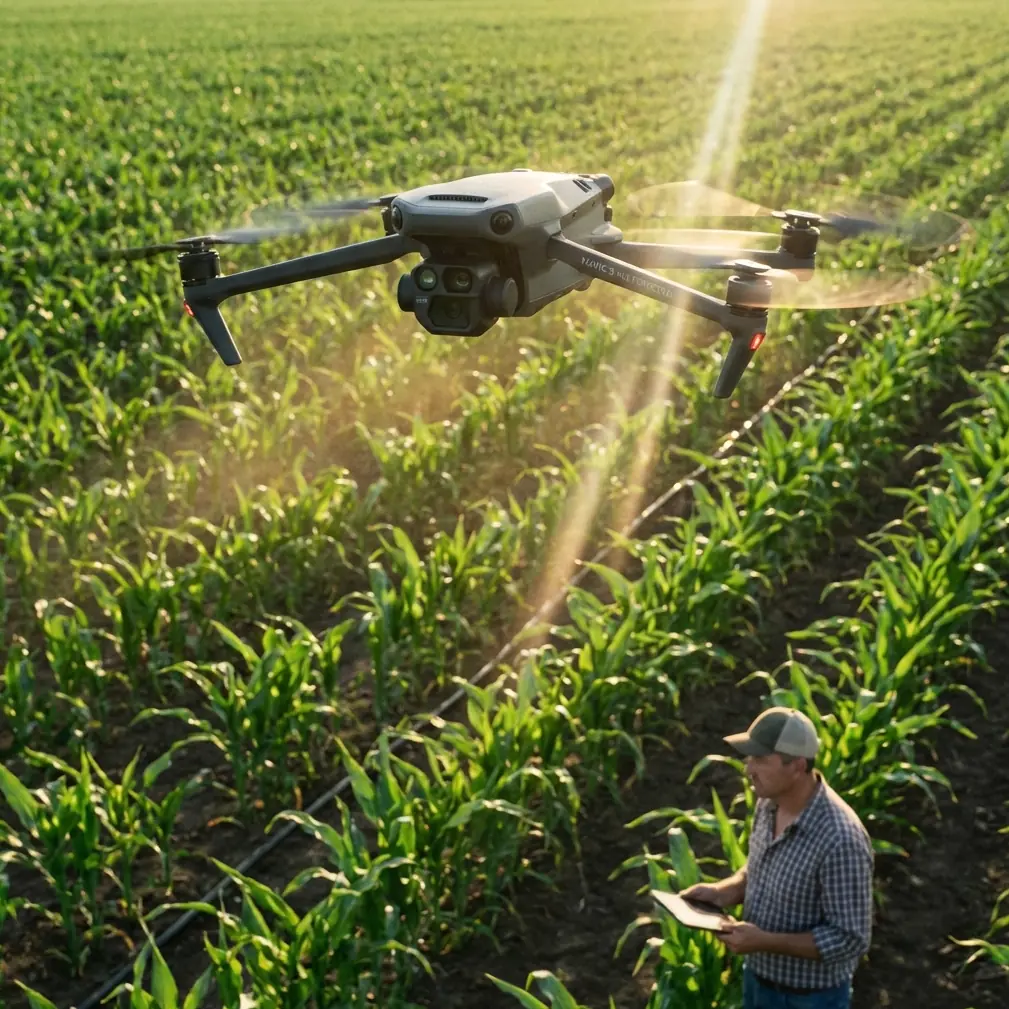
Mavic 4 Pro Field Report: Filming Forests at High Altitude Without Fighting the Aircraft
META: A field-tested guide to filming high-altitude forests with Mavic 4 Pro, covering obstacle avoidance care, ActiveTrack strategy, D-Log workflow, Hyperlapse planning, and a critical pre-flight cleaning step.
High-altitude forest work exposes every weakness in a drone setup. Thin air changes handling. Tree lines create uneven wind. Bright sky above dark canopies can trick exposure decisions. And if the aircraft’s vision system is even slightly compromised by dust, pollen, or moisture, the margin for error narrows fast.
That is where the Mavic 4 Pro becomes interesting.
Not because it magically solves mountain flying, and not because a spec sheet says it can. It matters because the tools people actually use in the field—obstacle avoidance, subject tracking, QuickShots, Hyperlapse, D-Log capture, and ActiveTrack—only become valuable when they hold up under messy, real conditions. Forest filming at elevation is one of the best tests.
This field report is built for a specific scenario: filming forests in high altitude, where cinematic ambition usually collides with airflow, glare, needles, sap mist, and terrain complexity.
The first serious step happens before power-on
Before talking about routes, camera settings, or tracking shots, there is one pre-flight habit that deserves more attention than most pilots give it: cleaning the vision and sensing surfaces.
On the Mavic 4 Pro, obstacle avoidance and intelligent tracking depend on the aircraft seeing clearly. In a mountain forest, that clarity gets compromised quickly. Fine dust from dry trails, airborne pollen, condensation from temperature swings, and oily fingerprints from rushed handling can all reduce how well the forward, lateral, upward, or downward sensing system interprets the scene.
That sounds minor until you are flying along a sloped stand of conifers where branches protrude at irregular angles and the drone is trying to reconcile dark trunks, bright holes in the canopy, and changing altitude references at the same time.
My own rule is simple: before every forest sortie, I wipe the vision sensors and camera glass with a clean microfiber cloth and inspect them under angled light, not straight on. Straight-on inspection often misses residue. Angled light reveals smears immediately. If the aircraft came out of a cold vehicle into warmer humid air, I wait for any trace of fogging to disappear completely before takeoff.
Operationally, this matters for two reasons.
First, obstacle avoidance is only as reliable as the image quality feeding the system. Dirty sensors can reduce confidence and consistency when flying near branches, ridgelines, and broken terrain.
Second, ActiveTrack performance depends on a stable interpretation of the subject and the surrounding environment. If you are tracking a hiker or mountain biker through a forest opening, any degradation in sensing can make the drone more conservative, less smooth, or more likely to abandon a clean route.
A lot of pilots blame “mountain conditions” for flight behavior that actually started with contaminated sensor surfaces.
Forests at altitude are a tracking problem before they are a camera problem
People often think the hardest part of filming forests is getting a dramatic image. Usually it is not. The harder task is building a flight plan that respects occlusion.
In dense woodland, your subject disappears and reappears. Tree trunks interrupt line of sight. Canopy layers create flicker and contrast jumps. Add elevation and the route itself becomes three-dimensional in a hurry.
This is where ActiveTrack earns its place, but only if used with restraint. It is not a substitute for route design. It is a tool for maintaining visual continuity when the subject path is predictable enough and the surrounding structure leaves the drone escape options.
For example, if your subject is moving along a ridge trail with one side opening to a valley and the other side lined by trees, the Mavic 4 Pro can often maintain a far more usable tracking line when you bias the aircraft toward the open side. That gives obstacle avoidance more room to work and reduces abrupt corrections. If you place the drone too deep into the timber side, even strong tracking logic has fewer elegant choices.
The lesson is practical: use ActiveTrack where the forest offers shape, not where it forms a cage.
That distinction matters more at high altitude because wind over ridges tends to hit in pulses. In those moments, a drone tracking close to branches may need to prioritize safe repositioning over compositional perfection. If your route already gives it open air on one side, the result is smoother footage and fewer sudden braking events.
Obstacle avoidance is not there to make bad lines safe
Forest shooters love to mention obstacle avoidance, often as if it turns technical flights into low-risk flights. It does not. It gives you a buffer. In mountain woods, buffers disappear quickly.
The Mavic 4 Pro’s obstacle avoidance is most useful when it is supporting an already conservative line: parallel passes along a tree wall, elevated reveal shots above a clearing edge, or diagonal climbs that respect branch height growth and terrain rise. It is far less elegant when you ask it to improvise through clutter.
The reason is simple. A forest is not a clean obstacle environment. It is a mesh. Thin branches, overlapping depth layers, and moving foliage create continuous visual complexity. Add uneven sunlight and the aircraft may switch from assertive to cautious behavior in a way that shows up on screen.
What that means in practice:
- Fly with wider lateral clearance than your eyes tell you is necessary.
- Avoid relying on automated protection in mixed branch density.
- Expect uphill runs to close your safety envelope faster than level-ground flying suggests.
- Rehearse exits before the hero shot.
That final point is the one many creators skip. A shot into a stand of trees may look manageable on entry. The exit often becomes harder because your visual reference changes once the drone turns, climbs, or yaws back toward the route home.
Why D-Log matters more in forests than in open alpine scenes
Forest imagery at elevation is brutally contrasty. The sky can be hard and bright. The canopy below can be deep, almost black in places. Reflective leaves or wet bark create random highlights. This is exactly the kind of environment where D-Log capture becomes more than a colorist’s preference.
On the Mavic 4 Pro, D-Log gives you more room to manage highlight retention while preserving detail in shadow-heavy sections of the frame. That matters when your shot transitions from open ridgeline into darker timber, or when the drone tilts down from cloud-lit background to the forest floor.
The operational significance is not abstract. It changes how aggressive you can be with shot design.
If you are shooting a descending move over treetops into a shaded corridor, standard-looking profiles may force a compromise: either protect the sky and let the forest go too dense, or lift the forest and risk harsh clipping above. D-Log gives you a broader runway in post.
I still recommend exposing with discipline. Forest scenes do not forgive sloppy monitoring. But D-Log is one of the reasons the Mavic 4 Pro can hold together on these flights when the light is changing every few seconds.
For creators delivering narrative travel, outdoor branded content, or eco-tourism work, that flexibility is not cosmetic. It is the difference between footage that grades cleanly and footage that always looks like it came from a drone fighting the scene.
QuickShots and Hyperlapse are useful here, but only in selected terrain
Automated flight modes tend to be oversold for mountain forests. The problem is not that they are ineffective. The problem is that users deploy them in the wrong places.
QuickShots can work beautifully at high altitude when the forest opens into geometric spaces: isolated lookout points, small meadows framed by trees, ridge-edge camps, or towers of evergreens surrounding a clearing. In those conditions, an automated reveal or orbit can be repeatable and visually balanced.
Use the same mode inside tighter tree structure and the shot often looks nervous even if the flight remains safe. The aircraft has less spatial freedom, and the movement can lose the calm that forest cinematography usually needs.
Hyperlapse is different. It thrives on slow environmental change, and high-altitude forests provide exactly that when weather is active. Clouds dragging shadows over canopy, mist peeling off slopes, late sun crossing a valley wall—these are ideal subjects. The Mavic 4 Pro’s value here is not just movement. It is consistency. You can position for long-form atmospheric progression instead of chasing single dramatic passes.
My favorite use case is a fixed or gently traveling Hyperlapse over a forested ridge as weather evolves. It tells the truth about the landscape. It also avoids the common mistake of trying to force speed and drama into a setting that is better expressed through pattern and scale.
Subject tracking in forests works best when the subject helps the drone
This is the part clients and talent rarely hear: the subject can make or break the shot.
If you are using subject tracking on a hiker, trail runner, or cyclist, ask them to maintain predictable movement through sections where the drone needs continuity. Sudden stops under dense canopy, abrupt side changes across narrow paths, or movements that tuck them behind trunk clusters reduce the drone’s ability to maintain a clean visual lock.
You do not need robotic behavior. You need readable movement.
A simple briefing helps:
- hold a steady pace through the tracked segment
- avoid cutting under heavy overhangs if there is a nearby open line
- give the drone a few seconds of clean visibility before the critical move begins
This is one of those details that sounds obvious and gets ignored. Yet it directly affects how well ActiveTrack performs in real mountain forest work.
If you need to coordinate a route or specific shooting setup before heading into the field, I usually suggest pilots message the flight plan here and sort the terrain logic before batteries start draining.
Wind, altitude, and battery judgment
High altitude changes the tempo of the day. Even when the Mavic 4 Pro is flying well, the pilot should work as though conditions are one step less forgiving than they appear from the takeoff point.
Forests amplify that problem because the wind you feel on a ridge is not the same wind the drone experiences over a treetop gap or along a lee-side drop. You can launch in relative calm, push into a shot corridor, and find the aircraft making noticeably different corrections a few hundred meters later.
For that reason, I treat battery planning conservatively in mountain forests. Not because the aircraft lacks capability, but because route geometry gets expensive. Climbing out of a drainage, re-centering after a cautious obstacle response, or abandoning a line and taking the longer return path all add up.
The best operators in this environment are rarely the boldest. They are the ones who leave enough reserve for the unglamorous parts: repositioning, waiting for a branch-swaying gust to settle, and returning from the wrong side of a ridge after deciding the original line is no longer worth forcing.
A usable field workflow for Mavic 4 Pro in alpine forest conditions
When I strip the day down to essentials, the workflow looks like this:
1. Clean first, then inspect
Lens glass, obstacle sensing surfaces, and body seams. Mountain dust and condensation are normal, not exceptional.
2. Stand where the return path makes sense
Do not judge the launch site only by the opening above you. Judge it by how easily the aircraft can come back if the wind shifts or the line becomes unusable.
3. Start with a reconnaissance pass
No hero move yet. Read the vertical shape of the forest, the true branch height, and where open air actually exists.
4. Choose one automated feature for a reason
Use ActiveTrack for continuity, QuickShots for a designed reveal, or Hyperlapse for time-based atmosphere. Do not pile modes into a cluttered environment just because they are available.
5. Capture in D-Log when the light is difficult
Especially if the frame includes both sky and shaded canopy.
6. Re-clean if conditions changed
This is the step many skip after landing on a dusty turnout or moving through mist. If the Mavic 4 Pro’s safety systems matter to the shot, keeping those surfaces clear is part of the flight, not a separate chore.
The real advantage of the Mavic 4 Pro here
After enough mountain forest flights, the real value of the Mavic 4 Pro is not any single intelligent feature. It is that several of them can be useful in the same difficult environment if the pilot respects their boundaries.
Obstacle avoidance helps, but only when the sensing surfaces are clean and the line is sane. ActiveTrack can hold a subject through complex terrain, but only when the route gives the aircraft room to think. QuickShots and Hyperlapse can add polish, but only where the landscape geometry supports automation. D-Log saves difficult exposures, but only if the operator sees the scene clearly enough to expose with intention.
That is what separates a capable forest filming day from an expensive guessing session.
High-altitude forests have a way of humbling people who rely too heavily on marketing language. They reward pilots who notice small things: a smear on a sensor window, a gust hidden by trees, a tracking route that should be shifted ten meters toward open space, a lighting transition that calls for D-Log instead of wishful thinking.
The Mavic 4 Pro is strong in this setting because it can translate careful decisions into footage that feels controlled rather than improvised. But the aircraft does not create that discipline. The operator does.
Ready for your own Mavic 4 Pro? Contact our team for expert consultation.