
Mountain Filming Guide: Mavic 4 Pro Best Practices
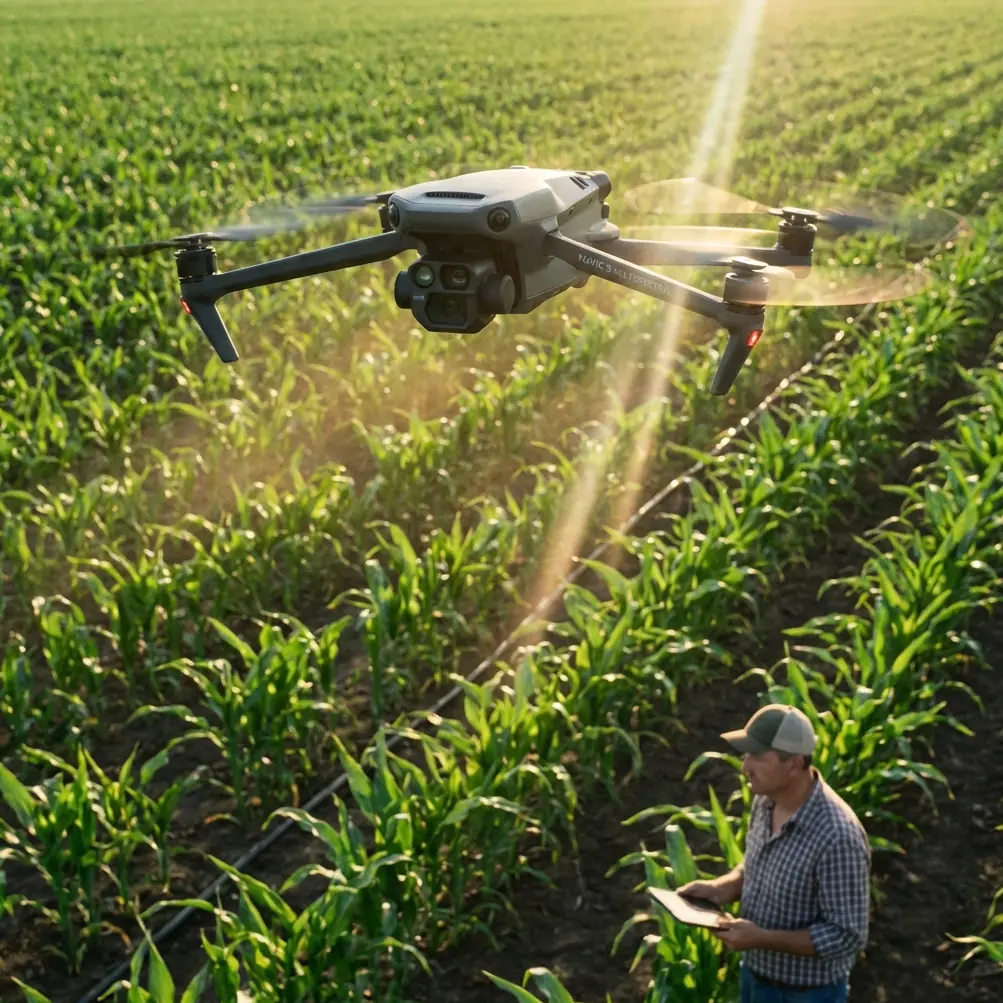
Mountain Filming Guide: Mavic 4 Pro Best Practices
META: Master mountain filming with the Mavic 4 Pro. Expert techniques for obstacle avoidance, D-Log color, and battery management in challenging alpine terrain.
TL;DR
- Obstacle avoidance sensors perform exceptionally in mountain environments but require manual override near cliff faces
- D-Log color profile captures 14+ stops of dynamic range essential for high-contrast alpine lighting
- Battery performance drops 20-30% in cold mountain air—always land with 25% remaining
- ActiveTrack 6.0 maintains subject lock through tree cover and terrain changes up to 72 km/h
Why Mountain Filming Demands Professional-Grade Equipment
Capturing cinematic footage in mountain environments pushes drone technology to its absolute limits. The Mavic 4 Pro addresses these challenges with a Hasselblad HCAM camera system, omnidirectional sensing, and intelligent flight modes designed for unpredictable terrain.
This guide breaks down field-tested techniques for maximizing your Mavic 4 Pro's capabilities across alpine meadows, rocky ridgelines, and forested slopes. Every recommendation comes from actual mountain filming sessions where equipment failure means losing irreplaceable shots.
Understanding the Mavic 4 Pro's Mountain-Ready Sensor Suite
Omnidirectional Obstacle Avoidance in Complex Terrain
The Mavic 4 Pro features 11 sensing directions with a maximum detection range of 60 meters forward. In mountain environments, this system becomes both your greatest asset and a potential limitation.
Rocky outcroppings, sudden cliff drops, and overhanging branches create sensor challenges that flat-terrain pilots never encounter. The system excels at detecting:
- Vertical rock faces at distances exceeding 40 meters
- Tree canopy edges during low-altitude passes
- Moving wildlife that enters the flight path
- Cable lines and man-made structures
Expert Insight: When filming near cliff edges, switch obstacle avoidance to "Brake" mode rather than "Bypass." The bypass function can send your drone into unpredictable lateral movements when it detects a sudden vertical drop—exactly what you don't want at 4,000 meters elevation.
Sensor Limitations You Must Anticipate
Thin branches under 2cm diameter often escape detection. Snow-covered surfaces confuse downward sensors due to uniform reflectivity. Morning mist reduces forward sensing range by approximately 40%.
Plan your shots around these limitations rather than trusting the system blindly.
Mastering D-Log for High-Contrast Mountain Light
Mountain filming presents the most challenging lighting scenarios in aerial cinematography. Bright snow, deep shadows in valleys, and rapidly changing cloud cover demand maximum dynamic range.
D-Log Configuration for Alpine Conditions
The Mavic 4 Pro's D-Log M color profile captures approximately 14.5 stops of dynamic range. Configure these settings before ascending:
| Setting | Mountain Recommendation | Reasoning |
|---|---|---|
| Color Profile | D-Log M | Maximum shadow/highlight recovery |
| ISO | 100-400 | Reduces noise in shadow areas |
| Shutter Speed | 1/50 at 24fps | Natural motion blur |
| ND Filter | ND16-ND64 | Controls bright snow exposure |
| White Balance | 5600K manual | Consistent color across shots |
Exposure Strategy for Snow and Rock
Expose for highlights when snow dominates your frame. The Mavic 4 Pro's 1-inch CMOS sensor recovers shadow detail remarkably well, but blown highlights in snow create unrecoverable dead zones in your footage.
Use the histogram display rather than the LCD preview. Mountain sunlight makes accurate screen evaluation nearly impossible.
Pro Tip: Enable "Zebras" at 95% to identify overexposed areas in real-time. Snow should show light zebra patterns—if it's solid zebras, you're losing detail.
ActiveTrack 6.0 Performance in Mountain Terrain
Subject tracking technology faces unique challenges when your subject moves through varied elevation and vegetation. The Mavic 4 Pro's ActiveTrack 6.0 uses machine learning to predict subject movement even during temporary occlusion.
Tracking Modes for Different Mountain Activities
Trace Mode follows directly behind your subject. Use this for hiking footage along ridgelines where the path is predictable and obstacle-free.
Parallel Mode maintains a consistent lateral distance. This works exceptionally well for capturing mountain bikers on switchback trails, keeping the dramatic terrain visible throughout the shot.
Spotlight Mode keeps the camera locked while you fly manually. Choose this for complex terrain where automated flight paths would create collision risks.
Subject Tracking Limitations
ActiveTrack struggles when subjects enter dense forest canopy. The system maintains lock for approximately 3-4 seconds of full occlusion before requiring reacquisition.
Rapid elevation changes—such as a skier dropping into a steep chute—can break tracking if the drone cannot descend quickly enough to maintain optimal framing.
QuickShots and Hyperlapse in Mountain Settings
Automated flight modes produce stunning results when applied thoughtfully to mountain terrain.
QuickShots Worth Using
Dronie creates dramatic reveals when positioned with a valley behind your subject. The backward-ascending flight path showcases scale effectively.
Rocket works beautifully at summit locations, ascending straight up to reveal the surrounding peaks.
Circle requires careful obstacle assessment. Ensure a 30-meter radius remains clear of trees, rocks, and terrain features before initiating.
Hyperlapse Considerations
Mountain Hyperlapse shots benefit from longer intervals between frames. Cloud movement, shifting shadows, and changing light create compelling time-based narratives.
Set your interval to 3-4 seconds for cloud movement. Use 10-second intervals for shadow progression across valleys during golden hour.
The Mavic 4 Pro stores both the processed Hyperlapse and original frames, allowing post-production adjustments to speed and stabilization.
Battery Management: A Field-Tested Approach
Here's what the manual won't tell you: I learned this lesson filming autumn colors at 3,200 meters in the Rockies. My first battery showed 45% remaining, plenty for a safe return. Within 90 seconds, that dropped to 28% as the cold-soaked cells couldn't deliver their stored energy.
The Mavic 4 Pro's 46-minute maximum flight time assumes sea-level conditions at 25°C. Mountain reality differs dramatically.
Cold Weather Battery Protocol
- Store batteries inside your jacket between flights
- Pre-warm batteries to at least 20°C before takeoff
- Hover for 60 seconds at low altitude to warm cells through discharge
- Set RTH battery level to 30% rather than the default 20%
- Never drain below 25% in temperatures under 10°C
Altitude Performance Impact
Air density decreases approximately 3% per 300 meters of elevation gain. Motors work harder to generate lift, increasing power consumption proportionally.
At 4,000 meters, expect 25-35% reduction in total flight time compared to sea-level performance.
Common Mistakes to Avoid
Trusting automated RTH in mountain terrain. The straight-line return path may intersect with ridgelines or peaks higher than your takeoff point. Always set RTH altitude 50 meters above the highest obstacle in your operating area.
Ignoring wind gradient effects. Valley floors often show calm conditions while ridgelines experience 30+ km/h winds. Check wind speed at altitude before committing to exposed positions.
Filming without ND filters. Mountain light intensity requires filtration to maintain cinematic shutter speeds. Carrying only a polarizer leaves you unable to shoot properly during midday.
Neglecting compass calibration. Mineral deposits in mountain rock create magnetic interference. Calibrate at each new location, especially near exposed rock faces.
Launching from unstable surfaces. Snow, loose scree, and uneven ground cause gimbal initialization errors. Carry a 30cm landing pad for consistent takeoff surfaces.
Frequently Asked Questions
How does the Mavic 4 Pro handle sudden mountain wind gusts?
The Mavic 4 Pro maintains stable hover in winds up to 54 km/h and can return home in gusts reaching 43 km/h. The aircraft automatically increases motor output to compensate for turbulence, though battery consumption rises significantly. In gusty conditions, monitor power levels closely and maintain visual line of sight for manual intervention if needed.
Can I fly the Mavic 4 Pro above 4,000 meters elevation?
The Mavic 4 Pro operates at altitudes up to 6,000 meters above sea level with reduced performance. Propeller efficiency decreases in thin air, limiting maximum speed and payload capacity. Flight time drops by approximately 30-40% at extreme elevations. Ensure batteries are fully charged and warm before high-altitude operations.
What's the best time of day for mountain drone filming?
Golden hour—the first and last 90 minutes of sunlight—produces the most cinematic mountain footage. Side-lighting emphasizes terrain texture and creates depth through shadow. Midday sun flattens features and creates harsh contrast between snow and rock. Overcast conditions work well for forest filming where diffused light reduces contrast challenges.
Ready for your own Mavic 4 Pro? Contact our team for expert consultation.