
Mavic 4 Pro for Dusty Coastlines: A Photographer’s
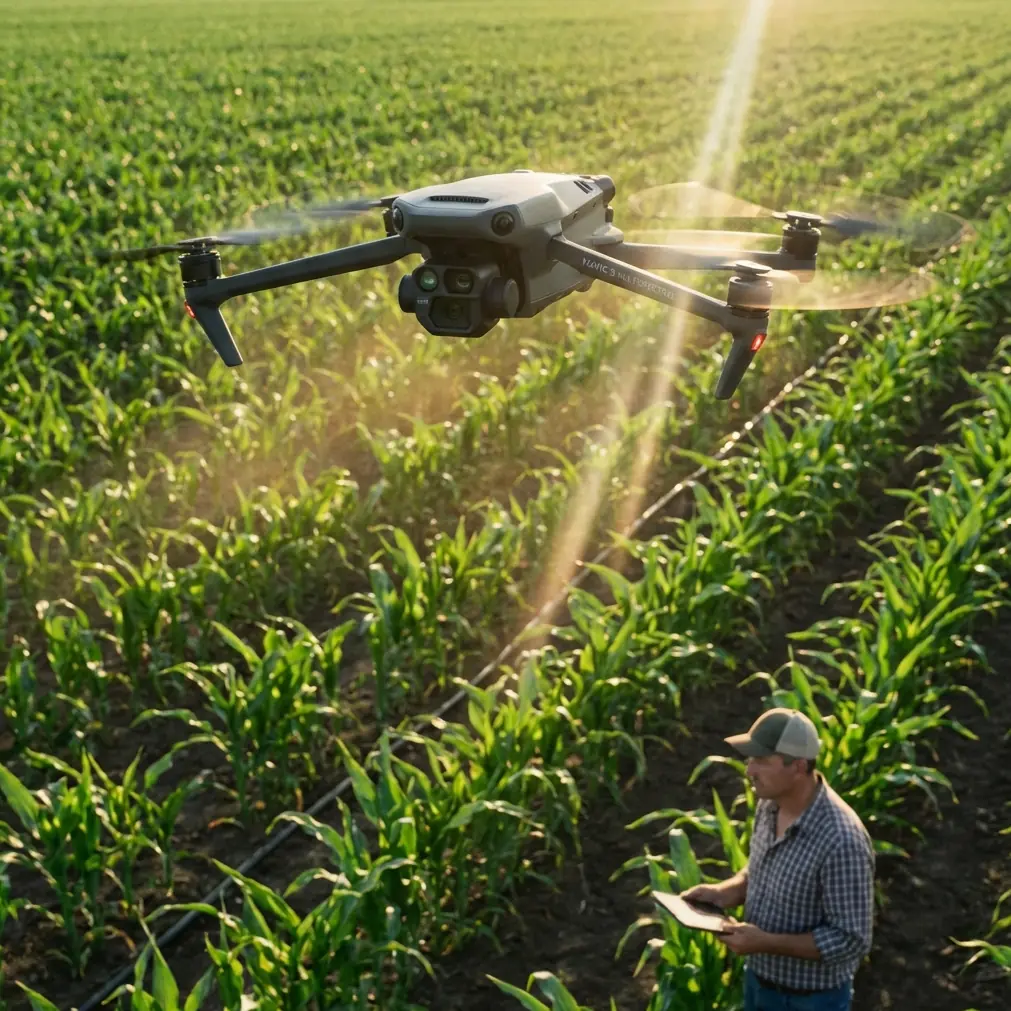
Mavic 4 Pro for Dusty Coastlines: A Photographer’s Technical Review
META: A field-tested technical review of the Mavic 4 Pro for dusty coastal filming, covering obstacle avoidance, ActiveTrack, D-Log workflow, Hyperlapse, QuickShots, and the pre-flight cleaning habits that protect performance.
Coastlines look clean on screen. Out in the field, they are anything but.
Salt hangs in the air. Sand gets into seams, vents, and gimbal corners. Wind shifts fast, often bouncing off cliffs, dunes, sea walls, and rock shelves in ways that make a calm launch point feel very different once the drone is fifty meters out. If your goal is to film a coastline in dusty conditions, the question is not whether the aircraft can capture beautiful footage. The question is whether it can keep delivering stable, predictable results when the environment is actively trying to interfere with sensors, optics, and flight confidence.
That is the lens I would use to evaluate a Mavic 4 Pro setup for coastal work.
I approach this as a photographer first. Sharpness matters, yes. Dynamic range matters more than many people realize. But reliability sits above both. If obstacle avoidance is compromised by a film of dust on the sensing surfaces, or subject tracking loses confidence because the front optics are hazy with salt residue, every advanced feature becomes less useful in practice. The aircraft can be technically capable and still underperform in the exact scenario many buyers care about: real location work where conditions are messy, bright, windy, and reflective.
The first thing I would stress before any launch is a cleaning step that many pilots rush through. On a dusty coastline, I would not just wipe the camera lens and call it done. I would inspect and clean the obstacle sensing areas, the vision-related surfaces, and the gimbal housing carefully before power-up. That matters for safety and for creative consistency. Obstacle avoidance systems depend on clean optical input. A smear of salt spray or fine dust can reduce confidence in how the aircraft interprets branches, cliff edges, railings, or uneven rock faces. The same logic applies to subject tracking. If you plan to use ActiveTrack along a shoreline path, or while moving parallel to a cyclist, surfer on land, or a vehicle on a coastal access road, clean sensing surfaces help the system hold a subject more consistently rather than hunting or drifting at the worst moment.
This is not a glamorous part of flying, but it is one of the most operationally significant habits you can build.
Dusty coastlines also expose a common misunderstanding about intelligent features. Pilots often think of obstacle avoidance, ActiveTrack, QuickShots, and Hyperlapse as separate convenience tools. In reality, on location they overlap. A clean aircraft with confident sensing makes these tools feel composed. A dirty one makes them feel erratic. That difference shows up in your footage long before it shows up in an error message.
Take ActiveTrack as an example. For coastline filming, this is one of the most useful tools in the kit because it lets a solo operator concentrate on framing and path rather than manually controlling every movement axis. But coastal scenes are visually complicated. White foam, dark wet rock, shifting reflections, and strong backlight can all compete with your subject. If the tracking system is already dealing with reduced visual clarity from dust or spray on the sensor windows, the margin for error shrinks. A clean pre-flight setup gives the algorithm its best possible input. That is not theoretical; it directly affects whether a tracking shot along a clifftop trail looks intentional or nervous.
QuickShots can also benefit more than most people expect from good housekeeping. These automated moves are often used when the light is changing quickly and the location gives you only a short window. Around the sea, that might be the moment when low-angle sun hits the water and the headland at the same time. You want speed, but you do not want to rush blindly. If the aircraft’s sensing system is reading the scene accurately, QuickShots become far more dependable in tight or irregular terrain. Near a coastline, “tight” does not always mean urban obstacles. It can mean jagged outcrops, signage, masts, fences, or elevated walkways that appear simple from the ground but complicate an automated path once airborne.
Then there is Hyperlapse. This is where the Mavic 4 Pro concept becomes especially attractive for a landscape-focused creator. Coastlines are built for time compression: cloud streaks over sea stacks, tide movement around tidal pools, fishing traffic crossing a harbor mouth, or long shadows racing over dunes. Hyperlapse is not just an effect here. It is a way of showing environmental movement that normal real-time footage cannot express. Yet Hyperlapse places a premium on consistency. Tiny disturbances become obvious over a sequence. If wind is variable and the aircraft is working harder to maintain stability while also dealing with compromised visual sensing from dust or residue, the result can look less refined than the scene deserves. Again, preparation is not separate from image quality. It is part of image quality.
Color workflow matters just as much as flight behavior in this environment. Coastlines often combine extreme highlights and dark detail in the same frame. Think bright surf under direct sun with shadowed cliffs behind it. Or a pale sky reflecting off water while foreground rocks stay nearly black. That is where D-Log earns its place. A flat profile is not useful because it sounds professional. It is useful because coastlines punish narrow latitude. If you want to hold texture in white water and still recover detail in darker landforms, a log workflow gives you more room to shape the scene later without forcing the image into brittle compromises at capture.
For photographers moving deeper into video, this is one of the strongest reasons to take the Mavic 4 Pro seriously as a coastal platform. A D-Log workflow can help preserve subtle transitions in sea, sky, and spray that standard profiles often clip or compress too aggressively. It also helps when weather shifts during a session. Coastal light is unstable by nature. You might launch in haze, fly in direct sun, and land under a cloud bank ten minutes later. Consistent grading latitude becomes a practical advantage, not an abstract specification.
The other half of the image equation is movement discipline. Coastal flying tempts people into dramatic stick inputs because the scenery feels expansive. Wide arcs, low passes, sudden reveals. Some of those moves work beautifully. Many look better when they are slower than you think. The Mavic 4 Pro is at its best on a coastline when you use its intelligence to reduce operator tension, not to chase complexity. Smooth ActiveTrack, deliberate QuickShots, and carefully planned Hyperlapse sequences usually outperform frantic manual improvisation over surf and rock.
I would also treat launch and recovery as technical events, not afterthoughts. Dusty coastlines can be punishing at ground level. Sand kicked up by rotor wash can be more damaging during takeoff and landing than during the flight itself. Choose a clean, stable surface when possible. If the site forces a compromised setup, spend extra attention on the aircraft immediately after landing. Before folding or packing it, inspect the gimbal area, body seams, propeller roots, and the surfaces involved in obstacle sensing. It only takes a small amount of grit to create long-term wear or short-term inconsistency in camera behavior. This is why my preferred “first step” before the next launch is not a battery check. It is a quick but methodical clean.
That habit also protects creative efficiency. When people lose time on a shoot, they often blame weather or battery swaps. On coastal jobs, I have seen more momentum lost to preventable contamination issues than to either of those. A lens spot discovered after a perfect pass. A sensor warning triggered by residue. Tracking confidence dropping just when the subject enters the most photogenic section of the route. None of this is dramatic, but all of it affects results.
If you are building a repeatable workflow for shoreline filmmaking, I would structure it like this: inspect and clean first, then calibrate your plan around the environment rather than around a feature checklist. Ask whether obstacle avoidance needs the widest possible margin because you are near cliffs or structures. Ask whether ActiveTrack is truly the right tool for this subject path. Ask whether the scene’s contrast makes D-Log the smarter choice. Ask whether Hyperlapse adds information or just novelty. That sequence produces better footage than starting with a menu of modes and trying to use them all.
There is also a human factor that gets overlooked in technical reviews. Stress changes how people fly. Dusty coastal environments raise cognitive load. You monitor gusts, birds, glare, shifting people, and a landing zone that may be deteriorating as the tide changes. In those conditions, trustworthy automation helps most when it is supported by disciplined preparation. Clean optics and sensing surfaces reduce uncertainty. Better subject tracking reduces workload. A robust color profile reduces exposure panic. Together, those things create headspace for composition.
That is the real promise of a drone like the Mavic 4 Pro for coastline creators. Not just better specs on paper, but fewer frictions between the scene you imagined and the footage you bring home.
If I were advising a photographer planning regular shoreline shoots, I would say the smartest investment is not simply learning every smart mode. It is learning which ones remain dependable after an hour in salt air and dust, and building a routine that keeps them dependable. The pilot who cleans carefully, flies deliberately, and grades with intention will usually outperform the pilot who chases headline features without field discipline.
If you want a second opinion on configuring a coastal filming workflow, sensor care routine, or deciding how features like ActiveTrack and D-Log fit your style, you can reach out here: https://wa.me/85255379740
A final practical note from the field: when people talk about drone safety around the coast, they often focus entirely on wind. Wind matters. So does visibility for the aircraft’s own sensing system. On a dusty shoreline, your pre-flight cloth and a careful visual inspection can do more for real-world obstacle avoidance reliability than another few minutes spent scrolling settings. That small routine can influence tracking performance, automated shot confidence, and even whether your footage feels polished or interrupted by subtle instability.
For a product aimed at creators who want both image quality and intelligent assistance, that connection is the point. On coastlines, especially dusty ones, the best technical feature is often the discipline that lets the technology work as intended.
Ready for your own Mavic 4 Pro? Contact our team for expert consultation.