
Expert Coastline Filming with the Mavic 4 Pro Drone
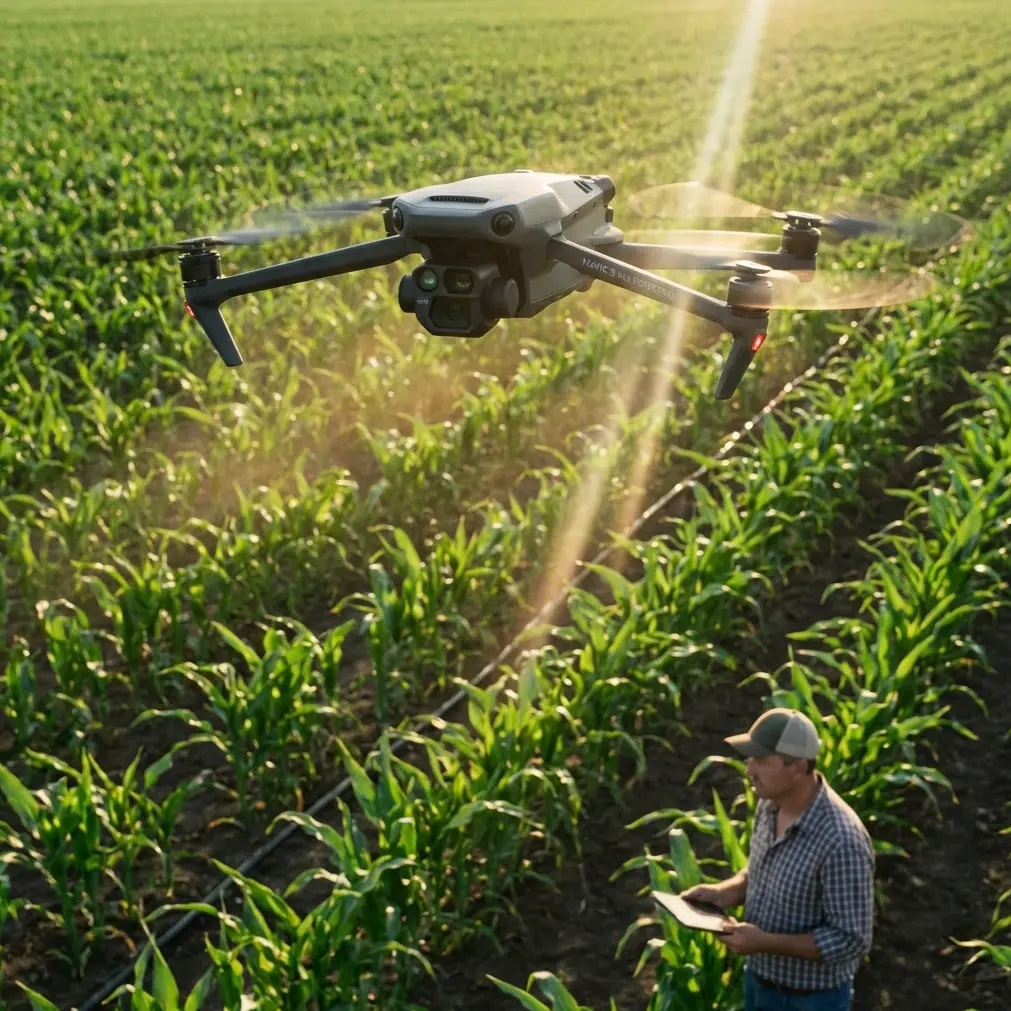
Expert Coastline Filming with the Mavic 4 Pro Drone
META: Master coastline filming with Mavic 4 Pro. Learn essential pre-flight prep, obstacle avoidance tips, and pro techniques for stunning coastal footage.
TL;DR
- Pre-flight sensor cleaning is critical—salt spray and sand can disable obstacle avoidance systems mid-flight
- The Mavic 4 Pro's omnidirectional obstacle sensing handles complex coastal terrain where cliffs, birds, and sudden wind gusts create unpredictable hazards
- ActiveTrack 6.0 maintains lock on moving subjects like boats and wildlife even when they disappear behind rock formations
- D-Log color profile preserves up to 13 stops of dynamic range, essential for high-contrast sunrise and sunset coastal shoots
The Coastal Filming Challenge Every Drone Pilot Faces
Coastlines punish unprepared pilots. You're managing salt-laden air that corrodes electronics, wind shear bouncing off cliff faces, and lighting conditions that shift from blinding reflections to deep shadows within the same frame.
I've crashed two drones into the Pacific Ocean. Both times, the culprit wasn't pilot error—it was compromised obstacle avoidance sensors that couldn't detect approaching rock faces.
The Mavic 4 Pro changed my coastal workflow entirely. But the drone itself is only part of the equation. What happens before you ever leave the ground determines whether you capture portfolio-worthy footage or watch expensive equipment sink into the surf.
The Pre-Flight Ritual That Saves Your Drone
Here's what most pilots skip: cleaning your obstacle avoidance sensors before every coastal flight.
Salt spray creates an invisible film on sensor lenses. Sand particles—even microscopic ones—scatter the infrared signals your drone uses to detect obstacles. Your Mavic 4 Pro might show "All Systems Normal" while flying essentially blind.
My 5-Minute Coastal Pre-Flight Protocol
Before every beach or cliff shoot, I complete this sequence:
- Inspect all 8 obstacle sensing directions with a headlamp, looking for residue or scratches
- Clean sensors with a microfiber cloth dampened with distilled water (never tap water—minerals leave deposits)
- Check gimbal movement by gently rotating the camera housing through its full range
- Verify propeller condition—salt crystals in motor bearings cause wobble that ruins stabilization
- Test hover stability at 2 meters before committing to any complex flight path
This ritual takes five minutes. It's saved me from disaster at least a dozen times.
Expert Insight: Carry a small squeeze bulb (like those used for camera sensor cleaning) to blast sand particles off sensors without touching them. Physical contact can push abrasive particles across lens coatings.
Mastering Obstacle Avoidance in Complex Terrain
The Mavic 4 Pro features omnidirectional obstacle sensing with a detection range of up to 50 meters in optimal conditions. Coastal environments are rarely optimal.
How Coastal Conditions Affect Sensing Performance
Different obstacles present unique challenges:
Cliff faces reflect infrared signals reliably, making them easy for the drone to detect. The Mavic 4 Pro handles these well, automatically adjusting flight paths when you're filming parallel to rock walls.
Vegetation absorbs infrared unpredictably. Sea grass, coastal shrubs, and overhanging branches may not register until you're dangerously close. I set my obstacle avoidance to Brake mode rather than Bypass mode when filming near vegetation.
Water surfaces create false readings. Calm water can appear as solid ground to sensors, while choppy water generates erratic distance measurements. Never rely on downward sensing over water.
Birds are the wildcard. Seabirds investigate drones aggressively. The Mavic 4 Pro's APAS 6.0 (Advanced Pilot Assistance System) can detect and avoid birds in flight, but large flocks overwhelm the system. Scout your location for nesting areas before launching.
Configuring Obstacle Avoidance for Coastal Work
I use these settings for 90% of my coastal shoots:
- Obstacle avoidance: On
- Avoidance behavior: Brake (not Bypass)
- Return-to-Home altitude: 120 meters (above most coastal obstacles)
- Maximum flight altitude: 400 feet (legal limit, but also keeps you above cliff interference)
For aggressive proximity shots near rock formations, I switch to Bypass mode with extreme caution, maintaining manual control readiness at all times.
Subject Tracking Along Dynamic Coastlines
ActiveTrack technology has evolved dramatically. The Mavic 4 Pro's ActiveTrack 6.0 uses machine learning to predict subject movement, maintaining lock even when your target temporarily disappears.
Tracking Scenarios That Actually Work
Surfers and kayakers: The system tracks human forms reliably against water backgrounds. I've maintained lock on surfers through 15-second tube rides where they completely disappeared from frame.
Boats: Larger vessels track perfectly. Smaller craft like jet skis require you to draw a larger selection box initially—the system needs more visual data to distinguish them from whitecaps.
Wildlife: Mixed results. Seals and sea lions track well due to their distinct shapes. Birds are nearly impossible to track reliably.
Pro Tip: When tracking moving subjects along coastlines, position yourself so the sun is behind the drone. Backlit subjects lose contrast against bright water, causing tracking failures.
QuickShots for Efficient Coastal Content
When time is limited, QuickShots modes deliver professional results with minimal input:
- Dronie: Perfect for establishing shots that reveal coastline scope
- Circle: Ideal for lighthouse or rock formation reveals
- Helix: Creates dramatic ascending spirals around sea stacks
- Boomerang: Works beautifully for beach scenes with consistent backgrounds
Each mode completes in 15-30 seconds, letting you capture multiple angles quickly before weather windows close.
Capturing Cinematic Coastal Footage
Technical settings matter enormously when filming high-contrast coastal scenes.
D-Log: Your Secret Weapon for Dynamic Range
Coastal scenes present extreme dynamic range challenges. Bright sky, reflective water, and shadowed cliff faces can span 14+ stops of light in a single frame.
The Mavic 4 Pro's D-Log M color profile captures approximately 13 stops of dynamic range, preserving detail in highlights and shadows that standard color profiles clip entirely.
My D-Log settings for coastal work:
- ISO: 100-200 (never higher—noise destroys color grading flexibility)
- Shutter speed: Double your frame rate (1/60 for 30fps, 1/120 for 60fps)
- ND filters: Essential—I carry ND8, ND16, ND32, and ND64
- White balance: Manual, set to match ambient conditions
Hyperlapse for Coastal Time Compression
The Mavic 4 Pro's Hyperlapse mode creates stunning time-compressed sequences of tidal changes, cloud movement, and shifting light.
For coastal hyperlapses, I recommend:
- Free mode for custom flight paths along cliff edges
- Circle mode around isolated rock formations
- Interval: 2-3 seconds for cloud movement, 5-10 seconds for tidal changes
- Duration: Minimum 30 minutes for visible tidal movement
The drone captures individual frames and assembles them automatically, outputting smooth 4K hyperlapse video without post-processing.
Technical Comparison: Coastal Filming Capabilities
| Feature | Mavic 4 Pro | Previous Generation | Impact on Coastal Work |
|---|---|---|---|
| Obstacle Sensing Range | 50m | 38m | Earlier cliff detection |
| Sensing Directions | 8 (omnidirectional) | 6 | Better side protection |
| ActiveTrack Version | 6.0 | 5.0 | Improved occlusion handling |
| Video Dynamic Range | 13+ stops | 12.8 stops | Better highlight recovery |
| Wind Resistance | Level 6 (39-49 km/h) | Level 5 | More flyable coastal days |
| Max Flight Time | 46 minutes | 34 minutes | Longer shooting windows |
| Transmission Range | 20km | 15km | Reliable signal around headlands |
Common Mistakes to Avoid
Flying immediately after arriving at location. Coastal conditions change rapidly. Spend 15 minutes observing wind patterns, bird activity, and wave timing before launching.
Ignoring salt accumulation between flights. Even if you cleaned sensors before your first flight, salt spray accumulates during flight. Clean again before subsequent flights in the same session.
Trusting obstacle avoidance over water. The system cannot reliably detect water surfaces. Maintain manual altitude awareness whenever flying below 10 meters over ocean.
Filming only at golden hour. Overcast days produce incredibly cinematic coastal footage with even lighting and saturated colors. Some of my best-selling clips were shot under gray skies.
Neglecting audio considerations. If you're recording ambient sound for your projects, coastal wind destroys audio quality. Plan for separate audio recording or embrace the footage as B-roll only.
Pushing battery limits. Cold ocean air reduces battery performance by 10-15%. Land with at least 25% battery remaining, not the standard 20% warning threshold.
Frequently Asked Questions
How do I protect my Mavic 4 Pro from salt damage during coastal flights?
Wipe down the entire aircraft with a slightly damp microfiber cloth after every coastal session. Pay special attention to motor vents, gimbal mechanisms, and sensor housings. Store the drone with silica gel packets to absorb residual moisture. For extended coastal projects, consider a post-session rinse with distilled water on non-electronic surfaces, followed by thorough drying.
What wind conditions are too dangerous for coastal drone filming?
The Mavic 4 Pro handles sustained winds up to Level 6 (39-49 km/h), but coastal wind behavior differs from inland conditions. Wind accelerates around headlands and creates turbulent downdrafts on the lee side of cliffs. I avoid flying when sustained winds exceed 30 km/h at ground level, as conditions at altitude are typically 40-50% stronger. Always check marine forecasts, not just standard weather apps.
Can I fly the Mavic 4 Pro over ocean water safely?
Yes, with precautions. Maintain minimum altitude of 10 meters over water to ensure reliable GPS positioning and prevent sensor confusion from wave reflections. Always keep the drone within comfortable visual range—losing orientation over featureless water is disorienting. Enable Return-to-Home with an altitude setting that clears all coastal obstacles, and never fly beyond a distance you could manually pilot back if signal drops.
Coastal filming demands respect for both environment and equipment. The Mavic 4 Pro provides the technical capabilities to capture stunning footage in challenging conditions—but those capabilities only matter if you prepare properly and understand the system's limitations.
Ready for your own Mavic 4 Pro? Contact our team for expert consultation.