
Mavic 4 Pro Highway Delivery: Extreme Temperature Guide
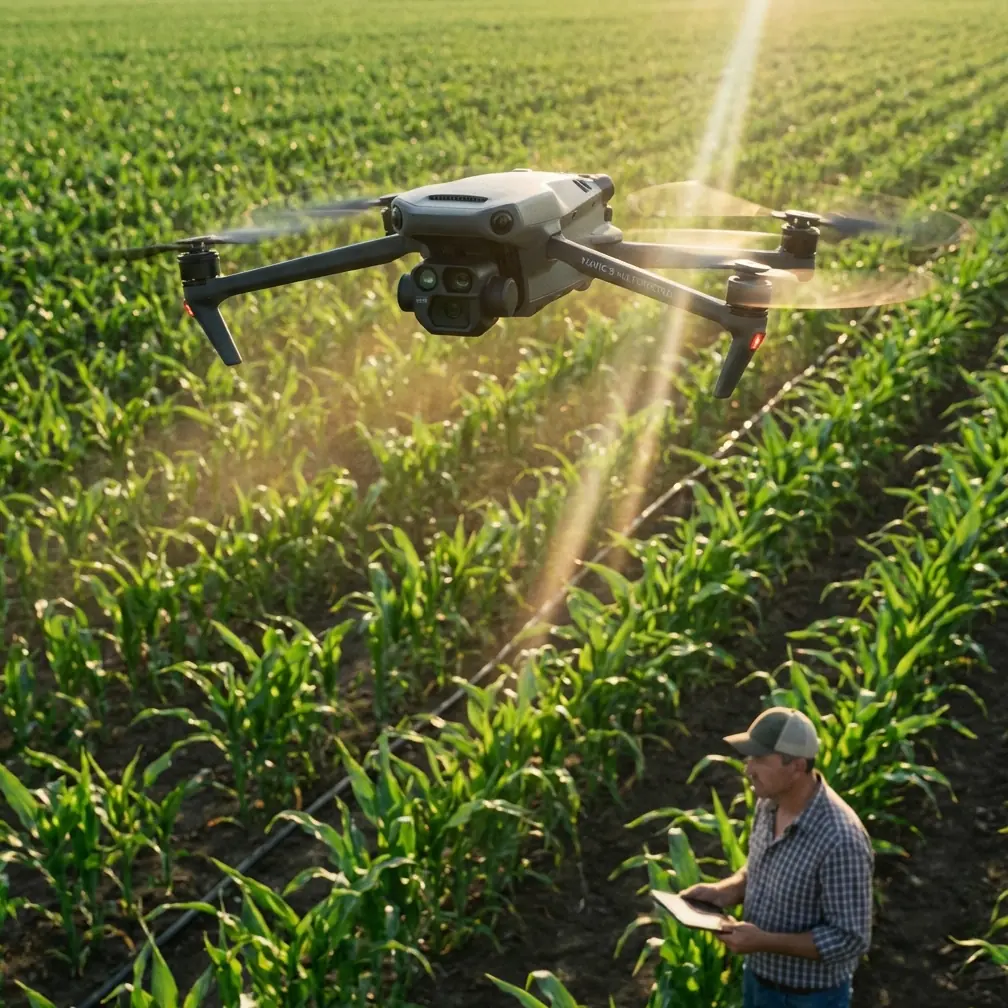
Mavic 4 Pro Highway Delivery: Extreme Temperature Guide
META: Master Mavic 4 Pro highway deliveries in extreme temps. Expert tips on pre-flight prep, obstacle avoidance, and ActiveTrack for safe, efficient operations.
TL;DR
- Clean all sensors before every flight in extreme temperatures—dust and condensation disable obstacle avoidance without warning
- The Mavic 4 Pro operates reliably between -10°C to 40°C, but battery performance drops 30% below freezing
- ActiveTrack 6.0 maintains vehicle lock on highways at speeds up to 72 km/h in optimal conditions
- Pre-warm batteries to 25°C minimum for consistent power delivery during cold-weather highway operations
Highway delivery operations push drones to their absolute limits. The Mavic 4 Pro handles extreme temperature challenges better than any prosumer drone on the market—but only when you prepare it correctly. This guide covers the exact pre-flight protocols, sensor maintenance routines, and flight techniques that professional operators use for reliable highway deliveries in scorching heat and bitter cold.
Why Extreme Temperatures Threaten Highway Drone Operations
Temperature extremes create cascading failures that most operators don't anticipate until they're mid-flight over a busy highway.
Heat Challenges Above 35°C
High temperatures affect the Mavic 4 Pro in three critical ways:
- Processor throttling begins at internal temperatures above 65°C, reducing obstacle avoidance response time
- Battery swelling risk increases dramatically, potentially causing mid-flight shutdowns
- Camera sensor noise degrades image quality for delivery verification footage
- Propeller efficiency drops as hot air provides less lift per rotation
Cold Challenges Below 0°C
Freezing conditions present equally dangerous problems:
- Battery voltage sag causes sudden power loss without low-battery warnings
- Gimbal lubricant thickening creates jerky movements and potential motor strain
- Condensation formation on sensors when transitioning between temperatures
- Brittle plastic components increase crash damage severity
Expert Insight: The most dangerous temperature isn't the coldest or hottest—it's the transition zone. Moving a drone from an air-conditioned vehicle into 40°C heat causes immediate condensation on cooled sensor surfaces. Wait 15 minutes for temperature equalization before powering on.
The Critical Pre-Flight Cleaning Protocol
Before discussing flight techniques, understand this: dirty sensors are the leading cause of obstacle avoidance failures in extreme temperature operations. The Mavic 4 Pro's omnidirectional sensing system relies on 8 vision sensors and 2 infrared sensors working in perfect coordination.
Daily Sensor Cleaning Checklist
Complete this sequence before every highway delivery flight:
- Power off completely—never clean sensors while the drone is on
- Inspect all 8 vision sensors with a flashlight at a 45-degree angle to reveal smudges
- Use a microfiber cloth dampened with distilled water—never alcohol on coated lenses
- Clean infrared sensors on the bottom with a dry lens brush
- Check gimbal camera for dust particles that appear as spots in footage
- Verify sensor cleanliness in DJI Fly app diagnostics before takeoff
Temperature-Specific Cleaning Concerns
In hot conditions: Dust adhesion increases because thermal expansion creates static charges on plastic housings. Clean sensors twice as frequently during summer operations.
In cold conditions: Breath condensation freezes instantly on sensor surfaces. Never breathe near sensors, and keep the drone in a sealed case until ready for immediate flight.
Optimizing Obstacle Avoidance for Highway Environments
The Mavic 4 Pro's obstacle avoidance system uses APAS 5.0 (Advanced Pilot Assistance System) to navigate around unexpected objects. Highway deliveries present unique challenges this system wasn't specifically designed for.
Highway-Specific Obstacle Avoidance Settings
Configure these settings for optimal highway performance:
| Setting | Standard Mode | Highway Delivery Mode |
|---|---|---|
| Obstacle Avoidance | Bypass | Brake |
| Sensing Range | Normal | Far |
| Return-to-Home Altitude | 30m | 120m |
| Max Flight Speed | 21 m/s | 15 m/s |
| Downward Sensing | On | On (Critical) |
Why "Brake" instead of "Bypass"? Highway environments contain fast-moving vehicles. The bypass algorithm calculates avoidance paths based on static obstacle positions. A vehicle moving at 100 km/h changes position faster than the recalculation rate, potentially causing the drone to fly into the vehicle's new path.
Pro Tip: Set your Return-to-Home altitude 20 meters higher than any structures along your delivery route. Highway overpasses, signage, and light poles create collision risks during automated returns—especially when obstacle avoidance sensors are compromised by temperature-related condensation.
Mastering ActiveTrack for Moving Delivery Targets
ActiveTrack 6.0 on the Mavic 4 Pro enables subject tracking capabilities essential for coordinating with moving delivery vehicles on highways.
ActiveTrack Performance Limits
Understanding these limits prevents dangerous tracking failures:
- Maximum tracking speed: 72 km/h in Trace mode
- Optimal tracking distance: 5-15 meters from subject
- Minimum contrast requirement: Subject must differ 40% in brightness from background
- Tracking loss recovery: System attempts reacquisition for 3 seconds before stopping
Temperature Effects on Tracking Performance
Extreme temperatures degrade ActiveTrack reliability:
Hot conditions cause:
- Heat shimmer distortion confuses visual recognition algorithms
- Reduced processor speed increases tracking latency
- Overheated batteries limit available power for intensive computing
Cold conditions cause:
- Slower gimbal response fails to keep pace with subject movement
- Reduced battery output limits flight speed to match tracked vehicles
- Frozen moisture on forward sensors creates blind spots in tracking field
D-Log Settings for Delivery Documentation
Professional highway delivery operations require footage that serves as legal documentation. D-Log color profile on the Mavic 4 Pro captures 10-bit color depth with maximum dynamic range for post-processing flexibility.
Recommended D-Log Settings by Temperature
| Condition | ISO | Shutter | White Balance | ND Filter |
|---|---|---|---|---|
| Hot/Bright (>35°C) | 100 | 1/500 | 5600K | ND32 |
| Moderate (15-35°C) | 100-200 | 1/250 | 5200K | ND16 |
| Cold/Overcast (<15°C) | 200-400 | 1/120 | 6500K | ND8 or None |
| Cold/Sunny (<15°C) | 100 | 1/500 | 5600K | ND16 |
QuickShots and Hyperlapse for Route Documentation
QuickShots automated flight paths create consistent documentation footage:
- Dronie: Captures delivery zone context by flying backward and upward
- Circle: Documents 360-degree perimeter of delivery location
- Helix: Combines circle and dronie for comprehensive site overview
Hyperlapse modes compress long delivery routes into reviewable footage:
- Free mode: Manual control while recording time-lapse
- Waypoint mode: Pre-programmed route documentation
- Circle mode: Extended observation of single delivery point
Common Mistakes to Avoid
Launching with cold batteries: Batteries below 15°C internal temperature deliver inconsistent voltage. The Mavic 4 Pro may report 80% charge but experience sudden shutdowns. Always pre-warm batteries in an insulated container with hand warmers.
Ignoring sensor calibration after temperature swings: Moving between extreme temperatures causes minor sensor misalignment. Recalibrate IMU and vision sensors after any 20°C+ temperature change in operating environment.
Flying immediately after vehicle transport: Air-conditioned vehicles create 15-25°C temperature differentials. Condensation forms on internal electronics, not just visible sensors. Allow 15-20 minutes of temperature equalization.
Trusting obstacle avoidance in direct sunlight: Infrared sensors become unreliable when the sun is within 30 degrees of the sensor's field of view. Manual control is essential during sunrise and sunset highway operations.
Neglecting propeller inspection in cold weather: Cold-induced brittleness creates micro-fractures invisible to casual inspection. Replace propellers every 50 flight hours during cold-weather operations, compared to 100 hours in moderate conditions.
Frequently Asked Questions
Can the Mavic 4 Pro operate in rain during highway deliveries?
The Mavic 4 Pro lacks official IP rating for water resistance. Light mist may not cause immediate damage, but moisture infiltration into motor bearings and electronic components causes corrosion failures within 48-72 hours. Never operate in precipitation, and dry the drone completely if exposed to unexpected moisture.
How do I maintain ActiveTrack lock on white delivery vehicles in snow?
White vehicles against snow backgrounds fall below the 40% contrast threshold for reliable tracking. Apply high-visibility decals or magnetic markers to vehicle roofs. Orange or bright green markers measuring at least 30cm x 30cm provide sufficient contrast for consistent tracking in snow conditions.
What's the maximum wind speed for safe highway delivery operations?
The Mavic 4 Pro handles sustained winds up to 12 m/s and gusts to 15 m/s. Highway environments create unpredictable wind patterns from vehicle turbulence. Reduce maximum wind tolerance by 25% when operating within 50 meters of active highway traffic. Monitor real-time wind readings in the DJI Fly app and abort operations when gusts exceed 11 m/s.
Written by Chris Park, Creator
Highway delivery operations in extreme temperatures demand respect for both the technology and the environment. The Mavic 4 Pro provides the tools—obstacle avoidance, ActiveTrack, and robust temperature tolerance—but successful operations depend entirely on proper preparation and conservative decision-making.
Ready for your own Mavic 4 Pro? Contact our team for expert consultation.