
Delivering Along the Coast With the Mavic 4 Pro
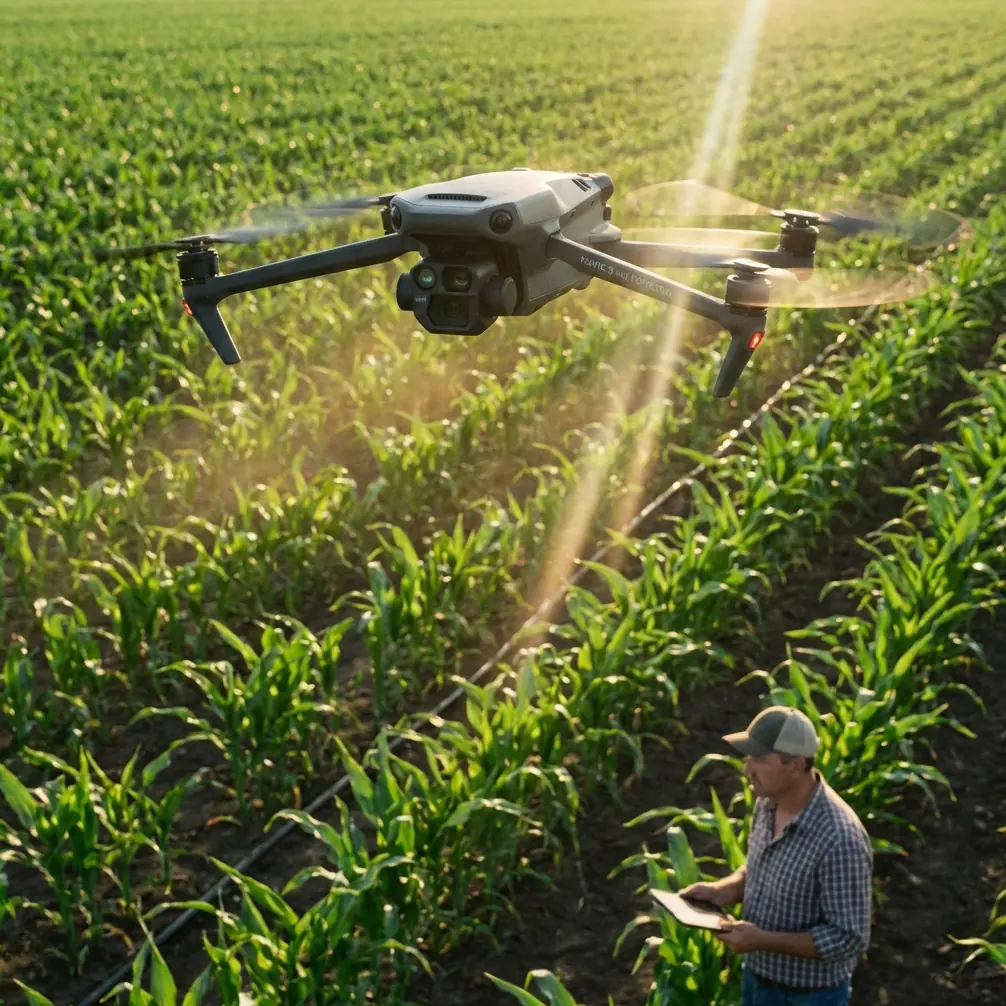
Delivering Along the Coast With the Mavic 4 Pro: Best Practices for Complex Terrain
META: A practical how-to for flying the Mavic 4 Pro on coastline delivery routes, with guidance on obstacle avoidance, ActiveTrack, D-Log workflows, Hyperlapse planning, and handling electromagnetic interference through antenna adjustment.
Coastal work looks simple on a map. In the field, it rarely is.
A shoreline delivery route can compress most of the hard parts of drone operations into one mission: cliffs that disrupt line of sight, salt haze that reduces contrast, reflective water that confuses depth perception, gusts that shift from headwind to crosswind in seconds, and scattered infrastructure that can introduce electromagnetic interference right when you need a stable link. If you are planning to use the Mavic 4 Pro in this kind of environment, the aircraft’s feature set matters less than how you apply it.
This guide is built around that operational reality. Not a brochure version of coastal flying, but a working method for getting repeatable results when the route runs near rock faces, beach access points, small harbors, and uneven terrain.
Start with the route, not the drone
The biggest mistake in coastline operations is thinking of the mission as a straight path between launch and delivery point. Along the coast, the shortest line is often the least reliable one.
Before powering on the Mavic 4 Pro, break the route into three zones:
Departure zone
This is where local interference often shows up first. Parking areas, metal railings, utility boxes, rooftops, and vehicles can all complicate compass behavior and radio performance.Transit zone
Here the challenge shifts to wind layers and terrain masking. A route that looks clear from above may cross a cliff edge that interrupts the control link at lower altitude.Delivery zone
This is where visual complexity tends to rise. People, boats, vegetation, rock outcrops, and moving shadows can all affect landing or drop-off precision.
That zoning exercise sounds simple, but it changes how you use the Mavic 4 Pro’s automation. Obstacle avoidance, subject tracking, QuickShots, Hyperlapse, D-Log, and ActiveTrack are not isolated features. In coastal operations, they become decision tools.
Obstacle avoidance is not a substitute for route discipline
Obstacle avoidance matters around cliffs, trees, poles, cables near beach facilities, and structures built into hillsides. But on the coast, the real advantage is not that the system might detect something obvious. It is that it gives you more margin during terrain transitions.
Imagine a delivery leg that follows a shoreline road before turning inland across a rocky rise. The difficult moment is the transition, not the flat section. If you enter that turn at the wrong height, a safe lateral path can become an unsafe climbing path. Obstacle sensing helps, but only if your route already respects the terrain.
A practical method is to define a terrain buffer altitude before launch. That means choosing a minimum height that clears the highest probable obstruction in each zone, then adjusting only when visibility and link quality support it. Over water, pilots are often tempted to go lower because the airspace looks open. That can backfire near sea walls, breakwaters, moored vessels, and abrupt rises in the land.
The operational significance is straightforward: obstacle avoidance works best when it is preserving a well-planned envelope, not rescuing a poorly planned one.
ActiveTrack and subject tracking can help, but only in the right phase
ActiveTrack and subject tracking are often discussed in creative terms, yet they can be useful in delivery and support missions too. On a coastline route, they are most valuable during site verification and approach rehearsal.
For example, if a receiving team is moving on foot along a beach path or a service road near the shore, subject tracking can help you visually confirm their position while maintaining aircraft awareness. That is not the same as handing control over completely. The point is to reduce workload during a specific task, such as verifying where the handoff zone has shifted.
The catch is that coastlines produce visual clutter. White surf, moving shadows, reflective water, and irregular terrain can all compete with the subject. So use tracking in short, deliberate segments. Confirm lock, monitor background complexity, and be ready to break out manually.
This is where experienced operators separate convenience from dependence. If the environment is unstable, tracking should support your situational awareness, not replace it.
Electromagnetic interference: antenna adjustment is a real skill, not a footnote
The prompt mention of electromagnetic interference and antenna adjustment deserves more than a passing note because coastal infrastructure creates exactly the kind of inconsistent signal environment that catches pilots off guard.
A shoreline may feel remote, yet interference sources are often concentrated in small pockets: marina communications equipment, rooftop access points, roadside power systems, telecommunications masts, metal structures, and even dense clusters of vehicles near a beach entrance. The aircraft can appear fine on one heading and then show degraded link performance after a minor course change.
When that happens, many pilots make the wrong first move. They climb immediately or push forward faster. Sometimes that works. Sometimes it worsens the geometry.
A better sequence is:
- Hold position if safe.
- Check whether the route has placed terrain or structures between you and the aircraft.
- Reorient the controller antennas so their broad faces align properly with the aircraft rather than pointing the tips at it.
- Turn your own body position if needed. A small change in stance can clear your signal path from a railing, vehicle, wall, or equipment cabinet.
- If the link remains unstable, gain altitude in a measured way while watching for cliff-edge masking or stronger crosswinds.
Why this matters operationally: electromagnetic interference is rarely a full-route condition. It is often local and directional. Antenna adjustment is effective because it addresses geometry, not just raw distance. Along a complex coastline, that can restore a clean link without forcing an unnecessary abort.
This is one of those field habits that sounds minor until it saves a mission.
Use QuickShots and Hyperlapse for route intelligence, not just visuals
QuickShots and Hyperlapse are usually framed as content features. That misses a practical use in coastal work: pre-mission route intelligence.
A short automated reveal, orbit, or pull-away can help you study cliff edges, shoreline access points, and exposure to wind from different angles before committing to the main delivery run. Hyperlapse can also be useful for observing recurring movement in an area over time. You may notice pedestrian flow near a path, boat traffic near a landing area, or changing shadow patterns across a staging point.
That does not mean every mission needs a cinematic prelude. It means the Mavic 4 Pro can help you capture repeatable environmental observations with less manual input. In difficult coastal terrain, consistent framing is useful because it lets you compare conditions from one flight window to another.
The significance here is planning quality. When you can review a location from the same perspective across multiple sorties, route decisions get tighter. That is especially helpful for teams delivering to the same coastline assets repeatedly.
D-Log is not only for grading. It can improve decision-making after the flight
D-Log belongs in this discussion because coastal missions often involve brutal contrast. Bright sky, reflective water, dark rock faces, shaded paths, and white surf can all appear in the same frame. If you are reviewing flight footage to refine procedures, standard color profiles can clip highlights or crush detail that you actually need for analysis.
Recording in D-Log gives you more flexibility when examining the mission afterward. You can pull detail out of a shaded cliff-side path or better assess whether glare obscured a hazard near the receiving zone. For teams iterating on repeat routes, that extra image latitude is not merely aesthetic. It supports better route refinement.
This is one of the most overlooked connections between camera settings and flight operations. If your post-flight review is part of your safety and efficiency process, image quality affects mission quality.
Build a coastal delivery workflow that assumes conditions will shift
The Mavic 4 Pro can do a lot, but the route should still be built around changing conditions. A practical workflow looks like this:
1. Preflight survey
Walk the launch area and look for interference sources, moving people, metal structures, and narrow takeoff lanes. If you are working near parking, harbor equipment, or utility installations, plan your standing position before takeoff.
2. Link check with intentional antenna orientation
Do not wait for signal trouble to think about antenna geometry. Establish a clean controller orientation from the start and verify it after the first heading change.
3. Test pass without payload-critical timing
Run a non-urgent pass first if possible. Confirm wind exposure near cliffs, visual clarity over water, and whether the route crosses any terrain-masked sections.
4. Obstacle avoidance settings matched to terrain
Use obstacle sensing as a buffer, but avoid overconfidence. If the route includes abrupt elevation changes, design the path conservatively.
5. Controlled use of automation
Use ActiveTrack or subject tracking only where visual clutter is manageable and the benefit is clear. A short assisted segment is often better than full-route automation.
6. Capture review footage in D-Log when route development matters
If the mission is part of a repeated delivery program, log footage can be far more useful later than a ready-to-share look straight out of camera.
7. Post-flight debrief immediately
Coastal details fade fast. Note where wind shifted, where the signal dipped, and where terrain altered aircraft behavior.
Handling cliffs, coves, and shoreline bends
Complex terrain changes how the aircraft feels in the air. A headland can create a calm approach on one side and a rough, accelerated airflow on the other. Small coves can reduce line of sight more than expected. A path that hugs the shoreline can vanish behind rock after one turn.
On these routes, maintain extra respect for the bend in the coastline. That bend is often where three things happen at once:
- terrain begins masking the control link,
- wind direction changes,
- and obstacle density rises.
When you know a bend is coming, prepare before you reach it. Reconfirm antenna orientation. Assess whether your altitude still makes sense. Resist the urge to skim lower just because the water side looks open.
A lot of coastal incidents begin with a pilot managing the scenery rather than the geometry.
Human factors matter as much as flight settings
Salt air, bright light, and uneven ground have a way of wearing down attention. If you are operating from a cliff path or rocky shoreline, your own footing and body position affect controller handling more than most pilots admit.
That matters directly when managing electromagnetic interference. If you have to adjust stance, step away from metal structures, or rotate your body to improve antenna alignment, you need stable footing to do it safely and smoothly.
For teams building repeatable procedures, it is worth documenting launch spots that support good ergonomics, not just good views.
A note on communications and field support
Coastal routes often require quick coordination when the receiving point shifts because of tide, foot traffic, or access restrictions. If your team needs a simple field contact channel for route confirmation or handoff updates, use a direct line such as message our flight support contact here so the pilot is not juggling scattered instructions mid-mission.
That kind of small communication discipline often makes the difference between a controlled approach and a rushed one.
What actually makes the Mavic 4 Pro effective here
Not one feature. The stack.
Obstacle avoidance helps preserve margin around cliffs and built shoreline structures. ActiveTrack and subject tracking can reduce workload during site confirmation when used sparingly. QuickShots and Hyperlapse can double as repeatable reconnaissance tools. D-Log improves post-flight analysis in the high-contrast mess that coastlines create. And antenna adjustment, while not glamorous, directly addresses one of the most common weak points in complex terrain: directional link instability caused by local interference and terrain masking.
That combination is why the aircraft can be genuinely useful for civilian coastal delivery work. Not because it eliminates complexity, but because it gives a capable operator more ways to manage it.
If you treat the shoreline as a living environment instead of a scenic backdrop, the Mavic 4 Pro starts to make much more sense.
Ready for your own Mavic 4 Pro? Contact our team for expert consultation.