
Mavic 4 Pro Coastal Photography: A Field Guide
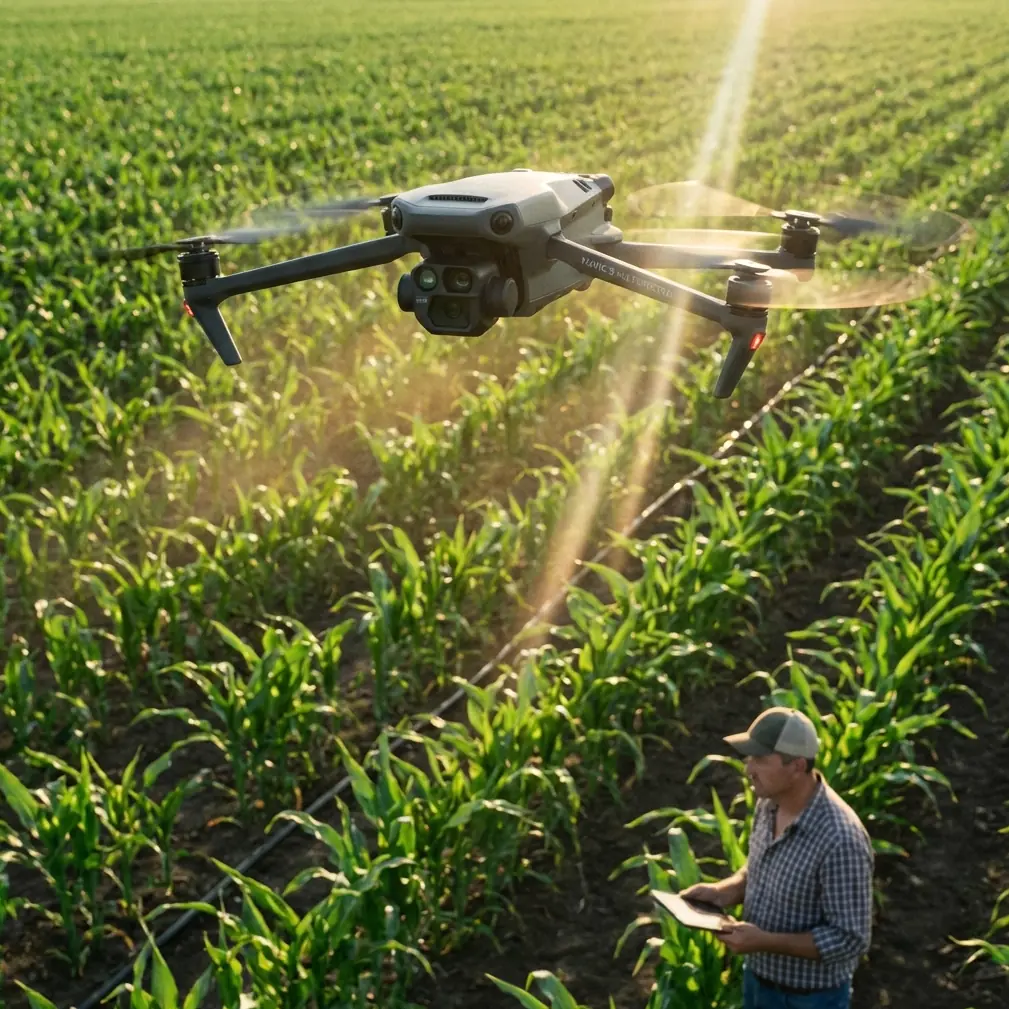
Mavic 4 Pro Coastal Photography: A Field Guide
META: Master Mavic 4 Pro coastal photography in complex terrain. Learn battery tips, D-Log settings, and ActiveTrack techniques for stunning shoreline footage.
TL;DR
- Battery management in cold coastal winds is the single biggest factor determining whether you get the shot—or lose your drone
- D-Log color profile combined with specific ND filter choices unlocks cinematic dynamic range across harsh ocean light
- ActiveTrack 6.0 and obstacle avoidance work together to navigate sea stacks, cliffs, and unpredictable coastal updrafts safely
- QuickShots and Hyperlapse modes produce professional-grade content when configured correctly for moving water and uneven terrain
Why Coastal Terrain Demands More from Your Drone
Coastlines punish lazy flying. Salt spray corrodes gimbal motors. Thermal updrafts along cliff faces throw stabilization systems into chaos. Flat ocean horizons expose even the slightest camera tilt. If you've ever returned from a coastal shoot with blown-out skies, shaky tracking shots, or—worse—a drone in the water, you already know this terrain demands a specific workflow.
This tutorial breaks down exactly how I use the Mavic 4 Pro to deliver professional coastal imagery across rugged, complex shorelines, from pre-flight battery protocol to final color grade. Every recommendation comes from field experience shooting cliffs, tidal zones, and remote beaches across the Pacific Northwest and Northern California.
The Battery Lesson That Changed Everything
Here's the field story that reshaped my entire coastal workflow. During a February shoot along the Oregon coast, I launched with 98% battery in 7°C winds gusting to 35 km/h. The Mavic 4 Pro reported 31 minutes of flight time. I believed it.
Eighteen minutes in, while tracking a wave sequence around Haystack Rock, my battery dropped from 42% to 23% in under 90 seconds. The cold headwind had been silently draining cells at nearly triple the normal rate. I barely made it back.
Since that day, I follow a rigid coastal battery protocol:
- Warm batteries in an insulated pouch against your body for 20 minutes before flight
- Never trust the estimated flight time—calculate manually using 60% of rated capacity in wind above 25 km/h
- Set RTH (Return to Home) at 35%, not the default 20%, for any coastal mission
- Carry a minimum of 4 batteries for a serious coastal session; plan for 15-minute usable windows per battery
- Land and swap at 40% if you're flying more than 500 meters from your launch point over water
Expert Insight — Cold coastal air doesn't just reduce capacity; it increases internal resistance. A battery at 5°C can deliver 30-40% less power under load than the same battery at 20°C. I've started logging battery temperature at launch using the DJI Fly 2 app's diagnostics screen and won't fly if cell temperature reads below 15°C.
Pre-Flight Configuration for Coastal Shoots
Camera Settings
The Mavic 4 Pro's 1-inch Hasselblad CMOS sensor handles coastal light beautifully—but only with the right configuration. Ocean environments create extreme contrast between bright sky reflections and dark volcanic rock or shadowed cliff faces.
Here's my baseline coastal camera setup:
- Resolution: 4K/60fps for tracking shots; 4K/120fps for slow-motion wave impacts
- Color Profile: D-Log M for maximum dynamic range (14+ stops)
- ISO: Locked at 100 (never auto; salt haze introduces noise at higher ISOs)
- Shutter Speed: 1/120s at 60fps (double the frame rate rule)
- ND Filters: ND16 for midday; ND8 for golden hour; ND64 for long-exposure Hyperlapse over water
- White Balance: Manual at 6500K for consistent grading across clips
Obstacle Avoidance Configuration
Coastal terrain is three-dimensional chaos. Sea stacks appear suddenly in fog. Birds dive at the drone. Cliff edges create GPS multipath errors.
Configure the Mavic 4 Pro's omnidirectional obstacle sensing system as follows:
- Enable all sensors—top, bottom, forward, backward, lateral
- Set avoidance behavior to "Brake", not "Bypass" (bypassing near cliffs can send the drone over open water)
- Minimum obstacle distance: 5 meters for cliff work; 8 meters when birds are present
- APAS 6.0: Enable only during open tracking shots away from vertical surfaces
Executing Core Coastal Shot Types
ActiveTrack Along Cliff Faces
Subject tracking along coastlines is where the Mavic 4 Pro earns its reputation. ActiveTrack 6.0 uses the upgraded vision system to lock onto surfers, kayakers, or even wave patterns with remarkable tenacity.
My workflow for cliff-parallel tracking shots:
- Position the drone 30 meters offshore at cliff-top height
- Set ActiveTrack to Parallel mode with a 15-meter offset
- Lock the subject (a person walking the cliff edge works perfectly)
- Set gimbal angle to -25 degrees to capture both cliff face and ocean
- Fly at 5-7 m/s—fast enough for cinematic motion, slow enough for obstacle avoidance to function reliably
QuickShots for Social-Ready Content
QuickShots automate complex flight paths that would take minutes to program manually. For coastal work, three modes dominate:
- Dronie: Launch from a headland; the drone pulls back and up revealing the full coastline in 10 seconds
- Helix: Orbit around a sea stack or lighthouse; set radius to 20 meters minimum to avoid turbulence near structures
- Asteroid: Creates a dramatic sphere effect starting from a beach or tidal pool—most effective at low tide with exposed rock formations
Hyperlapse Over Moving Water
This is where the Mavic 4 Pro's processing power shines. A Waypoint Hyperlapse along a 500-meter stretch of coastline at sunset produces content that stops social media scrolling dead.
Key Hyperlapse settings for water:
- Interval: 3 seconds (shorter intervals create smoother water motion)
- Duration: Set for 200-400 photos to produce a 8-15 second final clip
- Speed: 1 m/s waypoint-to-waypoint maximum
- Gimbal: Lock at a fixed angle; any gimbal drift ruins the sequence
Pro Tip — When shooting Hyperlapse over ocean, always fly perpendicular to wave direction, not parallel. Parallel flight creates a strobing effect in the final render as waves appear to pulse unnaturally. Perpendicular angles let wave motion flow naturally through the frame.
Technical Comparison: Coastal Shooting Modes
| Feature | Best Coastal Use Case | Wind Tolerance | Battery Impact | Difficulty Level |
|---|---|---|---|---|
| ActiveTrack 6.0 | Surfer/kayaker tracking | Up to 30 km/h | High (~18% per minute) | Intermediate |
| QuickShots (Dronie) | Headland reveals | Up to 25 km/h | Moderate (~12% per minute) | Beginner |
| QuickShots (Helix) | Sea stack orbits | Up to 20 km/h | Moderate (~14% per minute) | Intermediate |
| Hyperlapse (Waypoint) | Sunset coastline sequences | Up to 15 km/h | Very High (~22% per minute) | Advanced |
| D-Log M Manual | High-contrast cliff scenes | Up to 35 km/h | Low (~8% per minute) | Advanced |
| Panorama (Sphere) | Full coastal vistas | Up to 20 km/h | Low (~6% per capture) | Beginner |
Post-Processing D-Log Coastal Footage
D-Log footage looks flat and lifeless straight out of camera. That's by design—it preserves highlight and shadow data that a standard color profile clips permanently.
My coastal color grading pipeline:
- Import into DaVinci Resolve using DJI's official D-Log to Rec.709 LUT as a starting point
- Boost midtone contrast by +15-20% to restore ocean texture
- Pull highlights down by -30% to recover sky detail near the horizon
- Add a subtle teal-to-orange color grade that enhances the natural warm/cool split between sand and ocean
- Sharpen at 40-50% with a radius of 0.5 to counteract the slight softness D-Log introduces
Common Mistakes to Avoid
Flying in offshore wind without a wind contingency plan. Offshore wind feels calm at launch (it's blowing away from you) but creates a brutal headwind on return. Always check wind direction relative to your return path before takeoff.
Ignoring salt spray accumulation. Even on calm days, coastal air deposits microscopic salt crystals on the gimbal and lens. Wipe the lens with a microfiber cloth every two flights. After every coastal session, wipe the entire aircraft body with a damp cloth and dry thoroughly.
Using auto-exposure over water. Ocean reflections trick the meter constantly. A passing cloud changes exposure by 2+ stops in seconds. Manual exposure is non-negotiable for professional coastal work.
Launching from sand. Fine sand particles get sucked into motors and ventilation ports during takeoff. Always carry a portable landing pad—a folded piece of silicone or rubber mat works if you forget a proper one.
Neglecting NOTAM checks for coastal zones. Many coastlines include restricted airspace near military installations, wildlife refuges, or national parks. Check B4UFLY or Aloft before every coastal mission, even familiar locations. Restrictions change seasonally.
Frequently Asked Questions
Can the Mavic 4 Pro handle strong coastal winds safely?
The Mavic 4 Pro handles sustained winds up to Level 6 (39-49 km/h) and maintains stable footage in gusts up to approximately 54 km/h thanks to its advanced stabilization system. However, wind tolerance and battery performance are inversely related. In winds above 30 km/h, expect flight time to drop by 30-50%. I recommend limiting coastal flights to conditions below 35 km/h sustained wind for a safe margin of control and usable battery life.
What ND filter should I use for coastal drone photography?
For midday coastal shooting, an ND16 filter maintains proper exposure while keeping shutter speed at double your frame rate. During golden hour, step down to ND8. If you're shooting Hyperlapse and want silky-smooth water motion, use an ND64 or ND128 to push shutter speed down to 1/10s or slower. Always bring at least three ND values to a coastal shoot—light conditions change rapidly near the ocean.
How do I protect the Mavic 4 Pro from salt water damage?
Salt water is corrosive and conductive—even light spray can damage electronics over time. Maintain a minimum altitude of 10 meters over breaking waves. After every coastal flight session, power down the drone and wipe all surfaces with a slightly damp, fresh-water cloth, paying special attention to gimbal joints, sensor windows, and ventilation ports. Store batteries separately in a dry environment. If the drone contacts salt water directly, rinse immediately with distilled water and seek professional servicing before the next flight.
Coastal photography with the Mavic 4 Pro rewards preparation and punishes shortcuts. Master the battery protocol, commit to manual exposure and D-Log, and respect the terrain—the footage you'll capture is unlike anything achievable from shore.
Ready for your own Mavic 4 Pro? Contact our team for expert consultation.