
Mavic 4 Pro for Coastal Wildlife Work: The Missing Half Is
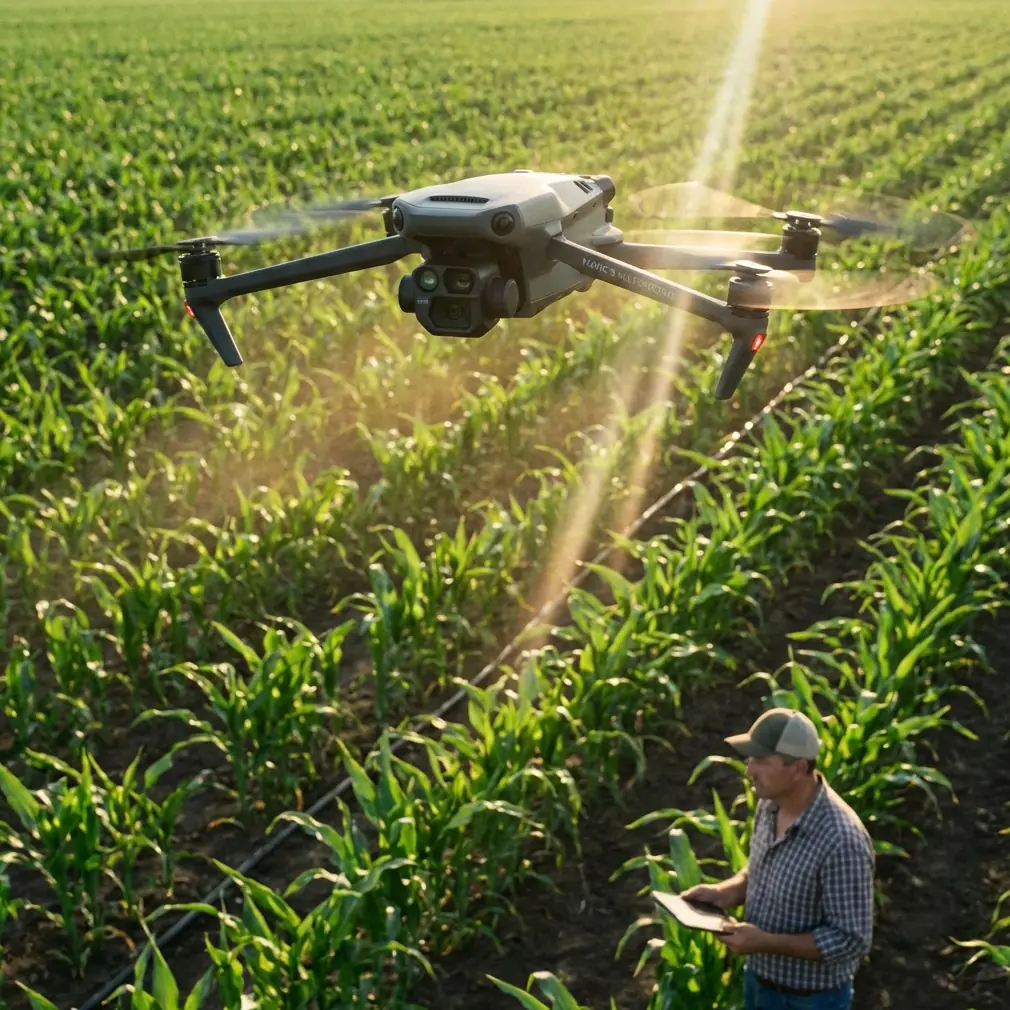
Mavic 4 Pro for Coastal Wildlife Work: The Missing Half Is What Happens After the Flight
META: A field-tested look at using Mavic 4 Pro for coastal wildlife capture, with a practical focus on mapping workflow, Pix4D outputs, obstacle awareness, tracking, and fast image-to-model processing.
I still remember one coastal survey day that should have been simple.
Light wind at launch. Tidal flats exposed. A line of birds moving between the shallows and a low dune edge. The aircraft work itself wasn’t the problem. The real problem came later, back at the desk, when hundreds—sometimes thousands—of images had to become something usable: a clean orthomosaic, a terrain model, a point cloud you could actually inspect, and a 3D surface that made sense to biologists, environmental teams, and site managers.
That is the context where the Mavic 4 Pro becomes interesting. Not just because it can fly a shoreline route and keep a subject framed, but because coastal wildlife work is never only about capture. It is about converting a difficult scene—reflective water, shifting sand, moving birds, unstable light—into dependable outputs. And that means the aircraft and the processing stack have to be considered together.
For readers looking at the Mavic 4 Pro for coastal wildlife capture, that’s the real story.
Coastal wildlife filming is a flying problem and a data problem
People often talk about obstacle avoidance, ActiveTrack, QuickShots, or D-Log as if these exist in separate boxes. In the field, they do not. On a coast, every one of those features interacts with conditions that are unusually unforgiving.
Bird activity can peak at narrow windows tied to the tide. Shadows stretch fast near sunrise and sunset. Mudflats and surf can confuse exposure decisions. Reeds, rocks, driftwood, and dune vegetation create irregular low-altitude hazards. If you are documenting nesting buffers, shoreline erosion near habitats, or animal movement corridors, you may need both cinematic footage and survey-grade deliverables from the same outing.
That is where many operators hit a wall. They capture strong footage but lack a disciplined way to turn the mission into 2D and 3D products. Or they run a mapping flight but miss the behavior and movement context that makes the imagery useful for environmental interpretation.
The smarter approach with Mavic 4 Pro is to treat it as a dual-purpose coastal platform: one part visual storytelling, one part structured data collection.
The lesson many pilots learn too late
A lot of difficult coastal flights don’t fail in the air. They fail in post.
You may come home with a memory card full of excellent-looking files, only to discover that the handoff into mapping and model generation is slow, inconsistent, or dependent on too much manual cleanup. That bottleneck matters more than most people admit, especially for consultants and field teams who need repeatable outputs.
One reference point worth paying attention to comes from a water conservancy drone solution that highlights Pix4Dmapper as a highly automated UAV data and aerial image processing platform. The operational value is not marketing fluff. It lies in what the software actually produces and how little manual intervention is required to get there.
According to the source material, thousands of images can be turned into precise 2D maps and 3D models without requiring deep specialist knowledge or constant human adjustment. For coastal wildlife workflows, that matters because shoreline jobs often generate large image sets very quickly. When bird colonies, marsh edges, estuaries, or tidal channels are changing by the hour, a slow processing workflow can make your data less useful before you even deliver it.
Why Pix4D-style processing changes the Mavic 4 Pro conversation
If you are flying the Mavic 4 Pro in a coastal environment, the aircraft is only half the system. The other half is what you can derive from the imagery.
The reference document lists a set of outputs that are especially relevant here:
- orthomosaics in GeoTIFF
- DEM outputs in GeoTIFF and TXT
- point clouds in PLY and TXT
- 3D models in OBJ
- automatic accuracy reports
- ground control point editing
- aerial triangulation and block adjustment optimized for UAV work
- mosaic editing tools
- fast processing mode
These are not just technical bullet points. Each one solves a specific field problem.
Orthomosaics matter when wildlife context is spatial, not just visual
A coastal wildlife scene is often bigger than any single frame. A flock may move between a sandbar and a drainage channel. Nesting activity may be affected by footpaths, erosion cuts, or vegetation edges. A GeoTIFF orthomosaic gives you a corrected, measurable top-down layer that can be shared with environmental consultants, restoration teams, or land managers.
With a Mavic 4 Pro, this means your morning wildlife shoot does not have to end as “just footage.” It can become a spatial record of habitat conditions on that exact tide cycle.
DEM output matters because coasts are defined by small elevation changes
On the coast, a few centimeters to a meter of elevation difference can change water movement, nesting suitability, or access patterns. DEM outputs in GeoTIFF or TXT format are useful because they turn imagery into terrain information that can support habitat monitoring, shoreline change interpretation, and basic site planning.
That is the kind of operational significance many content creators overlook. If your Mavic 4 Pro footage is part of a conservation brief or coastal management report, elevation products can be more valuable than the hero shots.
Point clouds and 3D models help when surface complexity is the story
Marsh edges, dune faces, rock shelves, and embankments rarely communicate well in flat imagery alone. Point clouds in PLY/TXT and 3D models in OBJ create a more complete representation of surface shape. For teams documenting erosion, habitat disturbance, or water-control structures near ecologically sensitive areas, that makes the Mavic 4 Pro far more useful than a pure filming drone.
In other words, the aircraft can help you show not only where wildlife is, but the physical condition of the environment supporting it.
The hidden value of automatic accuracy reporting
One of the most practical details in the reference material is automatic generation of accuracy reports.
That sounds minor until you are asked a difficult question by a client, ecologist, or project manager: How reliable is this map? If your coastal data is being used to compare shoreline conditions over time, or to assess changes around wetlands and channels, confidence in the output matters. Automatic accuracy reporting adds accountability to the workflow.
That becomes especially useful when flights are repeated seasonally. The Mavic 4 Pro can capture the imagery, but the processed dataset needs traceability if it is going to support real decisions.
Where Mavic 4 Pro features actually help in the field
Now bring the aircraft back into the picture.
Obstacle avoidance near dunes, reeds, and irregular shoreline features
Coastal wildlife work often means operating around low, hard-to-read obstacles. Sand fences, scrub, drift timber, rocky outcrops, and uneven dune faces create risk at the exact altitudes many pilots prefer for natural-looking movement. Strong obstacle awareness reduces workload, particularly when you are splitting attention between the aircraft, the subject, and changing wind.
This matters because wildlife-friendly flying is not about pushing closer. It is about holding clean, predictable lines while maintaining respectful separation from animals.
ActiveTrack and subject tracking when movement is organic, not staged
Tracking in coastal environments is messy. Birds wheel unpredictably. Marine animals surface and vanish. Walk-through documentation along a shoreline can involve researchers or habitat staff moving through uneven terrain. Subject tracking tools are most valuable when they help maintain framing without forcing abrupt pilot corrections.
That makes Mavic 4 Pro particularly useful for documenting movement patterns adjacent to habitat features. You are not chasing dramatic action. You are recording behavior and context with less framing drift and fewer missed moments.
D-Log for the brutal contrast of sea, sky, and reflective flats
Coastal scenes punish color profiles. Bright sky, specular water reflections, dark mud, pale sand, and backlit birds can exist in one frame. A log workflow gives you more room to recover highlights and manage tonal transitions later. For environmental storytelling or commercial wildlife production, D-Log is not an aesthetic luxury. It is often what keeps the footage usable.
QuickShots and Hyperlapse, used with restraint
These features are often framed as social-media tools, but in professional coastal work they can serve another purpose: quickly establishing scale and environmental change. A controlled Hyperlapse over a tidal edge or marsh channel can reveal flow patterns and habitat relationships that are hard to read from static frames. QuickShot-style movement, when used carefully and away from wildlife disturbance, can create concise orientation sequences for reports or stakeholder presentations.
The key is restraint. Coastal wildlife content benefits from clarity, not gimmicks.
A better workflow: film with intent, process with structure
If I were building a Mavic 4 Pro workflow for coastal wildlife today, I would separate the mission into two layers.
First, the observational layer: behavior, movement, context, atmosphere. This is where tracking, obstacle awareness, and D-Log matter most.
Second, the analytical layer: overlap, consistency, altitude discipline, and complete coverage sufficient for mapping and modeling. This is where the reference workflow around Pix4D-style processing becomes essential.
The reason this combination works is simple. The field capture becomes more than an isolated creative session. It becomes a reusable dataset.
You can produce:
- a top-down orthomosaic for habitat overview
- a DEM for terrain interpretation
- a point cloud for surface structure
- a 3D model for communication with non-pilots
- footage for public-facing storytelling or internal review
That is a far stronger use of a Mavic 4 Pro than treating it as a camera in the sky and nothing more.
Why low-friction processing is crucial in coastal operations
The reference source emphasizes that the processing workflow can handle thousands of images with minimal manual intervention. That is especially relevant for shoreline work because coastal windows are narrow. By the time you finish one field session, weather and tide may already be lining up the next.
Anything that reduces post-production friction improves real operational tempo.
Fast processing mode is another detail worth highlighting. In practice, speed is not only about convenience. It affects decision cycles. If an environmental team needs a quick look at a nesting area boundary, a sediment fan, or a channel edge before planning the next visit, faster preliminary outputs can change what happens on the ground the very next day.
That is where aircraft choice and software workflow stop being separate purchasing questions and start becoming a system design question.
My advice to creators and field teams considering Mavic 4 Pro
Do not judge the Mavic 4 Pro only by how smooth the footage looks on a monitor.
Judge it by what happens from launch to final deliverable.
Can you fly safely around variable coastal terrain?
Can you keep a moving subject framed without overflying or disturbing it?
Can you preserve tonal detail in difficult light?
Can you turn a large image set into a map, DEM, point cloud, and 3D model without a specialist bottleneck?
Can you verify output quality with an automatic accuracy report?
Those questions are closer to real-world value than any spec-sheet debate.
If you are trying to build a practical setup for coastal wildlife capture, the strongest case for Mavic 4 Pro is not that it makes aerial footage easier—though it does. The stronger case is that, paired with a mature processing workflow like the one described in the reference material, it can support both storytelling and environmental documentation at the same time.
That is a meaningful shift.
One flight can serve the editor, the ecologist, the survey team, and the client review meeting.
If you are planning that kind of workflow and want to compare capture strategy, data outputs, or post-processing options, you can message a UAV workflow specialist here.
Final thought from the field
The most frustrating coastal drone jobs I’ve been part of were not the windy ones. They were the ones where valuable imagery never became usable information.
That is why the reference details around Pix4D-style automation, GeoTIFF orthomosaics, DEM generation, point cloud export, OBJ model creation, and automatic accuracy reporting matter so much in a conversation about Mavic 4 Pro. They answer the question that usually gets ignored: once the aircraft lands, then what?
For coastal wildlife work, that answer is everything.
Ready for your own Mavic 4 Pro? Contact our team for expert consultation.