
Capturing High-Altitude Power Lines With the Mavic 4 Pro
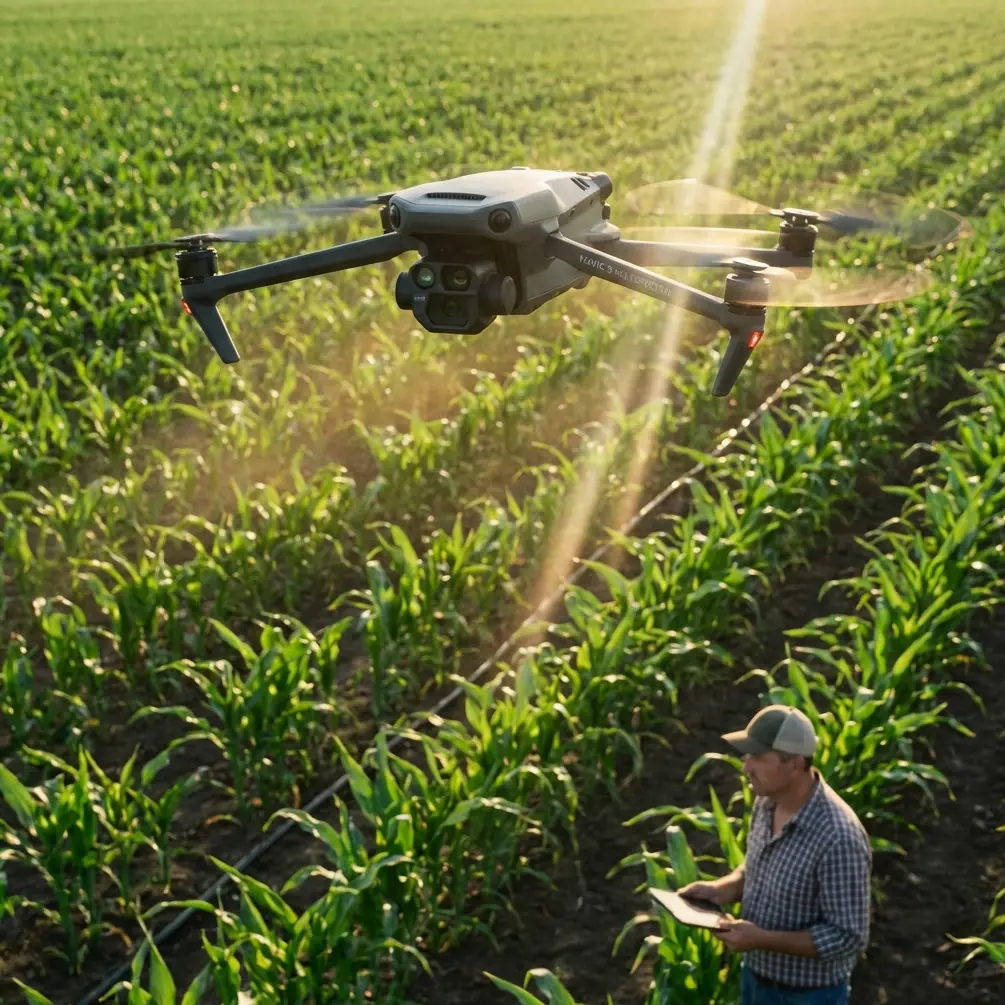
Capturing High-Altitude Power Lines With the Mavic 4 Pro: A Technical Review From the Field
META: A technical review of using the Mavic 4 Pro for high-altitude power line imaging, with practical advice on obstacle avoidance, ActiveTrack, D-Log workflows, and a useful third-party accessory setup.
Power line work exposes every weakness in a drone system.
At altitude, wind is less forgiving. Thin conductors challenge autofocus and obstacle sensing. Contrast swings hard when you are shooting against bright sky one minute and dark terrain the next. And if you are producing footage for utilities, inspectors, or engineering teams, “close enough” framing is not enough. You need stable positioning, repeatable camera behavior, and enough image flexibility to recover detail in harsh lighting.
That is the lens I used for evaluating the Mavic 4 Pro as a platform for capturing power lines in high-altitude environments.
This is not a generic consumer drone overview. It is a practical technical review shaped around a specific job: documenting transmission corridors, towers, insulators, and line geometry in mountain or elevated terrain where accuracy, safety margins, and image discipline matter more than flashy flight demos.
Why the Mavic 4 Pro Fits This Kind of Work
The Mavic series has always sat in an interesting space. It is compact enough to deploy quickly, but capable enough to do work that used to demand a much larger aircraft. For high-altitude power line capture, that balance matters because access is usually the first problem, not the second.
You may be hiking to a ridge, working off a narrow service road, or setting up from uneven ground near a substation perimeter. A folding airframe with professional imaging options saves time before the motors even start. That mobility is not a luxury in utility imaging. It is the difference between getting a clean weather window and missing it.
Where the Mavic 4 Pro becomes especially useful is in the way several systems work together rather than any single headline feature. Obstacle avoidance, subject tracking logic, stabilized multi-mode shooting, and advanced color profiles like D-Log all contribute to a workflow that is more controlled and less improvisational. For power line operations, that is what you want.
The Real Challenge: Power Lines Are Hard for Drones
Anyone who has filmed power infrastructure knows the aircraft is dealing with a visually deceptive subject.
Power lines are narrow, reflective, and often backlit. Towers are tall, geometrically complex, and surrounded by terrain that can alter GNSS consistency and wind behavior. A drone may see the tower clearly while the lines themselves remain much harder to interpret, especially from certain angles.
That is why obstacle avoidance should be treated as an aid, not a shield.
On the Mavic 4 Pro, obstacle sensing is one part of the safety stack, but near wires I still build every shot around conservative spacing and flight paths that avoid crossing conductor zones unnecessarily. In practical terms, this means offset passes, oblique angles, and careful altitude separation rather than dramatic close fly-throughs. The drone’s sensing and situational awareness can help around tower structures and terrain transitions, but the operator still has to respect the limits of how any vision-based system perceives thin linear objects.
Operationally, this changes the shot plan. Instead of chasing the line itself, I often focus on repeatable corridor passes that reveal alignment, sag, hardware condition, and tower context. That produces footage that is both safer to capture and more useful for review.
Image Quality Matters More Than Most Pilots Think
A lot of drone pilots talk about “sharp footage” as if that is the whole assignment. It is not.
Power line imaging has inspection logic behind it, even when the mission is photographic rather than engineering-grade asset analysis. The footage needs to hold up when someone zooms in on attachment points, evaluates vegetation encroachment, or compares one section of infrastructure against another under difficult light.
This is where D-Log becomes genuinely valuable.
When I’m shooting high-altitude lines, I usually face bright sky, reflective metal, and dark ground features in the same frame. A standard color mode can make those scenes look punchy straight out of camera, but it also narrows your margin for correction later. D-Log gives far more room to retain highlight structure in the sky while preserving shadow information in the tower and surrounding terrain. That is not just an editor’s preference. It directly improves the usefulness of the captured material.
For utility documentation, consistency beats drama. I would rather have a flatter file with recoverable detail than a vivid clip that clips out the bright cloud edge behind a conductor. Once highlight detail is gone, it is gone.
If your deliverable includes stills and motion, that flexibility matters even more. You can maintain a more coherent look across different times of day and different line orientations without fighting baked-in contrast.
Wind, Stability, and Why Shot Discipline Beats Brute Force
High-altitude work exposes shaky piloting fast.
Even with a very stable modern platform, the air around ridgelines, towers, and cut corridors can shift abruptly. Updrafts and lateral turbulence are common. The mistake many pilots make is trying to overpower those conditions with aggressive stick inputs, which often creates visible micro-corrections and destroys shot quality.
The Mavic 4 Pro is best used here with deliberate motion planning. Slow parallel tracking shots along the line, measured tower reveals, and steady orbital segments around structures all benefit from restrained control inputs. If the aircraft has to constantly self-correct because the pilot is also over-correcting, the footage loses the calm, analytical feel that infrastructure work needs.
This is also where ActiveTrack and subject tracking features can help, but only selectively.
I would not rely on automated tracking for a conductor itself. That is not the right subject for the feature. Where it becomes useful is in maintaining framing on a tower, access road vehicle, or a defined structural element during a controlled move. Used that way, ActiveTrack reduces workload and helps keep composition stable while you focus on terrain awareness and stand-off distance.
That distinction matters. Automation is strongest when it supports shot consistency, not when it is forced onto the most visually ambiguous element in the scene.
QuickShots and Hyperlapse: Useful, but Not for the Reasons Most Expect
QuickShots and Hyperlapse are often treated as creative extras for travel content. In power line work, they have a narrower but still valid role.
QuickShots can be useful for creating standardized establishing visuals at the start of a project. A repeatable reveal of a tower site or corridor section gives context to clients and stakeholders before the tighter technical imagery begins. I would not make these sequences the backbone of a utility deliverable, but they can help communicate terrain difficulty, right-of-way scale, and tower placement.
Hyperlapse is more interesting than it first appears. When used carefully, it can show weather movement, access logistics, or changing light on a transmission route over time. That is valuable for project documentation, environmental context, and presentation materials. The key is restraint. A hyperlapse of cloud shadows moving across a mountain corridor can say something useful about visual conditions and terrain exposure. A flashy skyline hyperlapse says almost nothing.
The Mavic 4 Pro’s value here is that these modes are available within the same aircraft used for the main technical capture. You do not need a separate creative platform just to gather contextual visuals.
The Third-Party Accessory That Actually Improved Results
The most useful addition to my setup was not an oversized landing pad or a gimmicky signal booster. It was a quality third-party variable ND filter set.
That changed the output more than I expected.
In mountain environments, light can shift from harsh glare to diffused cloud cover within minutes. Without ND filters, maintaining a controlled shutter speed for smooth motion becomes difficult, especially when filming reflective conductors against bright sky. The result is often brittle-looking footage with a staccato feel in pan and tracking shots.
With a good variable ND fitted, I could hold more natural motion rendering while staying in D-Log and maintaining a consistent exposure strategy. That matters most during long lateral passes beside towers or when revealing a structure from below against open sky. Instead of constantly compromising shutter behavior, I could focus on line spacing, composition, and safe route planning.
There are plenty of accessory options out there, but this is one I would call genuinely useful rather than decorative.
Practical Flight Method for High-Altitude Line Capture
My standard approach with the Mavic 4 Pro looks something like this:
First, I avoid launching directly beneath the line corridor unless terrain leaves no alternative. A lateral offset launch gives more room to assess wind and aircraft behavior before moving closer to infrastructure.
Second, I establish a wide pass at safe stand-off distance. This confirms how the line, tower, and terrain are reading on the screen. Thin wires can disappear visually depending on sun angle, so I never assume the monitor tells the whole story in the first minute.
Third, I capture the structural context before detail-oriented moves. That means tower full-body shots, corridor alignment views, and relation to terrain. Only after that do I move into tighter hardware-focused passes.
Fourth, I use obstacle avoidance as a background safety support while flying as if it were not there. That mindset keeps the route conservative. It also helps when line visibility is compromised by glare.
Fifth, I separate creative footage from inspection-style footage. If I want a clean reveal, orbit, or cinematic track, I capture it on its own pass. If I need methodical documentation, I fly that separately and keep speed, angle, and framing disciplined. Mixing those goals in one pass usually weakens both.
Subject Tracking in a Utility Context
Subject tracking is one of those features that can either reduce workload or create false confidence.
For high-altitude power line jobs, I use it primarily for tower-centric sequences. If the goal is to maintain the structure at a consistent screen position while moving along a slope or adjusting for terrain, tracking logic can smooth out the framing and let me pay more attention to airspace, wind, and lateral clearances.
That operational significance is easy to underestimate. When your attention is split between composition and terrain, every bit of framing support helps. Used correctly, ActiveTrack is less about flashy autonomous movement and more about cognitive load management.
I do not use it when the scene is visually cluttered with wires, branching metalwork, and shifting background contrast in a way that could confuse the tracking model. In those moments, manual control is cleaner and safer.
Color Workflow for Deliverables
If your footage is headed to a utility client, engineering consultant, or infrastructure media team, your grading choices matter.
D-Log gives you latitude, but only if you handle it carefully. My preference is a restrained grade that preserves neutral metal tones, realistic sky detail, and visible distinction in insulators and fittings. Over-stylized contrast may look attractive in isolation, but it can hide useful visual information.
This is also one area where the Mavic 4 Pro becomes a strong bridge between photography and technical field capture. You can deliver clips that are presentation-ready while still retaining the tonal subtlety needed for review.
For teams that need help with accessories or deployment choices, I’ve found that a direct message channel works faster than searching through generic catalog pages, so I usually point people to this setup contact line when they need practical compatibility answers.
Where the Mavic 4 Pro Excels — and Where Caution Still Wins
The aircraft is at its best when the job requires portability, strong image flexibility, intelligent flight assistance, and repeatable shot quality in terrain that would slow larger systems down. For photographers and field teams documenting elevated transmission routes, that combination is hard to dismiss.
Its obstacle avoidance contributes to safer structural work around towers and uneven landscapes. ActiveTrack has real utility when used to stabilize tower-focused framing rather than forcing automation onto conductor-level flight. QuickShots and Hyperlapse can add context without requiring a second aircraft. D-Log is a serious advantage when the scene includes both bright alpine sky and dark structural detail.
But the central rule does not change: power lines demand respect.
No drone feature erases the visual difficulty of thin wires. No automated mode replaces route planning. And no good-looking footage is worth a rushed pass through a conductor environment.
That is why I see the Mavic 4 Pro less as a magic tool and more as a highly capable field instrument. In experienced hands, it reduces friction. It does not remove judgment from the equation.
For high-altitude power line capture, that is exactly what a professional platform should do.
Ready for your own Mavic 4 Pro? Contact our team for expert consultation.