
How to Capture Power Lines with Mavic 4 Pro Safely
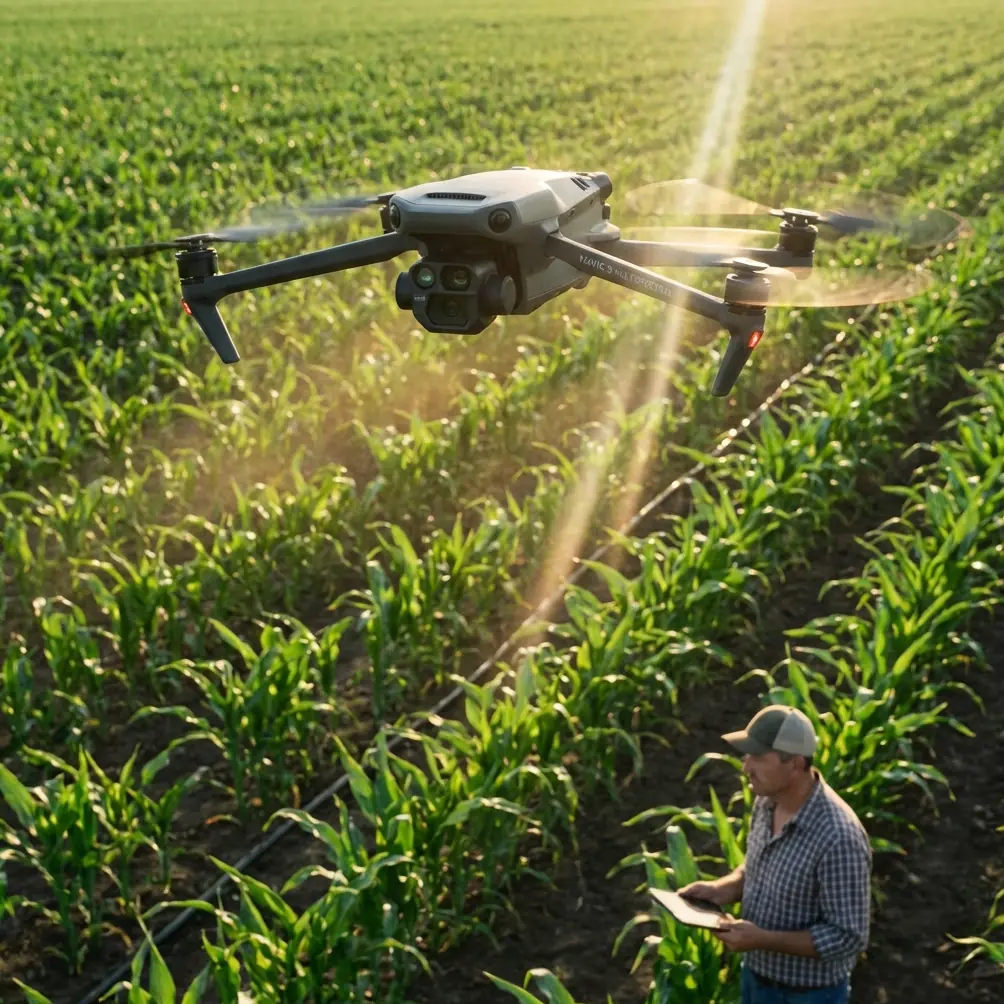
How to Capture Power Lines with Mavic 4 Pro Safely
META: Master power line inspections with Mavic 4 Pro. Learn antenna adjustments, EMI handling, and pro techniques for safe, efficient urban infrastructure surveys.
TL;DR
- Electromagnetic interference (EMI) from power lines requires specific antenna positioning and flight settings to maintain stable control
- The Mavic 4 Pro's omnidirectional obstacle avoidance system needs manual adjustments near thin cables and conductors
- D-Log color profile captures critical detail in high-contrast inspection scenarios
- Proper flight planning reduces inspection time by up to 40% compared to manual ground surveys
Understanding the Challenge of Urban Power Line Inspections
Power line inspections in urban environments present unique obstacles that ground-based methods simply cannot address efficiently. The Mavic 4 Pro transforms this demanding task into a streamlined workflow—but only when you understand how to handle electromagnetic interference and navigate complex aerial environments.
This guide walks you through every technical consideration, from antenna adjustment to post-processing, ensuring your infrastructure surveys deliver actionable data without compromising safety or equipment.
Why Power Line Inspections Demand Specialized Drone Techniques
Urban power infrastructure creates a challenging electromagnetic environment. High-voltage transmission lines generate fields that can disrupt GPS signals, compass readings, and video transmission. The Mavic 4 Pro handles these conditions better than most consumer drones, but success depends on proper configuration.
The EMI Problem Explained
Electromagnetic interference affects drone operations in three critical ways:
- GPS signal degradation causing position drift
- Compass interference leading to erratic flight behavior
- Video transmission dropouts interrupting real-time monitoring
Standard flight settings assume clean electromagnetic environments. Power line work requires deliberate adjustments to maintain control authority throughout your mission.
Pre-Flight Configuration for EMI Environments
Before launching near power infrastructure, configure your Mavic 4 Pro specifically for high-EMI conditions.
Antenna Positioning and Orientation
The remote controller's antennas function as the primary link to your aircraft. Their orientation relative to the drone determines signal strength and interference rejection.
Optimal antenna setup:
- Position antennas perpendicular to the ground, not angled toward the drone
- Maintain the flat face of each antenna pointing toward the aircraft
- Keep the controller at chest height to maximize line-of-sight
- Avoid positioning yourself directly beneath power lines during operation
Expert Insight: Many pilots instinctively point antennas directly at the drone. This actually minimizes signal strength. The antenna's radiation pattern projects from the flat surfaces, not the tips. Keeping them vertical with flat faces toward the aircraft provides 30-40% stronger signal in interference-heavy environments.
Flight Mode Selection
Switch to Attitude (ATTI) mode awareness before approaching power infrastructure. While the Mavic 4 Pro doesn't have a manual ATTI toggle, understanding that GPS may become unreliable helps you prepare for manual corrections.
Configure these settings in DJI Fly:
- Return-to-Home altitude: Set 20 meters above the highest structure in your survey area
- Maximum flight altitude: Verify compliance with local regulations, typically 120 meters AGL
- Signal lost action: Set to "Hover" rather than "Return to Home" to prevent automated flight through power lines
Mastering Obstacle Avoidance Near Power Lines
The Mavic 4 Pro's omnidirectional obstacle avoidance system uses vision sensors and infrared to detect objects. However, thin cables present detection challenges that require pilot awareness.
Sensor Limitations with Thin Objects
Obstacle avoidance sensors struggle with objects thinner than approximately 10mm in diameter. Power lines, guy wires, and support cables often fall below this threshold.
Critical adjustments:
- Reduce obstacle avoidance sensitivity in settings to prevent false triggers from EMI
- Maintain manual visual contact with all cables in your flight path
- Never rely solely on automated avoidance when flying near infrastructure
Safe Distance Guidelines
| Infrastructure Type | Minimum Horizontal Distance | Minimum Vertical Clearance |
|---|---|---|
| High-voltage transmission (>69kV) | 15 meters | 10 meters |
| Distribution lines (4-35kV) | 10 meters | 8 meters |
| Service drops (<4kV) | 5 meters | 5 meters |
| Transformer stations | 20 meters | 15 meters |
These distances account for both safety regulations and practical EMI considerations.
Camera Settings for Infrastructure Documentation
Capturing usable inspection footage requires specific camera configuration. The Mavic 4 Pro's 1-inch CMOS sensor provides excellent dynamic range, but power line environments push these capabilities.
Optimal Video Settings
Configure your camera for maximum detail retention:
- Resolution: 4K at 30fps for inspection documentation
- Color profile: D-Log for maximum dynamic range recovery
- Shutter speed: At least 1/120 to freeze cable movement from wind
- ISO: Keep below 400 to minimize noise in shadow areas
- White balance: Manual setting at 5600K for consistent color
Why D-Log Matters for Inspections
Power line inspections involve extreme contrast—bright sky backgrounds against dark infrastructure components. D-Log captures approximately 2 additional stops of dynamic range compared to standard color profiles.
This extra latitude reveals:
- Corrosion on connector hardware
- Heat damage indicators on insulators
- Vegetation encroachment details in shadows
- Cable fraying visible against bright backgrounds
Pro Tip: Always shoot D-Log footage slightly overexposed by +0.5 to +1 stop. The Mavic 4 Pro's sensor recovers highlights better than shadows. This technique preserves detail in dark infrastructure components while maintaining sky information.
Flight Patterns for Comprehensive Coverage
Systematic flight patterns ensure complete documentation while minimizing time in high-risk airspace.
The Parallel Track Method
For transmission line surveys, fly parallel tracks offset from the conductor path:
- First pass: Fly 10 meters to one side, camera angled at 45 degrees toward infrastructure
- Second pass: Repeat on opposite side with mirrored camera angle
- Third pass: Fly directly beneath (where safe and legal) with camera pointed upward at 90 degrees
This three-pass approach captures all conductor surfaces and attachment hardware.
Using Subject Tracking Effectively
The Mavic 4 Pro's ActiveTrack system can follow linear infrastructure, but requires careful implementation near power lines.
When to use ActiveTrack:
- Following fence lines or access roads adjacent to infrastructure
- Tracking vegetation boundaries near rights-of-way
- Documenting ground-level equipment paths
When to avoid ActiveTrack:
- Never lock tracking on power lines themselves
- Avoid tracking moving vehicles near substations
- Disable when flying between conductor levels
QuickShots and Hyperlapse Applications
While primarily creative tools, QuickShots and Hyperlapse modes serve documentation purposes:
- Orbit mode: Creates comprehensive 360-degree views of pole structures
- Hyperlapse: Documents vegetation growth patterns over multiple site visits
- Dronie: Establishes site context for report introductions
Disable these automated modes when operating within 25 meters of energized conductors.
Common Mistakes to Avoid
Flying Too Close Too Fast
Approaching power infrastructure at high speed leaves no margin for sensor failures or unexpected obstacles. Reduce approach speed to 3-5 m/s maximum when within 30 meters of any conductor.
Ignoring Weather Windows
Wind affects both flight stability and power line movement. Conductors can sway several meters in moderate wind. Check forecasts for winds below 8 m/s before scheduling inspections.
Neglecting Compass Calibration Location
Never calibrate your compass near power infrastructure. EMI permanently skews calibration data. Calibrate at least 50 meters from any electrical equipment, then transport the drone to your launch point.
Forgetting Battery Temperature
Cold batteries reduce flight time and can cause unexpected shutdowns. In temperatures below 15°C, warm batteries to at least 20°C before launch. The Mavic 4 Pro's battery management system helps, but pre-warming ensures full capacity.
Over-Relying on Return-to-Home
Automated RTH paths may intersect power lines. Always maintain manual control capability and visual line of sight. If signal degrades, the safest action is often controlled descent rather than automated return.
Post-Flight Processing Workflow
Raw D-Log footage requires processing to reveal inspection details.
Recommended Processing Steps
- Import footage to editing software supporting LOG profiles
- Apply manufacturer LUT as starting point
- Adjust shadows upward to reveal infrastructure detail
- Increase clarity/texture for surface defect visibility
- Export at original resolution for archival
Deliverable Formats
| Purpose | Format | Resolution | Notes |
|---|---|---|---|
| Archival master | ProRes 422 | Original 4K | Maximum quality retention |
| Client review | H.265 | 4K | Balanced quality/size |
| Quick sharing | H.264 | 1080p | Universal compatibility |
| Still extraction | TIFF | Native | Lossless frame grabs |
Frequently Asked Questions
Can the Mavic 4 Pro detect power lines automatically?
The obstacle avoidance system detects larger infrastructure components like poles and towers reliably. However, individual conductors thinner than 10mm may not trigger avoidance responses. Always maintain visual contact with all cables in your flight area and never depend solely on automated detection near power infrastructure.
How does electromagnetic interference affect video transmission?
EMI from high-voltage lines can cause video feed stuttering, latency increases, or complete dropouts. The Mavic 4 Pro's OcuSync transmission system handles moderate interference well, but expect degraded performance within 10 meters of transmission-level conductors. Recording continues to the SD card even during transmission interruptions.
What permits do I need for power line inspection flights?
Requirements vary by jurisdiction and whether you're operating commercially. Most regions require Part 107 certification (US) or equivalent for commercial infrastructure inspection. Additionally, coordinate with utility companies before flying near their infrastructure—many require specific authorization and safety briefings before allowing drone operations near energized equipment.
Putting It All Together
Successful power line inspection with the Mavic 4 Pro combines technical knowledge with disciplined flight practices. The drone's capabilities—from its robust transmission system to comprehensive obstacle sensing—provide an excellent foundation. Your preparation, configuration choices, and situational awareness complete the equation.
Start with lower-risk practice scenarios before tackling complex urban infrastructure. Build familiarity with EMI effects in controlled conditions. Document your settings and procedures for consistent results across multiple inspection campaigns.
Ready for your own Mavic 4 Pro? Contact our team for expert consultation.