
Mavic 4 Pro Highway Filming at Altitude: A Field Case Study
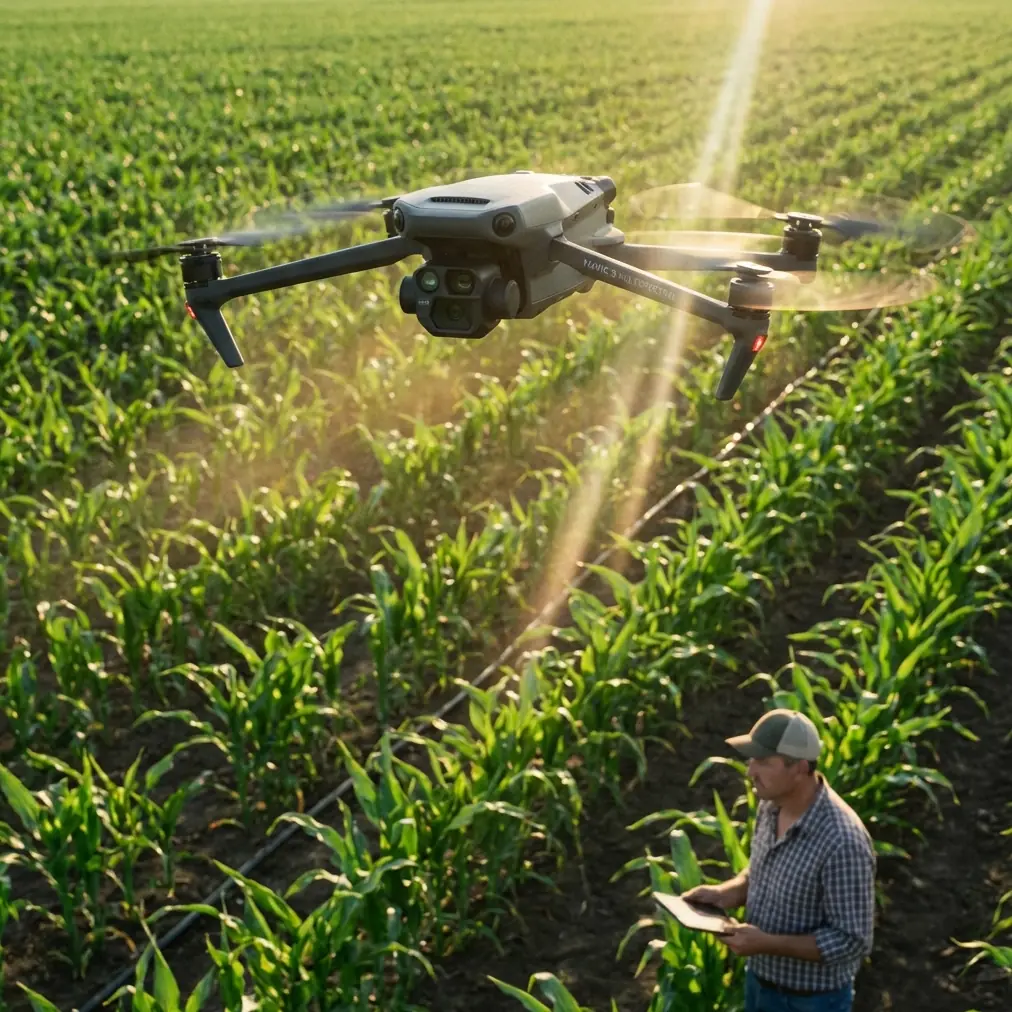
Mavic 4 Pro Highway Filming at Altitude: A Field Case Study on Safer, Cleaner Aerial Coverage
META: A practical Mavic 4 Pro case study for filming highways from high altitude, covering obstacle avoidance, ActiveTrack limits, D-Log workflow, Hyperlapse strategy, and accessory setup.
Highway footage looks simple until you try to do it well.
From the ground, it is just traffic moving through open space. From the air, especially at higher altitude, it becomes a technical exercise in distance judgment, wind discipline, motion planning, and exposure control. This is where the Mavic 4 Pro stands out—not as a magic fix, but as a platform that rewards careful setup.
I spent a recent highway capture session building around one real objective: get stable, readable, high-altitude sequences of moving traffic without flattening the scene into a lifeless top-down clip. The aircraft was the Mavic 4 Pro, and the assignment was narrow enough to be useful for other operators: document long highway corridors safely, preserve traffic flow detail, and return with footage that could survive a serious grade.
This is not a generic feature roundup. It is a field-based breakdown of what actually mattered.
Why highways are harder than they look
At altitude, highways compress visually. Cars become tiny timing markers. Lane changes disappear. Relative speed becomes difficult to judge, especially when your aircraft is moving laterally while traffic is moving in the opposite direction. The shot can look calm on the monitor and still feel messy in the edit.
The second challenge is separation. High altitude gives you a safety buffer, but it also increases sensitivity to haze, crosswind drift, and micro-corrections from the flight controller. You are not fighting close obstacles the way you might in a downtown corridor, yet the operational pressure is still there. You need straight lines, predictable parallax, and disciplined heading control.
The Mavic 4 Pro is particularly effective in this environment because its obstacle avoidance and tracking tools reduce workload at the exact moment pilots tend to overload themselves: when they are trying to manage framing, road geometry, wind, and moving subjects at once. That does not mean you can hand the shot over to automation. It means you can reserve more mental bandwidth for composition and airspace awareness.
The setup that changed the session
The most useful addition was not a dramatic hardware overhaul. It was a third-party tablet monitor hood mounted to the controller setup. That accessory made a bigger difference than many pilots would expect.
High-altitude highway work often happens in full daylight, where glare destroys confidence in subtle framing decisions. A monitor hood does not improve the sensor or the gimbal, but it improves pilot judgment. I could read lane separation more clearly, spot when a leading vehicle was drifting too close to frame edge, and confirm horizon behavior before committing to longer tracking passes. On this kind of shoot, visibility at the controller directly affects shot quality and risk management.
That may sound minor compared with camera specs, but in practice it was operationally significant. When you are flying long, linear scenes, small monitoring errors compound into unusable footage.
Shot planning before takeoff
For this case study, I broke the session into three categories:
- establishing passes at higher altitude
- compressed forward pushes along the highway axis
- timed motion sequences for Hyperlapse
That structure mattered because highways tempt operators into chasing vehicles. Usually, that produces footage with no editorial purpose. The better approach is to define whether the road itself is the subject, whether traffic density is the subject, or whether a particular motion pattern is the subject.
The Mavic 4 Pro’s QuickShots are useful for fast visual ideas, but for highways they are best treated as sketch tools rather than final-answer tools. A canned move can reveal whether a location has enough visual geometry to justify a manual sequence later. On this shoot, QuickShots helped identify which interchange angles created strong leading lines and which ones collapsed into visual clutter.
That saved battery time and reduced improvisation in the air.
Obstacle avoidance at altitude still matters
People tend to associate obstacle avoidance with low-altitude flying around trees, structures, or utility corridors. Highway work at altitude seems more forgiving, but that assumption can lead to sloppy habits.
The value of obstacle avoidance here was less about imminent collision and more about confidence during lateral repositioning. Over wide infrastructure corridors, pilots often make fast directional adjustments to reset composition. If there are light poles, sign gantries, elevated ramps, or terrain changes near the edge of the intended path, the aircraft’s sensing layer becomes a quiet but meaningful backup.
Operationally, this matters because it changes pilot behavior. Instead of overcorrecting out of caution and ruining line consistency, I could maintain smoother repositioning with better awareness of the aircraft’s safety envelope. That translated into cleaner footage. The system does not replace route planning, but it reduces hesitation during transitional moves.
For highway filming, smooth transitions are often more valuable than flashy hero shots.
ActiveTrack and subject tracking: useful, but only if you redefine the “subject”
This is where many pilots misuse the feature set.
If you try to treat a single highway vehicle as the subject from high altitude, you may end up with footage that is technically impressive but editorially weak. One car in a multi-lane environment rarely tells the story. The road pattern does.
The better use of ActiveTrack and subject tracking in this scenario is selective and situational. I used it not to follow one isolated vehicle for extended periods, but to help maintain framing consistency during shorter sequences when a lead vehicle provided a visual anchor. That anchor kept the road corridor alive in the frame while preserving context around traffic flow.
The operational significance is simple: ActiveTrack can reduce stick workload during a short pass, but highways demand broader compositional thinking than typical follow shots. The subject is often a moving zone, not a single object.
That distinction affects everything from lens choice to flight path. If your framing collapses around one vehicle, you lose the scale and rhythm that make highway imagery useful in the first place.
D-Log was essential, not optional
High-altitude highway footage almost always deals with uneven tonal conditions. Asphalt absorbs light differently than concrete barriers. Reflective vehicle roofs spike highlights. Painted lane markings can clip faster than the surrounding road. Add atmospheric haze, and the image can become brittle fast.
This is where D-Log earns its place. I shot the key passes in D-Log because the scene needed grading flexibility, not because flat profiles are fashionable. The benefit was immediate in post: more room to recover sky detail, better control over glare from vehicle surfaces, and a more measured contrast curve across the road itself.
That matters for highways because the image has to preserve structure. If the lanes, shoulders, and median all collapse into one tonal block, the viewer loses spatial clarity. D-Log gave me enough latitude to separate those elements without making the image look processed.
For anyone capturing transport infrastructure, that is the practical advantage. You are not chasing cinematic abstraction. You are trying to retain legibility inside a hard, reflective scene.
Hyperlapse worked better than expected
One of the strongest outputs from the session was not a live motion shot. It was a controlled Hyperlapse sequence over a long highway segment.
This kind of scene benefits from repeated motion patterns. Traffic pulses. Merging lanes breathe in and out. Sun angle shifts just enough to create texture across the road. Hyperlapse turns those subtle changes into something readable.
With the Mavic 4 Pro, the key was restraint. Rather than pushing for an aggressive move, I used a path that preserved the linear discipline of the highway. The result was more useful than a dramatic sweeping hyperlapse because it kept the viewer oriented. You could actually read the interchange and see how traffic density evolved over time.
That is a recurring lesson with infrastructure footage: clarity beats acrobatics.
Wind management and altitude discipline
Highway corridors often create a false sense of openness. There is room to fly, so pilots stretch the aircraft farther, higher, and longer than they should. The Mavic 4 Pro handles itself well, but high-altitude traffic work still punishes loose decision-making.
I found that the best footage came from holding a disciplined altitude band rather than constantly adjusting for variety. Repeated shots from roughly the same height created stronger visual continuity in the final sequence. It also made it easier to evaluate drift and maintain consistent scale.
Again, this is where the aircraft’s control confidence helps. Small stability advantages become visible when filming long, uninterrupted lines. Even a slight wandering feel in the frame can make a highway shot look amateur because roads are inherently geometric. The straighter the subject, the more obvious the error.
A note on QuickShots in real workflow
QuickShots tend to get discussed as beginner tools, which misses their real value. For an experienced operator, they can act as previsualization accelerators.
On this job, I used QuickShots early to test how interchanges reacted to orbit-like motion and whether ramp layering created useful depth. Some locations looked promising from the ground and failed immediately from the air because the geometry flattened out. Others opened up once the aircraft revealed traffic weaving through multiple levels.
That is the practical case for QuickShots on a Mavic 4 Pro highway session: not final delivery, but rapid spatial diagnosis.
Used that way, they save time and batteries.
What I would do differently next time
I would plan more deliberately around time spacing between passes. Highways change character quickly depending on traffic volume, sun angle, and atmospheric softness. A corridor that looks flat at one moment can become highly dimensional 20 minutes later when shadows begin to define medians, ramps, and barriers.
I would also build more short tracking windows instead of longer ones. Short sequences play better in edits and reduce the temptation to overwork ActiveTrack beyond its most useful range.
And I would keep the third-party monitor hood in the kit every time. Of all the additions, that one most directly improved decision quality in the field.
If you are building a similar setup and want to compare controller visibility rigs or flight-planning ideas, I put together a quick contact path here: message me directly.
The bigger takeaway for Mavic 4 Pro operators
The Mavic 4 Pro is a strong tool for highway capture at altitude because it supports disciplined flying rather than forcing spectacle. Its obstacle avoidance reduces friction during repositioning. ActiveTrack helps in short, controlled windows when used with realistic expectations. QuickShots accelerate location evaluation. Hyperlapse turns repetitive traffic systems into something narratively useful. D-Log protects the image when the road surface, vehicles, and sky are all pulling exposure in different directions.
Those are not abstract spec-sheet wins. They have direct consequences in the field.
If your assignment involves highways, the job is rarely to make the road look dramatic at all costs. The job is to make movement legible, structure readable, and scale believable. That is a narrower standard, but a more professional one.
The best clips from this session were the ones where the aircraft did less, not more. Stable altitude. Patient framing. Short tracking passes. A profile that preserved tonal detail. And one humble third-party accessory that made the screen easier to trust under bright sun.
That is what made the difference.
Ready for your own Mavic 4 Pro? Contact our team for expert consultation.