
Capturing Highways with Mavic 4 Pro | Urban Tips
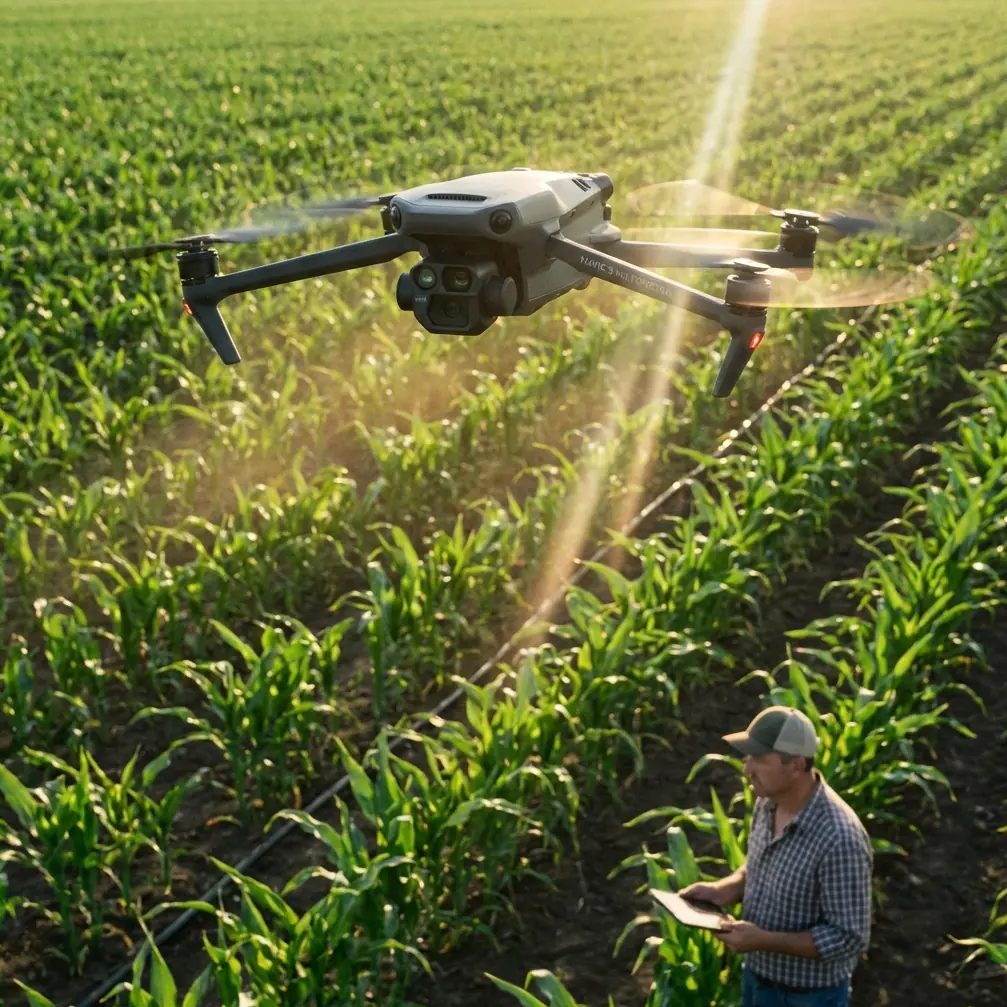
Capturing Highways with Mavic 4 Pro | Urban Tips
META: Master urban highway photography with the Mavic 4 Pro. Expert tips for capturing stunning infrastructure shots, traffic patterns, and cityscapes safely.
TL;DR
- Omnidirectional obstacle sensing makes highway corridor flying safer in complex urban environments
- 100MP Hasselblad sensor captures road markings and vehicle details from 500+ feet altitude
- D-Log M color profile preserves highlight and shadow detail in high-contrast highway scenes
- ActiveTrack 360° enables smooth vehicle-following shots without manual stick input
Urban highway photography presents unique challenges that separate amateur drone footage from professional infrastructure documentation. The Mavic 4 Pro addresses these challenges with a sensor suite and imaging pipeline specifically designed for complex environments where concrete, steel, and constant motion intersect.
This guide breaks down the exact techniques, settings, and flight patterns I use when documenting highway systems across major metropolitan areas. Whether you're creating content for transportation agencies, urban planning firms, or your own portfolio, these methods will elevate your aerial highway work.
Why Highway Photography Demands Professional-Grade Equipment
Highway corridors concentrate nearly every challenge drone pilots face into a single environment. You're dealing with reflective surfaces, fast-moving subjects, electromagnetic interference from power lines, and restricted airspace—often simultaneously.
The Mavic 4 Pro's omnidirectional obstacle avoidance system proved its worth during a recent shoot along Interstate 405 in Los Angeles. While tracking a construction zone from 200 feet AGL, a red-tailed hawk entered my flight path from a blind angle. The drone's lateral sensors detected the bird at 45 feet and initiated an automatic hover, preventing what could have been a catastrophic collision.
This wildlife encounter highlighted why sensor redundancy matters in urban environments. Birds frequently patrol highway medians for roadkill, and their flight patterns are unpredictable. The Mavic 4 Pro's 360-degree sensing with forward detection range of 180 feet provides the reaction buffer that keeps both wildlife and equipment safe.
Essential Camera Settings for Highway Documentation
Exposure Configuration
Highway surfaces create extreme dynamic range challenges. Fresh asphalt absorbs light while lane markings and vehicle roofs reflect intensely. The wrong exposure approach leaves you with blown highlights or crushed shadows that no amount of post-processing can recover.
Expert Insight: Set your histogram to display in the corner of your screen and expose for the midtones. Highway concrete typically falls at 40-45% brightness on a properly calibrated monitor. Protect your highlights—recovering shadow detail in D-Log is far easier than reconstructing blown white lines.
Recommended base settings for midday highway work:
- ISO: 100 (native)
- Aperture: f/5.6 for optimal sharpness
- Shutter: 1/500 minimum for moving traffic
- Color Profile: D-Log M
- White Balance: 5600K (manual)
Resolution and Frame Rate Selection
The 100MP full-resolution stills capture remarkable detail for infrastructure documentation. At 400 feet altitude, individual lane markings remain sharp enough for engineering analysis. This resolution proves invaluable when clients need to assess road surface conditions or signage visibility.
For video work, the choice between 4K/120fps and 8K/30fps depends on your deliverable requirements.
| Specification | 4K/120fps | 8K/30fps |
|---|---|---|
| Best Use Case | Traffic flow, vehicle tracking | Infrastructure detail, planning docs |
| Storage per Minute | 1.2GB | 2.8GB |
| Slow Motion Capability | 5x at 24fps delivery | None |
| Post-Processing Load | Moderate | Heavy |
| Client Preference | Broadcast, social | Engineering, municipal |
Flight Patterns That Maximize Coverage
The Corridor Sweep
Highway documentation requires systematic coverage that eliminates gaps while minimizing flight time. The corridor sweep pattern flies parallel to the roadway at a 45-degree offset, capturing both the road surface and adjacent infrastructure.
Execution steps:
- Position 300 feet lateral to the highway centerline
- Set altitude at 250-400 feet AGL depending on airspace
- Angle gimbal 30 degrees below horizon
- Fly parallel at 15 mph for video, 8 mph for interval stills
- Overlap each pass by 30% for seamless stitching
This pattern captures guardrails, signage, drainage systems, and shoulder conditions in a single pass—elements that straight-down orthomosaic flights miss entirely.
The Interchange Orbit
Highway interchanges demand circular flight paths that reveal the three-dimensional complexity of stacked roadways. The Mavic 4 Pro's QuickShots mode includes an orbit function, but manual control yields superior results for professional work.
Pro Tip: Set your orbit center point 50 feet above the interchange's highest deck. This prevents the gimbal from hitting its downward limit as you circle, maintaining smooth footage throughout the rotation. A 90-second orbit at 20 mph provides enough footage for a complete 360-degree reveal with room for editing.
Leveraging ActiveTrack for Traffic Documentation
ActiveTrack 360° transforms vehicle-following shots from white-knuckle manual flying into repeatable, professional sequences. The system locks onto vehicles based on visual recognition and maintains consistent framing regardless of speed changes or lane shifts.
Optimal ActiveTrack settings for highway work:
- Tracking Mode: Parallel (maintains lateral offset)
- Follow Distance: 150-200 feet
- Altitude Lock: Enabled (prevents altitude drift during tracking)
- Obstacle Response: Brake (not bypass—safer in urban environments)
The system handles vehicles traveling up to 45 mph reliably. Beyond that speed, the drone struggles to maintain position during acceleration phases. For faster traffic documentation, stationary elevated positions with gimbal tracking produce more consistent results.
Hyperlapse Techniques for Traffic Flow Visualization
Nothing communicates traffic patterns like a well-executed Hyperlapse sequence. The Mavic 4 Pro's onboard processing handles the heavy lifting, but input parameters dramatically affect output quality.
Highway Hyperlapse configuration:
- Mode: Waypoint (not free or circle)
- Interval: 2 seconds for moderate traffic
- Duration: 30-45 minutes of capture
- Output: 4K (8K Hyperlapse creates massive files with minimal quality benefit)
Position waypoints to create subtle parallax movement—a 100-foot lateral shift over a 30-minute capture produces professional results without the jarring motion that ruins amateur timelapses.
Subject Tracking Through Complex Environments
Urban highways feature overpasses, sound barriers, and signage structures that challenge tracking algorithms. The Mavic 4 Pro's subject tracking maintains lock through brief occlusions, but extended obstacles require manual intervention.
When tracking vehicles approaching an overpass:
- Note the occlusion point on your screen
- Switch to manual gimbal control two seconds before the vehicle disappears
- Maintain the gimbal angle through the occlusion
- Re-engage tracking once the subject emerges
This technique preserves smooth footage that pure automatic tracking cannot achieve in complex environments.
Common Mistakes to Avoid
Flying during peak traffic without spotters. Highway incidents happen fast. A spotter watching traffic while you focus on the screen can alert you to accidents or emergency vehicles that require immediate landing.
Ignoring electromagnetic interference near power lines. Highway corridors often parallel high-voltage transmission lines. The Mavic 4 Pro's compass can drift significantly within 100 feet of major power infrastructure. Enable GPS-only positioning when flying near transmission towers.
Underestimating wind acceleration in highway corridors. Elevated roadways create wind tunnels that accelerate gusts beyond ambient conditions. If ground-level wind reads 12 mph, expect 18-22 mph at highway deck level. The Mavic 4 Pro handles 25 mph sustained, but turbulence near structures creates unpredictable loading.
Shooting only during golden hour. While dramatic lighting has its place, infrastructure clients often need documentation under typical conditions. Midday overcast provides the most accurate color representation for engineering assessment.
Neglecting vertical surfaces. Sound barriers, retaining walls, and bridge abutments require dedicated passes with the gimbal angled horizontally. These surfaces reveal structural conditions invisible from overhead perspectives.
Frequently Asked Questions
What altitude works best for highway photography?
250-400 feet AGL provides the optimal balance between coverage and detail for most highway documentation. Lower altitudes capture finer surface detail but require more passes for complete coverage. Higher altitudes risk entering controlled airspace near urban airports—always verify your ceiling with current sectional charts and LAANC authorization.
How do I handle reflections from vehicle windshields and wet pavement?
A circular polarizer eliminates most problematic reflections, but the Mavic 4 Pro's lens diameter limits filter options. Instead, schedule shoots for overcast conditions when possible, or position your flight path so the sun angle minimizes direct reflection toward the camera. Post-processing with D-Log footage allows significant reflection reduction through selective highlight adjustment.
Can I legally fly over active highway traffic?
Part 107 regulations prohibit flight over moving vehicles unless the pilot has a waiver or the aircraft remains within a covered structure. Most professional highway documentation occurs from lateral offset positions that capture the roadway without directly overflying traffic. Contact your local FSDO for waiver applications if direct overflight is essential to your project requirements.
Urban highway documentation showcases the Mavic 4 Pro's capabilities in demanding real-world conditions. The combination of obstacle avoidance, high-resolution imaging, and intelligent tracking modes creates a platform that handles professional infrastructure work without the complexity of larger cinema drones.
The techniques outlined here represent thousands of flight hours refined into repeatable methods. Start with the corridor sweep pattern, master your exposure for high-contrast surfaces, and build toward the more complex tracking and Hyperlapse work as your confidence grows.
Ready for your own Mavic 4 Pro? Contact our team for expert consultation.