
Mavic 4 Pro Mountain Forest Capture Guide
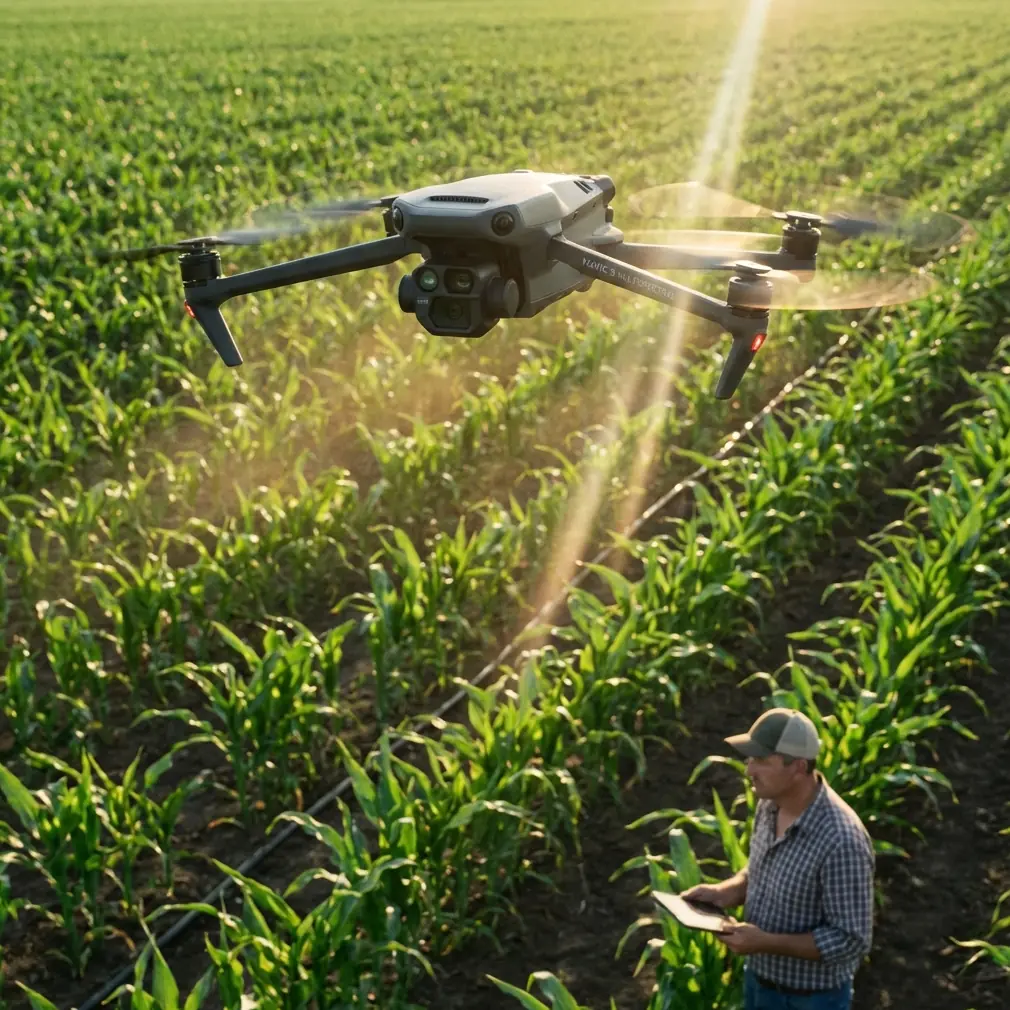
Mavic 4 Pro Mountain Forest Capture Guide: Field Techniques That Actually Matter
META: Practical Mavic 4 Pro mountain forest filming tutorial covering obstacle avoidance, ActiveTrack, D-Log, Hyperlapse, and safe flight strategy in dense terrain.
Mountain forests expose every weakness in a drone workflow. Light shifts fast. Tree lines break GPS confidence. Wind behaves one way over an open ridge and another inside a tight stand of firs. If you want reliable footage in that environment, the question is not whether a drone can produce cinematic clips. The question is whether it can keep tracking, hold a clean line, and preserve enough image data to survive harsh contrast between sky, rock, and canopy.
That is where the Mavic 4 Pro becomes interesting.
This is not a generic “best drone settings” article. It is a field tutorial built around the way mountain forest scenes behave and the features on the Mavic 4 Pro that matter most when you are flying around trunks, slopes, ravines, and patchy light. If you are trying to capture pines climbing a ridgeline, a river cutting through dark timber, or a hiker moving under a broken canopy, this is the practical setup I would use.
Why the Mavic 4 Pro Fits Mountain Forest Work
A mountain forest is one of the hardest places to make footage look polished. Dense vertical elements confuse composition. The dynamic range can be brutal. One second you are framing a sunlit ridgeline, and the next your subject is in deep shadow under trees.
For that reason, three capabilities matter more than headline marketing terms:
- dependable obstacle avoidance
- stable subject tracking
- flexible color capture such as D-Log
Those are not luxury features here. They are operational tools.
Obstacle avoidance matters because forests create near-constant collision risk from branches, trunks, and uneven terrain. In open coastal or desert scenes, you can often get away with aggressive manual lines and broad margins. In mountain woods, the available airspace narrows quickly. A drone that can interpret its environment well gives you a wider safety buffer when moving laterally along a slope or backing away from a subject.
ActiveTrack and subject tracking matter because mountain terrain complicates manual framing. Following a runner on a trail, a mountain biker through a clearing, or even your own moving composition line alongside a stream becomes much harder when elevation changes interrupt visual continuity. Reliable tracking lets you spend more attention on route selection and foreground management instead of constant stick correction.
D-Log matters because forest footage falls apart fast if highlights clip or shadow detail collapses. A bright cloud bank over dark evergreens is exactly the kind of contrast that punishes narrow capture profiles. If you want flexibility in post, especially when green tones dominate the frame, a flatter recording option gives you more room to shape the scene without making the foliage look brittle or artificial.
Against many competitors, this combination is where the Mavic 4 Pro stands out in practical use. Some aircraft track well in clean environments but become conservative or erratic around layered obstacles. Others produce attractive default color but leave less grading headroom once mountain haze and dark canopy enter the shot. For this type of work, consistency beats spec-sheet noise.
Start With the Forest, Not the Drone
Most pilots begin by choosing camera settings. In mountain forests, begin by reading the terrain.
Before takeoff, identify these four zones:
Open recovery space
A clearing, road edge, or exposed rock shelf where you can safely hover and reorient.High-risk obstacle corridors
Tree tunnels, dead snags, protruding branches, and areas where the slope rises toward the aircraft.Light transition areas
Places where the drone moves from full sun into shade or vice versa.Wind shift boundaries
Ridge crests, cliff edges, and gaps where airflow accelerates.
This matters because the Mavic 4 Pro’s obstacle avoidance can reduce risk, but it should never be treated as permission to improvise blindly. Forest branches are irregular. Thin twigs and low-contrast limbs can be harder for any aircraft to read than obvious trunks. The best results come when the avoidance system works as your second layer of protection, not the first.
My Recommended Flight Plan for Mountain Forest Scenes
When I fly this kind of location, I do not chase “epic” footage immediately. I build the sequence in layers.
1. Establish the terrain with a high, slow reveal
Begin above the canopy if the airspace allows it. Use a gradual forward move or a slight rise from behind a foreground ridge. This gives you a readable map of the terrain: tree density, stream direction, trail lines, and the relationship between shadow and sunlight.
On the Mavic 4 Pro, this is where obstacle avoidance and stable hovering help preserve smoothness before you descend into more complex airspace. The goal is not speed. It is orientation.
2. Drop to mid-height and work diagonally
Straight-on movement through dense forest often feels flat. A diagonal line across the slope usually looks better because it shows depth between foreground trunks, mid-ground canopy, and distant mountain shape.
This is also where subject tracking becomes useful. If you are following a hiker or cyclist, ActiveTrack can hold the subject while you refine the angle. In mountain settings, that changes the job from “keep the person centered at all costs” to “manage the forest layers around them.” That is a better use of pilot attention.
3. Save low passes for the end
Low passes through clearings or along a trail edge can look excellent, but they carry the highest risk. By doing them later, you already know where wind is shifting, where branches intrude, and how the aircraft behaves against the terrain. The Mavic 4 Pro’s obstacle sensing helps, but your first scouting passes should always be conservative.
Camera Settings That Hold Up in Mixed Forest Light
The biggest mistake in mountain woods is trusting a pleasing preview. What looks rich on-screen can become unworkable in post if the bright areas are clipped or if shadow noise takes over.
Shoot D-Log when contrast is aggressive
If you have bright sky above a dark tree line, D-Log is the safer choice. This gives you more tolerance when balancing highlights and shadows later. Forest greens are tricky. Overprocessed footage often turns them waxy or neon. A flatter profile keeps the tonal transitions more believable.
Operationally, this matters in two ways:
- you retain more recoverable detail in bright clouds and reflective rock
- you avoid crushing the subtle tonal separation inside darker foliage
That second point is easy to miss. In a mountain forest, the difference between professional-looking greens and muddy greens often comes down to whether those mid-shadow tones survive capture.
Protect highlights first
Expose with the sky in mind, especially near ridges and openings. You can usually lift darker forest sections more gracefully than you can repair clipped white cloud or sunlit granite.
Use slower movement than you think you need
Pine branches, uneven terrain, and textured canopy all create heavy visual information. Fast motion turns that detail into noise. The Mavic 4 Pro rewards restrained control inputs here. Even a modest reduction in speed can make footage look more expensive.
Using ActiveTrack in Forests Without Fighting It
ActiveTrack is one of the most useful tools on this drone for mountain shooting, but it works best when you set it up intelligently.
Choose subjects in partial open space
Do not start tracking under the densest canopy possible. Begin where the subject has separation from the background, such as a trail opening or a ridge path. Once the lock is clean, you can move into more layered scenery.
Let the environment shape the shot
In forests, the best tracking clip is rarely the one with the tightest subject framing. It is often the one that leaves room for trunks to pass in the foreground and for terrain to reveal itself behind the subject. The Mavic 4 Pro’s tracking strength helps because it can maintain attention on the subject while you compose for environmental context.
That is where it can outclass weaker rivals in real use. A competitor may keep a subject visible in open terrain, yet struggle once overlapping tree forms and slope changes enter the scene. In mountain forests, tracking reliability is not about convenience. It determines whether a sequence feels intentional or merely lucky.
Know when to abandon tracking
If the route narrows too much or branch density increases sharply, switch back to manual control. The best pilots do not force automation into a scene that no longer suits it.
QuickShots and Hyperlapse: Use Them Sparingly, Use Them Well
QuickShots and Hyperlapse both have real value in this environment, but only if you resist the urge to make them the whole production.
QuickShots for shape, not novelty
A controlled orbit around a treed knoll or a short pull-away from a lone lookout point can add structure to your edit. In a mountain forest, these automated patterns work best where the terrain has a clear geometric read.
What matters operationally is predictability. In busy woodland airspace, a QuickShot is only as good as the space you give it. The Mavic 4 Pro’s obstacle avoidance improves confidence, but you still want generous clearance before triggering an automated move.
Hyperlapse for weather and elevation change
Hyperlapse becomes more interesting in the mountains than in flatter landscapes because it can show cloud movement over ridges, fog draining through timber, or light walking across a slope. The trick is to choose scenes where the forest is part of a larger environmental change, not just a static block of green.
A short Hyperlapse from a safe elevated hover can communicate scale better than a dozen aggressive passes through trees.
Framing Forests So They Do Not Look Like a Green Wall
Many pilots come home from mountain trips with footage that is technically sharp but visually repetitive. Forests do that. They flatten unless you give the eye layers.
Here is the simplest fix: include three distances in nearly every shot.
- something near, like a branch edge or rock outcrop
- something mid-frame, such as the primary trees or subject
- something far, like a ridge, valley, or cloud layer
The Mavic 4 Pro makes this easier because stable tracking and obstacle awareness let you hold more deliberate lines rather than constantly correcting for fear of the nearest branch.
Also look for shape contrast. A river bend against vertical timber. A zigzag trail crossing organic canopy. Fog cutting a horizontal band through steep trunks. Forest scenes become memorable when one form interrupts another.
A Practical Shot List for a Mountain Forest Session
If I were building a 45-second sequence with the Mavic 4 Pro, I would capture this order:
- high reveal above canopy with slow forward motion
- diagonal mid-height pass across slope
- ActiveTrack follow of subject on trail edge
- short pull-back revealing valley depth
- controlled orbit around ridge outcrop or fire tower
- elevated Hyperlapse showing clouds or shifting fog
That structure works because it moves from orientation to immersion. It also reduces risk. You gather usable footage early, then move toward more demanding lines once the site is understood.
If you want a second opinion on flight planning for a dense location, you can message the flight team here before heading out.
Safety Margin Is a Creative Tool
A lot of pilots treat safety as separate from aesthetics. In mountain forests, that is backwards. A larger safety margin usually produces better footage.
Why? Because when you are not flirting with every branch tip, you can fly smoother arcs, hold cleaner reveals, and commit to longer takes. The Mavic 4 Pro’s obstacle avoidance supports that style well. It is not there to encourage reckless proximity. It is there to help you preserve fluidity when terrain complexity rises.
This is one of the genuine operational advantages of a high-end platform over lesser alternatives. In difficult environments, “better avoidance” is not merely a spec. It expands the number of lines you can fly with confidence and repeatability.
Post-Production Notes for D-Log Forest Footage
Once you are back at the workstation, resist the common urge to overcook the greens. Mountain forests already carry strong color identity. They do not need exaggerated saturation to look dramatic.
Instead:
- recover highlights before pushing contrast
- keep green separation natural across shadow and sunlit areas
- watch for cyan drift in haze over distant ridges
- use local contrast carefully so needles and leaves do not become brittle
If you captured D-Log well, the footage should let you hold both atmosphere and detail. That balance is what makes mountain forest imagery feel expensive rather than processed.
The Real Advantage of the Mavic 4 Pro in the Mountains
For this specific job, the Mavic 4 Pro is not simply “good for landscapes.” That says almost nothing.
Its real advantage is that it combines several features that matter at the same time: obstacle avoidance for dense terrain, ActiveTrack for moving subjects in layered scenery, QuickShots and Hyperlapse for efficient sequence building, and D-Log for handling punishing contrast between sky and forest. Each one is useful alone. Together, they make the drone particularly capable in mountain woodland conditions where weaker systems begin to show cracks.
That is the difference between returning with a few isolated hero shots and coming back with a coherent sequence.
If your goal is to capture forests in the mountains well, think less about flashy maneuvers and more about controlled depth, highlight discipline, and route planning. Use the technology where it solves real problems. Ignore it when it tempts you into bad decisions. That is how the Mavic 4 Pro earns its place in the field.
Ready for your own Mavic 4 Pro? Contact our team for expert consultation.