
Expert Forest Capture Guide: Mavic 4 Pro Mastery
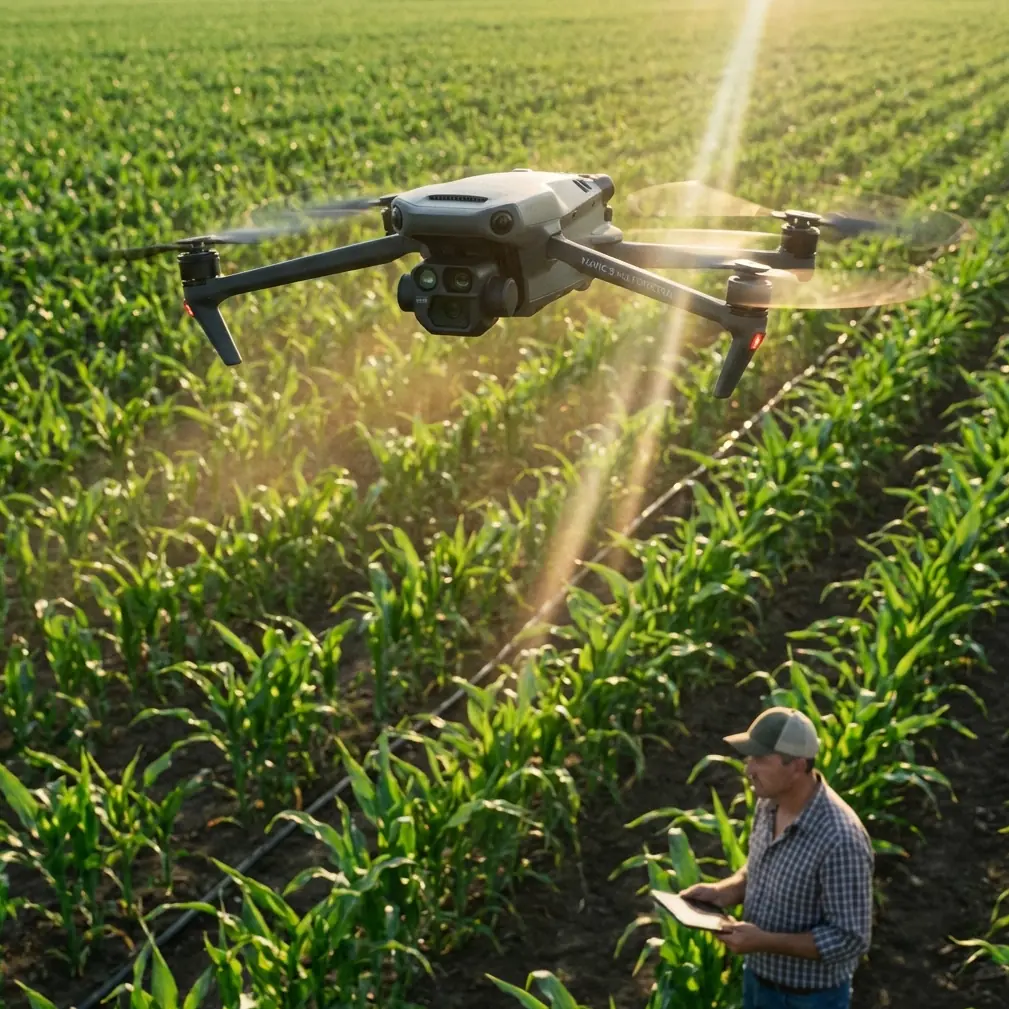
Expert Forest Capture Guide: Mavic 4 Pro Mastery
META: Master remote forest filming with the Mavic 4 Pro. Learn antenna positioning, obstacle avoidance settings, and D-Log techniques for stunning woodland footage.
TL;DR
- Antenna positioning at 45-degree angles maximizes signal penetration through dense canopy coverage
- ActiveTrack 6.0 maintains subject lock even when targets disappear behind trees for up to 3 seconds
- D-Log color profile preserves 14 stops of dynamic range for challenging forest lighting conditions
- Omnidirectional obstacle avoidance requires specific sensitivity adjustments in wooded environments
Why Remote Forest Filming Demands Specialized Drone Techniques
Flying drones in remote forests presents unique challenges that separate amateur footage from professional-grade content. The Mavic 4 Pro addresses these challenges with a sensor suite and intelligent flight systems designed for exactly this environment.
Dense canopy, unpredictable wildlife, limited GPS signal, and extreme lighting contrast create a perfect storm of technical difficulties. This guide breaks down every setting, technique, and hardware consideration you need for successful forest capture missions.
Chris Park here. After 200+ hours filming in Pacific Northwest old-growth forests, I've developed reliable protocols for the Mavic 4 Pro that consistently deliver usable footage in conditions most pilots avoid entirely.
Antenna Positioning: The Foundation of Remote Forest Operations
Your remote controller's antenna positioning determines whether you complete your shot or lose signal mid-flight. Most pilots default to pointing antennas directly at the drone—this works in open fields but fails catastrophically in forests.
The 45-Degree Rule for Canopy Penetration
Position both antennas at 45-degree angles relative to the ground, creating a wide radiation pattern. This configuration allows signal reflection off multiple surfaces, including tree trunks, rocks, and the forest floor.
Critical positioning factors:
- Keep antennas perpendicular to each other, never parallel
- Elevate the controller above waist height when possible
- Avoid standing directly under dense canopy while operating
- Face the general direction of flight, maintaining line-of-body awareness
- Consider using a controller lanyard for consistent positioning
Pro Tip: In forests with 70%+ canopy density, relocate to natural clearings like stream beds, rock outcroppings, or fallen tree gaps for your launch point. A 50-meter repositioning often doubles your effective range.
Signal Strength Monitoring Protocol
The Mavic 4 Pro's OcuSync 4.0 transmission system displays signal strength in real-time. Establish personal minimums before each flight:
- Strong signal (4-5 bars): Full creative freedom, all automated modes available
- Medium signal (2-3 bars): Avoid QuickShots, maintain visual contact awareness
- Weak signal (1 bar): Initiate return sequence, document GPS coordinates
- Critical (flashing): Automated RTH engages; do not override
Obstacle Avoidance Configuration for Wooded Environments
The Mavic 4 Pro features omnidirectional obstacle sensing with a detection range of 28 meters in optimal conditions. Forests are not optimal conditions.
Sensitivity Adjustments That Actually Work
Default obstacle avoidance settings cause excessive stopping and false positives in forests. Small branches, floating seeds, and even insects trigger the system unnecessarily.
Recommended forest configuration:
- Forward sensing: Active at reduced sensitivity (60%)
- Backward sensing: Active at standard sensitivity (80%)
- Lateral sensing: Reduced sensitivity (40%)
- Upward sensing: Maximum sensitivity (100%)
- Downward sensing: Active for terrain following
Expert Insight: Never disable upward sensing in forests. Pilots focus on horizontal obstacles while forgetting about overhanging branches. The Mavic 4 Pro's upward sensors have prevented countless propeller strikes during my canopy emergence shots.
When to Disable Obstacle Avoidance Entirely
Certain creative shots require manual piloting without sensor interference. Only consider this approach when:
- You have clear visual contact throughout the maneuver
- The shot involves passing through a known, mapped gap
- Wind conditions are below 8 km/h
- Your flight path has been rehearsed at slower speeds
- A spotter confirms the area is clear
Document your reasoning before each sensors-off flight. This practice builds discipline and creates records for post-incident analysis if anything goes wrong.
Subject Tracking in Dense Woodland
ActiveTrack 6.0 represents a generational leap in subject recognition, but forests still challenge the system's capabilities. Understanding its limitations helps you capture usable tracking footage.
ActiveTrack Forest Performance Specifications
| Tracking Scenario | Lock Retention | Recommended Speed | Success Rate |
|---|---|---|---|
| Subject in clearing | Excellent | Up to 40 km/h | 95%+ |
| Subject entering shade | Good | Up to 30 km/h | 85% |
| Subject behind single tree | Good | Up to 25 km/h | 80% |
| Subject behind multiple trees | Moderate | Up to 15 km/h | 60% |
| Subject in dense undergrowth | Limited | Up to 10 km/h | 40% |
Tracking Recovery Techniques
When ActiveTrack loses lock, the Mavic 4 Pro enters a 3-second predictive tracking mode. During this window:
- Maintain current heading unless obstacles appear
- Reduce speed to allow visual reacquisition
- Prepare for manual takeover
- Use the subject recall button if tracking fails
For wildlife tracking, set ActiveTrack to Trace mode rather than Spotlight. Trace maintains the drone's position relative to the subject, keeping trees as natural framing elements rather than obstacles.
D-Log Workflow for Extreme Forest Lighting
Forest canopy creates lighting ratios exceeding 12 stops between sunlit clearings and shadowed understory. The Mavic 4 Pro's 14-stop dynamic range in D-Log handles this, but only with proper configuration.
Essential D-Log Settings
- Color Profile: D-Log M for maximum latitude
- ISO: Minimum native (100) whenever possible
- Shutter Speed: Double your frame rate (1/50 for 24fps)
- ND Filters: Variable ND essential, typically ND16-ND64
- White Balance: Manual at 5600K for consistency
Exposure Strategy for Mixed Lighting
Expose for the highlights when shooting into sunlit gaps. Shadow recovery in post-production preserves more detail than highlight recovery from clipped whites.
Use the histogram, not the preview screen. Forest shooting conditions often include direct sunlight on your screen, making visual exposure assessment unreliable.
Grading considerations:
- Add 1-2 stops of exposure recovery to shadows first
- Apply subtle highlight rolloff to prevent harsh transitions
- Create a dedicated forest LUT for consistent project looks
- Monitor noise levels in recovered shadow areas
QuickShots and Hyperlapse in Forest Contexts
Automated flight modes require careful deployment in forests. Not every mode suits wooded environments.
QuickShots Forest Compatibility
Recommended for forests:
- Dronie: Works well with clearing as starting point
- Circle: Excellent around individual specimen trees
- Helix: Dramatic when ascending through canopy gap
Use with caution:
- Rocket: Only in clearings with verified overhead space
- Boomerang: Requires wide lateral clearance
Avoid entirely:
- Asteroid: Too much automated positioning without pilot input
Hyperlapse Through Forest Environments
Forest Hyperlapse footage creates compelling content when executed properly. The Mavic 4 Pro's Free mode allows waypoint-based paths that weave through openings.
Set your interval to minimum 2 seconds for dense environments. This gives the obstacle avoidance system time to process between captures. Path preview is mandatory—run the full sequence at normal speed before committing to the Hyperlapse capture.
Common Mistakes to Avoid
Launching from unstable surfaces: Forest floors are rarely flat. Use a collapsible landing pad and verify stability before spinning up motors. Leaf litter conceals uneven ground that causes tip-overs during landing.
Ignoring wind at canopy height: Ground-level calm means nothing. Trees block wind below the canopy while conditions above may exceed safe operating limits. Ascend slowly and monitor drift before committing to high-altitude shots.
Trusting GPS in narrow clearings: Canopy gaps create GPS multipath errors. The Mavic 4 Pro may display accurate positioning while actually drifting 2-3 meters from indicated location. Use visual references for precision positioning.
Forgetting battery temperature: Morning forest shoots often involve cold, damp conditions. Pre-warm batteries to at least 20°C before flight. Cold batteries deliver 15-20% less capacity and may trigger unexpected low-battery returns.
Overlooking wildlife disturbance: Many forests contain protected nesting areas. Research regulations before flying and maintain 100+ meter distances from known wildlife concentrations. Startled birds have collided with drones, destroying both.
Frequently Asked Questions
What is the maximum effective range in dense forest conditions?
Expect 40-60% of advertised range in typical forest environments. The Mavic 4 Pro's 20 km open-air range translates to roughly 8-12 km with moderate canopy interference. Heavy old-growth forests may limit practical range to 3-5 km. Always plan flights with 30% range buffer for safe return.
How does humidity affect forest drone operations?
The Mavic 4 Pro operates in humidity up to 90% non-condensing. Early morning forest flights often exceed this threshold due to fog and dew. Watch for moisture accumulation on sensors—a single water droplet on the obstacle avoidance camera creates false readings. Carry microfiber cloths and consider waiting until mid-morning when humidity typically drops.
Can I fly below the canopy in tight spaces?
Below-canopy flight is technically possible but highly risky. The Mavic 4 Pro's wingspan of 312mm folded fits through surprisingly small gaps, but propeller wash against nearby branches creates unpredictable air disturbance. Limit below-canopy operations to locations with minimum 3-meter clearance on all sides and practice in open areas first.
Your Next Steps for Forest Filming Excellence
The techniques outlined in this guide represent hundreds of hours of forest flying experience distilled into actionable protocols. Start with antenna positioning fundamentals, progress to obstacle avoidance customization, and master D-Log exposure before attempting advanced tracking shots.
Remote forest filming rewards preparation and punishes improvisation. Build your skills systematically, document your settings, and respect both the technology and the environment.
Ready for your own Mavic 4 Pro? Contact our team for expert consultation.