
Mavic 4 Pro Guide for Low-Light Construction Site Capture
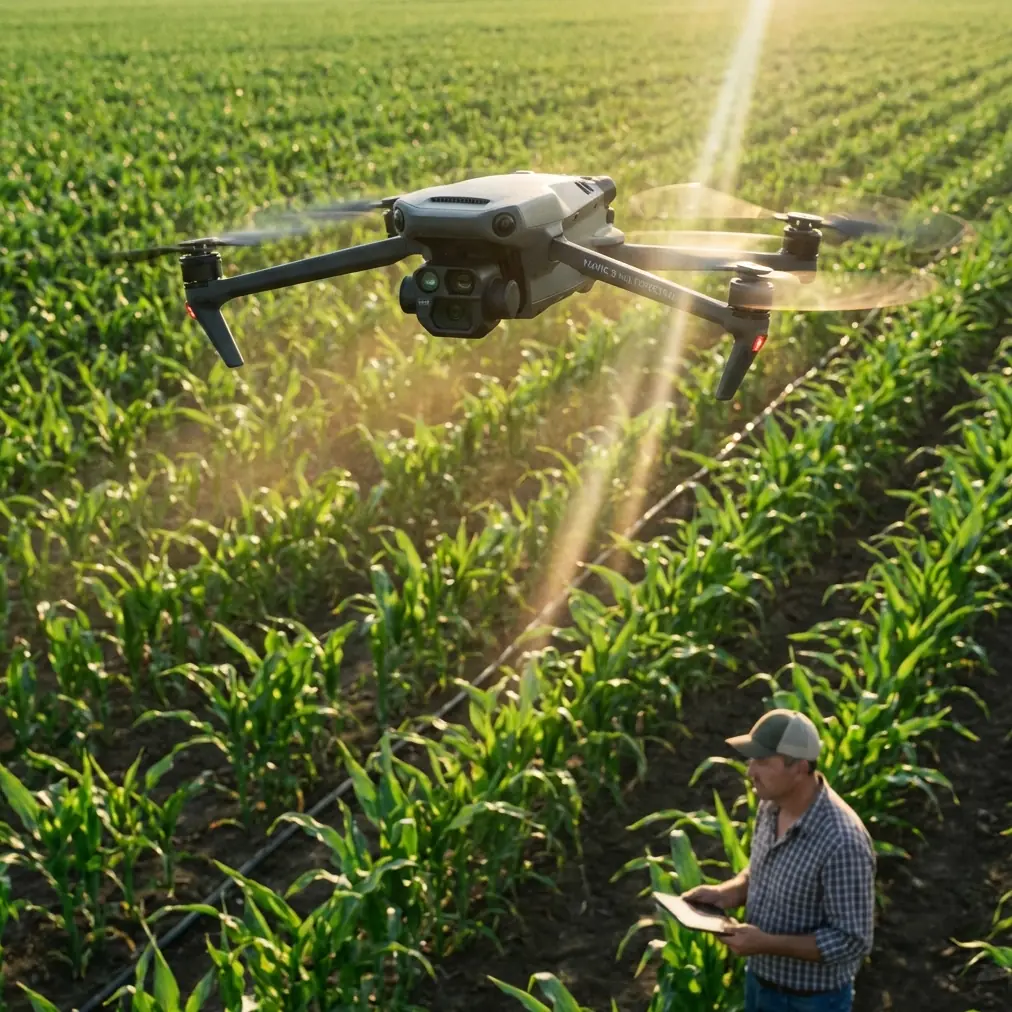
Mavic 4 Pro Guide for Low-Light Construction Site Capture: What Actually Matters in the Field
META: A practical Mavic 4 Pro tutorial for filming and documenting construction sites in low light, with field-tested advice on obstacle avoidance, ActiveTrack, D-Log, EMI handling, and why LiDAR-style utility inspection workflows matter.
Construction sites after sunset are visually dramatic and operationally difficult. You get steel, dust, temporary lighting, reflective surfaces, cranes, cables, half-finished structures, and often a narrow window to capture progress before crews wrap. This is where the Mavic 4 Pro becomes interesting—not as a flashy camera drone, but as a compact aerial tool that can borrow discipline from heavier industrial inspection workflows.
That distinction matters.
A lot of drone advice for low-light work stays at the level of “raise ISO carefully” and “fly slowly.” That is not enough on active job sites. If you want useful footage and dependable site documentation, you need to think like an inspection operator: maintain positional confidence, protect the aircraft around obstacles, preserve dynamic range, and anticipate signal issues caused by metal infrastructure and temporary power systems.
I’ve spent enough time around industrial drone workflows to know that the best lessons do not come only from creative shooting. They come from utility inspection, mapping, and corridor survey operations where missing detail has consequences. One reference workflow for power-line patrol stands out here because it is built around three parts: a ground base station, an airborne LiDAR platform, and processing software. That system used an octocopter, a MEMS POS, a Velodyne LiDAR, dual-antenna GPS+GLONASS, two GNSS antennas, and even a separate Sony mirrorless camera. On paper, that sounds far removed from a Mavic 4 Pro filming a construction site. In practice, the operating logic is extremely relevant.
Here’s how to apply that mindset to low-light site capture with a Mavic 4 Pro.
Start with the mission, not the camera settings
When construction managers ask for drone footage in low light, they rarely want “cinematic” for its own sake. They usually need one or more of these:
- Progress documentation before concrete pours or overnight changes
- Visibility into roof, facade, or steel work after daytime activity
- Safer visual checks of hard-to-access sections
- Marketing footage that still reflects real site conditions
- Context around nearby structures, equipment, staging, and access routes
The power-line inspection reference is useful because it frames the aircraft as a data-collection platform, not just a camera in the sky. Its purpose was to reconstruct a real 3D scene: terrain shape, attached objects such as buildings and trees, and the exact position and model of poles and towers. That operational significance carries over to construction. In low light, your biggest risk is not just noisy footage. It is losing spatial clarity.
A good Mavic 4 Pro flight over a site should answer questions. Where are the obstructions? How close is the crane to the edge? Are temporary materials encroaching on access routes? How does the steel frame sit in relation to adjacent structures? Beautiful footage that hides those relationships is less valuable than clean, stable, readable footage.
Why low-light construction flying feels harder than golden hour real estate work
Construction sites concentrate sources of interference and visual confusion.
Metal framing and rebar can produce visual clutter and inconsistent contrast. Temporary floodlights create bright hotspots next to deep shadow. Dust reduces micro-contrast. Partially enclosed structures can confuse visual sensing systems. Tall equipment and unfinished edges create obstacle density that changes week to week.
The utility inspection document specifically talks about long transmission lines running through mountains, where manual inspection is physically demanding and inefficient. The drone-LiDAR solution improves efficiency and reduces field labor. For construction operators, the parallel is straightforward: low-light capture is not just about aesthetics, it is about reducing repeated manual walk-throughs and getting a clear aerial record without forcing more people into awkward viewpoints.
That means your Mavic 4 Pro workflow should be disciplined from takeoff to landing.
Pre-flight: treat the site like an inspection corridor
Before I even think about QuickShots or Hyperlapse, I build a flight plan around hazards and signal reliability.
1. Walk the perimeter first
Do a ground loop and look for:
- Tower cranes and jib positions
- Suspended cables and temporary power lines
- Reflective cladding or glass
- Dust plumes and steam vents
- Concrete pump booms
- Areas with weak GPS visibility between structures
- Active crew zones you should avoid overhead
The reference utility system relied on dual-antenna GNSS/INS integration for navigation solving. Your Mavic 4 Pro is not carrying that kind of survey stack, but the lesson is the same: navigation confidence matters. On a construction site, that means understanding where the aircraft may lose clean satellite geometry or visual consistency before you are already in the air.
2. Check for electromagnetic interference before lift-off
This is where many operators get casual, and it shows in the footage.
Construction sites often have temporary electrical distribution, generators, welding equipment, elevators under commissioning, communications gear, and large metal structures that can create local magnetic disturbance or interfere with clean heading behavior. If your drone warns about compass interference or behaves oddly during hover, don’t push through it.
A practical fix I’ve used more than once: move your takeoff point and adjust the orientation of the remote controller antennas before assuming the site is unflyable. Small changes help. Step away from parked machinery, steel plates, containers, and temporary switchgear. Keep the controller broadside to the aircraft rather than pointing the antenna tips at it. If a site office cabin or scaffold stack is behind you, shift position and retest signal quality. You are not “beating” interference, but you are improving the radio path and avoiding self-inflicted reception issues.
If a site is especially noisy electronically and you need a second opinion on setup choices, I’d use a direct field support channel like message a drone specialist here before improvising around unstable signal conditions.
3. Set a conservative return altitude
Low-light missions make depth judgment harder. Set a return-to-home altitude that clears the tallest crane, mast, or structure with margin. Recheck it every visit. Construction sites change fast.
Camera setup for low-light footage that still holds detail
The Mavic 4 Pro’s appeal on job sites is not just image quality. It is the balance between portability and controlled capture. In low light, that balance depends on restraint.
Shoot in D-Log when the scene has mixed lighting
D-Log is useful when temporary work lights blow out portions of the frame while surrounding structures fall into shadow. You want room to recover highlights and lift darker areas without the footage collapsing. This is especially valuable if you are documenting active structural work, facade staging, or rooftop systems lit by harsh floodlights.
On sites with isolated bright sources, expose with highlight protection in mind. If the floodlights are clipped beyond recovery, the image starts to feel messy and less trustworthy for documentation.
Avoid overusing movement
Low light punishes unnecessary motion. Fast lateral slides, aggressive reveal shots, and big yaw swings can look muddy once shadows dominate the frame. Slow, repeatable paths work better.
I often separate site capture into three layers:
Static or near-static elevated overviews
These give managers orientation and preserve context.Slow push-ins toward key work zones
Ideal for steel assembly, roof plant placement, or facade progress.Controlled orbit fragments
Not full dramatic circles—just enough angle change to reveal depth and access relationships.
This is where Hyperlapse can be useful if the site wants a progress piece rather than only technical documentation. But use it carefully. Hyperlapse is strongest when the route is uncluttered and lighting transitions are visually coherent. Around cranes, cables, and uneven temporary lighting, a simple locked-path time-sequence is often better.
Obstacle avoidance is helpful, but it is not your site supervisor
Obstacle avoidance earns its keep in low-light work, especially around incomplete structures and rising vertical elements. But don’t mistake it for a guarantee.
On construction sites, the hardest hazards are often thin, dark, angled, or partially obscured. Temporary lines, protruding rods, mesh, and edge protection can all challenge sensors. If you are working close to buildings, keep enough standoff distance that obstacle avoidance acts as a backup layer rather than your primary planning tool.
This is another place where the utility inspection reference is instructive. That workflow was designed to reconstruct not just the line but also nearby buildings, trees, and other objects threatening the corridor. Operationally, that means professionals in that sector care deeply about what surrounds the asset, not only the asset itself. Your low-light construction footage should reflect the same awareness. Do not frame the slab, crane, or facade in isolation. Show what threatens access, encroaches on safety spacing, or complicates night operations.
When to use ActiveTrack and when not to
ActiveTrack can be useful on construction sites, but only in controlled circumstances.
Good use cases:
- Following a single vehicle on a clear haul route
- Tracking a visible machine moving in an open area
- Capturing a supervisor walk-through on a rooftop with good clearance
Poor use cases:
- Busy mixed-equipment zones
- Areas with overhead obstructions
- Tight spaces between structures
- Low-contrast dusk conditions where the subject blends into surroundings
Low-light tracking often fails not because the software is bad, but because the environment is visually noisy. If you use ActiveTrack, keep the route simple and maintain a wide safety buffer. For most construction documentation, manual flight produces more predictable results.
QuickShots are fine—if you strip the gimmick out of them
QuickShots are usually marketed as easy creative tools. On a construction site, their best use is as repeatable movement templates. A restrained Dronie, Rocket, or Orbit can help standardize weekly progress footage from the same reference position.
The key is consistency. If the site team wants to compare phase changes over time, repeatability beats novelty. Same launch zone, similar altitude, same movement, same lens choice, same time of day if possible. That turns a consumer-friendly feature into a practical documentation method.
Build shots that reveal structure, not just atmosphere
Low-light footage can become too dependent on mood. Resist that.
The power-line LiDAR reference emphasizes true 3D reconstruction and recovery of terrain form, attached features, and infrastructure position. Your Mavic 4 Pro cannot replace that kind of LiDAR survey package, but you can still adopt its visual priorities.
For construction, that means composing shots that reveal:
- Elevation changes across the site
- Material stockpile placement
- Crane-to-building clearance
- Access lane condition
- Relationship between installed components and unfinished sections
- Edge conditions on roofs, decks, and facades
A simple oblique pass from a safe height often tells a better operational story than a dramatic top-down spin.
Processing and delivery: think like a records person
The utility workflow did not end in the air. It included post-processing software for GNSS/INS handling and point-cloud processing, including tools such as Inertial Explorer and LiDAR360. That is a reminder that field capture is only half the job.
For Mavic 4 Pro construction work, your post workflow should also be purposeful:
- Keep color grading realistic, especially for progress documentation
- Export stable wide masters before making short social edits
- Label flights by date, building zone, and camera direction
- Save key frames that show measurable site changes
- Maintain an archive structure that allows side-by-side comparisons across weeks
If the footage is meant for both stakeholders and marketing teams, create two versions: one neutral record set and one polished edit. Do not force one file set to serve both jobs.
A practical low-light flight template
Here is the exact structure I’d use on a typical evening site session with the Mavic 4 Pro:
Pass 1: High orientation overview
Rise to a conservative safe altitude and capture a slow panoramic sequence showing the whole site, crane positions, access roads, and neighboring structures.
Pass 2: Mid-altitude obliques
Fly slow, linear passes along the main build faces. Keep the framing readable and avoid aggressive yaw.
Pass 3: Key work zone detail
Focus on one or two operationally important areas—roof plant, steel joinery, facade progress, or staging logistics.
Pass 4: Repeatable motion asset
Use one restrained QuickShot or a short manual orbit from a known reference point for future comparison.
Pass 5: Optional Hyperlapse
Only if the site has enough clearance and visual continuity to support it.
Pass 6: Final safety sweep
Before landing, do a calm perimeter check to confirm no new crane movement or shifting activity blocks your return path.
The bigger takeaway
The smartest way to use a Mavic 4 Pro on low-light construction work is to borrow habits from industrial corridor inspection. The reference utility solution was built for hard terrain, long infrastructure lines, and the need to reconstruct reality with confidence. It used a layered system—ground base station, airborne sensors, and software processing—to turn difficult field conditions into actionable records. Even though your aircraft is lighter and your mission is visual rather than LiDAR-based, the principle is the same.
Capture with intent. Respect signal behavior. Use obstacle avoidance as support, not permission. Favor repeatable, information-rich shots over theatrical ones. Handle electromagnetic interference by adjusting your launch position and controller antenna orientation before you assume the drone is the problem. And when mixed lighting gets ugly, lean on D-Log and slow movement to preserve detail.
That is how low-light construction footage stops being merely attractive and starts becoming genuinely useful.
Ready for your own Mavic 4 Pro? Contact our team for expert consultation.