
Mavic 4 Pro on a Remote Construction Site
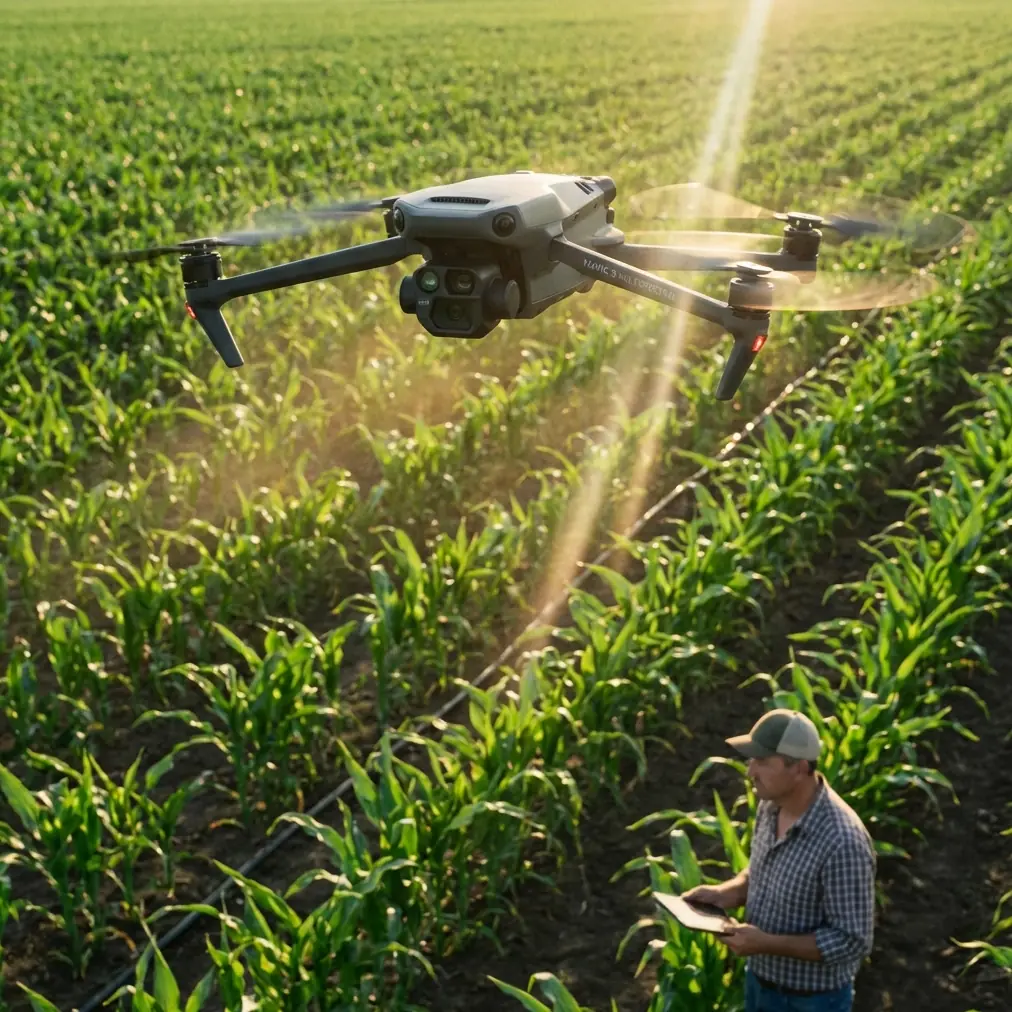
Mavic 4 Pro on a Remote Construction Site: What Actually Matters in the Field
META: A field-based case study on using Mavic 4 Pro for remote construction site capture, with practical insights on photogrammetry, changing weather, obstacle avoidance, ActiveTrack, D-Log, and efficient aerial documentation.
Remote construction work exposes every weak point in an aerial workflow.
That is especially true when the job is not a polished promo shoot, but a practical documentation mission: progress verification, terrain context, haul-road visibility, stockpile tracking, drainage review, and image capture that may later feed into mapping or 3D modeling. On those days, the conversation around the Mavic 4 Pro stops being about hype and starts being about whether the aircraft can keep a project moving when the site is dusty, isolated, and the weather turns halfway through the flight.
I recently looked at the Mavic 4 Pro through exactly that lens: a remote construction capture scenario where the aircraft had to do more than produce attractive footage. It needed to help create usable records of the site, preserve continuity when conditions shifted, and support a workflow that could scale into photogrammetric deliverables.
That distinction matters.
A lot of pilots treat construction capture as a simpler version of filmmaking. In reality, the best site flights sit somewhere between inspection discipline and visual storytelling. You want clean framing, yes. But you also want repeatability, angle consistency, safe operation around vertical structures, and imagery that remains useful after the flight for engineering, planning, or stakeholder review.
Why Mavic 4 Pro fits this kind of mission
For remote construction work, portability is not a luxury. It is operational leverage.
A heavy platform with a large support kit can absolutely do excellent mapping work, but it changes the rhythm of the job. On a site with rough access roads, limited staging space, and shifting work zones, the ability to move quickly between takeoff points matters. The Mavic 4 Pro’s value begins there. You can reposition without turning every flight into a logistics exercise.
But mobility alone is not enough. What separates a capable construction drone from a convenient one is how well it supports structured image capture.
Photogrammetry, at its core, is straightforward in concept: capture a target from different known positions, then use intersection geometry to determine the object’s location while reducing error through redundant observations. That principle from classic aerial surveying is still the backbone of modern UAV site capture. The drone is not just “getting shots.” It is collecting overlapping visual evidence from multiple viewpoints so software can reconstruct shape, size, position, and relationships between objects on the ground.
That is why flight discipline matters more than people think, even with an intelligent drone like the Mavic 4 Pro.
The construction site problem: not just top-down, but side-aware
One of the most useful ideas from established photogrammetry practice is the role of oblique imagery.
The reference material highlights oblique photography as a major development in surveying because it uses multiple sensors—sometimes 2-lens or 5-lens setups—to capture images from vertical and angled perspectives at the same time. The reason is practical, not academic. Nadir images are great for roofs, road surfaces, and broad terrain. They are much less revealing when you need complete information from building facades, retaining walls, cut slopes, crane staging zones, or temporary site structures.
On a construction site, that limitation shows up immediately.
If you only fly standard overhead passes, you will miss the surfaces that explain the job. You may know where a concrete core sits on the slab, but not see the exterior progression. You may document the extent of an excavation but fail to show the wall conditions around it. You may capture a stockyard footprint without clearly showing the geometry of materials stacked near access lanes.
This is where the Mavic 4 Pro earns its keep. Not because it magically turns into a 5-camera oblique survey rig, but because it gives a solo operator enough stability and control to deliberately gather both nadir and angled imagery in the same field session. In practical terms, that means combining top-down passes with lower-altitude orbit work, controlled side reveals, and repeatable angled sequences around vertical assets.
Operationally, that hybrid capture style is what makes the output more useful to project managers and modelers. The more complete the visual coverage, the better the chances of generating a faithful representation of the site later.
Mid-flight weather change: where field confidence gets tested
On this particular style of mission, weather rarely fails all at once. It drifts.
The flight can begin with a bright but workable sky, then halfway through the second sequence the wind starts pushing harder along the exposed edge of the site. Dust rises from active vehicle routes. Contrast changes as clouds build. The light softens, then flattens. This is the moment when remote construction capture stops being routine.
That was the turning point in my assessment of how a Mavic 4 Pro workflow holds together.
The first job is not image quality. It is maintaining safe control while preserving enough flight consistency to finish the documentation set. Obstacle avoidance becomes more than a spec-sheet phrase here. On remote sites, you are often dealing with irregular hazards: partially erected steel, tower cranes, cable runs, temporary fencing, stacked pipe, light poles, and earthmoving equipment that has not stayed where it was an hour ago. When the wind picks up, your margin for error tightens.
The Mavic 4 Pro’s obstacle avoidance is most valuable not when the pilot is careless, but when the environment becomes more dynamic than expected. In a gusty transition, it acts as a buffer against the small positional drift and compressed reaction windows that can happen near structures. That does not remove pilot responsibility. It gives the pilot more space to operate carefully and deliberately.
Subject tracking also matters in a less obvious way. Features like ActiveTrack are often discussed in cinematic terms, but on construction work, tracking can help maintain visual continuity around moving site vehicles or around a predictable inspection path where you need the camera to stay locked on a specific operational area while you manage aircraft position. Used properly, it reduces workload during moments when the environment is already asking more of you.
I would not rely on tracking for every site pass. But during changing weather, when you are trying to complete a short sequence before conditions deteriorate further, the ability to hold framing on the intended subject can be the difference between keeping a usable record and bringing back a folder full of almost-right clips.
D-Log and the reality of mixed light
Weather shifts do not just affect flight handling. They also break visual consistency.
Construction stakeholders often underestimate how important that is. If the morning set is hard-lit and the afternoon set is under cloud, your footage can feel disconnected even if the site coverage is technically complete. For teams producing progress updates, investor reports, or planning reviews, image consistency helps people read the site more accurately.
That is where D-Log has real field value. Not because every project needs a cinematic grade, but because a flatter capture profile gives you more room to normalize changing light in post. When clouds roll in mid-flight, the goal is not dramatic color work. It is preserving enough tonal information to keep shadows, bright aggregate, reflective metal, and concrete surfaces readable across the edit.
On a remote construction assignment, that post-production flexibility is practical insurance.
The same applies to Hyperlapse and QuickShots, though in a narrower role. I would not build the core documentation around automated creative modes. The essential dataset should always come from planned, repeatable flight paths. But once the primary passes are complete, those tools can efficiently generate stakeholder-friendly visuals: a site-wide establishing movement, a progress reveal of a building face, or a condensed view of traffic and equipment flow. They are supporting assets, not substitutes for disciplined capture.
Mapping logic still applies, even with a compact platform
One point from the reference material deserves more attention than it usually gets: a UAV photogrammetry system is not just the aircraft. It is the aerial imaging system, the ground control system, and the data processing system working together.
That sounds obvious, but many field problems come from forgetting it.
The Mavic 4 Pro can collect excellent imagery. That does not guarantee usable mapping output if the mission lacks proper planning, image quality checks, or downstream processing discipline. The source notes that the ground side includes UAV control plus data reception and exchange, while the processing side includes route planning, image quality inspection, and post-processing software. For remote construction work, this has direct operational significance.
It means the flight should start before takeoff.
You define the capture objective first: progress media, measurement-ready imagery, terrain context, or a blend of all three. Then you set the route logic, overlap strategy, altitude, and oblique angles accordingly. After landing, you do not just pack up. You review image integrity while still on site if possible. Missing one side of a structure or discovering motion-softened images after a two-hour drive back is expensive.
This is one reason the Mavic 4 Pro is so effective for agile site teams. It supports a workflow where you can capture, review, adapt, and relaunch quickly if conditions or coverage gaps demand it.
Why standards and control still matter
The reference also points to something experienced survey teams never ignore: coordinate system and elevation reference choices should align with established standards, including the Chinese engineering surveying standard GB 50026-2007 for relevant projects.
Even if a Mavic 4 Pro user is not performing formal cadastral or engineering-grade deliverables on every mission, the principle matters. A construction dataset becomes far more useful when it lives inside a consistent spatial framework. If one progress flight is visually impressive but disconnected from the project’s chosen coordinate system or height basis, its value drops for serious planning and comparison work.
For remote sites, that consistency is often what separates “nice aerials” from decision-grade records.
You do not always need a full survey crew for every visit. But you do need a process that respects control, repeatability, and output compatibility when the imagery is intended to support mapping, volume analysis, or project chronology.
The time advantage is real, if the workflow is right
One of the strongest claims in the source material is that using UAV photogrammetry on the same project with the same personnel can save around 2/3 of the time.
That kind of number only means something if you understand where the savings come from.
It is not that the drone makes field reality disappear. It shifts labor away from intensive ground collection and toward planned aerial acquisition and computation. Traditional surveying and mapping workflows can be labor-dense in the field. Drone photogrammetry leans more heavily on capture strategy and processing power. On a remote construction site, this means less time spent physically traversing unstable or hard-to-access areas, and more time validating imagery and processing data efficiently.
For site operators, the practical win is broader than speed. Reduced field exposure means less disruption to active work zones. It can also make recurring progress capture more realistic, which improves project oversight over time instead of limiting aerial documentation to occasional milestone visits.
What I would recommend for a remote construction Mavic 4 Pro workflow
If your mission revolves around a Mavic 4 Pro on a remote site, I would structure it like this:
Start with a top-down pass for broad context and measurable coverage. Then add oblique circuits around structures, excavation faces, and access corridors. Treat obstacle avoidance as a safety layer, not a replacement for route discipline. Use ActiveTrack selectively when it helps maintain continuity on moving or spatially awkward subjects. Shoot D-Log when weather is unstable or when multiple lighting conditions are likely in the same session. Reserve QuickShots and Hyperlapse for communication assets after the core capture set is secure.
Most importantly, think like a photogrammetrist even if the final deliverable is partly visual. Multi-angle coverage, redundant observation, and post-flight quality control are what make the dataset resilient.
If you are planning a similar workflow and want to compare capture approaches for your site, you can message our UAV team here.
Final field take
The Mavic 4 Pro makes the most sense on remote construction work when it is treated as a serious documentation tool, not just a camera in the sky.
Its real strength is not one feature in isolation. It is the way portability, obstacle avoidance, tracking support, and flexible image capture come together inside a photogrammetry-aware workflow. Add sound route planning, disciplined quality checks, and a clear understanding of what the site team actually needs, and the aircraft becomes much more than a convenience.
That is the difference between collecting footage and producing operational value.
Ready for your own Mavic 4 Pro? Contact our team for expert consultation.