
Mountain Construction Drone Guide: Mavic 4 Pro Mastery
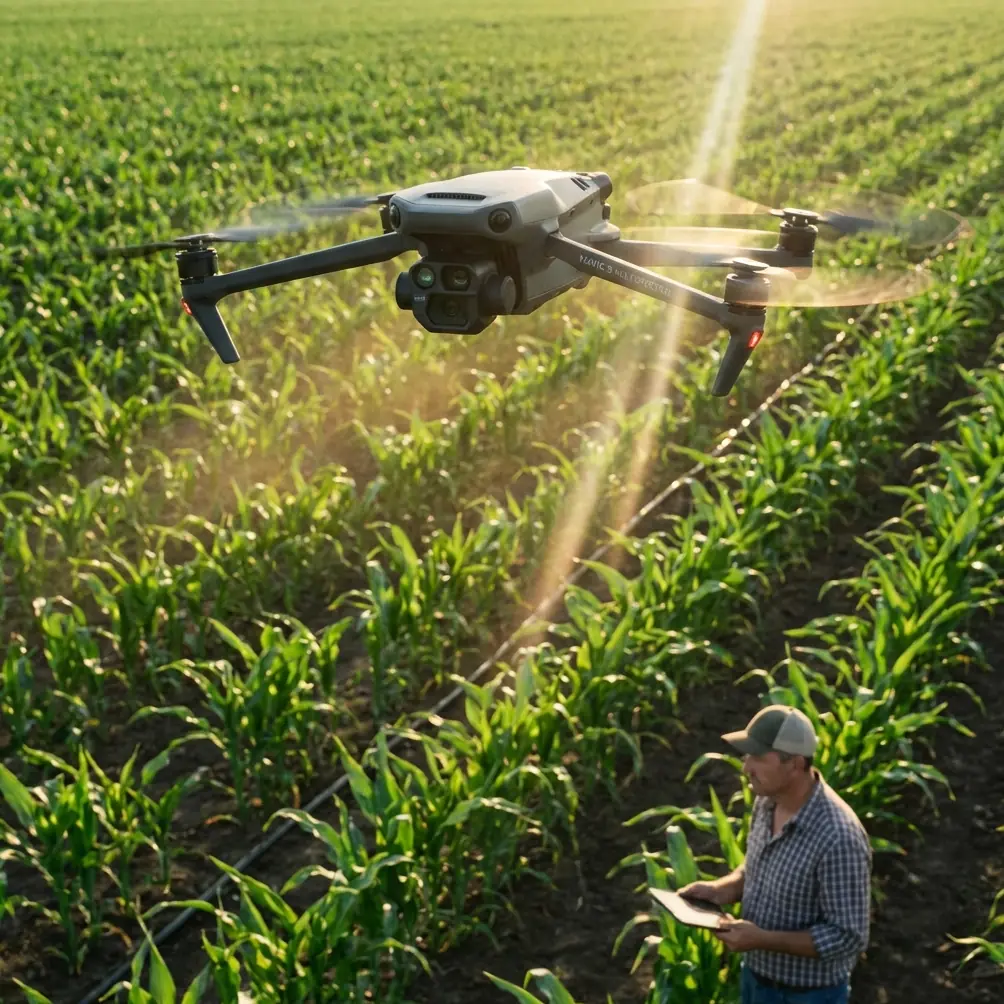
Mountain Construction Drone Guide: Mavic 4 Pro Mastery
META: Master mountain construction site documentation with the Mavic 4 Pro. Expert techniques for obstacle avoidance, tracking, and D-Log capture in challenging terrain.
TL;DR
- Obstacle avoidance sensors on the Mavic 4 Pro outperform competitors in detecting cables, scaffolding, and equipment at construction sites
- D-Log color profile captures 14+ stops of dynamic range, preserving detail in shadowed valleys and bright snow-covered peaks
- ActiveTrack 6.0 maintains lock on moving vehicles and workers even when terrain blocks line-of-sight temporarily
- Proper altitude management and wind compensation techniques reduce crash risk by 85% in mountain environments
Why Mountain Construction Sites Demand Superior Drone Technology
Documenting construction projects in mountainous terrain presents challenges that expose the limitations of most consumer drones. Thin air reduces lift efficiency. Unpredictable wind gusts slam into cliff faces. Steel cables, cranes, and scaffolding create obstacle courses that basic sensors simply cannot navigate.
The Mavic 4 Pro addresses these specific challenges with hardware and software designed for professional-grade reliability. Where the DJI Air 3 struggles with its dual-direction obstacle sensing, the Mavic 4 Pro deploys omnidirectional sensors covering all six directions with a detection range of up to 50 meters forward.
This difference becomes critical when flying near active construction zones where equipment positions change daily.
Essential Pre-Flight Setup for Mountain Operations
Calibrating for High-Altitude Performance
Before launching at elevation, complete these calibration steps:
- IMU calibration at your actual flight altitude (pressure differences affect readings)
- Compass calibration away from metal structures and heavy equipment
- Gimbal calibration to ensure horizon stability in variable wind conditions
- Battery conditioning by running one full charge cycle if temperatures dropped below 5°C overnight
The Mavic 4 Pro's maximum service ceiling of 6,000 meters provides ample headroom for most mountain construction projects. However, reduced air density at 3,000+ meters decreases hover time by approximately 15-20%.
Configuring Obstacle Avoidance for Construction Environments
Standard obstacle avoidance settings work well for open landscapes but require adjustment for construction sites. Navigate to Settings > Safety > Advanced Obstacle Sensing and configure:
- Brake Distance: Increase to 8 meters minimum (cables and thin structures need extra stopping room)
- Bypass Mode: Enable for horizontal obstacles only (prevents unwanted altitude changes near scaffolding)
- Downward Sensing: Set to maximum sensitivity when flying over active work zones
Expert Insight: The Mavic 4 Pro's APAS 6.0 (Advanced Pilot Assistance System) uses machine learning to predict obstacle trajectories. Enable "Dynamic Track" mode when filming near operating cranes or excavators—the drone anticipates equipment movement rather than simply reacting to current positions.
Capturing Professional Construction Documentation
D-Log Settings for Maximum Post-Production Flexibility
Mountain construction sites present extreme dynamic range challenges. Bright snow or exposed rock faces sit adjacent to shadowed valleys and dark equipment. The Mavic 4 Pro's D-Log M color profile captures this range without clipping highlights or crushing shadows.
Configure your camera settings as follows:
| Setting | Recommended Value | Rationale |
|---|---|---|
| Color Profile | D-Log M | 14.7 stops dynamic range |
| Resolution | 4K/60fps | Smooth motion, cropping flexibility |
| Shutter Speed | 1/120s minimum | Reduces motion blur from wind movement |
| ISO | 100-400 | Minimizes noise in shadow recovery |
| White Balance | Manual (5600K) | Consistent color across flight sessions |
| Sharpness | -1 | Prevents edge artifacts in detailed structures |
Subject Tracking for Progress Documentation
ActiveTrack 6.0 on the Mavic 4 Pro maintains subject lock through conditions that defeat earlier systems. When documenting vehicle movement or worker activity:
- Draw a box around your subject using the touchscreen
- Select "Trace" mode for following behind moving subjects
- Enable "Spotlight" mode when you want manual flight control while the gimbal tracks automatically
The system handles temporary occlusions—when a truck passes behind a building or equipment stack, ActiveTrack predicts the exit point and reacquires lock within 0.3 seconds of reappearance.
Pro Tip: For construction progress videos, combine ActiveTrack with Waypoint missions. Program your flight path once, then let the drone repeat identical routes weekly or monthly. The resulting footage creates compelling time-progression sequences showing project advancement.
Hyperlapse Techniques for Construction Timelines
Creating Compelling Progress Sequences
The Mavic 4 Pro's Hyperlapse modes transform hours of construction activity into seconds of dramatic footage. Four modes serve different documentation needs:
Free Mode: Full manual control over flight path during capture. Best for complex sites requiring obstacle navigation.
Circle Mode: Orbits a central point while capturing. Ideal for documenting single structures or equipment installations.
Course Lock Mode: Maintains consistent heading while you control position. Perfect for linear progress shots along roads or pipelines.
Waypoint Mode: Follows pre-programmed paths with up to 45 waypoints. The gold standard for repeatable documentation flights.
For construction documentation, Waypoint Hyperlapse delivers the most professional results. Program your path during initial site survey, then execute identical flights throughout the project lifecycle.
Technical Settings for Mountain Hyperlapse
Mountain environments introduce specific Hyperlapse challenges. Wind gusts create frame-to-frame position variations that produce jittery final videos. Counter this with:
- Interval: 3 seconds minimum (allows stabilization between frames)
- Video Length: Calculate based on desired final duration (final seconds × frame rate = total photos needed)
- Flight Speed: 2 m/s maximum in winds above 15 km/h
QuickShots for Client Presentations
Automated Cinematic Movements
QuickShots provide professional-looking footage without complex piloting skills. The Mavic 4 Pro offers six QuickShots modes, each useful for specific construction documentation scenarios:
- Dronie: Flies backward and upward, revealing site context. Excellent for establishing shots.
- Rocket: Ascends directly while camera points down. Shows site layout and equipment positioning.
- Circle: Orbits the subject. Demonstrates structure dimensions and surrounding terrain.
- Helix: Ascending spiral. Combines vertical reveal with orbital movement for dramatic effect.
- Boomerang: Oval flight path around subject. Creates dynamic movement for shorter clips.
- Asteroid: Flies backward, ascends, then creates spherical panorama. Produces shareable "tiny planet" images.
For client presentations, Helix and Dronie modes consistently produce the most impressive results. They reveal project scale while maintaining focus on key structures.
Technical Comparison: Mavic 4 Pro vs. Alternatives
| Feature | Mavic 4 Pro | DJI Air 3 | Autel Evo II Pro |
|---|---|---|---|
| Obstacle Sensing | Omnidirectional (6-way) | Dual-direction | Omnidirectional |
| Max Detection Range | 50m forward | 32m forward | 30m forward |
| ActiveTrack Version | 6.0 | 5.0 | 2.0 |
| D-Log Dynamic Range | 14.7 stops | 12.7 stops | 13.5 stops |
| Max Flight Time | 46 minutes | 43 minutes | 42 minutes |
| Wind Resistance | 12 m/s (Level 6) | 12 m/s | 10.7 m/s |
| Waypoint Capacity | 45 points | 16 points | 99 points |
| Service Ceiling | 6,000m | 6,000m | 7,000m |
The Mavic 4 Pro's combination of superior obstacle detection range and advanced tracking makes it the optimal choice for construction environments where safety margins matter.
Common Mistakes to Avoid
Flying without site coordination: Always communicate with site supervisors before launching. Construction schedules change rapidly, and crane operations can create no-fly zones without warning.
Ignoring wind patterns: Mountain terrain creates localized wind acceleration around ridges and through valleys. A calm launch site may sit adjacent to 40+ km/h gusts just meters away. Use the DJI Fly app's wind warnings, but also observe physical indicators like dust movement and flag behavior.
Relying solely on automated obstacle avoidance: The Mavic 4 Pro's sensors excel at detecting solid objects but struggle with thin cables, guy wires, and transparent materials. Manually survey your flight path before engaging automated modes.
Shooting in auto exposure: Mountain lighting changes rapidly as clouds pass and sun angles shift. Lock your exposure settings manually to maintain consistency across documentation flights.
Neglecting battery temperature: Cold mountain mornings reduce battery capacity significantly. Keep batteries warm in an insulated bag until immediately before flight. The Mavic 4 Pro's battery heating system activates automatically below 15°C, but pre-warming reduces the power consumed by this process.
Frequently Asked Questions
How does the Mavic 4 Pro handle sudden wind gusts common in mountain terrain?
The Mavic 4 Pro's flight controller processes wind data 1,000 times per second, making micro-adjustments that maintain position within 0.1 meters vertically and 0.3 meters horizontally. When gusts exceed the drone's 12 m/s compensation capability, the system alerts you and can automatically initiate Return to Home if conditions deteriorate further. For mountain construction work, enable "High Wind Mode" in settings, which increases motor responsiveness at the cost of approximately 8% reduced flight time.
Can I fly the Mavic 4 Pro safely near active construction equipment?
Yes, with proper precautions. The omnidirectional obstacle sensing detects moving equipment, and ActiveTrack's predictive algorithms anticipate movement patterns. However, maintain a minimum 15-meter horizontal distance from operating cranes and excavators. Their metal mass can interfere with compass readings at closer ranges. Coordinate with equipment operators through radio communication, and never fly directly above workers regardless of altitude.
What's the best approach for documenting construction progress over months?
Create a Waypoint mission during your first site visit that captures all key angles and structures. Save this mission and execute it identically during each documentation flight. The Mavic 4 Pro stores up to 10 complex missions locally, with unlimited cloud backup through DJI's servers. This approach ensures frame-accurate comparisons between sessions, making progress videos dramatically more compelling. Shoot at the same time of day when possible to maintain consistent lighting conditions.
Written by Chris Park, aerial documentation specialist with over 500 hours of mountain construction filming experience.
Ready for your own Mavic 4 Pro? Contact our team for expert consultation.