
Mavic 4 Pro on a Windy Coastline: A High-Altitude Case Study
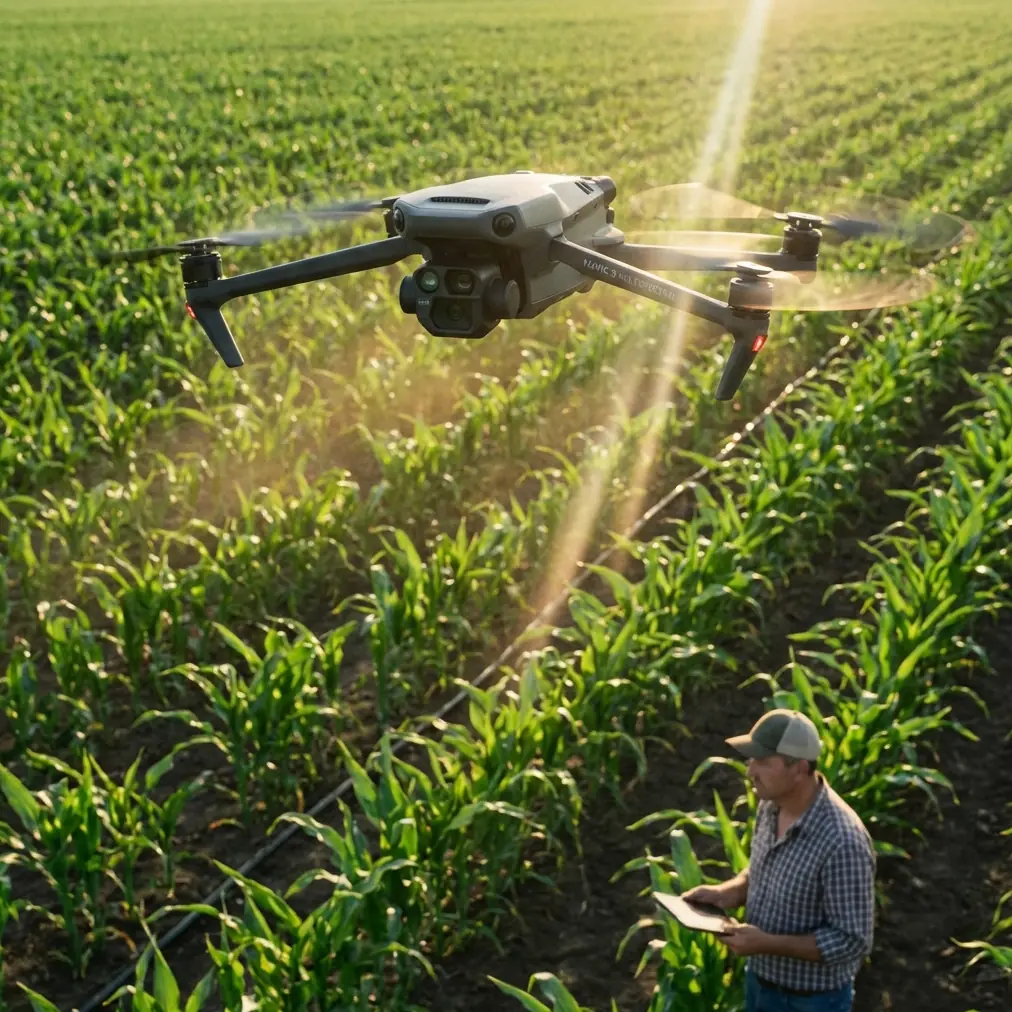
Mavic 4 Pro on a Windy Coastline: A High-Altitude Case Study
META: A real-world Mavic 4 Pro coastline case study covering high-altitude flight, changing weather, obstacle avoidance, ActiveTrack, D-Log workflow, and what actually matters in the field.
I took the Mavic 4 Pro to the coast for a reason that sounds simple on paper and gets complicated the moment propellers start spinning: capture a cliff line from altitude, hold image quality through shifting light, and come back with usable footage when the weather refuses to stay still.
That last part matters more than spec sheets usually admit.
Coastlines are among the most revealing places to judge a drone. They combine reflective water, dark rock, open wind corridors, sudden brightness swings, and terrain that can fool both pilots and sensors. Add height to the mix and every weakness becomes obvious. If a drone is going to drift, hunt for exposure, lose confidence around cliffs, or struggle to keep a subject framed against textured terrain, the coast exposes it quickly.
This flight was built around the Mavic 4 Pro as a working tool, not a showroom object. The mission was a high-altitude visual pass over a cliff-backed shoreline with several deliverables in mind: wide establishing shots, compressed passes along the rock face, moving subject sequences using tracking, and one hyperlapse segment to show tide movement and cloud change. The challenge was that conditions shifted mid-flight. What started as relatively stable air turned into a much less forgiving session once the wind picked up and the light flattened under incoming cloud.
That is exactly where the drone either earns trust or loses it.
Why the coastline was the right test
A high coastal route creates three technical demands at once.
First, obstacle management is less obvious than it sounds. People hear “open shoreline” and think there is nothing to avoid. In reality, cliff edges, protruding rock shelves, isolated sea stacks, and uneven elevation changes create a messy environment for route planning. A drone moving laterally across a cliff face needs dependable obstacle awareness not because it is flying through a forest, but because distance is deceptive against vertical geology.
Second, subject tracking is harder over water and rock than over a clean urban background. Contrast shifts constantly. Foam lines appear and vanish. Shadows roll across the face of the cliff. If you are tracking a walker on a ridge trail, a cyclist on a coastal road, or even a vehicle moving near the bluff, the system has to separate the subject from a background that is busy and changing.
Third, exposure discipline matters. A coastline can put bright sky, reflective water, and shadowed terrain into one frame. If you want footage that can survive a professional color workflow, you need a profile like D-Log and enough confidence in the camera pipeline to preserve highlight and shadow information without turning the whole grade into a rescue operation.
Those were the practical reasons the Mavic 4 Pro made sense for the assignment.
Pre-flight: less about excitement, more about restraint
Before launch, the biggest decision was not camera settings. It was altitude discipline.
When filming a coastline in high-altitude scenarios, the temptation is always to climb early and let the landscape do the work. That can produce scale, but it can also flatten the scene and leave you with generic footage. The better approach is to think in layers: one high establishing orbit, one medium-height lateral reveal, and one lower but still safe pass that makes the cliff structure readable. The Mavic 4 Pro fits that style well because it is designed to move between cinematic setups quickly instead of forcing you into one kind of shot.
I mapped the sequence around three functions that save time in the field: ActiveTrack for the moving subject segment, QuickShots for a controlled reveal near a headland, and Hyperlapse for the weather transition. These are often treated as beginner tools, which misses the point. Used carefully, they reduce workload when the pilot already has enough to manage. On a coastline, that matters because your attention is split between wind, elevation, birds, glare, battery state, and route integrity.
I also planned to record in D-Log. That choice was not about chasing “cinematic” language. It was about insurance. The coast was bright at launch, but cloud cover was visible offshore. Once that cloud moved in, contrast would compress and color temperature would shift. D-Log would give the grade room to breathe later, especially in the transition from sunlit water to muted rock.
The first leg: stable air, clean reveals
The opening segment was the easiest part of the day. Light offshore breeze, decent visibility, and enough definition in the sun to make the water texture stand out.
I started with a high, slow reveal from inland toward the sea, letting the cliff edge enter the lower frame before the horizon took over. This is where the Mavic 4 Pro’s compositional flexibility showed its value. On a demanding location, the drone should not feel like it is fighting the pilot. Framing adjustments need to be quick and precise because coastal light changes fast, and a shot that looks balanced one minute can become unusable after the sun slips behind cloud.
From there I moved into a lateral pass along the cliff. This is often the shot that separates marketing footage from footage that clients can actually use. A cliff pass needs controlled speed, clean parallax, and confidence near irregular terrain. Obstacle avoidance becomes operationally significant here, not as a flashy feature, but as a safety net that supports smoother flying. It allows the pilot to focus more attention on line and framing instead of mentally allocating all bandwidth to proximity risk.
That does not mean you hand over decision-making to automation. It means the system adds margin. On a route where rock ledges jut out unpredictably, that margin can be the difference between a polished pass and a nervous one.
Mid-flight weather shift: where the session became useful
About halfway through the flight, the weather changed.
The breeze stiffened first. Then the light started to disappear in stages rather than all at once. Water lost its sparkle. The cliff face went flatter. Clouds rolled over enough of the sun to remove some of the natural separation that had been helping the scene.
This is the moment when many drone sessions quietly fall apart. The drone may still be airborne, but the footage quality and pilot confidence start to degrade at the same time.
The Mavic 4 Pro handled the transition in the way a serious field platform should: predictably. That word matters more than “powerful” or “advanced.” Predictability is what lets a pilot make good decisions while conditions are moving against the original plan.
With the wind building, I reduced speed and tightened the route. There was no point pretending the opening flight profile still made sense. Instead of long, exposed lateral runs, I shifted to shorter passes with more conservative positioning. The drone remained composed enough to keep the framing usable, which kept the mission alive. If the aircraft had started hunting excessively or forcing constant correction, the entire second half would have turned into a battery-burning compromise.
This was also where ActiveTrack earned its place. I had a subject moving along a coastal path above the bluff, and the changing light made separation trickier than before. A tracking system on terrain like this has to deal with intermittent contrast, angle changes, and background clutter. ActiveTrack did what it needed to do operationally: it maintained enough reliability that I could concentrate on trajectory and scene management instead of manually rebuilding the frame every few seconds.
That is a bigger deal than many people realize. On a coastline, especially at altitude, pilot workload compounds quickly. A dependable subject tracking tool is not just a convenience feature. It lowers cognitive load at a time when weather is already demanding more attention.
Using QuickShots and Hyperlapse without making the footage feel automated
QuickShots has a reputation problem because many pilots use it exactly as delivered, with no thought for context. But on this flight, it had a clear role.
I used it near a headland where a controlled reveal could transition from the cliff face to the broader bay. The value was consistency. In gusty conditions, repeating a complex reveal manually can waste time and drain batteries. A structured automated move, used selectively, gives you one clean option that can anchor the edit.
Hyperlapse became even more useful once the weather changed. Instead of fighting the cloud cover, I leaned into it. The coastline was no longer about bright, clean tourism visuals. It had become a study in movement: tide lines shifting, shadows moving across the rock, and cloud layers changing the mood of the frame. The Mavic 4 Pro made that pivot practical because Hyperlapse turns a weather disruption into story material.
That is the difference between using drone features as gimmicks and using them as editorial tools. The flight did not improve because the drone had more modes. It improved because those modes let the plan adapt once the environment stopped cooperating.
D-Log on the coast: why the grade matters after landing
Back on the ground, the value of D-Log was easy to see.
The sunlit opening shots and the flatter, overcast later footage needed to sit in the same sequence without looking like they came from different days. A standard baked-in profile would have made that harder. D-Log gave enough flexibility to recover balance across the set: preserving texture in the brighter water, keeping the cliff shadows from collapsing, and letting the cloud-muted footage retain detail rather than looking lifeless.
For anyone filming coastlines professionally, this is not a minor technical preference. Clients usually want both drama and clarity. They want the scale of the location, but they also need the terrain to read cleanly. D-Log helps bridge that gap because it gives the color workflow room to shape the material rather than merely correct it.
If your output includes tourism films, destination branding, resort marketing, environmental documentation, or property visuals along coastal terrain, that flexibility becomes practical very quickly.
What stood out most about the Mavic 4 Pro
The strongest part of this session was not any single headline feature. It was how the systems worked together when conditions stopped being ideal.
Obstacle avoidance mattered because cliffs are deceptive and lateral passes require confidence near uneven terrain.
ActiveTrack mattered because the subject did not move against a clean backdrop, and weather changes made visual separation harder.
QuickShots mattered because one repeatable reveal saved time in unstable conditions.
Hyperlapse mattered because the changing weather became part of the story instead of a reason to scrap the sequence.
D-Log mattered because the edit needed consistency across two very different lighting conditions.
That combination made the Mavic 4 Pro feel suited to real coastal production work rather than just test-field demos.
Who this kind of setup is actually for
If your work involves coastlines, elevated terrain, and changing weather, the Mavic 4 Pro makes sense for creators and operators who need more than a simple scenic drone. Travel filmmakers, tourism content teams, real estate marketers covering cliffside properties, environmental survey storytellers, and experienced creators documenting remote landscapes all benefit from the same core strength: the drone keeps a complex shoot manageable when the scene turns unstable.
That does not remove the need for judgment. Coastal flying still rewards conservative route planning, careful battery management, and a willingness to abort a shot when the air turns ugly. But a drone that maintains composure under pressure gives you options. Options are what preserve both safety and output quality.
If you are planning a similar high-altitude coastal workflow and want to discuss setup choices, shot planning, or post workflow, you can message the team directly here.
Final take from the coastline flight
The most honest way to describe the Mavic 4 Pro after this session is simple: it stayed useful after the conditions stopped being friendly.
That is what matters on the coast. Not perfect weather. Not textbook demo moves. Real usefulness.
The aircraft gave me stable high-altitude establishing frames, reliable enough obstacle support near cliff geometry, practical subject tracking on a busy background, and flexible footage through a D-Log workflow when the light changed mid-flight. The weather shift did not become a failure point. It became part of the case study.
For coastline work, that is the standard I care about.
Ready for your own Mavic 4 Pro? Contact our team for expert consultation.